
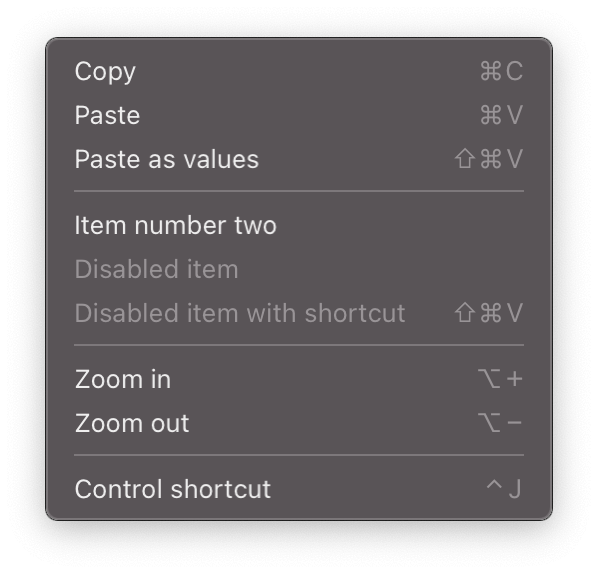
Overview
A Flutter plugin enabling the display of context menus at the cursor's current position on desktop platforms. Designed for Windows, macOS, and Linux, it allows developers to create interactive right-click menus that appear precisely where the user clicks. The plugin integrates seamlessly with existing Flutter apps, offering a native-like experience without requiring platform-specific code. It is ideal for applications needing quick access to actions or options directly from the cursor location.
Use cases
- Right-click context menus in desktop apps
- Quick action panels triggered by user input
- Enhanced user interaction in file managers
- Customizable menu items for desktop workflows
- Integration with desktop UI components
Key features
- Displays menus at cursor position
- Supports Windows, macOS, and Linux
- Minimal setup required
- Native look and feel on desktop
- Extensible menu item customization
Suitable for
- Desktop application developers
- UI designers focusing on desktop UX
- Apps requiring context-sensitive actions
- Developers targeting multiple desktop platforms
Considerations
- Limited to desktop platforms
- Requires manual handling of menu item callbacks
- No support for mobile or web
- May need additional styling for consistency
- Depends on platform-specific rendering behavior