 v4.9.0
alan_voice
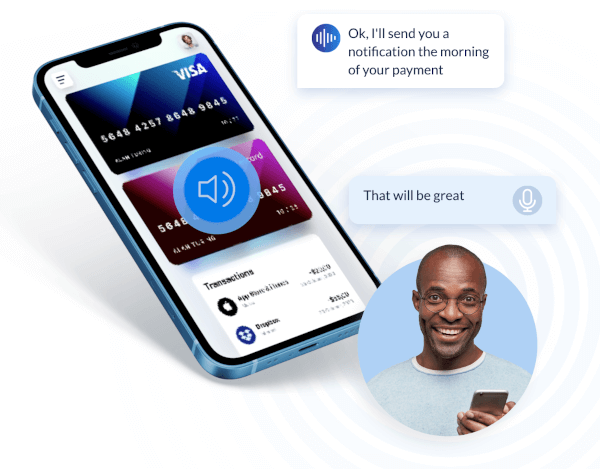
Alan AI 语音助手 SDK 适用于 Flutter,为您的应用添加语音助手或聊天机器人。
118喜欢 430近 30 天下载125Pub 分数
AndroidiOS
AI Radio 是一款带有 AI 助手的收音机应用程序,您可以通过命令让应用播放歌曲、停止歌曲,或通过语音命令按类别搜索电台歌曲。AI 助手的命令是通过 Alan AI 实现的。电台歌曲和类别信息来自 Radio API 链接。该应用程序使用 Flutter 编写,并使用了 Alan AI 的 API。

依赖清单 7 项
^1.0.2{"sdk":"flutter"}^1.1.1^3.6.0^3.5.0^2.0.1{"sdk":"flutter"}以下为英文项目原文快照,最新内容请访问 GitHub。
aiRadio
AI Radio is an radio application with an AI assistant where you can command your application play song stop the song. search the radio song by categories by commands. AI assistant commands are made with the use of Alan AI. and Radio song and category are inputed from an Radio api links. This application is coded in flutter and Alan AI like API's are used.
APP is under developement
You can download the apk from the release Ai Radio App
You can even play it online on web : web link web link may not work properly due to radio station links HTTP and HTTPS mixed content error
For flutter Installation.
a. Open the visual studio code with administrator access (due to some linking issue)
On the visual studeio icon > right click on the icon > select > run as administrator
b. Install the packages, to install the packages run the command in the terminal :
flutter pub get
c. Change the alan ai key in the code in folder, you can get the api key from the Alan Ai Official website, and add the API key in the file,
 Folder Location : lib > pages > home_pages.dart

 Code change : In setupAlan function change the ALAN AI API KEy
d. Copy and paste the file codes from the below scripts in the alan ai scripts : (File links : AI_DATA , AI_RADIO)
 After creating project in alan ai > click on add scrip > Name the script as AI_DATA > copy the script from the AI_DATA file > amd paste it over there

 Same for the AI_RADIO file
e. To run the flutter application select an emulator or connect your mobile with the you laptop/pc with usb :
If you are going with your mobile phone enable usb debugging in developer option.
f. Now Run the flutter application. To run the flutter application run command : 🎉
Flutter run
g. Congratulation you are all set and got to go. 🤹
If the Ai does not work try deleting the chache data and closing the application and rerunning it again the problem will be fixed.
If you encounter any issues or bugs while using our website, please do not hesitate to write it in the discussion in releases. It is helping me learn and develop.
Have Fun.😉