

 v3.1.1
assets_audio_player
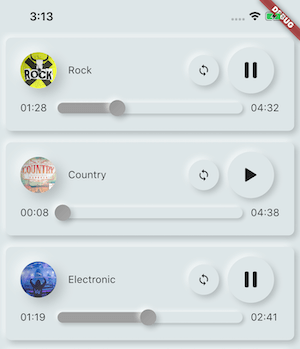
直接从Flutter和网络、广播、直播流、本地文件播放存储在assets文件中的音乐/音频。与Android、iOS、web和macOS兼容。
1180喜欢 2150近 30 天下载110Pub 分数
AndroidiOSWebmacOS
全栈音乐播放器应用使用 Flutter 和 Dart 编写,结合 Node.js 音乐 API。功能完整的音乐播放器,界面类似 Spotify 应用。包含 1000 多首无版税音乐及艺术家信息。用户可创建自己的播放列表或收藏喜欢的歌曲。

以下为英文项目原文快照,最新内容请访问 GitHub。
Full-stack music player app is written in flutter and dart using node.js music API. Fully Functional music player with UI like Spotify app. Added 500+ royalty-free music and information about artists. Application users can make their own playlist or collect liked songs. for backend setup here

And much more
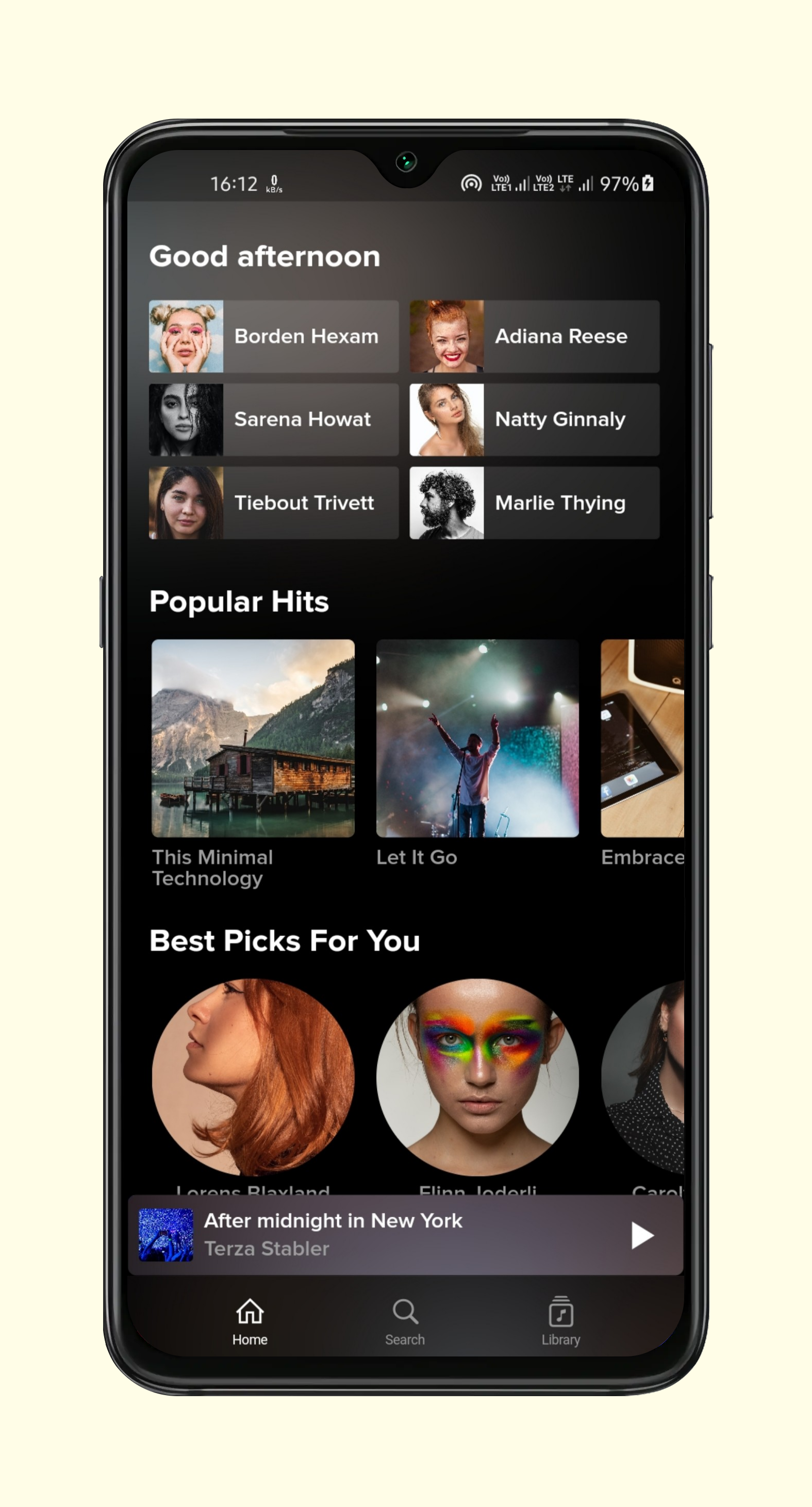
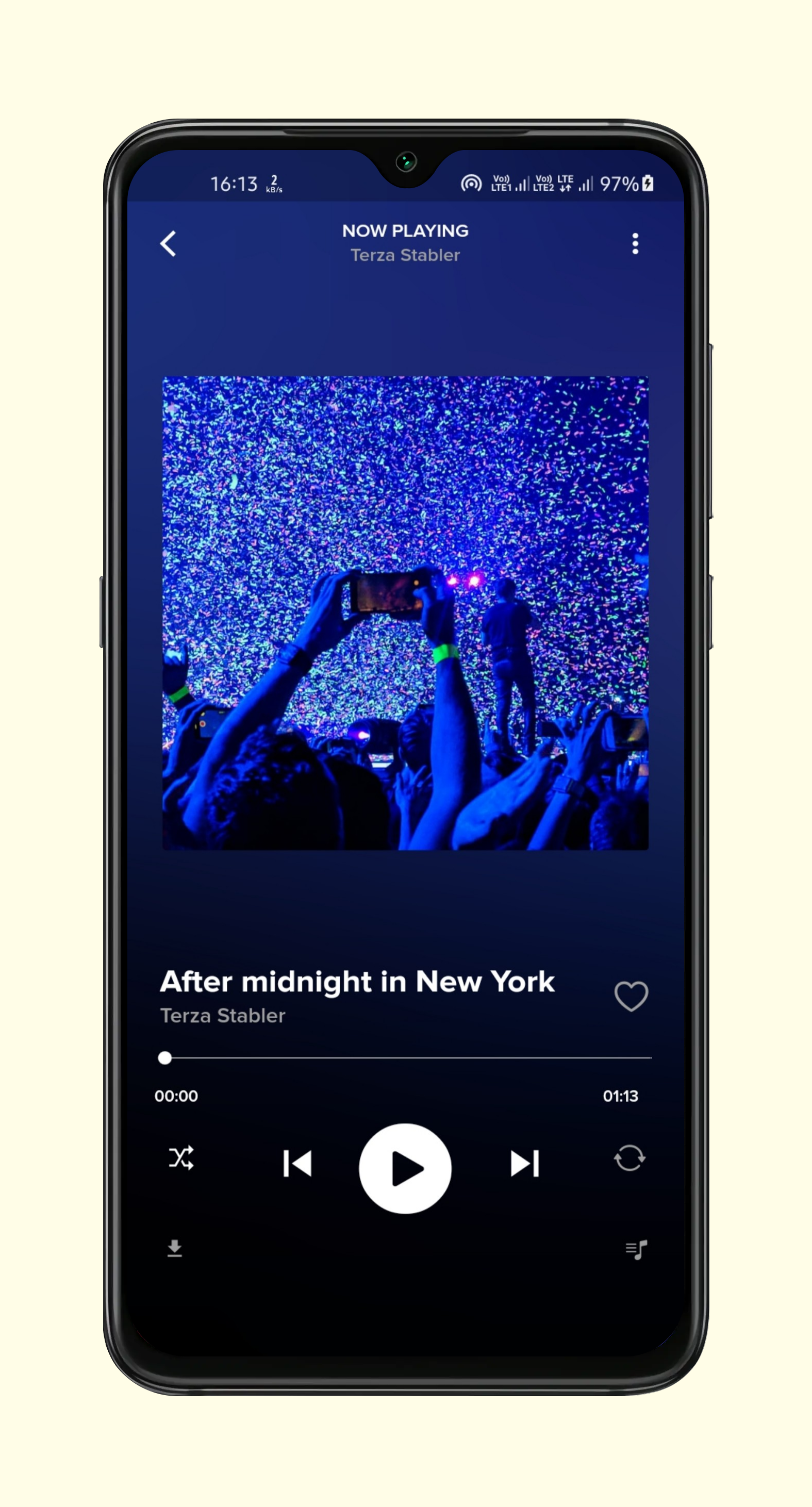
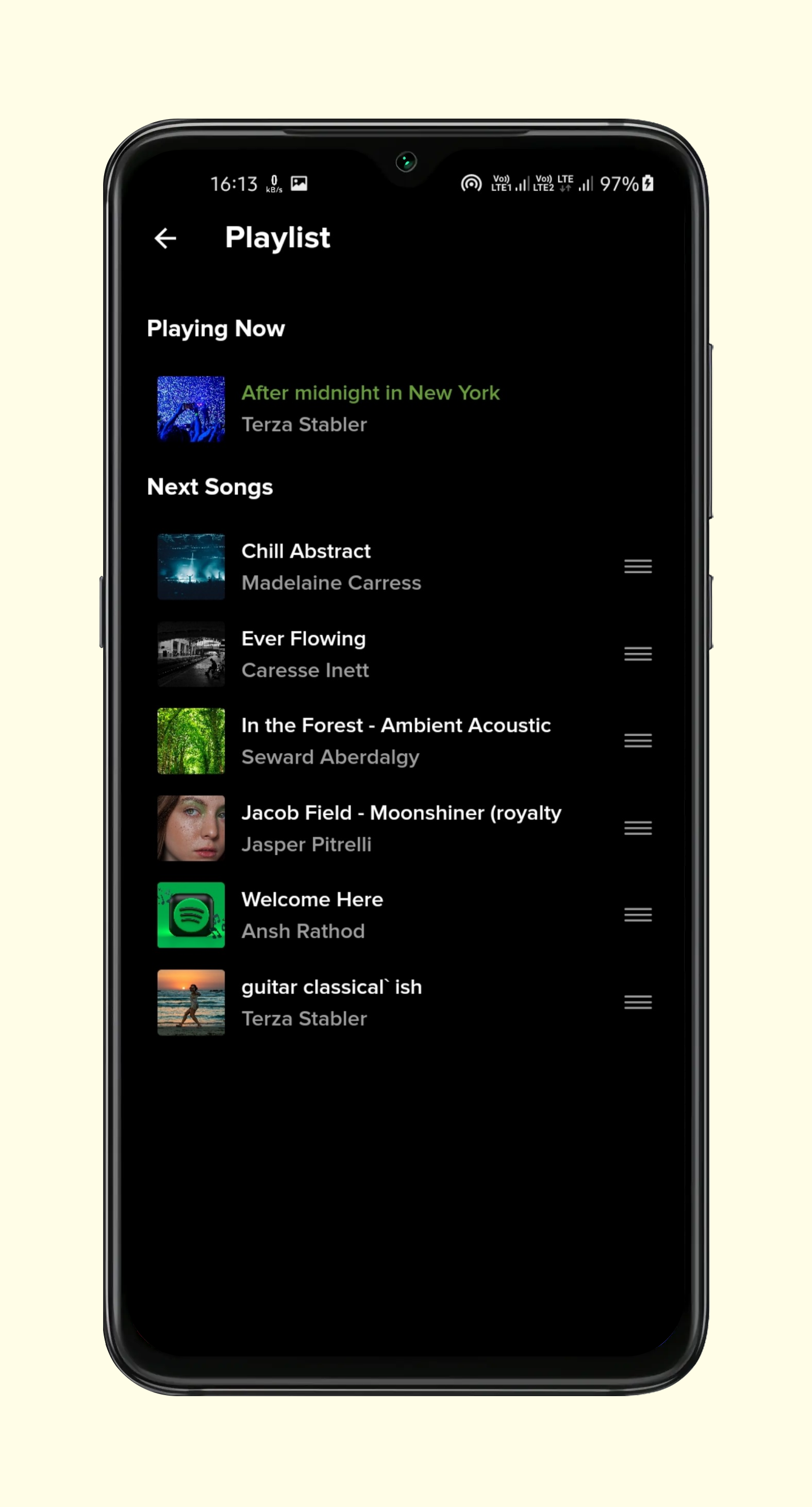
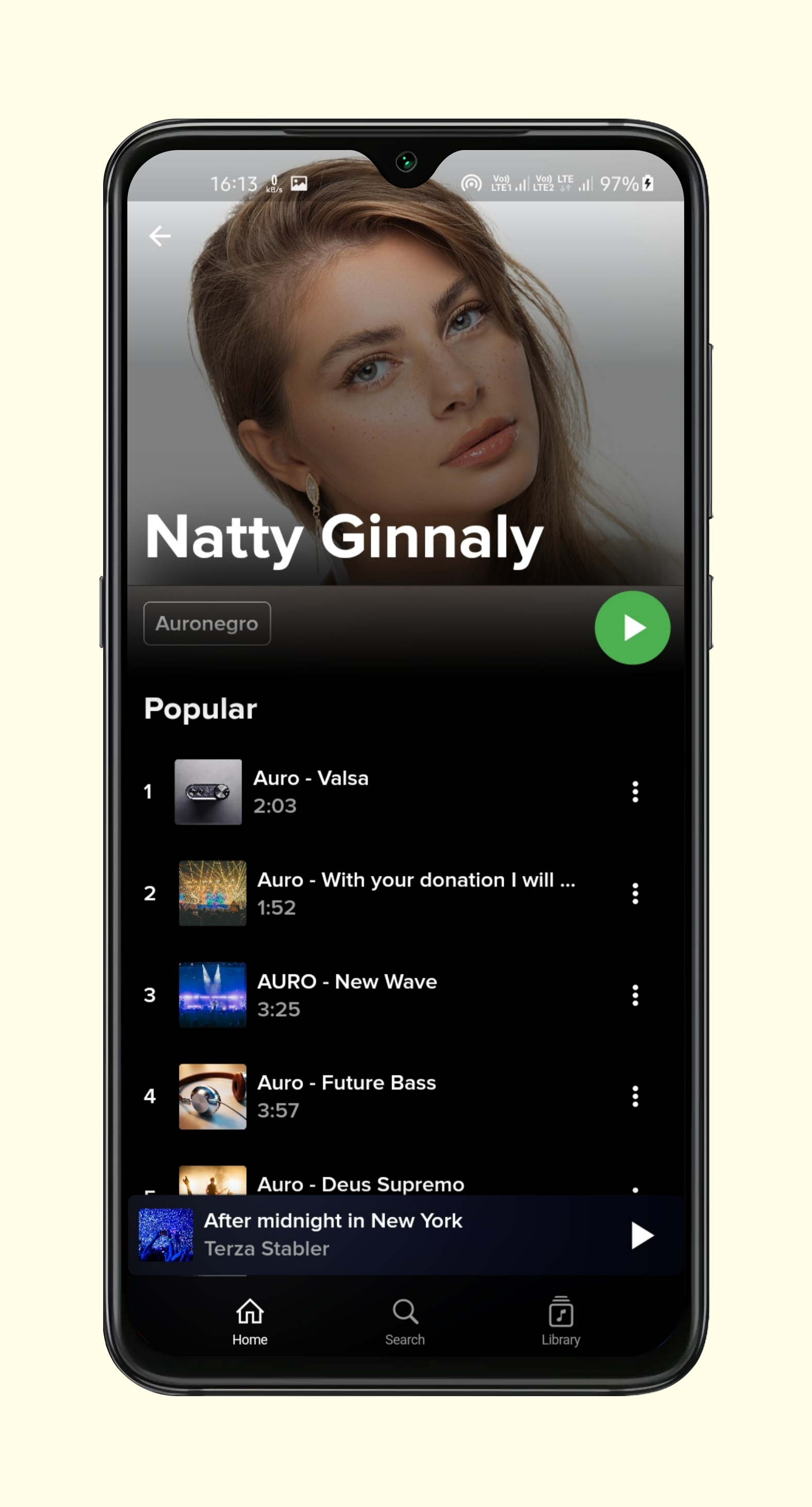
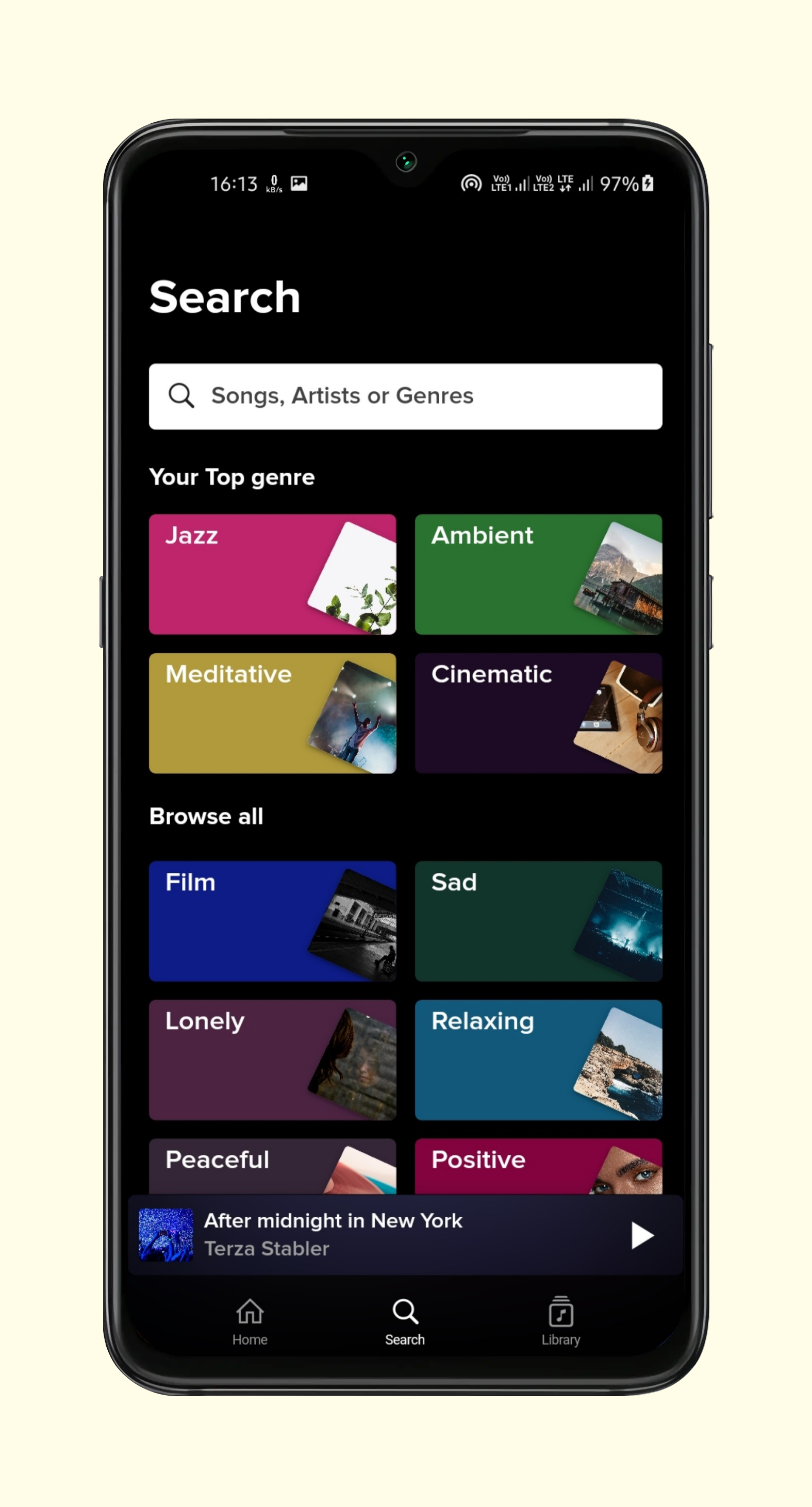
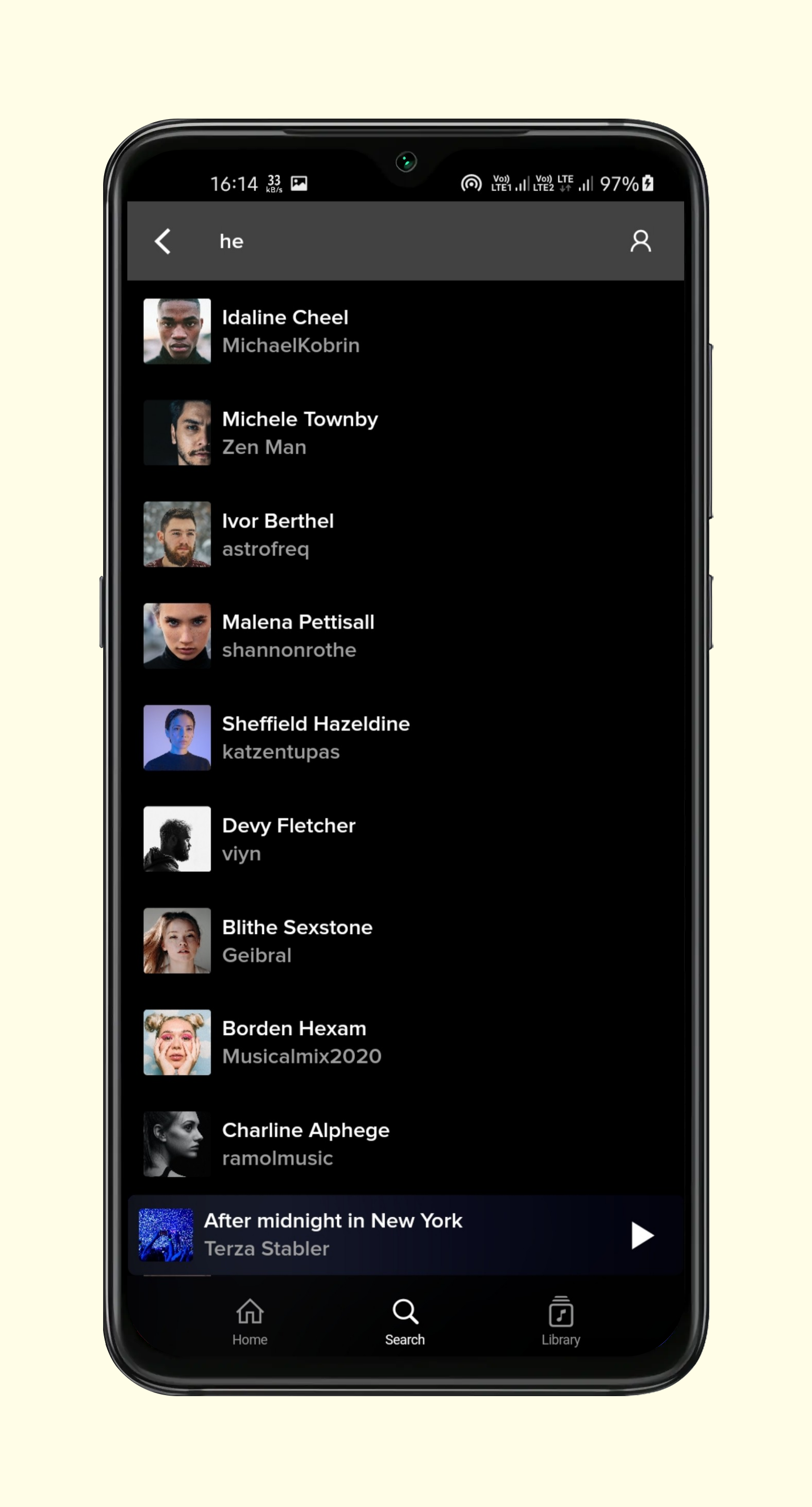
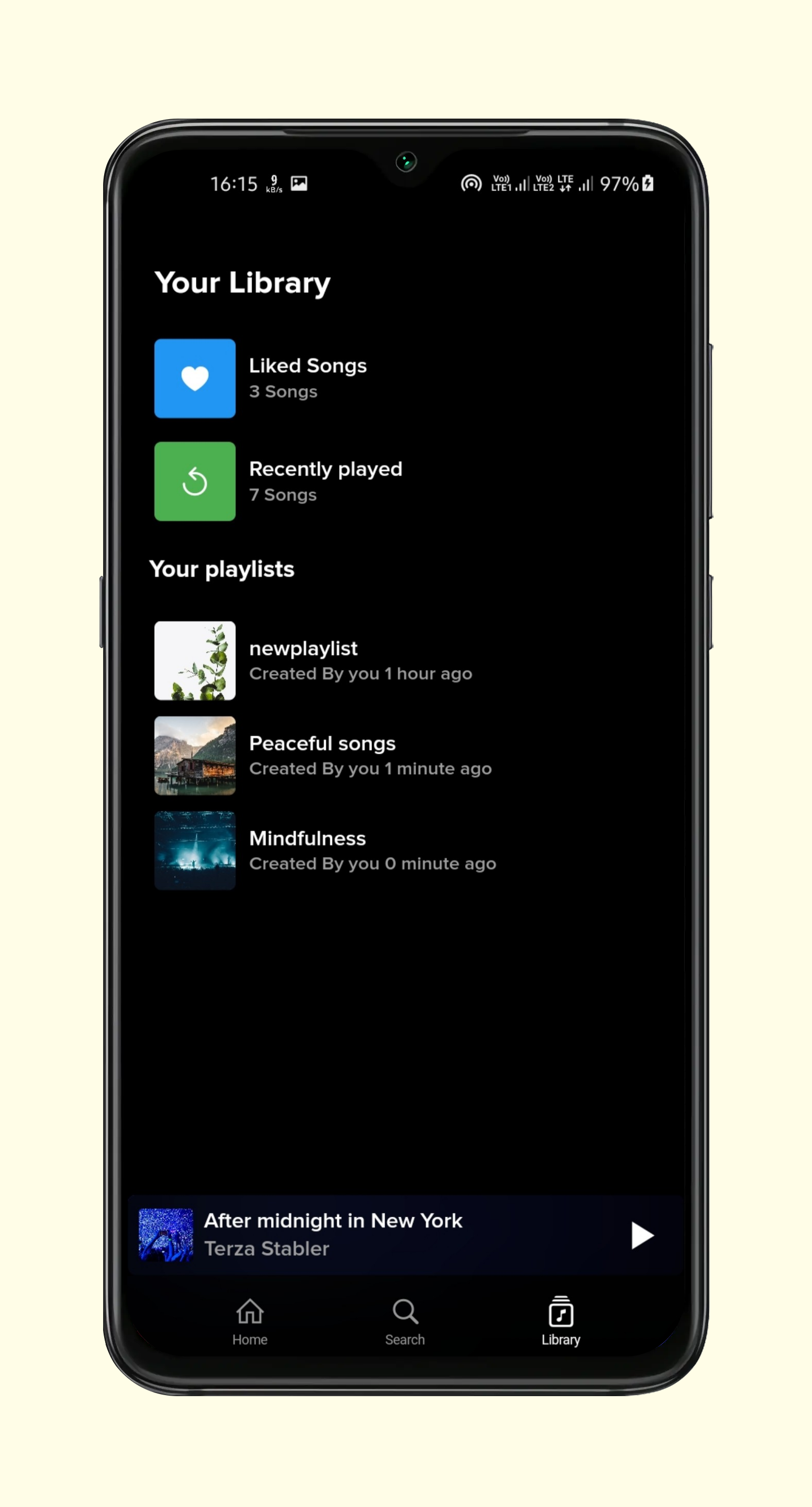
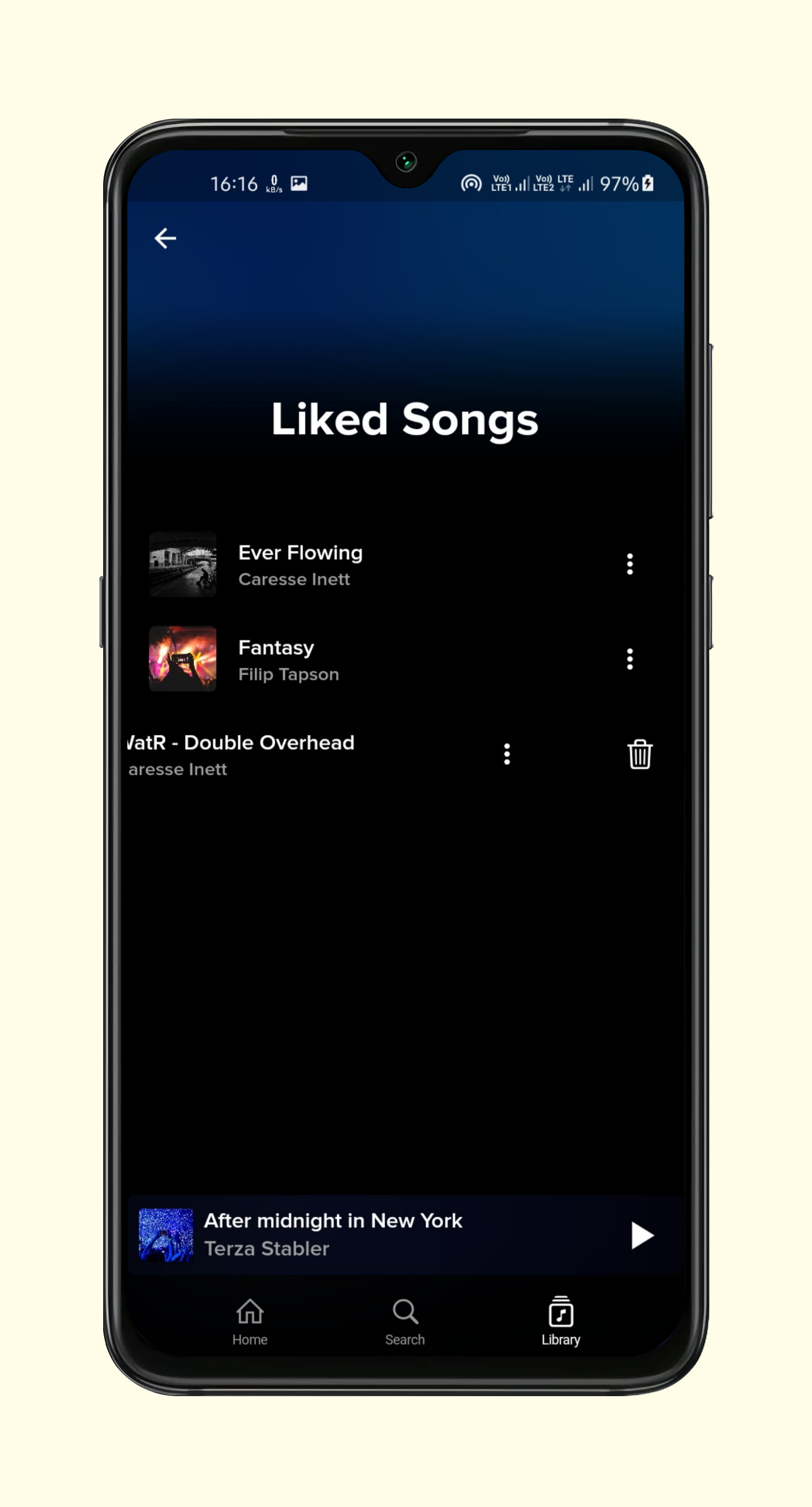
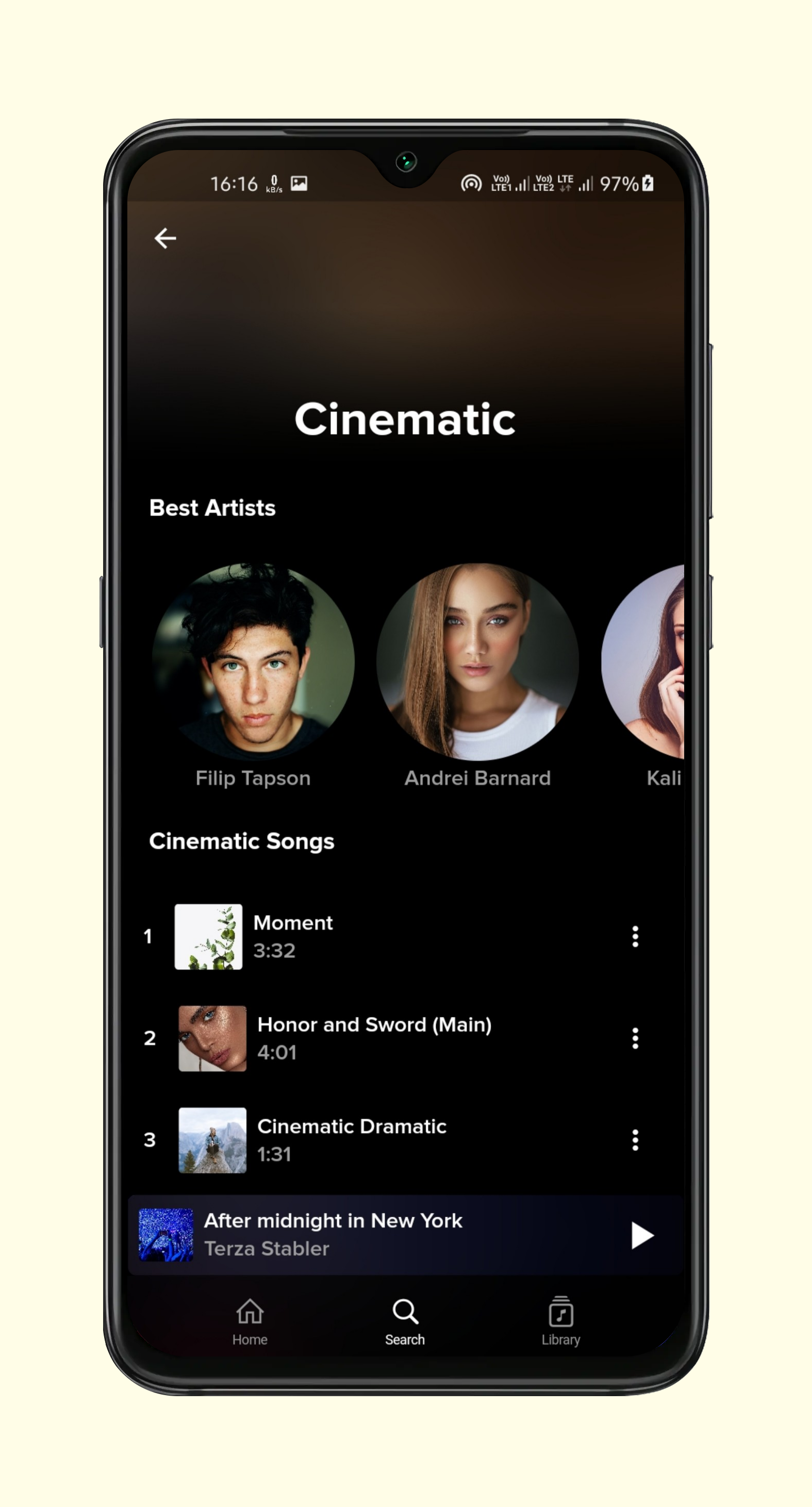
To clone and run this application, you'll need Git and Flutter installed on your computer. From your command line:
Backend setup you can setup backend on heroku. i have attached some steps for setup in readme file of backend. and edit api/url.dart file put your own url in baseUrl variable without "https://"
$ git clone https://github.com/Ansh-Rathod/Flutter-Musive-app.git
$ cd Flutter-Musive-app
$ flutter pub get
$ flutter run
for backend or any other configuration feel free to contact me.


依赖清单 13 项
{"sdk":"flutter"}^1.0.2^0.13.4^3.2.0^8.0.1^2.0.1^3.0.5^6.0.2^1.1.0^2.0.8^6.0.18{"sdk":"flutter"}^1.0.0先按使用场景筛选,再比较项目活跃情况,最后到原始仓库核对使用要求。
“A repository is the most basic element of GitHub.”
GitHub Docs — About repositories ↗
