
 v10.1.0
pin_code_fields
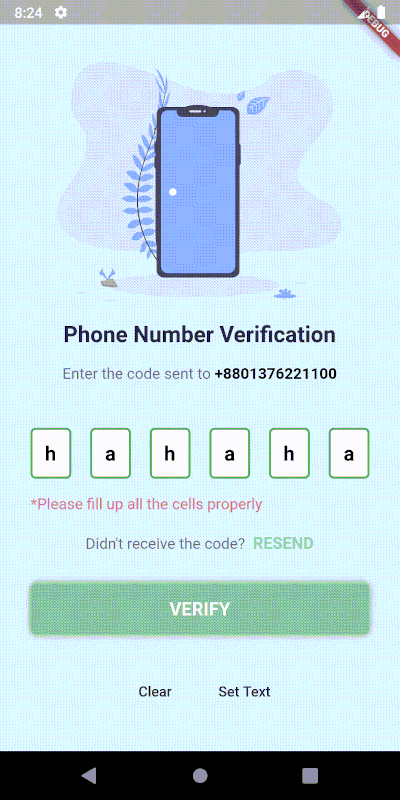
一个高度可定制的 PIN/OTP 输入字段,支持 Material Design,并具有用于自定义 UI 的无头核心。
2390喜欢 40.5万近 30 天下载160Pub 分数
AndroidiOSWebmacOSWindowsLinux
这是餐厅管理的前端代码。
 v10.1.0
一个高度可定制的 PIN/OTP 输入字段,支持 Material Design,并具有用于自定义 UI 的无头核心。
适用于 web、flutter、dartvm 的 socket.io-client 的 Dartlang 版本
 v4.0.1
一个简单但完全可自定义的 Flutter 评分条,还包含一个评分条指示器,支持任意分数的评分。
 v3.1.0
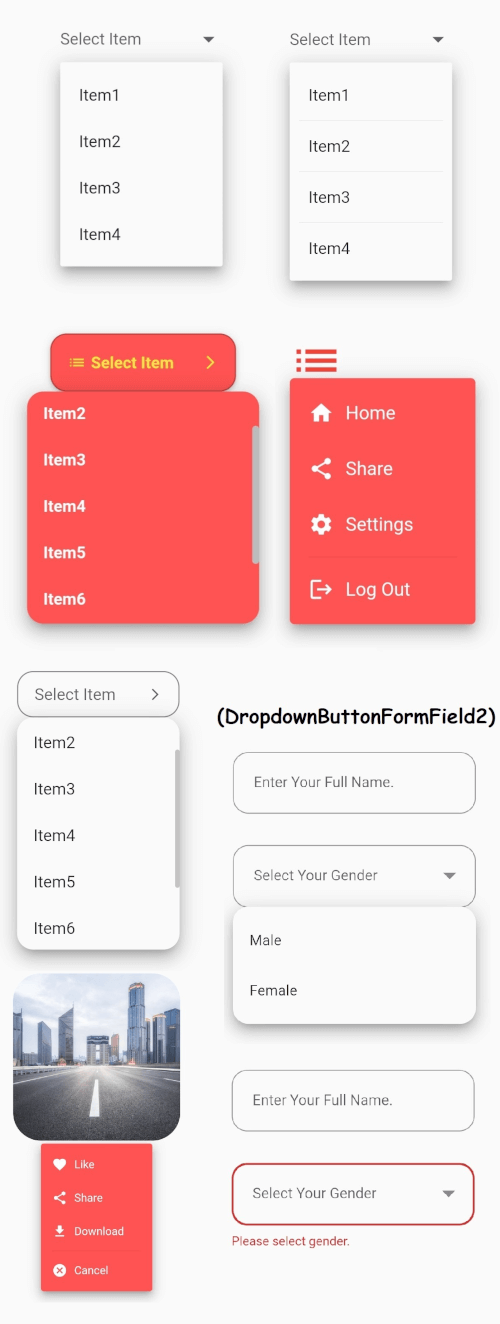
Flutter 的核心下拉按钮小部件,带有稳定的下拉菜单,以及许多其他可自定义选项以满足您的需求。
 v1.1.6
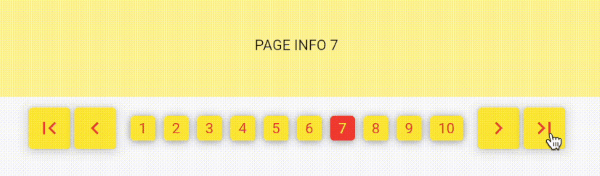
使用数字进行分页,类似于经典的网页样式分页。通过数字探索页面,而不是无限滚动!
{"sdk":"flutter"}{"sdk":"flutter"}^1.0.2^10.0.0^0.18.0^2.0.5^3.2.3^2.1.0^8.2.2^4.0.1^5.3.2^8.1.2^2.0.5^3.0.0^0.0.3+2^4.2.1^2.3.7^8.0.1^3.0.3^3.5.0^2.0.3+1^6.0.20^5.2.0{"sdk":"flutter"}^2.0.0以下为英文项目原文快照,最新内容请访问 GitHub。
https://raw.githubusercontent.com/DyNamite-TNT-1/restaurant_flutter/HEAD/assets/images/logo_website.png
Firestaurant is a website that helps users book tables online quickly, conveniently and without wasting much time and helps managers automate all processes for recording requests to book tables/change tables from clients.
This is a Frontend source code to help develop a restaurant reservation website - an academic project of the subject "Object-oriented programming techniques" - taught by lecturer Huynh Trung Tru.
Made by:
automatically arranges tables(without manager intervention) and notifies prepaid fees(if any). In case there is a prepaid fee, the person booking the table is required to pay before the specified time. Otherwise, the system will no longer hold the reservation.allows clients to message the manager and vice versa. This helps the restaurant easily connect and better understand clients' requests as well as make clients express their opinions more clearly to the restaurant.Visit Firestaurant
image
image
image
This tab helps you prepare a table reservation request by entering information such as the number of guests, date and time of the event, seating location, and a list of dishes, drinks, services, and notes you want to send to the restaurant.
image
image
image
Click on "Ghi chú" Tab to add your note.
Click on "Reservation Confirmation" to make a reservation(need Sign In).
image
image
image
image
This function need to Sign In.
image
image
Firstly, need an IDE/Editor where build and compile code. Highly recommend to using VSCode. Because it's very popular, easy to use and have many extension that make coding more funny and easier.
See this original document to more information.
Run flutter doctor -v to check version of Flutter and if any missing related to Flutter.
If you have VSCode and all of above things, now run this.
Step 1: Run flutter pub get to get all package/dependency is used in source code.
Step 2: Check the bottom right corner, you can see available devices (maybe IDE needs a few seconds to load it). Click on it and select any browser you have.
Screen Shot 2023-10-26 at 10 23 14 AMStep 3: Check the bar on top, you can see a button called "Run". Click on it. After that, click on "Run without debugging", or "Start debugging" if you want debug code.
Screen Shot 2023-10-26 at 10 31 40 AMStep 4: Check the result.
Step 5: Make a coffee and fix bug. :coffee: :hammer_and_wrench: :lady_beetle: