

 v1.2.1
floating_overlay
一个允许浮动小部件被拖动和缩放的部件包装器。
47喜欢 447近 30 天下载150Pub 分数
AndroidiOSWebmacOSWindowsLinux
一个允许浮动小部件被拖动和缩放的 widget 包装器

以下为英文项目原文快照,最新内容请访问 GitHub。
A widget wrapper that allows a floating widget be dragged and rescaled.

Add to your pubspec.yaml file:
dependencies:
  flutter:
    sdk: flutter
  floating_overlay: ^1.2.1
Import the package
import 'package:floating_overlay/floating_overlay.dart';
Create a FloatingOverlayController
final controller = FloatingOverlayController.absoluteSize(
  maxSize: const Size(200, 200),
  minSize: const Size(100, 100),
  start: Offset.zero,
  padding: const EdgeInsets.all(20.0),
  constrained: true,
);
or
final controller = FloatingOverlayController.relativeSize(
  maxScale: 2.0,
  minScale: 1.0,
  start: Offset.zero,
  padding: const EdgeInsets.all(20.0),
  constrained: true,
);
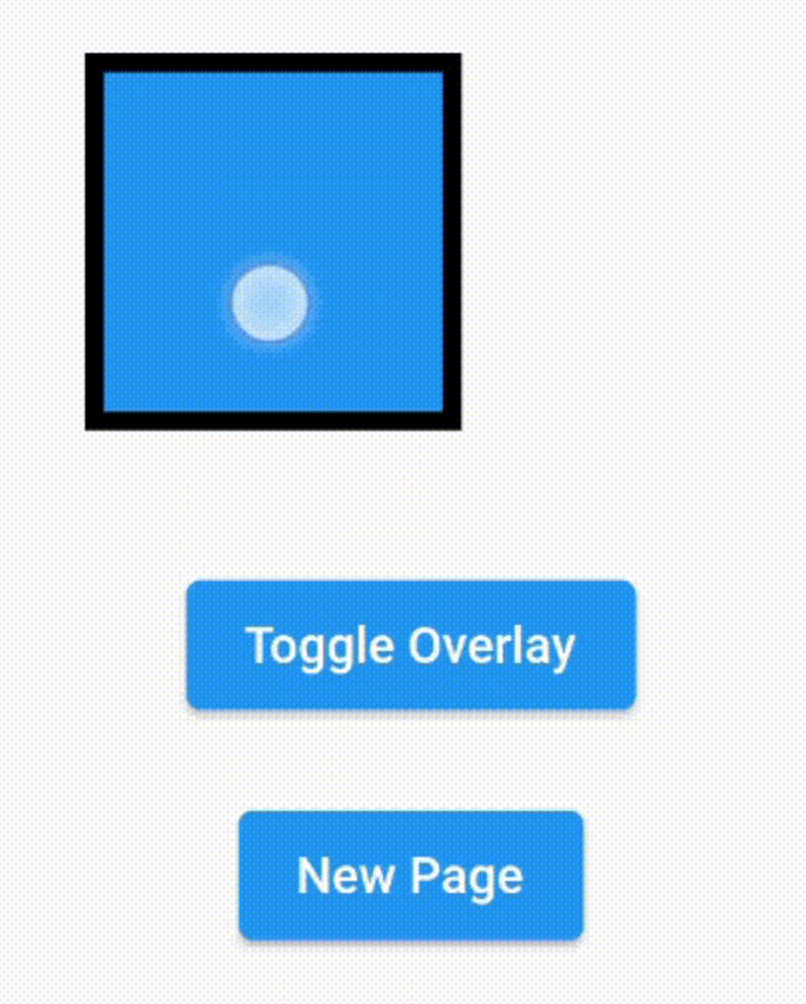
Insert the FloatingOverlay widget inside your widget tree and give it the controller, a child and a floatingChild.
FloatingOverlay(
  controller: controller,
  floatingChild: SizedBox.square(
    dimension: 100.0,
    child: Container(
      decoration: BoxDecoration(
        color: Theme.of(context).primaryColor,
        border: Border.all(
          color: Colors.black,
          width: 5.0,
        ),
      ),
    ),
  ),
  child: Container(),
);
Then use the controller to make the floating child show or hide.
controller.hide();
controller.isFloating;
controller.show();
controller.toggle();
依赖清单 5 项
>=7.2.1 < 9.0.0>=1.0.2 < 2.0.0>=2.0.3 < 3.0.0{"sdk":"flutter"}^1.0.0先按使用场景筛选,再比较项目活跃情况,最后到原始仓库核对使用要求。
“A repository is the most basic element of GitHub.”
GitHub Docs — About repositories ↗