

 v0.3.0
flutter_date_range_picker
支持通过输入、对话框和日历选项选择日期范围的 Flutter 包。
66喜欢 5330近 30 天下载160Pub 分数
AndroidiOSWebmacOSWindowsLinux
日期范围选择器是一个用户友好且简单的 Flutter 包,允许用户选择日期范围。它旨在随时间不断发展,其组件设计为可重复使用。

以下为英文项目原文快照,最新内容请访问 GitHub。
Date Range Picker 📅
Date Range Picker is a user-friendly and simple package for Flutter that allows users to select a date range. It's designed to evolve over time, and its components are built to be reusable.
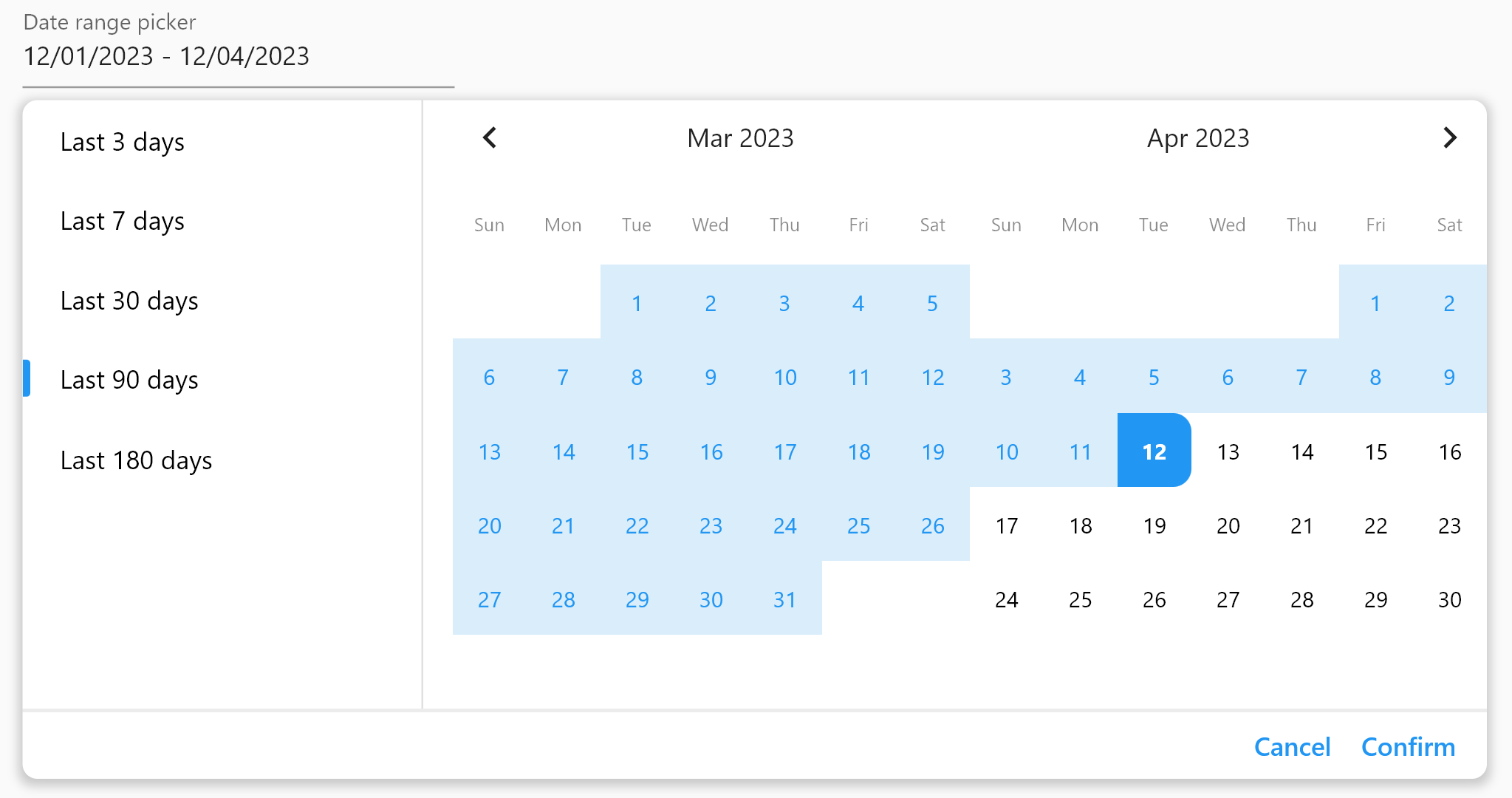
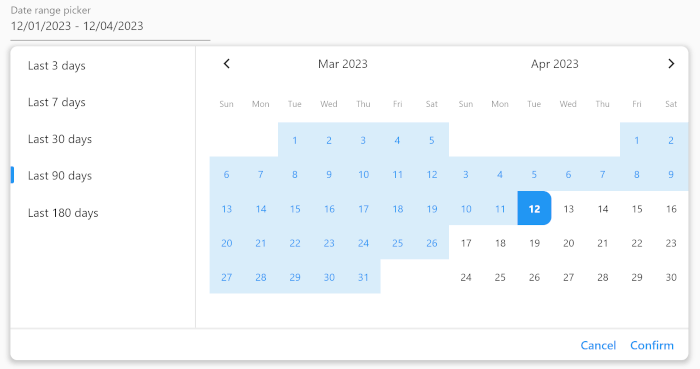
(Isn't it beautiful?)
Add the package to your pubspec.yaml file:
dependencies:
  date_range_picker: ^latest_version
Then, run flutter packages get in your terminal.
To use the Date Range Picker, simply import the package and create a DateRangePickerWidget:
DateRangePickerWidget(
    doubleMonth: doubleMonth,
    maximumDateRangeLength: 10,
    minimumDateRangeLength: 3,
    initialDateRange: selectedDateRange,
    disabledDates: [DateTime(2023, 11, 20)],
    initialDisplayedDate:
    selectedDateRange?.start ?? DateTime(2023, 11, 20),
    onDateRangeChanged: onDateRangeChanged,
);
You can also use the DateRangeField or DateRangeFormField to display a dialog asking the user to select a date range, and to display the selected range. Here is an example:
DateRangeField(
    decoration: InputDecoration(
        label: Text("Date range picker"),
        hintText: 'Please select a date range',
    ),
    onDateRangeSelected: (DateRange? value) {
    // Handle the selected date range here
    },
  selectedDateRange: selectedRange,
);
Lastly, you can use the showDateRangePickerDialog function to display a dialog asking the user to select a date range:
showDateRangePickerDialog(
    context: context,
    builder: datePickerBuilder
);
...

Widget datePickerBuilder(BuildContext context, dynamic Function(DateRange) onDateRangeChanged) => DateRangePickerWidget(
    doubleMonth: true,
    initialDateRange: selectedDateRange,
    onDateRangeChanged: onDateRangeChanged,
);
You can customize the appearance of the Date Range Picker by providing a custom CalendarTheme:
DateRangePickerWidget(
    onDateRangeChanged: (dateRange) {
    // Handle the selected dateRange here
    },
    theme: CalendarTheme(
    selectedColor: Colors.blue,
    dayNameTextStyle: TextStyle(color: Colors.black45, fontSize: 10),
    inRangeColor: Color(0xFFD9EDFA),
    inRangeTextStyle: TextStyle(color: Colors.blue),
    selectedTextStyle: TextStyle(color: Colors.white),
    todayTextStyle: TextStyle(fontWeight: FontWeight.bold),
    defaultTextStyle: TextStyle(color: Colors.black, fontSize: 12),
    radius: 10,
    tileSize: 40,
    disabledTextStyle: TextStyle(color: Colors.grey),
    )
,
);
This package is released under the MIT License.
We encourage and welcome contributions from the community to help improve and grow this project. If you would like to contribute, please feel free to fork the repository, make changes, and submit a pull request.
If you have any questions or need guidance, don't hesitate to reach out to the maintainer of this project. We appreciate your interest and support, and we look forward to collaborating with you!
依赖清单 4 项
>=0.18.0 <1.0.0{"sdk":"flutter"}{"sdk":"flutter"}^2.0.0先按使用场景筛选,再比较项目活跃情况,最后到原始仓库核对使用要求。
“A repository is the most basic element of GitHub.”
GitHub Docs — About repositories ↗