

 v0.1.2+1
time_planner
一个美观、易于使用且可自定义的 Flutter 移动、桌面和网页时间规划工具
161喜欢 47近 30 天下载160Pub 分数
AndroidiOSWebmacOSWindowsLinux
一个用于 Flutter 的时间规划工具,可在表格中显示任务

以下为英文项目原文快照,最新内容请访问 GitHub。


A beautiful, easy to use and customizable time planner for flutter mobile 📱, desktop 🖥 and web 🌐
This is a widget for show tasks to user on a time table.
Each row show an hour and each column show a day but you can change the title of column and show any things else you want.
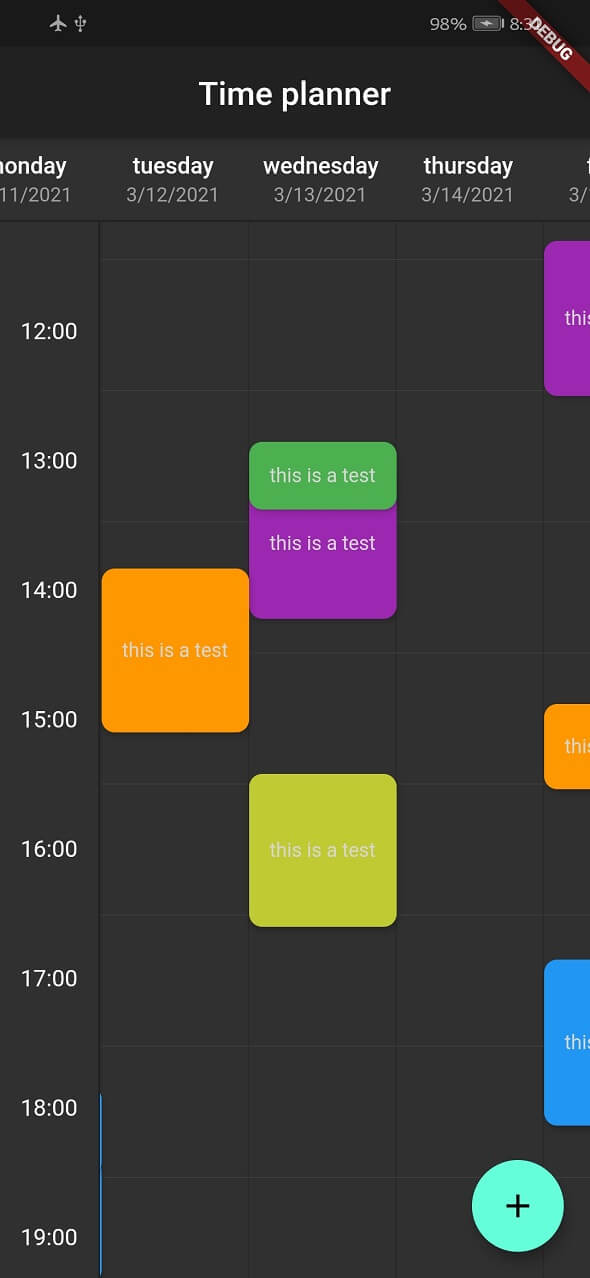
| Mobile | Dark |
|---|---|
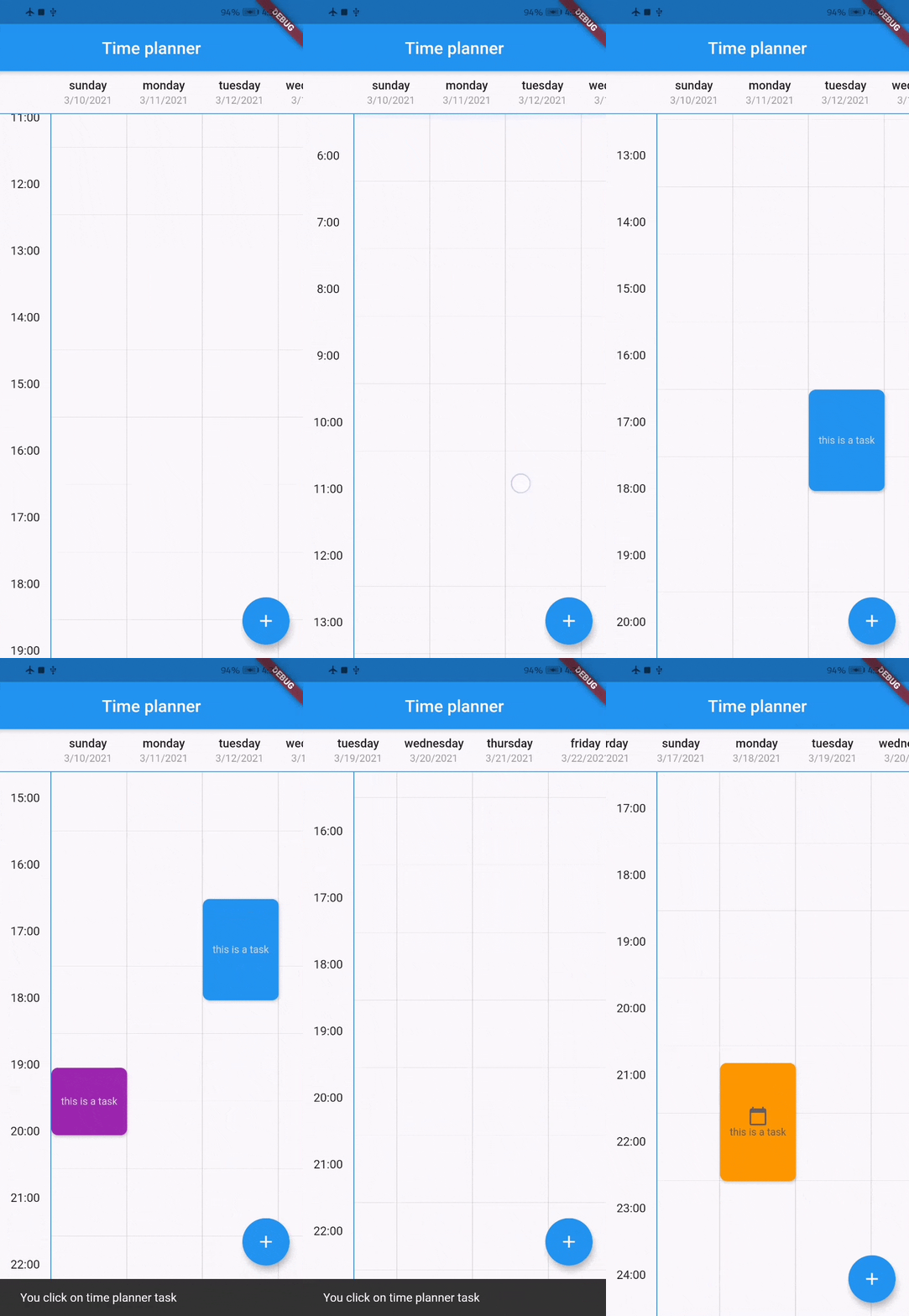 |
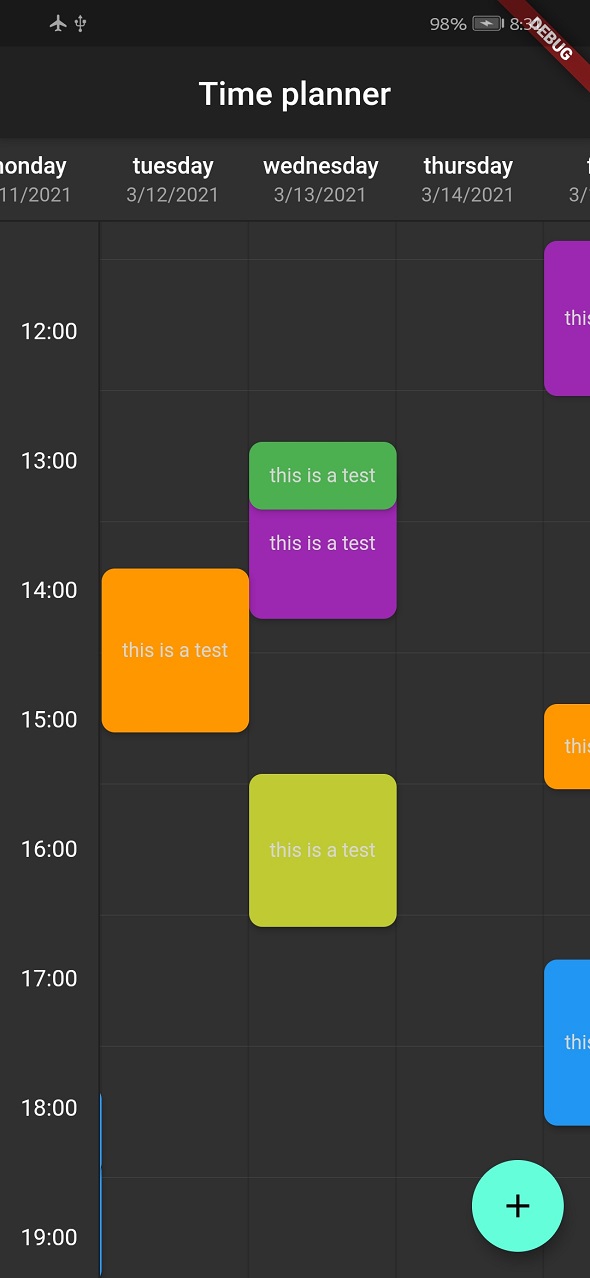 |
| Desktop | Web |
|---|---|
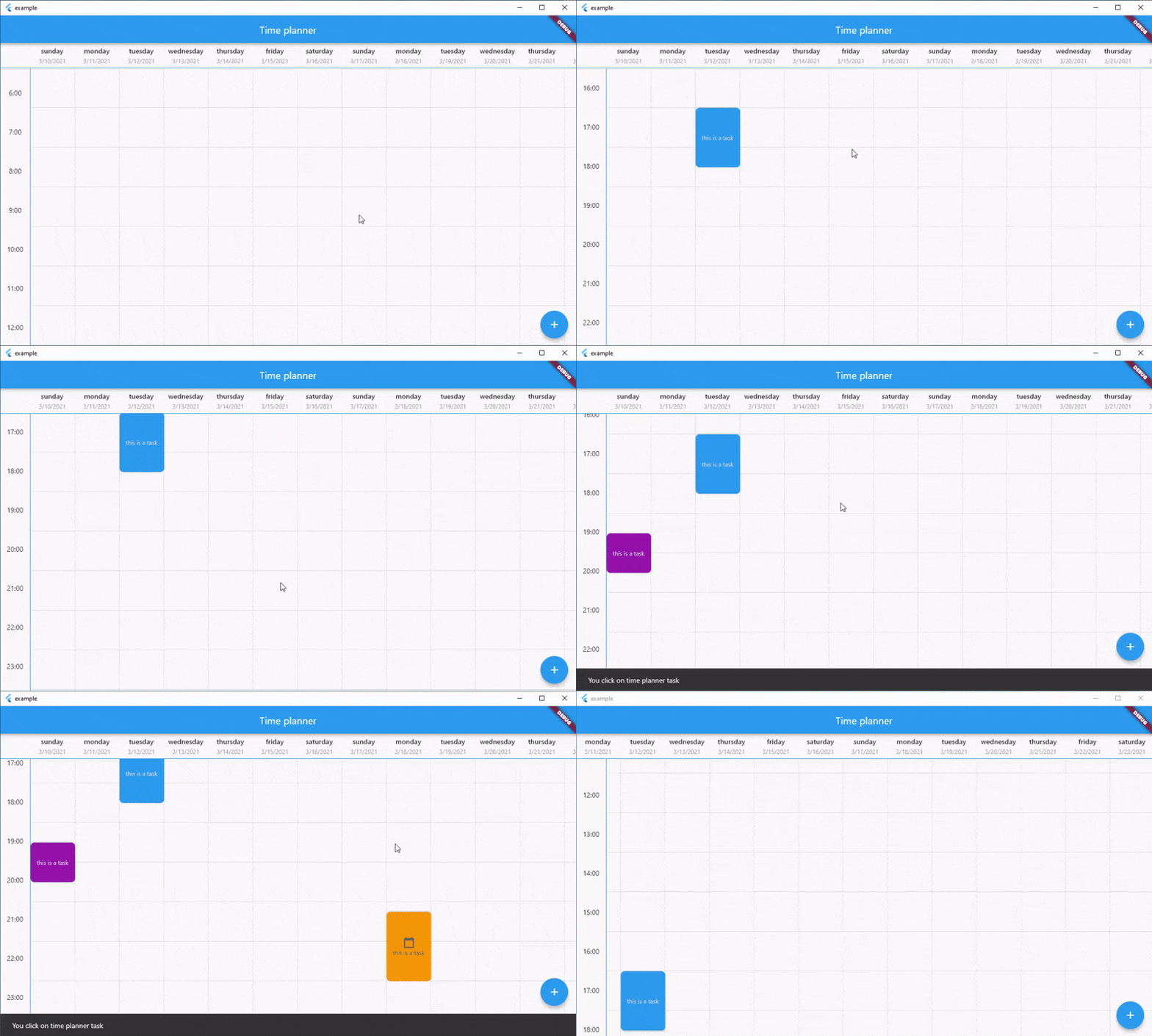 |
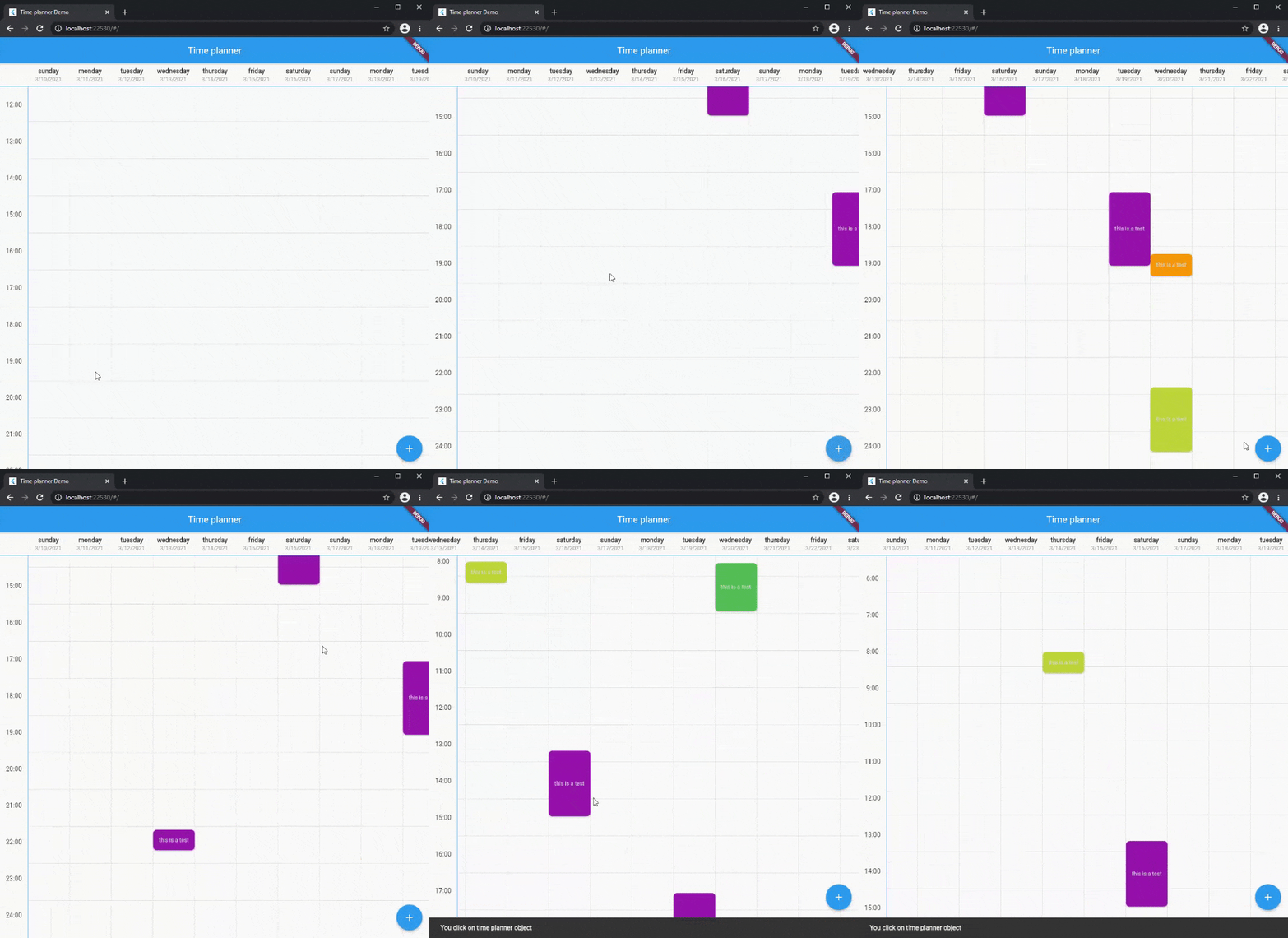 |
You can see web demo here: https://jamalianpour.github.io/time_planner_demo
dependencies:
  time_planner: ^0.1.2+1
import 'package:time_planner/time_planner.dart';
List<TimePlannerTask> tasks = [
  TimePlannerTask(
    // background color for task
    color: Colors.purple,
    // day: Index of header, hour: Task will be begin at this hour
    // minutes: Task will be begin at this minutes
    dateTime: TimePlannerDateTime(day: 0, hour: 14, minutes: 30),
    // Minutes duration of task
    minutesDuration: 90,
    // Days duration of task (use for multi days task)
    daysDuration: 1,
    onTap: () {},
    child: Text(
      'this is a task',
      style: TextStyle(color: Colors.grey[350], fontSize: 12),
    ),
  ),
];
TimePlanner(
  // time will be start at this hour on table
  startHour: 6,
  // time will be end at this hour on table
  endHour: 23,
  // each header is a column and a day
  headers: [
    TimePlannerTitle(
      date: "3/10/2021",
      title: "sunday",
    ),
    TimePlannerTitle(
      date: "3/11/2021",
      title: "monday",
    ),
    TimePlannerTitle(
      date: "3/12/2021",
      title: "tuesday",
    ),
  ],
  // List of task will be show on the time planner
  tasks: tasks,
),
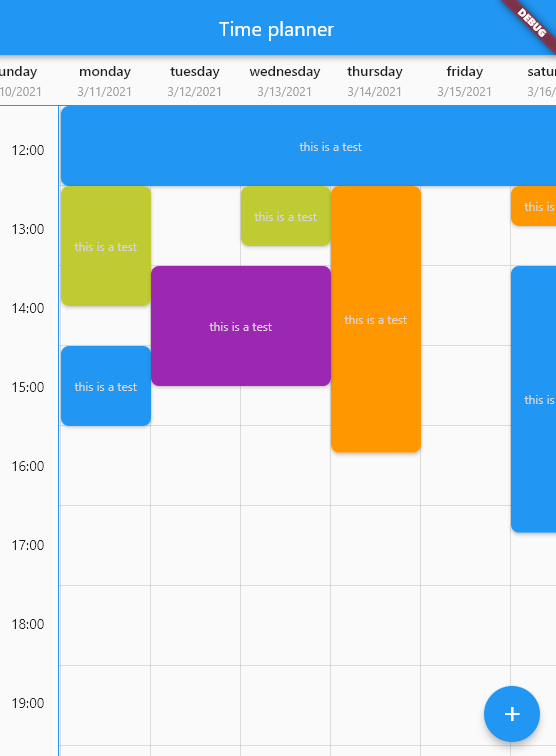
You can add multi days task with daysDuration minimum and default value for this argument is 1 and result look like this :
you can change style of time planner with TimePlannerStyle :
style: TimePlannerStyle(
  backgroundColor: Colors.blueGrey[900],
  // default value for height is 80
  cellHeight: 60,
  // default value for width is 90
  cellWidth: 60,
  dividerColor: Colors.white,
  showScrollBar: true,
  horizontalTaskPadding: 5,
  borderRadius: const BorderRadius.all(Radius.circular(8)),
),
when time planner widget loaded it will be scroll to current local hour and this option is true by default, you can turn this off like this:
currentTimeAnimation: false,
If you use desktop or web platform and want users to be able to move with the mouse in the time planner, add this code to the code:
class MyCustomScrollBehavior extends MaterialScrollBehavior {
  // Override behavior methods and getters like dragDevices
  @override
  Set<PointerDeviceKind> get dragDevices => {
    PointerDeviceKind.touch,
    PointerDeviceKind.mouse,
  };
}

// Set ScrollBehavior for an entire application.
MaterialApp(
  scrollBehavior: MyCustomScrollBehavior(),
  // ...
);
Fill free to fork this repository and send pull request 🏁👍
依赖清单 3 项
{"sdk":"flutter"}{"sdk":"flutter"}^1.0.0先按使用场景筛选,再比较项目活跃情况,最后到原始仓库核对使用要求。
“A repository is the most basic element of GitHub.”
GitHub Docs — About repositories ↗