

v1.1.1
sticky_footer_scrollview
一个可滚动的 Flutter 小部件,其粘性底部栏将固定在屏幕底部或滚动内容的末尾。
24喜欢 1180近 30 天下载160Pub 分数
AndroidiOSWebmacOSWindowsLinux
一个可滚动的 Flutter 小部件,其粘性底部栏将固定在屏幕底部或滚动内容的末尾。

以下为英文项目原文快照,最新内容请访问 GitHub。

A Flutter Widget that is scrollable with a sticky footer either stick to the bottom of screen of the end of the scroll body.
This package using SingleScrollView and CustomMultiChildLayout to acheive a scrollable widget with a sticky footer. This allow a dynamic height of child widgets in scroll body.
At the same time, because of the SingleScrollView with Column approach, this is not recommended to use with lots of child widgets for performance reason. You may simiply test with the example to see whether it is fit for your case.
This shows Widget's full customizations:
StickyFooterScrollView({
    this.footer,
    @required this.itemBuilder,
    @required this.itemCount,
    this.scrollController,
})
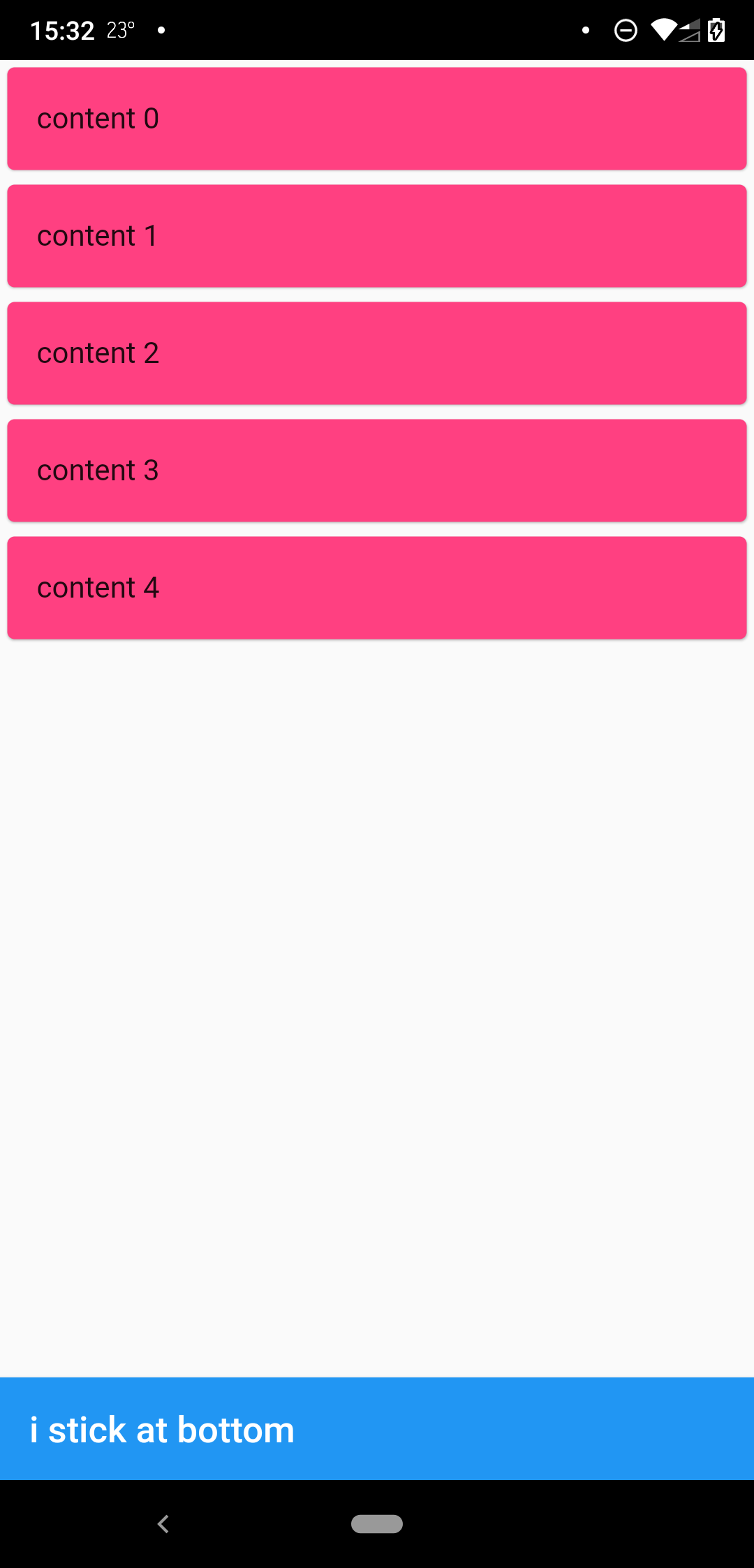
when scrollbody is shorter than the avialble widget height
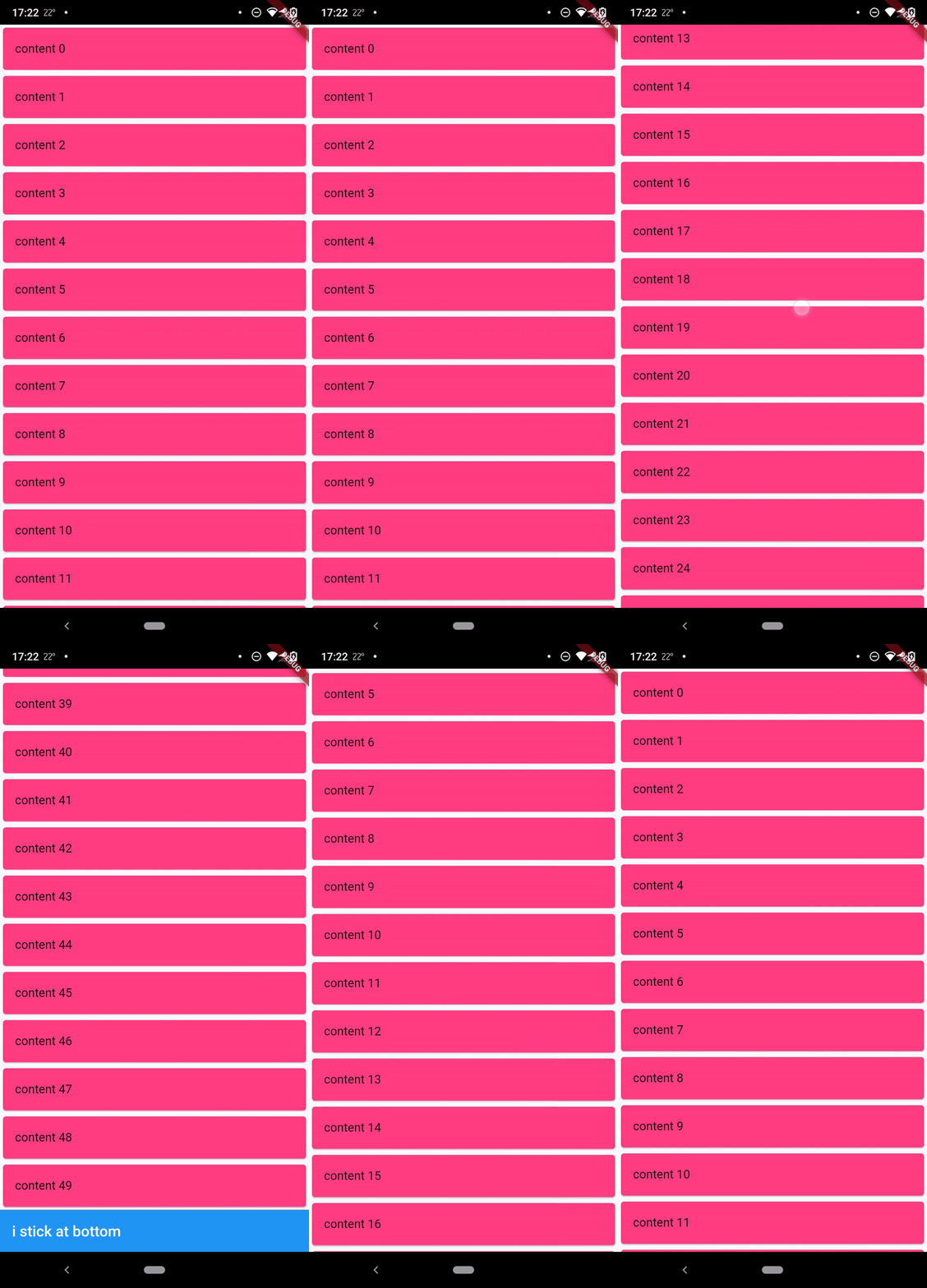
when scrollbody is longer than the avialble widget height
@override
  Widget build(BuildContext context) {
    return SafeArea(
      child: Scaffold(
        body: StickyFooterScrollView(
          itemCount: 50,
          itemBuilder: (context, index) {
            return Card(
              child: ListTile(
                title: Text('content $index'),
              ),
              color: Colors.pinkAccent,
            );
          },
          footer: AppBar(
            title: Text('i stick at bottom'),
          ),
        ),
      ),
    );
  }
MIT
依赖清单 2 项
{"sdk":"flutter"}{"sdk":"flutter"}先按使用场景筛选,再比较项目活跃情况,最后到原始仓库核对使用要求。
“A repository is the most basic element of GitHub.”
GitHub Docs — About repositories ↗