
 v1.0.3
entry
让您的小部件生动起来——Entry 让您轻松地将小部件动画化为可见状态。一个组件即可实现不透明度、缩放、位置和角度的动画。
315喜欢 2730近 30 天下载160Pub 分数
AndroidiOSWebmacOSWindowsLinux
一个 Flutter 包,可让您简单地将小部件动画显示出来。

{"sdk":"flutter"}{"sdk":"flutter"}^5.2.0^2.2.0{"sdk":"flutter"}^6.0.0以下为英文项目原文快照,最新内容请访问 GitHub。
entry
Pub Package
Platform
https://img.shields.io/pub/likes/entry?logo=dart
https://img.shields.io/pub/points/entry?logo=dart
https://img.shields.io/pub/dm/entry?logo=dart
CodeFactor
CodeFactor
https://img.shields.io/github/stars/mickaelhrndz/entry
This Flutter package introduces a new widget : Entry.
It lets you simply animate a widget into a visible state.
Entry.all and watch it come to life.Entry animates opacity, scale, position and angle concurrently.
You can visualize the Curves constants on its documentation page.
Entry({key, delay, duration, curve, visible, opacity, scale, xOffset, yOffset, angle, child})
This constructor is motionless by default.
It includes every parameter available in named constructors.
Entry has four named constructors :
Entry.all({visible, opacity, scale, xOffset, yOffset, angle}).all makes use of every animation by default, except for angle and xOffset.
The three others are each dedicated to a single animation :
Entry.opacity({opacity})Entry.scale({scale})Entry.offset({xOffset, yOffset})The key, delay, duration, curve, visible and child parameters are omitted here.
Wrapping an Entry with another one works just as you expect it.
By playing with all the parameters, possibilities are endless.
You can copy one of the examples and start from there.
entry
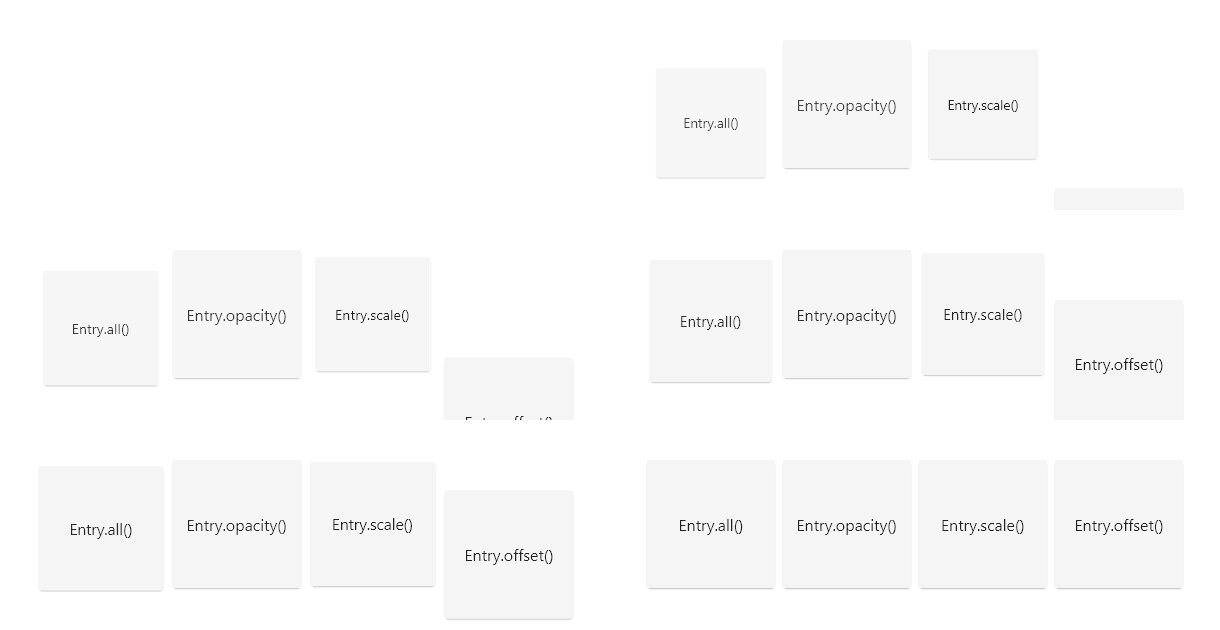
Using Entry with grid builders can create a staggered effect :
Entry widgetdelay value by the index % crossAxisCountIn result, the widgets of a same row will appear after each other.
entry
You can set your delay and/or duration to a random number :
delay: Duration(milliseconds: random.nextInt(300))
This makes the entries look more independent from each other.
entry
A special thank you to Felix Blaschke for his simple_animations package. This package literally depends on it.