

 v4.0.0
flutter_sequence_animation
使用此强大且易于使用的包,将任何动画组合在一起。
248喜欢 1.4万近 30 天下载140Pub 分数
AndroidiOSWebmacOSWindowsLinux
轻松编排多个动画。

以下为英文项目原文快照,最新内容请访问 GitHub。
dependencies:
  flutter_sequence_animation: "^4.0.0"
then
$ flutter packages get
then
import 'package:flutter_sequence_animation/flutter_sequence_animation.dart';
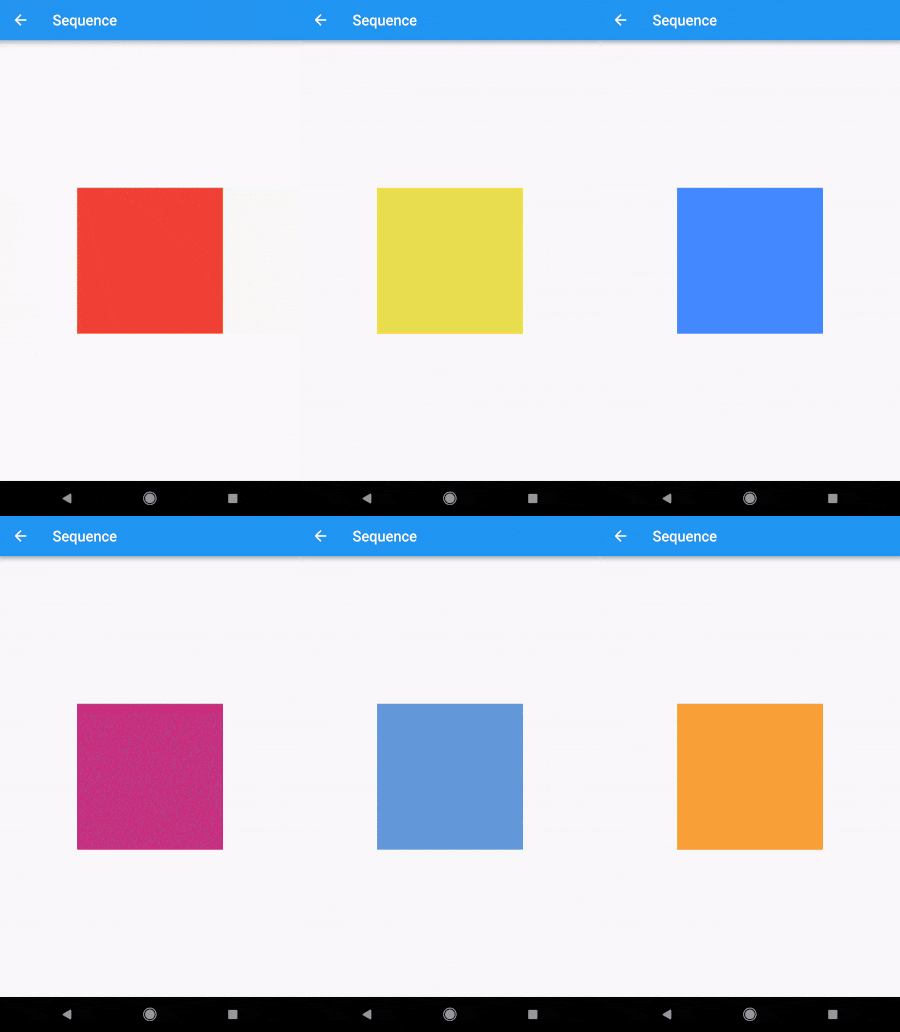
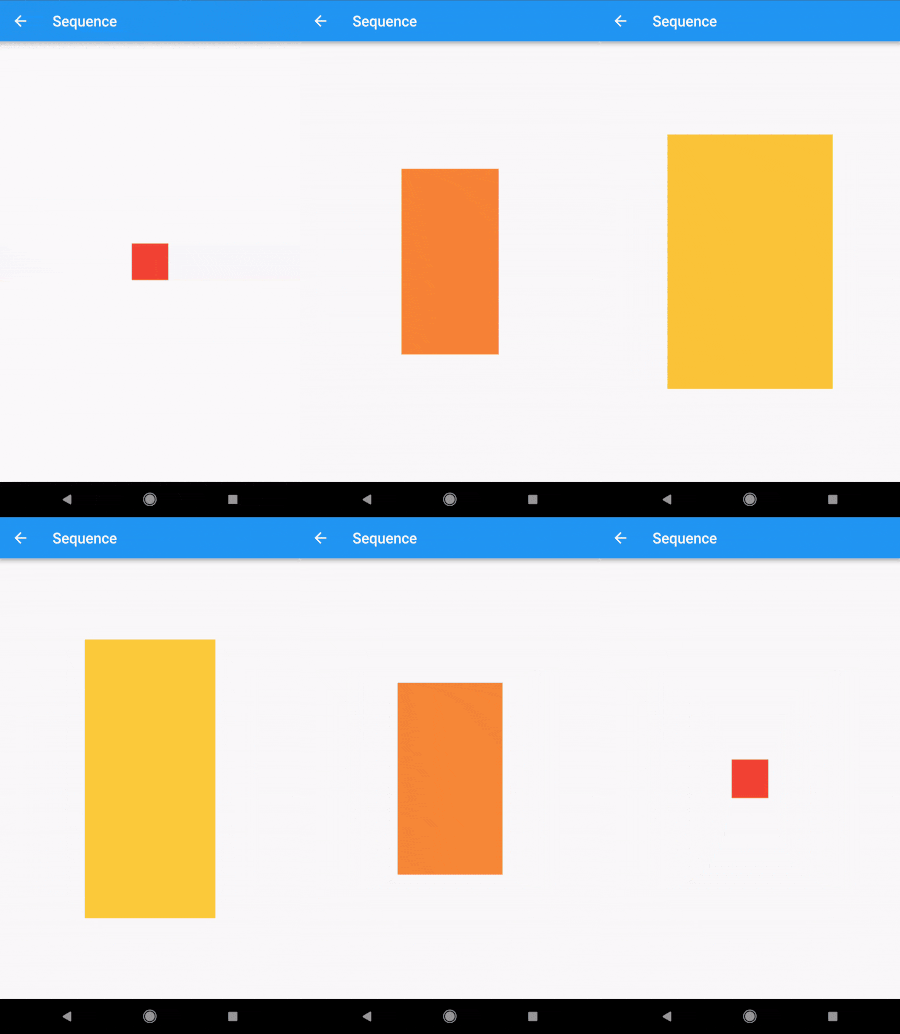
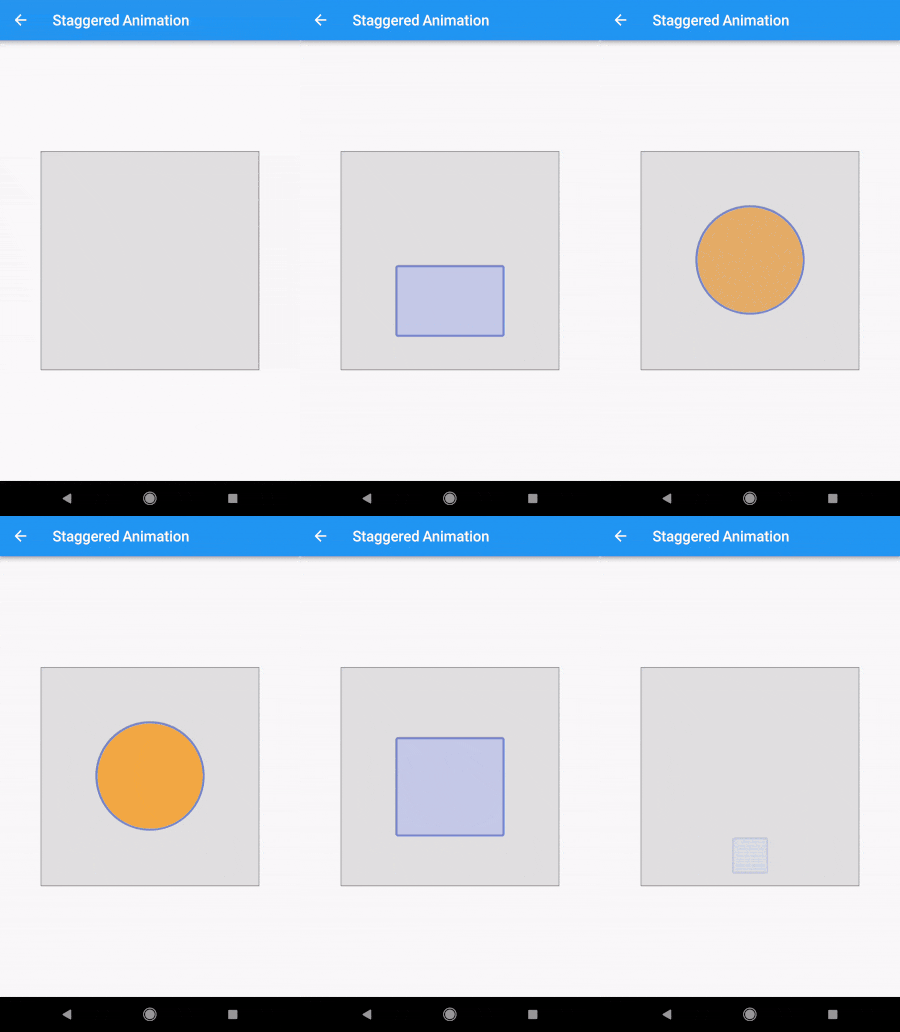
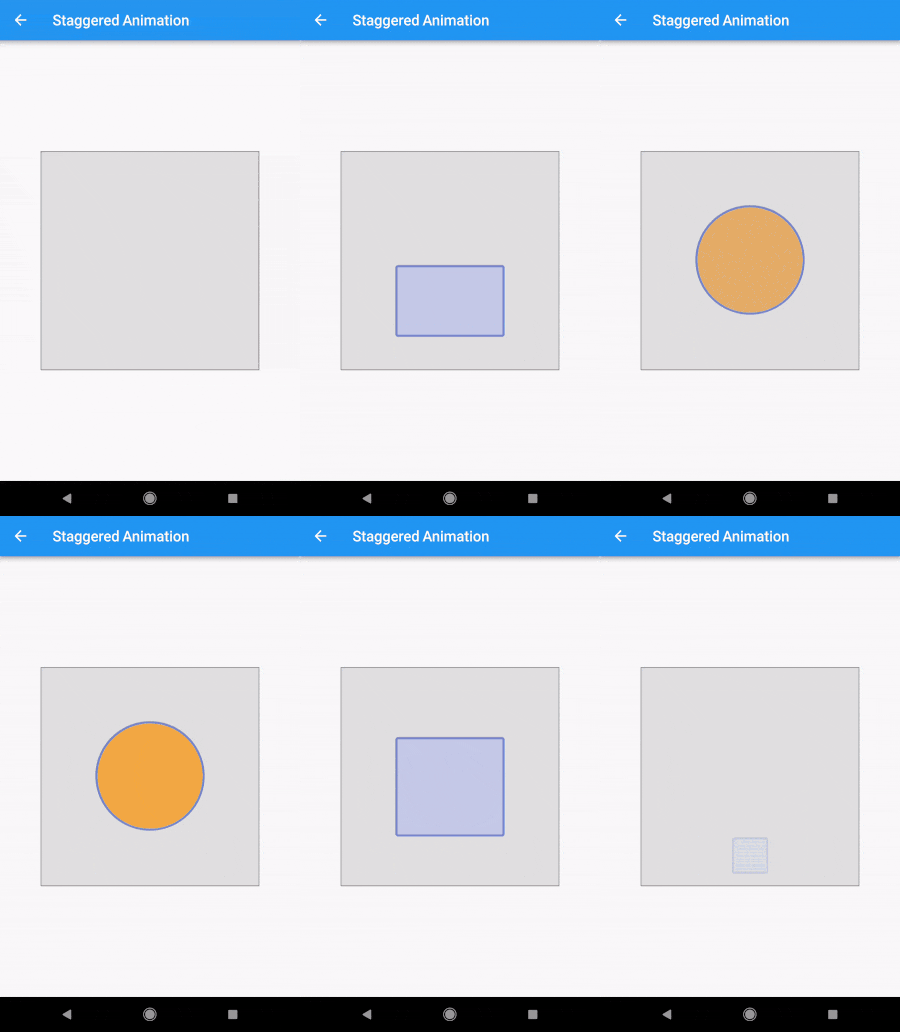
The Staggered Animation example from here is 207 lines of code . The same animation with this package is 128 lines of code. It is also much easier to read and edit.
    sequenceAnimation = new SequenceAnimationBuilder()
      .addAnimatable(
          animatable: new ColorTween(begin: Colors.red, end: Colors.yellow),
          from:  const Duration(seconds: 0),
          to: const Duration(seconds: 2),
          tag: "color"
        ).addAnimatable(
          animatable: new ColorTween(begin: Colors.yellow, end: Colors.blueAccent),
          from:  const Duration(seconds: 2),
          to: const Duration(seconds: 4),
          tag: "color",
          curve: Curves.easeOut
        ).addAnimatable(
          animatable: new ColorTween(begin: Colors.blueAccent, end: Colors.pink),
          //  animatable: new Tween<double>(begin: 200.0, end: 40.0),
          from:  const Duration(seconds: 5),
          to: const Duration(seconds: 6),
          tag: "color",
          curve: Curves.fastOutSlowIn
        ).animate(controller);
In this case only the color is animated but you can add as many different properties to the sequence as you'd like to. The only restriction is that animations with the same tag can not overlap and need to be ordered.
sequenceAnimation["color"]
This animation is a composition of all animatables you passed in with the same tag.
new AnimatedBuilder(
          builder: (context, child) {
            return new Center(
              child: new Container(
                color: sequenceAnimation["color"].value,
                height: 200.0,
                width: 200.0,
              ),
            );
          },
          animation: controller,
        ),
For help getting started with Flutter, view our online documentation.
For help on editing package code, view the documentation.
依赖清单 3 项
{"sdk":"flutter"}^1.3.0{"sdk":"flutter"}先按使用场景筛选,再比较项目活跃情况,最后到原始仓库核对使用要求。
“A repository is the most basic element of GitHub.”
GitHub Docs — About repositories ↗