搜索插件、代码仓与 APP 分类

flutter_sequence_animation 封面
插件详情v4.0.0

flutter_sequence_animation

使用此强大且易于使用的包,将任何动画组合在一起。

AndroidiOSWebmacOSWindowsLinux
近 30 天下载
1.4万
喜欢数
248
Pub 分数
140

安装插件

flutter pub add flutter_sequence_animation

插件介绍

基于插件公开信息、社区数据与项目使用情况整理的选型参考。

Flutter Sequence Animation 是一个强大且直观的包,可让开发者通过串联各个动画序列来创建复杂的动画。它简化了在小部件之间创建同步、定时或条件动画的过程,非常适合用于交互式 UI、引导流程和动态过渡。凭借简洁的 API 和对所有主要平台的强大支持,它在不增加复杂性的情况下提升了动画工作流程。

适合场景

  • 导入屏幕动画
  • 交互式用户界面过渡
  • 复杂的小部件编排
  • 加载序列效应
  • 动画表单验证
  • 游戏化界面操作

主要特点

  • 易于使用的序列组合
  • 支持并行和串行动画
  • 内置的定时和延迟控制
  • 跨平台兼容性
  • 与现有动画的简单集成
  • 可扩展的动画构建模块

适合对象

  • 开发人员创建动画引导流程
  • 构建丰富交互式界面的团队
  • 需要精确动画控制的应用程序设计师
  • 需要多步骤视觉反馈的项目
  • 初学者学习Flutter动画

使用建议

  • 可能需要了解基本的动画概念
  • 长序列的性能影响
  • 除了核心示例外,文档有限
  • 未针对高频实时动画进行优化
  • 最适合声明式、预定义的动画路径

原始 README

以下为关联源码仓库的 README 原文快照,最新内容请访问源码仓库。

flutter_sequence_animation

Features
  • No need to use intervals and calculate percentages for your total animation time.
  • Animate the same variable with multiple animatables!
  • You only need one AnimationController
  • Intuitive and easy to use interface

Installation

dependencies:
  flutter_sequence_animation: "^4.0.0"

then

$ flutter packages get

then

import 'package:flutter_sequence_animation/flutter_sequence_animation.dart';

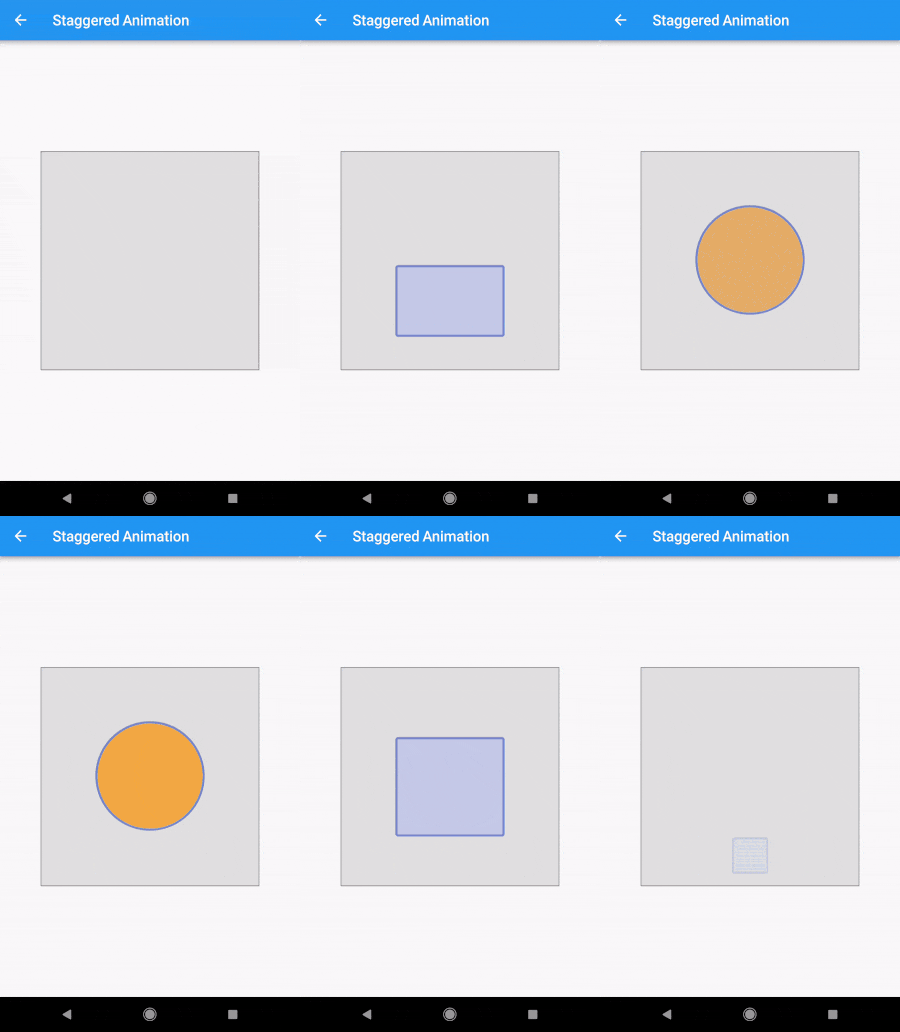
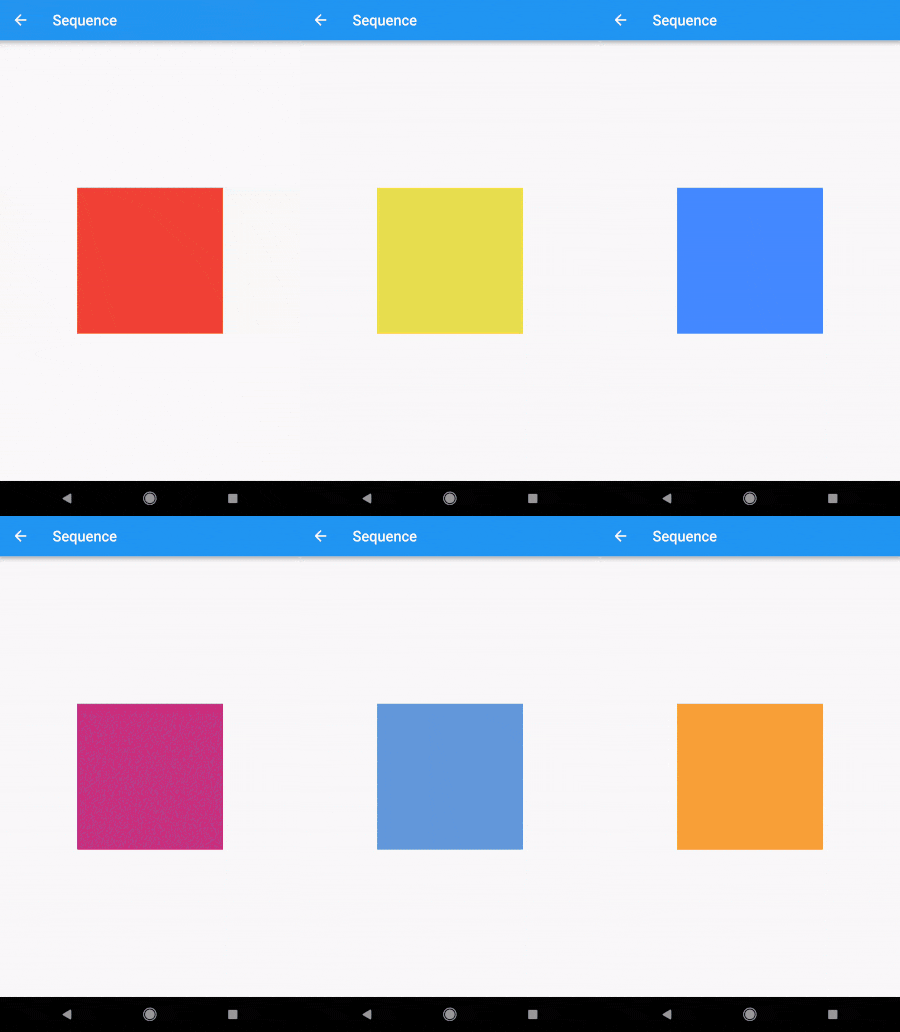
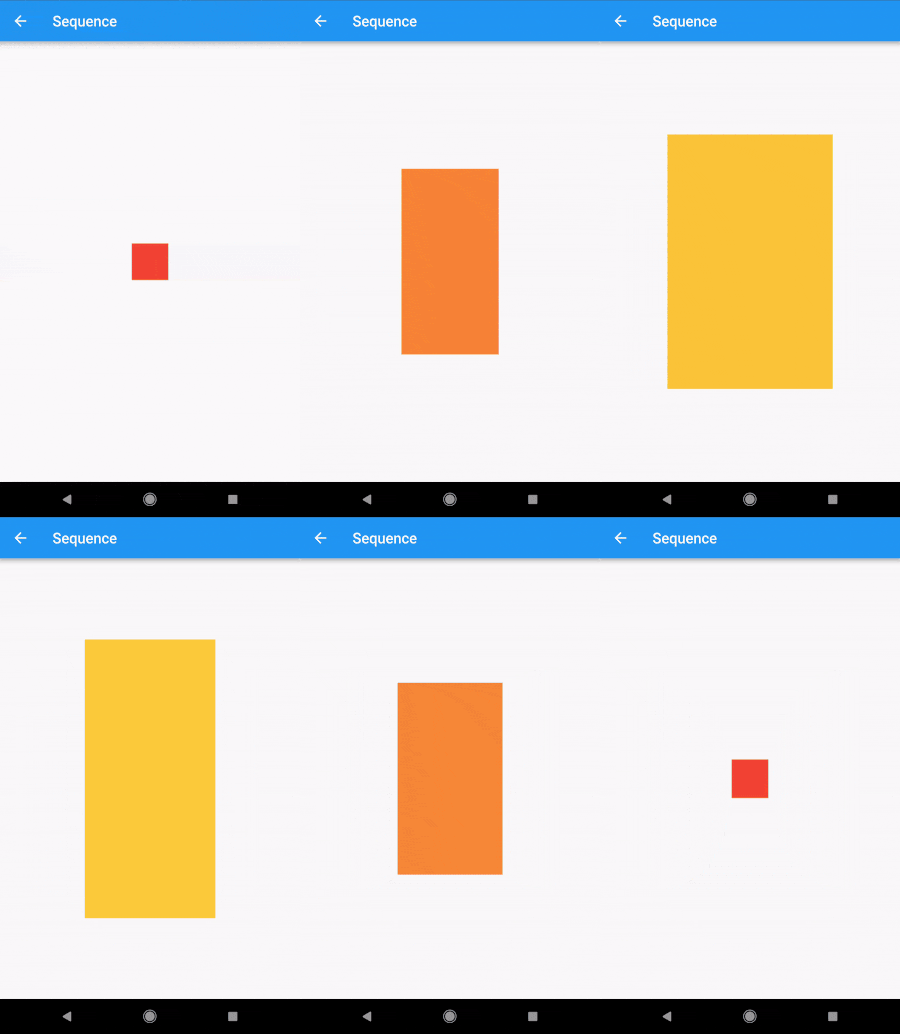
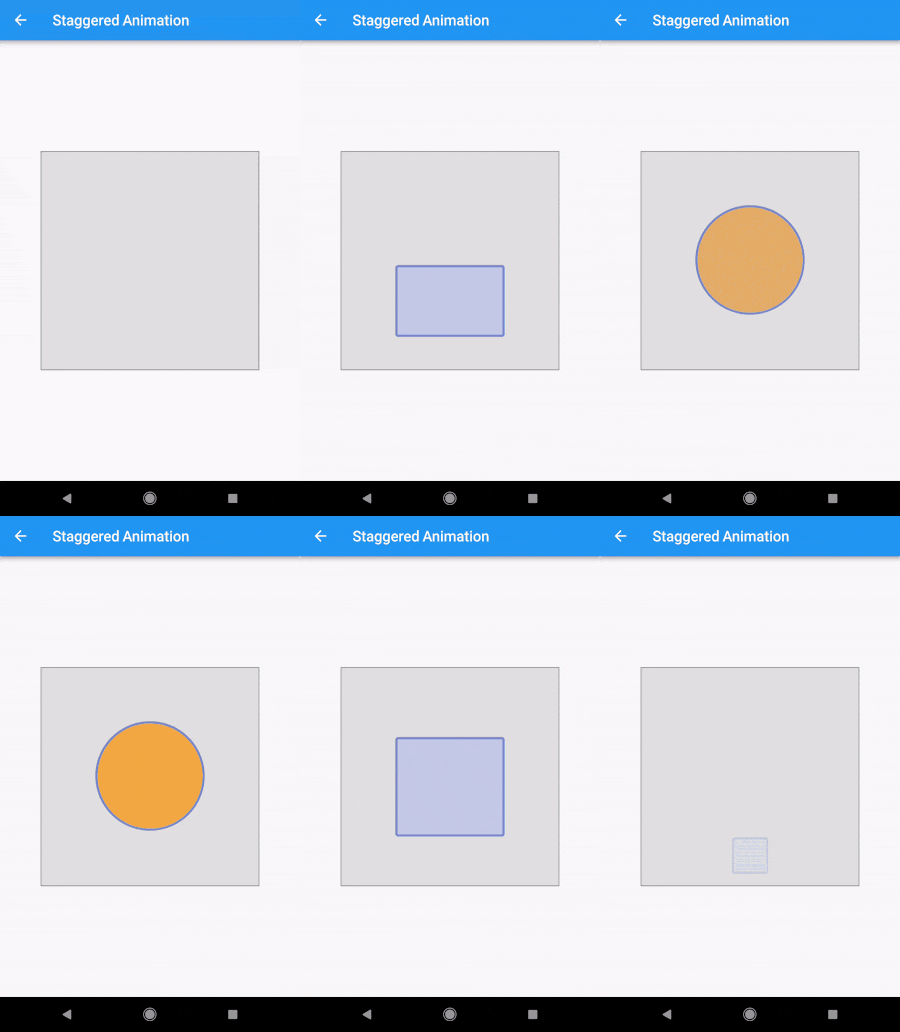
Demo

alt-text-1 alt-text-1alt-text-1

Code

The Staggered Animation example from here is 207 lines of code . The same animation with this package is 128 lines of code. It is also much easier to read and edit.

You specify a sequence of animatables like this:
    sequenceAnimation = new SequenceAnimationBuilder()
      .addAnimatable(
          animatable: new ColorTween(begin: Colors.red, end: Colors.yellow),
          from:  const Duration(seconds: 0),
          to: const Duration(seconds: 2),
          tag: "color"
        ).addAnimatable(
          animatable: new ColorTween(begin: Colors.yellow, end: Colors.blueAccent),
          from:  const Duration(seconds: 2),
          to: const Duration(seconds: 4),
          tag: "color",
          curve: Curves.easeOut
        ).addAnimatable(
          animatable: new ColorTween(begin: Colors.blueAccent, end: Colors.pink),
          //  animatable: new Tween<double>(begin: 200.0, end: 40.0),
          from:  const Duration(seconds: 5),
          to: const Duration(seconds: 6),
          tag: "color",
          curve: Curves.fastOutSlowIn
        ).animate(controller);

In this case only the color is animated but you can add as many different properties to the sequence as you'd like to. The only restriction is that animations with the same tag can not overlap and need to be ordered.

Now you can access the resulting animation from anywhere in your code with
sequenceAnimation["color"]

This animation is a composition of all animatables you passed in with the same tag.

Example usage of this example:
new AnimatedBuilder(
          builder: (context, child) {
            return new Center(
              child: new Container(
                color: sequenceAnimation["color"].value,
                height: 200.0,
                width: 200.0,
              ),
            );
          },
          animation: controller,
        ),
The animation duration is set automatically (don't change the duration of the controller yourself).
Sepcial thanks to Simon Lightfoot for the help!

Getting Started

For help getting started with Flutter, view our online documentation.

For help on editing package code, view the documentation.

所属分类

依赖

依赖清单 1 项

源码仓库

使用此插件的项目