

 v0.0.21
dash_chat_2
Flutter 最完整的聊天 UI。易于使用、高度可定制且功能齐全
312喜欢 4060近 30 天下载110Pub 分数
AndroidiOSWebmacOS
Flutter 最完整的聊天 UI。易于使用、高度可定制且功能齐全

以下为英文项目原文快照,最新内容请访问 GitHub。
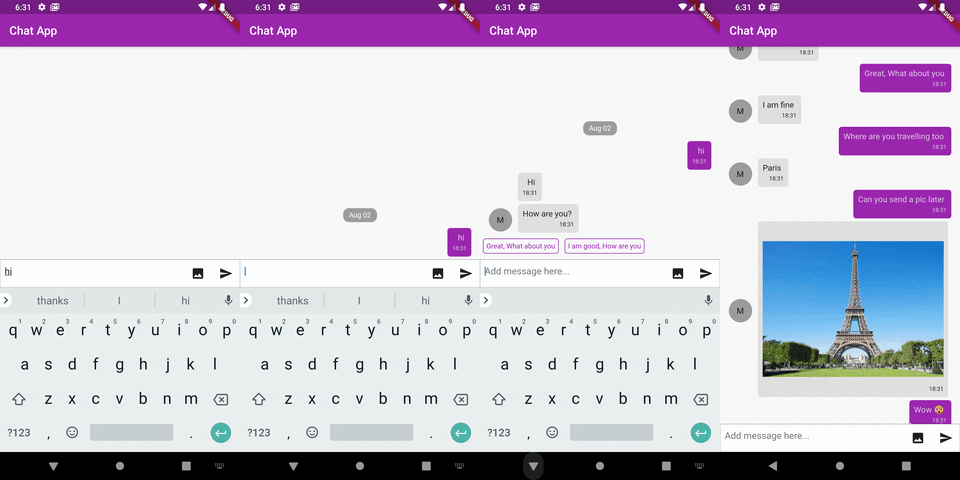
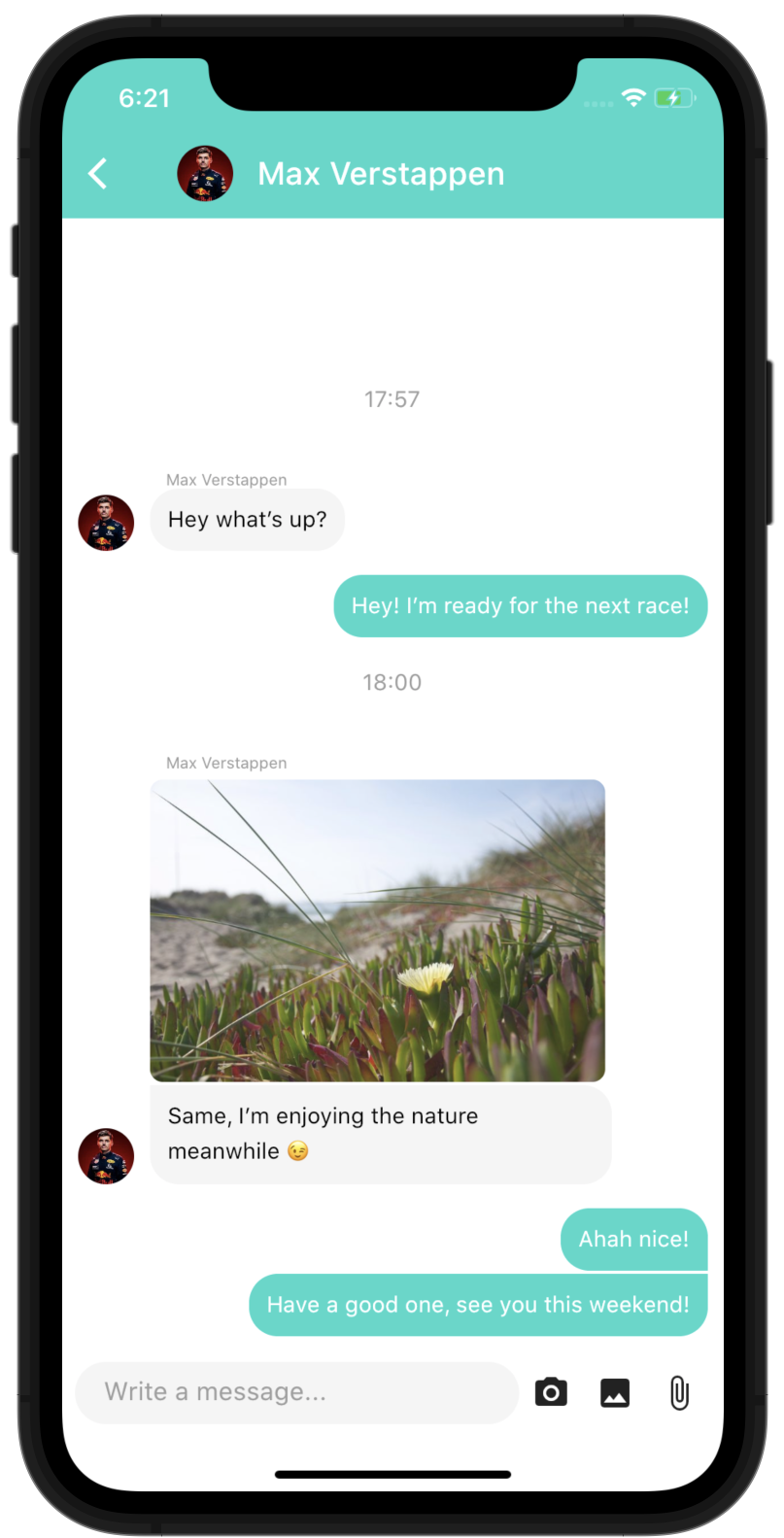
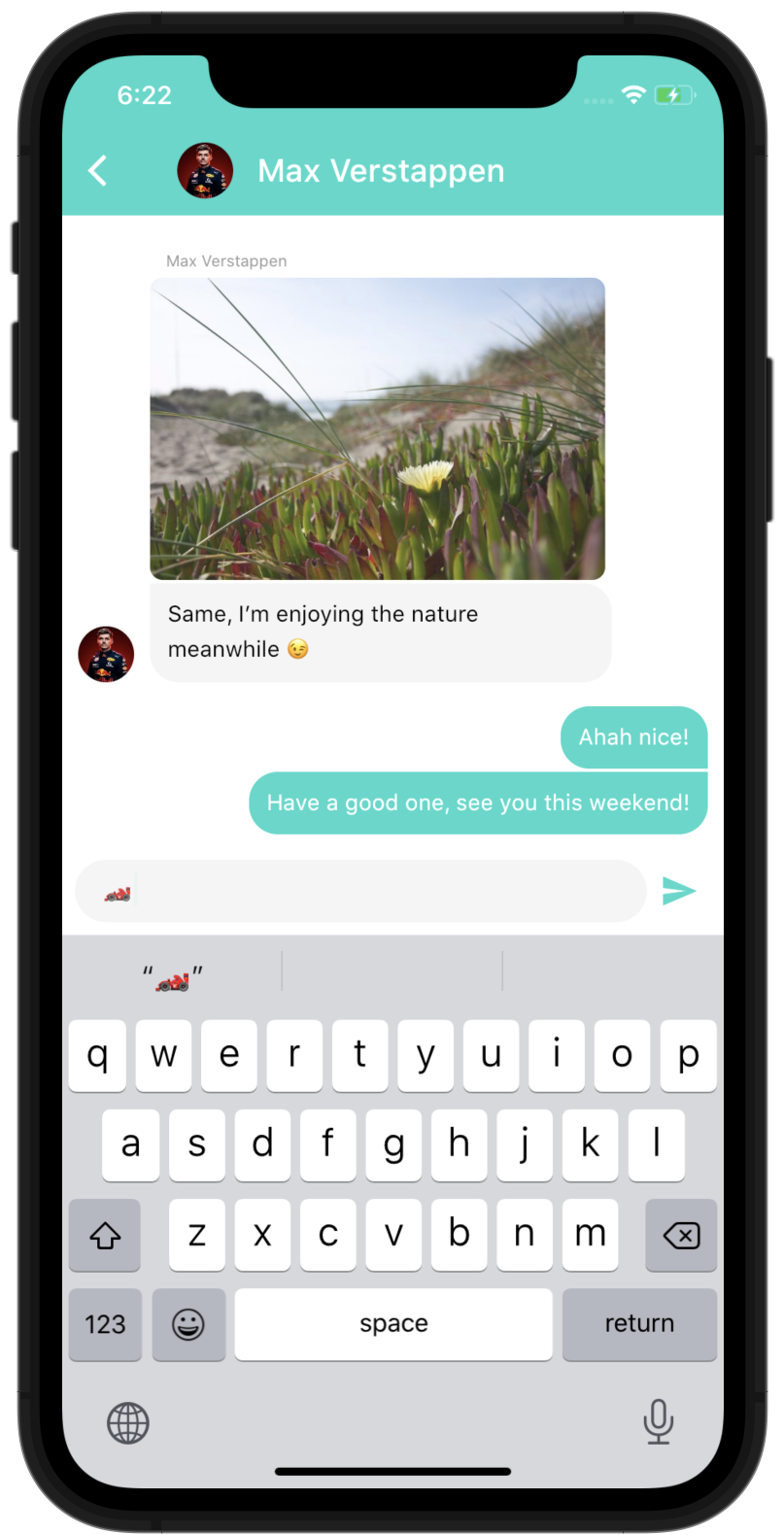
Easy to use, highly customizable and fully featured



You need another feature? you can use the customProperties field of the models, it allows you to pass other data to the library that you can then use inside custom builders to implement any feature you need.
Of course, if you think this feature can be useful to other people, feel free to open an issue/pull-request to discuss including it "natively" in the package.
import 'package:dash_chat_2/dash_chat_2.dart';
import 'package:flutter/material.dart';

class Basic extends StatefulWidget {
  @override
  _BasicState createState() => _BasicState();
}

class _BasicState extends State<Basic> {
  ChatUser user = ChatUser(
    id: '1',
    firstName: 'Charles',
    lastName: 'Leclerc',
  );

  List<ChatMessage> messages = <ChatMessage>[
    ChatMessage(
      text: 'Hey!',
      user: user,
      createdAt: DateTime.now(),
    ),
  ];

  @override
  Widget build(BuildContext context) {
    return Scaffold(
      appBar: AppBar(
        title: const Text('Basic example'),
      ),
      body: DashChat(
        currentUser: user,
        onSend: (ChatMessage m) {
          setState(() {
            messages.insert(0, m);
          });
        },
        messages: messages,
      ),
    );
  }
}
You can run the example project to see more complex ways of using the package
ChatUser currentUser - required: Basically "you", we need to know who is the current user to put their messages to right side
Function(ChatMessage message) onSend - required: Function to call when the user sends a message, that's where you handle the logic to send the message to your backend and append the list of messages
List<ChatMessage> messages - required: The list of messages of the channel, you would usually not load all the messages at once but use the onLoadEarlier param of MessageListOptions to trigger a lazy loading
InputOptions inputOptions - optional: Options to customize the behaviour and design of the chat input
MessageOptions messageOptions - optional: Options to customize the behaviour and design of the messages
MessageListOptions messageListOptions - optional: Options to customize the behaviour and design of the overall list of message
QuickReplyOptions quickReplyOptions - optional: Options to customize the behaviour and design of the quick replies
ScrollToBottomOptions scrollToBottomOptions - optional: Options to customize the behaviour and design of the scroll-to-bottom button
readOnly - optional (default to false): Option to make the chat read only, it will hide the input field
List<ChatUser> typingUsers - optional: List of users currently typing in the chat
You can browse the full Dart documentation here: Documentation
If you found this project useful, then please consider giving it a ⭐️ on Github: https://github.com/SebastienBtr/Dash-Chat-2
If you have any suggestions for including a feature or if something doesn't work, feel free to open a Github issue or to open a pull request, you are more than welcome to contribute!
 SebastienBtr 💻 🎨 |
 chuusungmin 💻 |
 fufesou 💻 |
 Nwachi ifeanyichukwu Victor 💻 |
 Kaede Games 💻 |
 Derek Pitts 💻 |
 Alex Fernandez 💻 |
 lawrence 💻 |
 Md. Al-Amin 💻 |
 TPF 💻 |
Thanks to Fayeed who created the v1 of this package: https://github.com/fayeed/dash_chat and made that possible!
依赖清单 9 项
^3.3.1{"sdk":"flutter"}^0.7.1^2.2.1^0.19.0^6.0.10^2.2.5^3.0.1{"sdk":"flutter"}先按使用场景筛选,再比较项目活跃情况,最后到原始仓库核对使用要求。
“A repository is the most basic element of GitHub.”
GitHub Docs — About repositories ↗