
 v2.3.1
social_share
各种分享选项,满足您直接分享到某些知名应用的需求。
409喜欢 1810近 30 天下载140Pub 分数
AndroidiOS
用于在社交媒体上分享图片/视频/文本的 Flutter 包
以下为英文项目原文快照,最新内容请访问 GitHub。
Wide variety of sharing options you'll need to share directly to certain popular apps or just share with default native share.
Works on both platforms Android and iOS
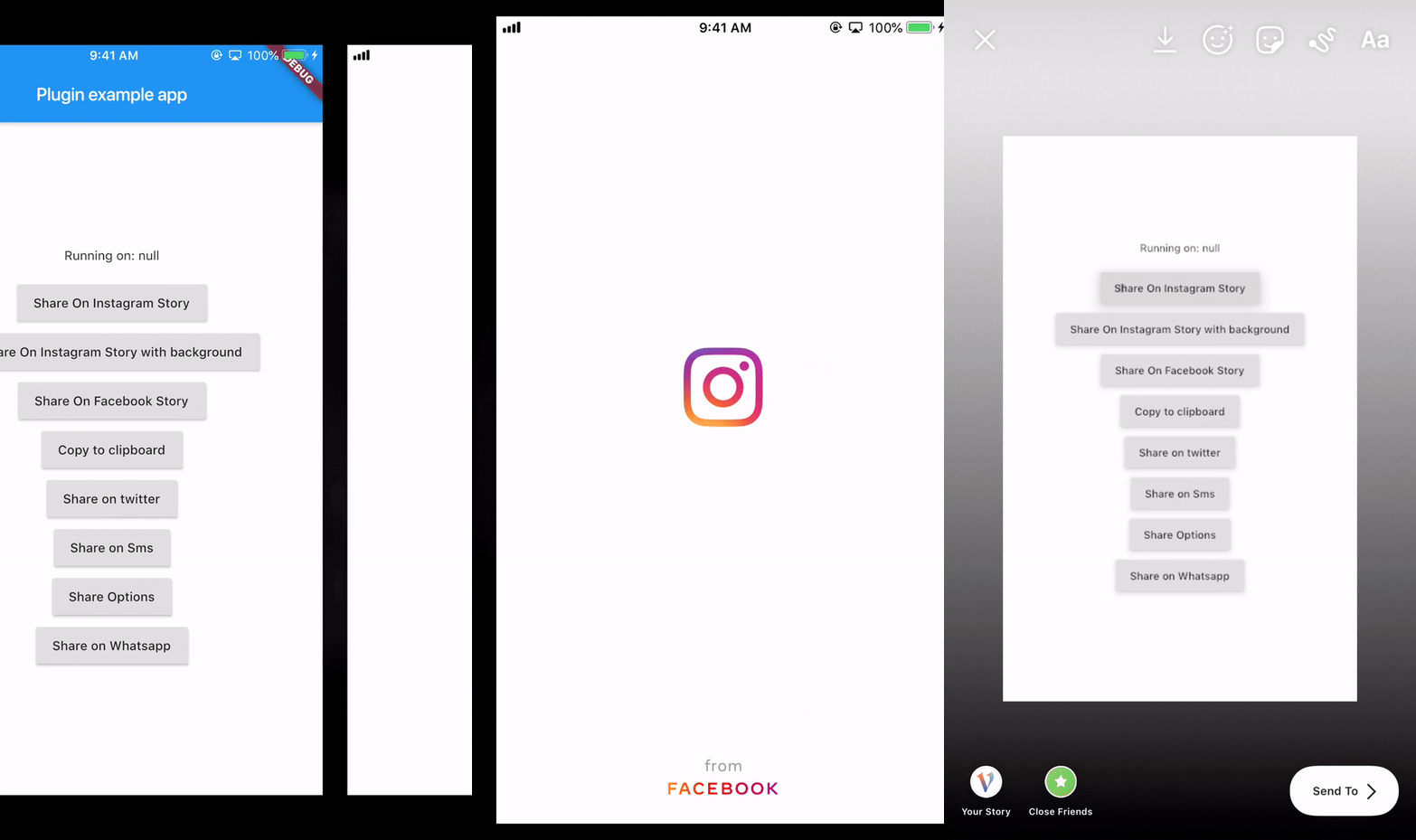
It provides you with most of the popular sharing options With this plugin you can share on instagram stories and facebook stories and also copy to clipboard
manifest tag in the android/app/src/main/AndroidManifest.xml: `xmlns:tools="http://schemas.android.com/tools"`
        <manifest xmlns:android="http://schemas.android.com/apk/res/android"
                xmlns:tools="http://schemas.android.com/tools"
                package="your package...">
manifest/application in the android/app/src/main/AndroidManifest.xml: <provider
android:name="androidx.core.content.FileProvider"
android:authorities="${applicationId}.com.shekarmudaliyar.social_share"
android:exported="false"
android:grantUriPermissions="true"
tools:replace="android:authorities">
<meta-data
android:name="android.support.FILE_PROVIDER_PATHS"
android:resource="@xml/filepaths" />
</provider>
filepaths.xml in the app/src/main/res/xml folder and paste this code in the file :<?xml version="1.0" encoding="utf-8"?>
<paths xmlns:android="http://schemas.android.com/apk/res/android">
<cache-path name="image" path="/"/>
</paths>
Info.plist to use share on instagram and facebook story<key>LSApplicationQueriesSchemes</key>
<array>
<string>instagram-stories</string>
<string>facebook-stories</string>
<string>facebook</string>
<string>instagram</string>
<string>twitter</string>
<string>whatsapp</string>
<string>tg</string>
</array>
<key>FacebookAppID</key>
<string>xxxxxxxxxxxxxxx</string>
SocialShare.shareInstagramStory(imageFile.path, "#ffffff",
                              "#000000", "https://deep-link-url");
 SocialShare.shareInstagramStorywithBackground(image.path, "https://deep-link-url",
                              backgroundImagePath: backgroundimage.path);
For iOS
SocialShare.shareFacebookStory(image.path,"#ffffff","#000000",
                              "https://deep-link-url","facebook-app-id");
For Android appID is mandatory if using shareFacebookStory or else it wont work
SocialShare.shareFacebookStory(image.path,"#ffffff","#000000",
                              "https://deep-link-url","facebook-app-id",
							  appId: "xxxxxxxxxxxxx");
SocialShare.copyToClipboard("This is Social Share plugin");
//without hashtags
SocialShare.shareTwitter("This is Social Share plugin");

//with hashtags
SocialShare.shareTwitter(
                              "This is Social Share twitter example",
                              hashtags: ["hello", "world", "foo", "bar"]);

//with hashtags and link
SocialShare.shareTwitter(
                              "This is Social Share twitter example",
                              hashtags: ["hello", "world", "foo", "bar"],url:"https://your-url-here/");
//without url link in message
SocialShare.shareSms("This is Social Share Sms example");

//with url link in message
SocialShare.shareSms("This is Social Share Sms example",url: "https://your-url-here/");
SocialShare.shareWhatsapp("Hello World");
SocialShare.shareTelegram("Hello World");
This will open the default native share options
//without an image
SocialShare.shareOptions("Hello world");

//with an image
SocialShare.shareOptions("Hello world",imagePath: image.path);
SocialShare.checkInstalledAppsForShare();
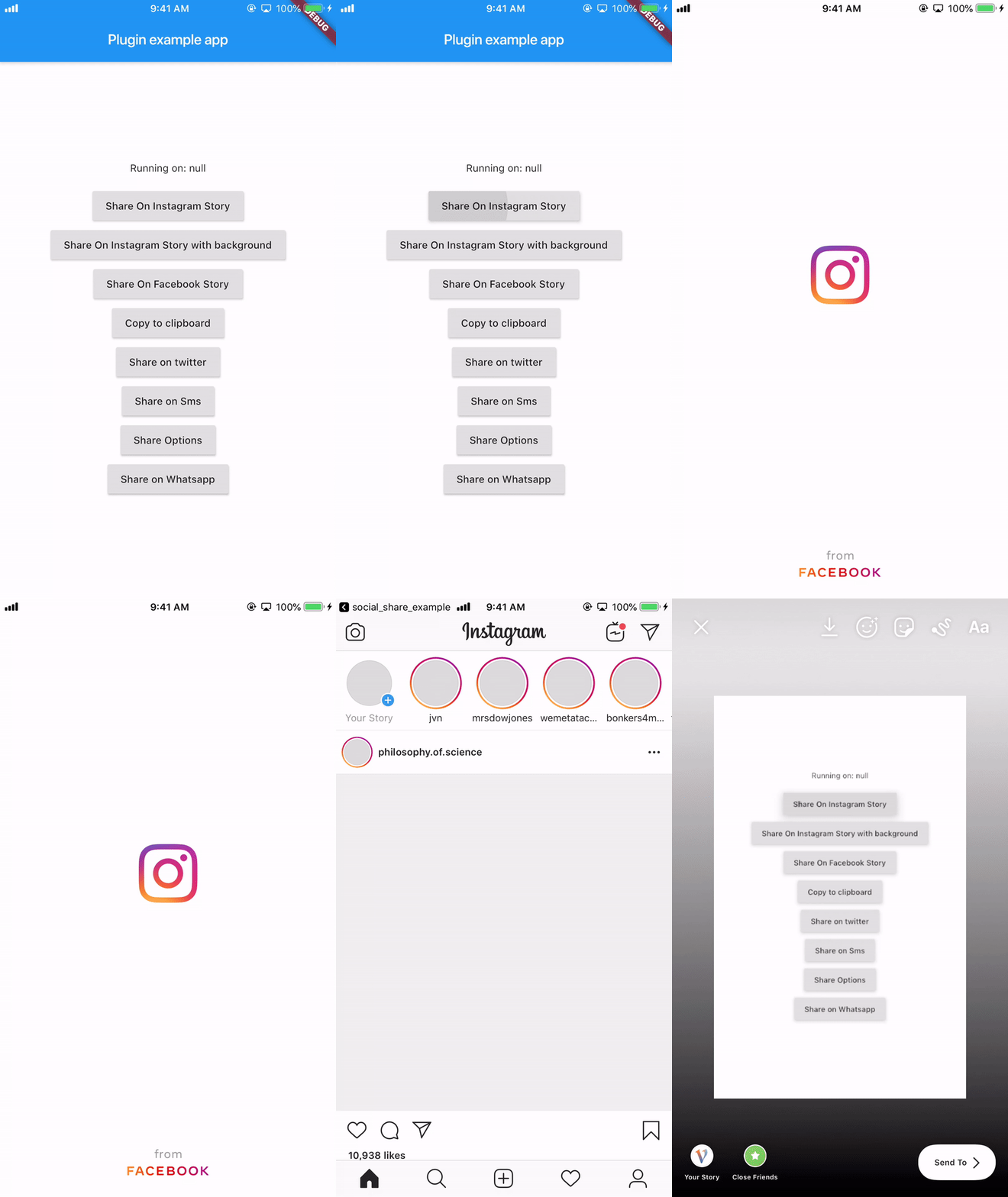
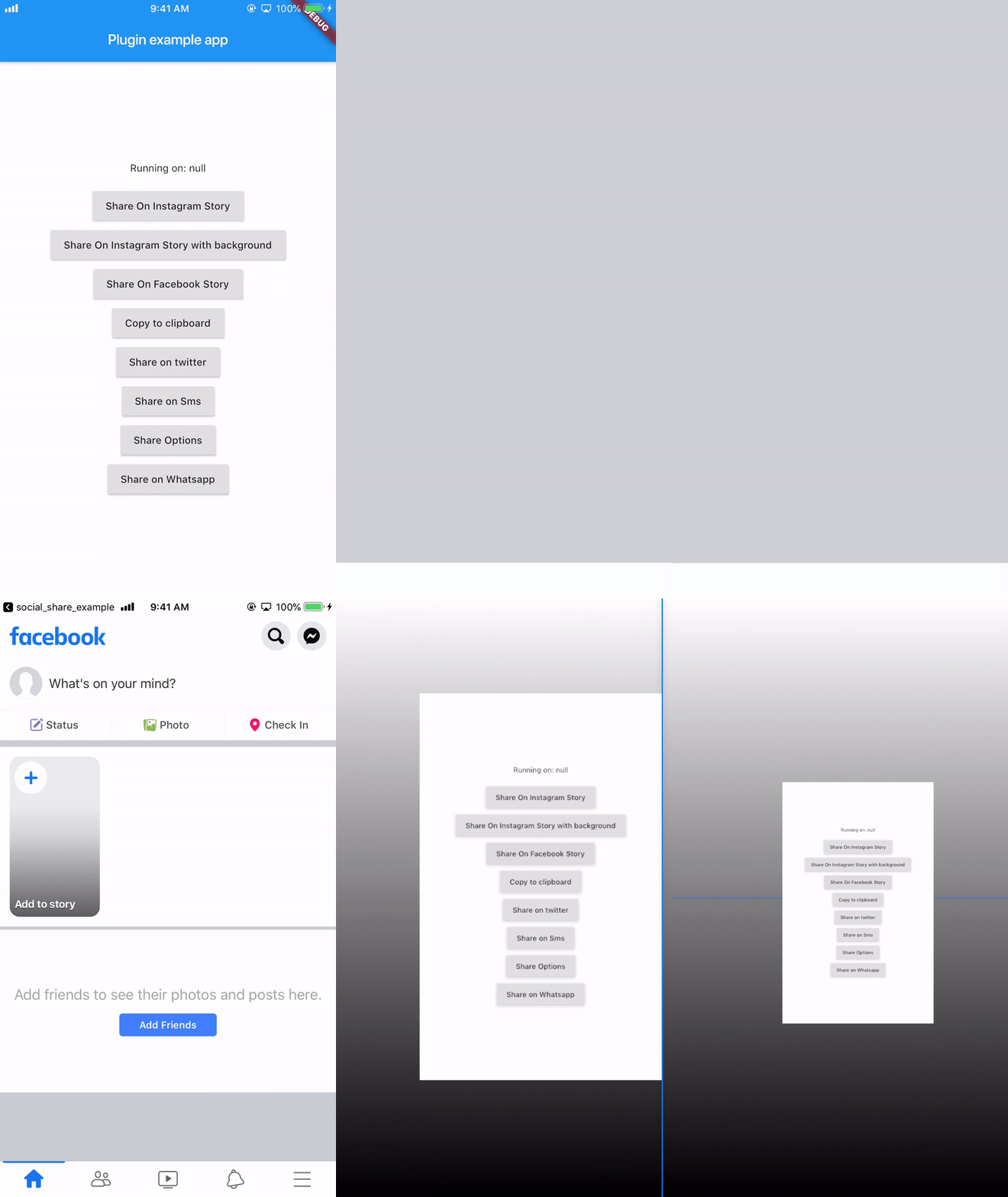
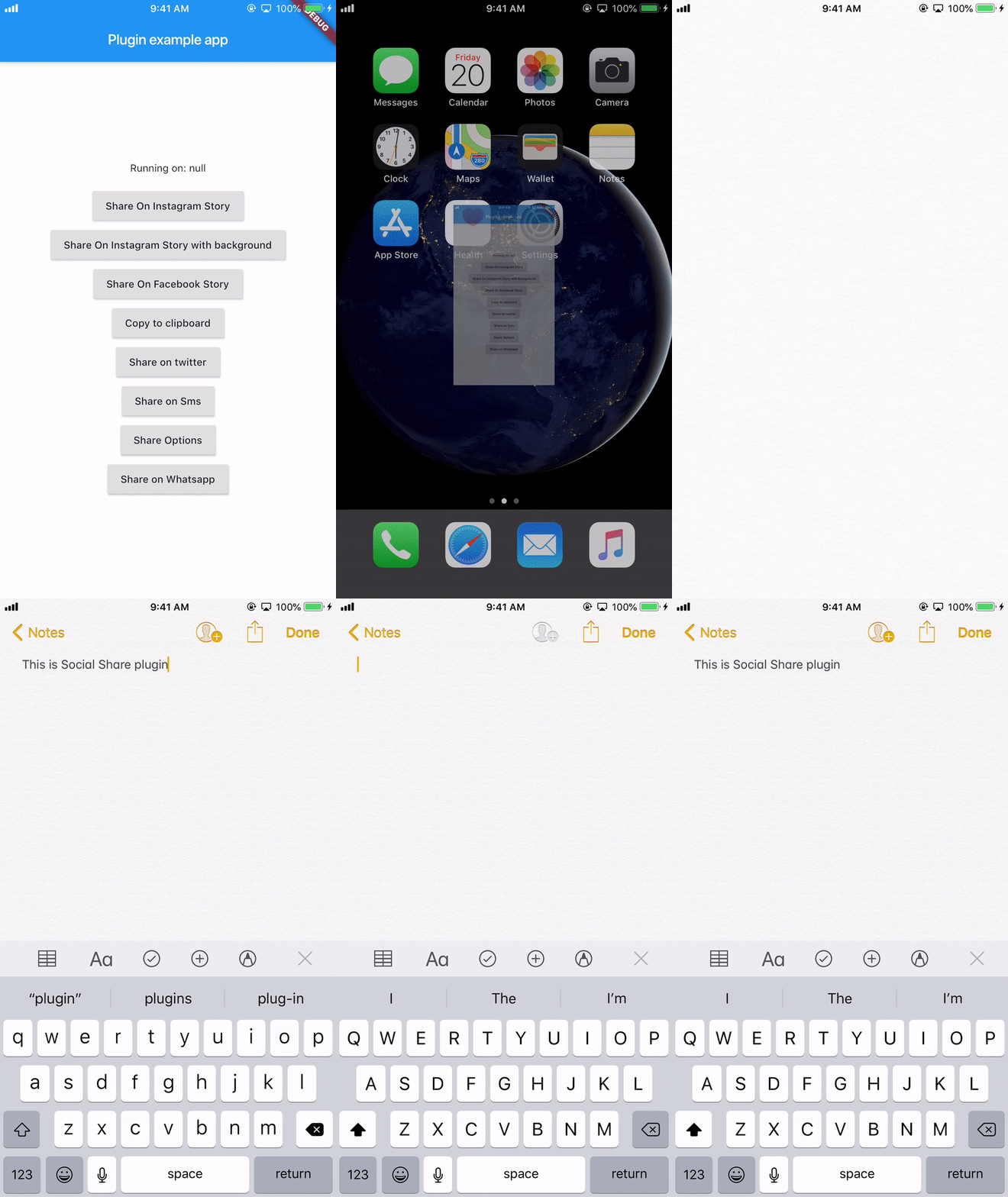
On Android 6, Share to Instagram Stories may not open Instagram app or load the specified image.
((More coffee == more code) == faster updates)


依赖清单 3 项
{"sdk":"flutter"}^2.0.5{"sdk":"flutter"}先按使用场景筛选,再比较项目活跃情况,最后到原始仓库核对使用要求。
“A repository is the most basic element of GitHub.”
GitHub Docs — About repositories ↗