

 v2.0.0
calendar_view
一个 Flutter 包可让您轻松实现所有日历 UI 和日历事件功能。
1000喜欢 6.3万近 30 天下载160Pub 分数
AndroidiOSWebmacOSWindowsLinux
一个 Flutter 包可让您轻松实现所有日历 UI 和日历事件功能。👌🔝🎉

以下为英文项目原文快照,最新内容请访问 GitHub。
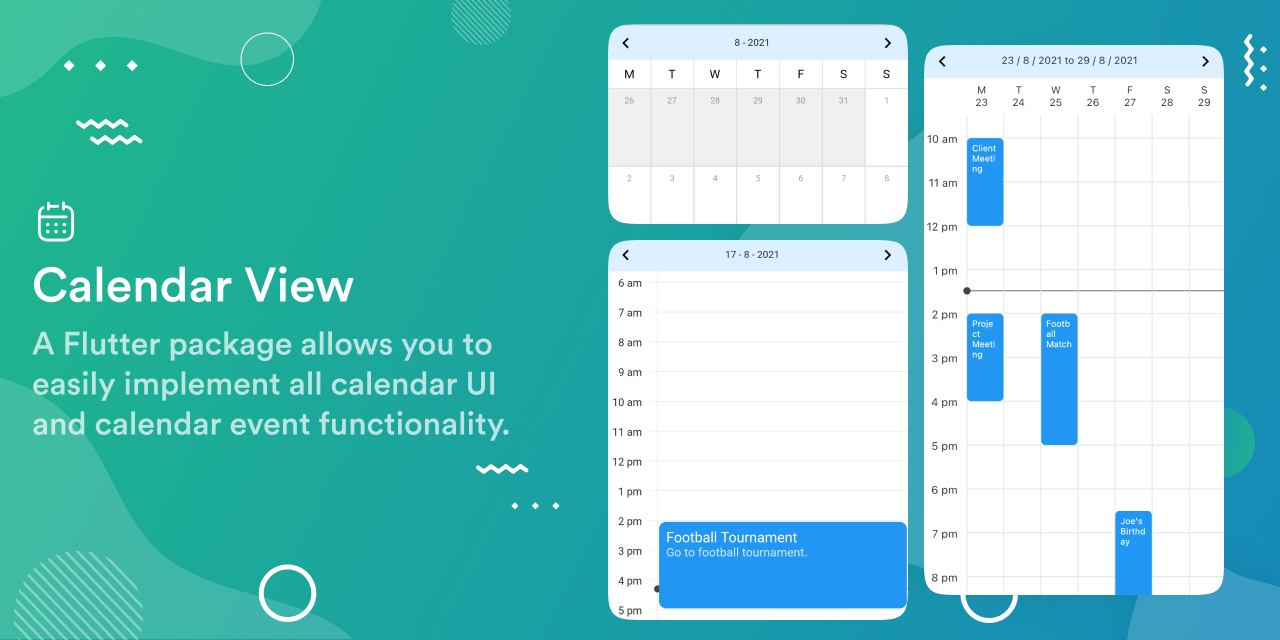


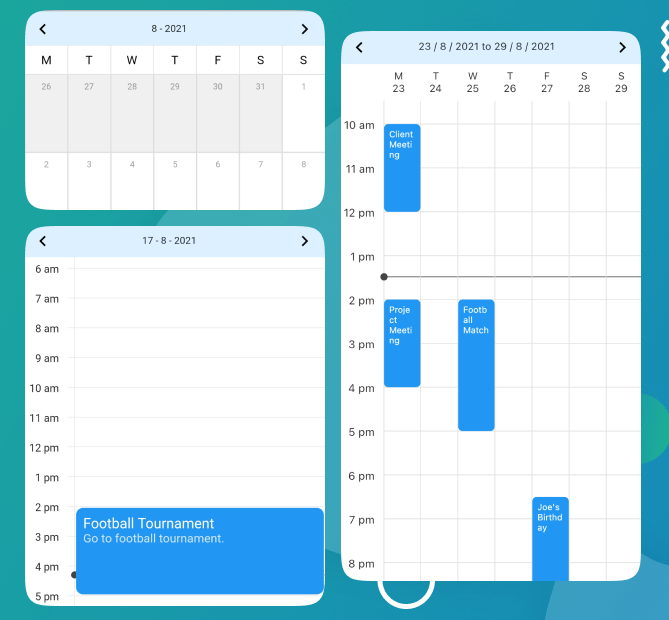
A Flutter package that allows you to easily implement all calendar UI and calendar event functionality in your application.
Check out other amazing open-source Flutter libraries and Awesome Mobile Libraries developed by Simform Solutions!
All 2.x.x releases may include breaking changes. To avoid unexpected issues, do not use the caret (^) when depending on any versions of 2.x.x Instead, pin the exact version.
Example:
dependencies:
  calendar_view: 2.0.0
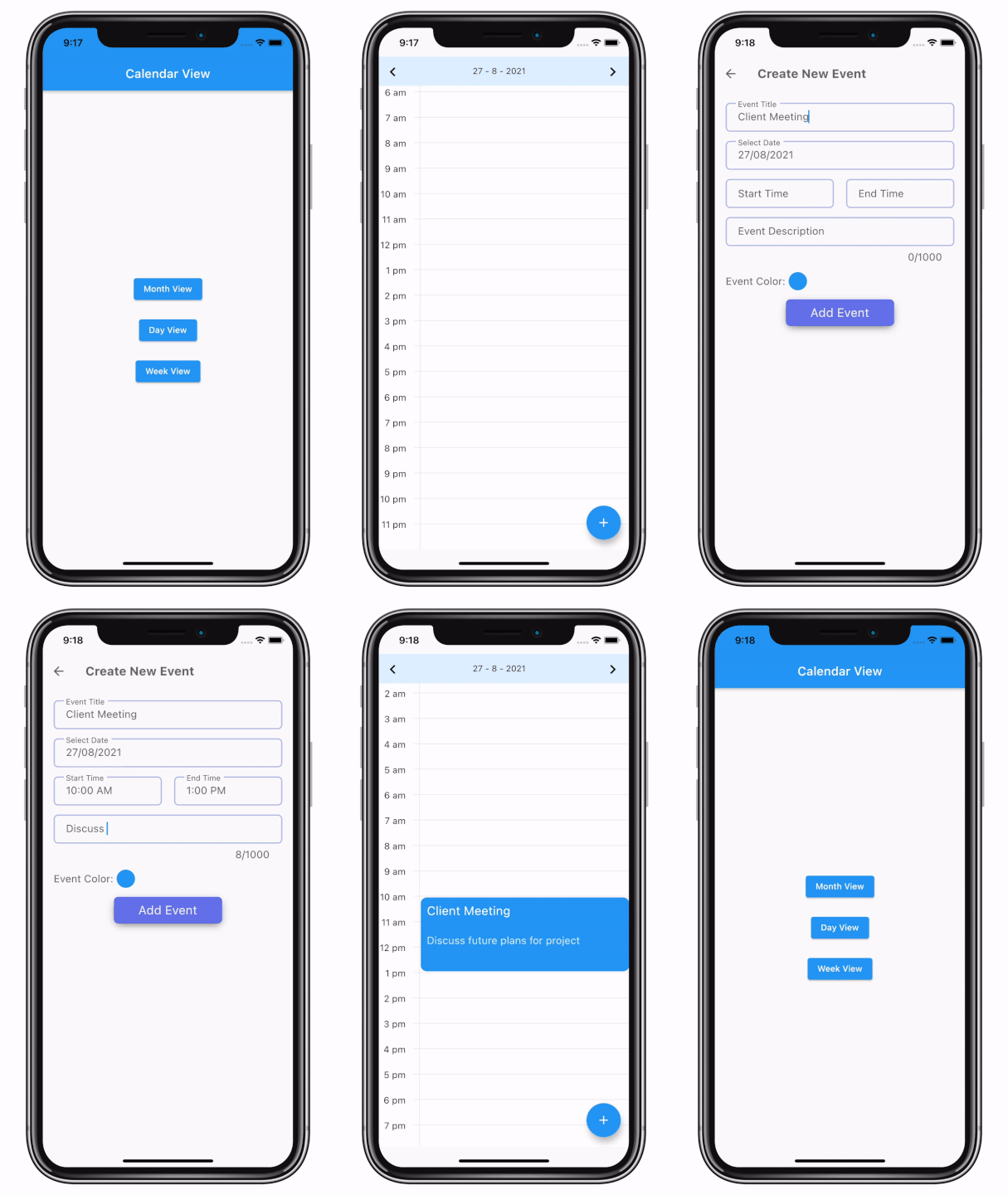
Visit our documentation site for all implementation details, usage instructions, code examples, and advanced features.
pubspec.yaml:dependencies:
calendar_view: <latest-version>
For questions, issues, or feature requests, create an issue on GitHub or reach out via the GitHub Discussions tab. We're happy to help and encourage community contributions. To contribute documentation updates specifically, please make changes to the doc/documentation.md file and submit a pull request.
This project is licensed under the MIT License - see the LICENSE file for details.
依赖清单 3 项
{"sdk":"flutter"}—{"sdk":"flutter"}先按使用场景筛选,再比较项目活跃情况,最后到原始仓库核对使用要求。
“A repository is the most basic element of GitHub.”
GitHub Docs — About repositories ↗