
 v1.0.0
multiavatar
Multiavatar 是一个多元文化头像生成器。120 亿种独特的多元文化头像
129喜欢 883近 30 天下载140Pub 分数
AndroidiOSWebmacOSWindowsLinux
Multiavatar 是一个免费且开源的多文化头像生成器。
以下为英文项目原文快照,最新内容请访问 GitHub。

Flutter Wrapper for Multiavatar
Multiavatar is a multicultural avatar maker.
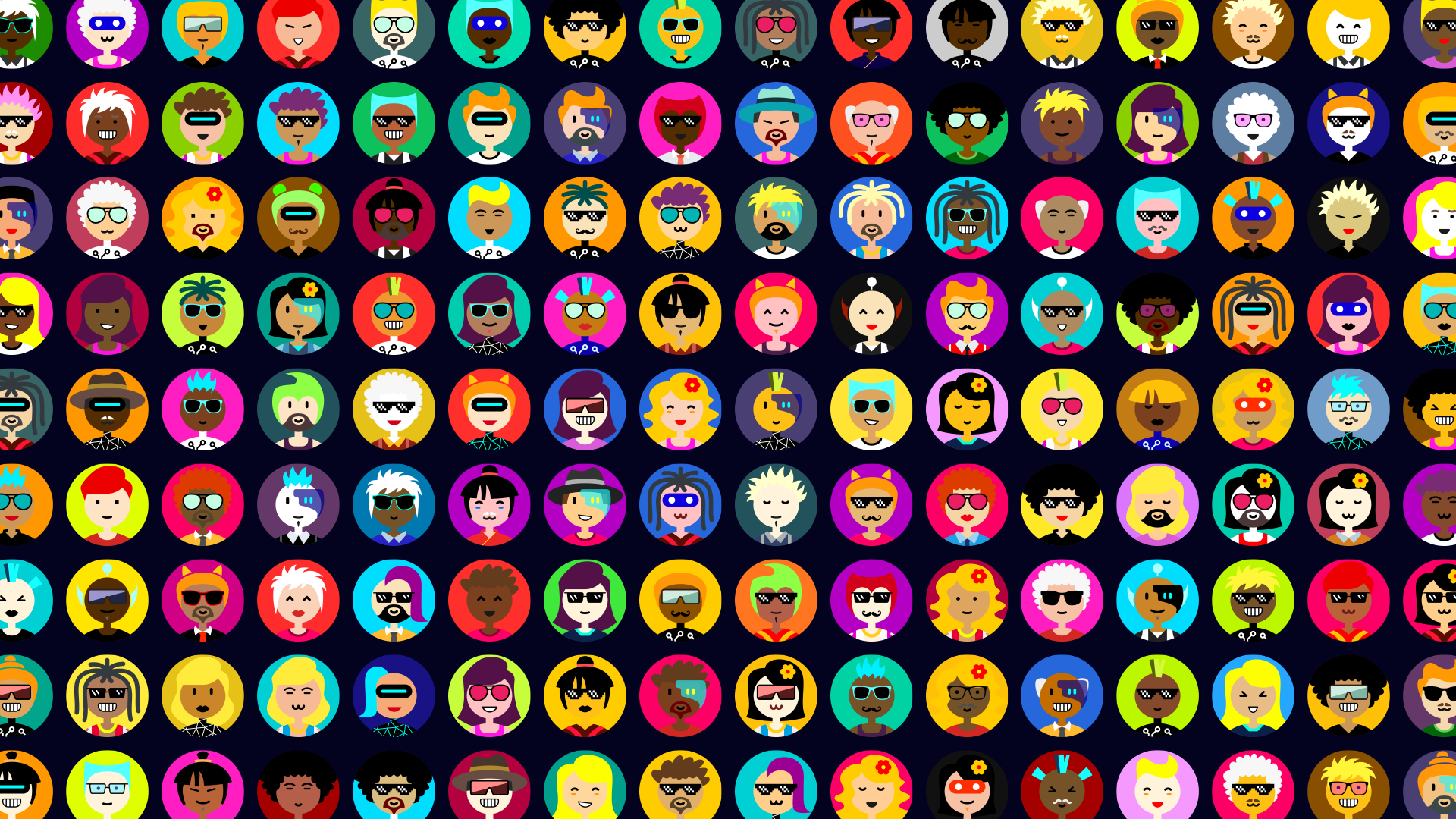
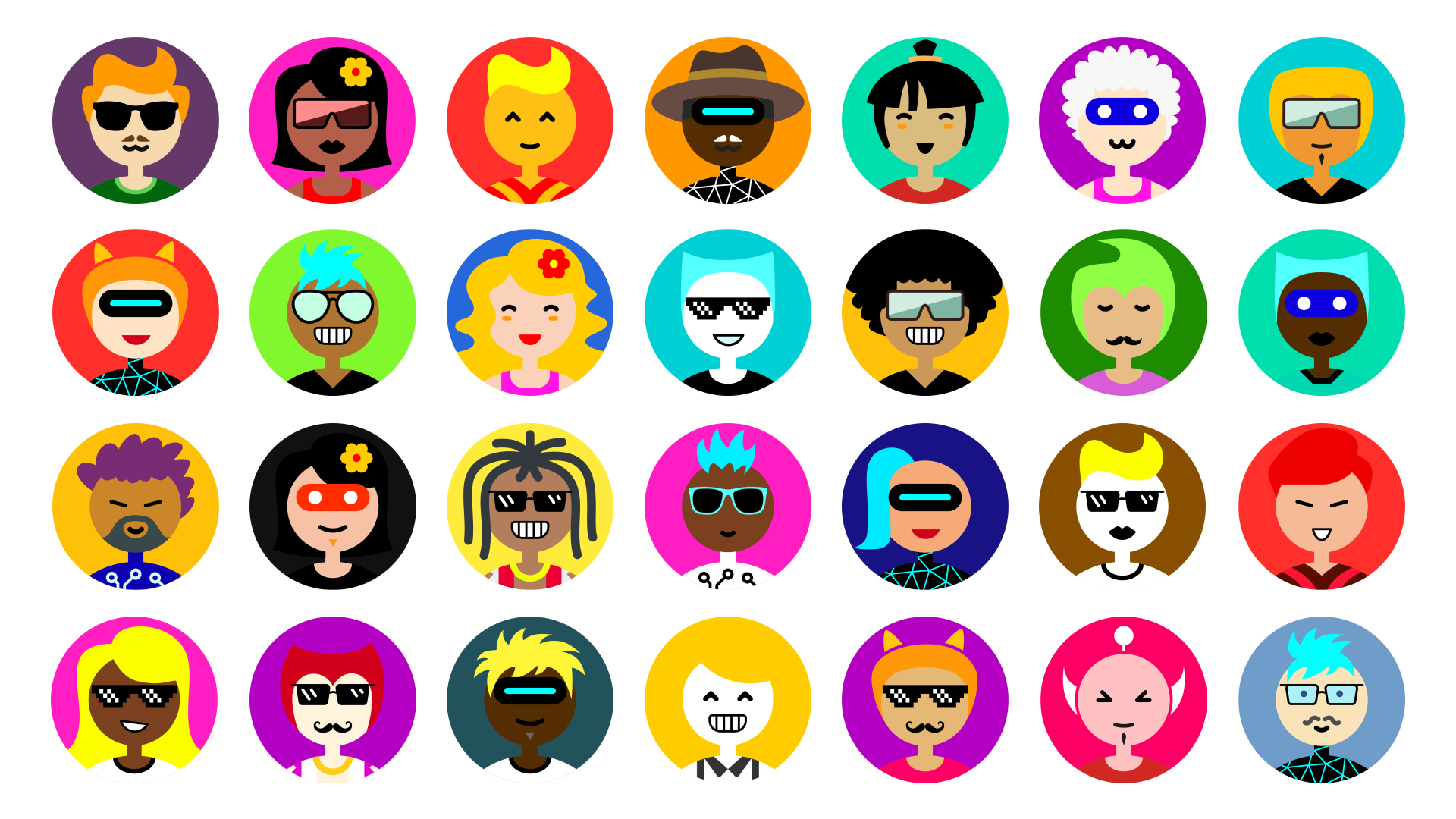
Multiavatar represents people from multiple races, multiple cultures, multiple age groups, multiple worldviews and walks of life.
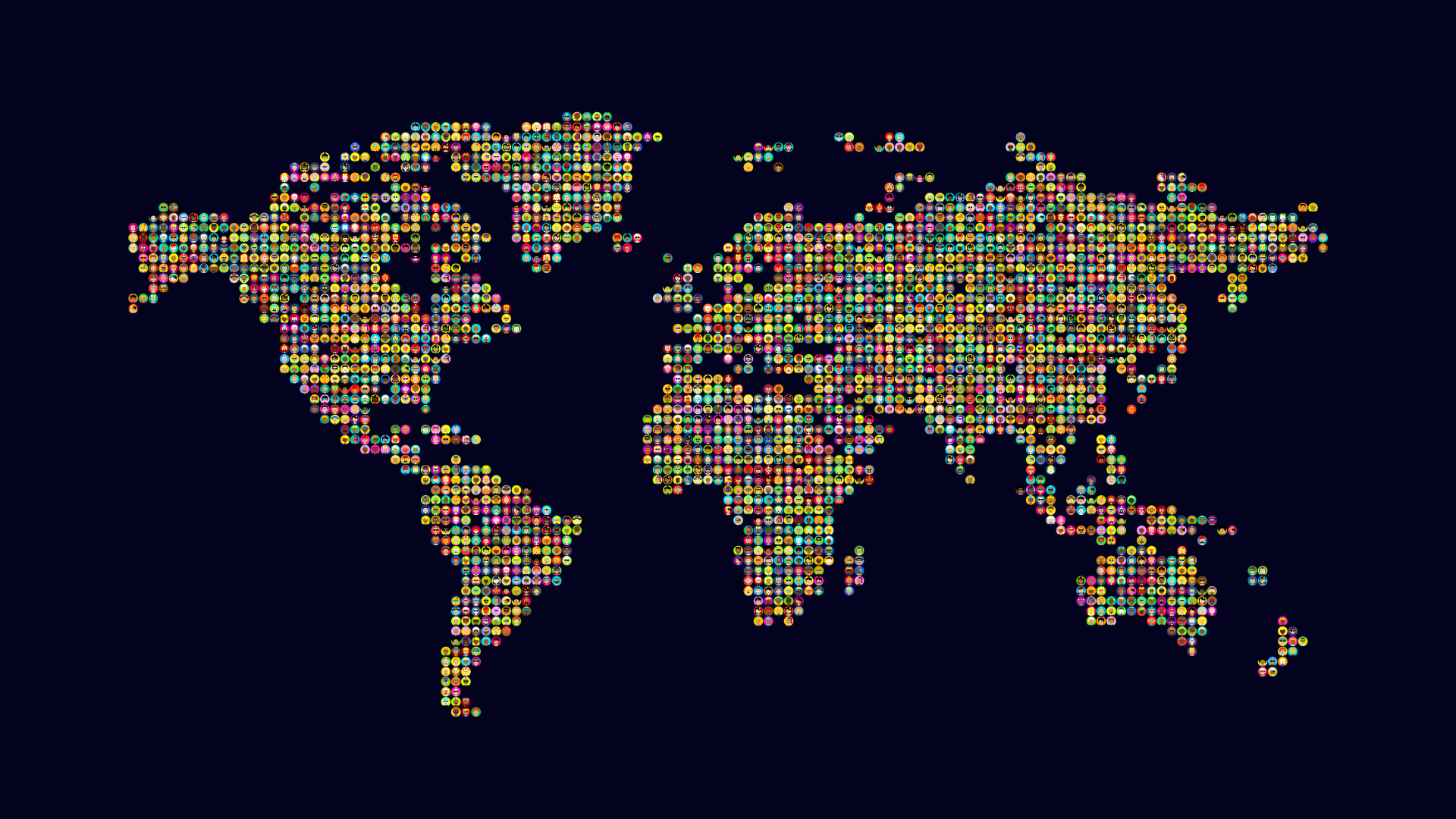
In total, it is possible to generate 12,230,590,464 unique avatars.
Add multiavatar to your pubspec:
dependencies:
  multiavatar: any # or the latest version on Pub
var svgCode = multiavatar('X-SLAYER')
avatar with transparent background
var svgCode = multiavatar('X-SLAYER', trBackground: true);
check the exemple of using multiavatar with svg package Multiavatar + svg package
To create new avatars, the Multiavatar mixes different parts of different avatars, and different color themes.
The total number of unique avatars: 48^6 = 12,230,590,464
One of the main Multiavatar functions is to work as an identicon. Every unique avatar can be identified by the unique string of characters, associated with the avatar.
The string of characters is also the input for the Multiavatar package, which converts the provided string into a 6 double-digit numbers (range 00-47), each representing an individual part of the final avatar.
000000000000 - this string of numbers represents the very first avatar + its A theme. You can also read it like this: 00 00 00 00 00 00.
474747474747 - this is the 12,230,590,464th avatar (or the 16th initial avatar + its "C" color theme).
More info can be found in the multiavatar.dart file comments.
A Dart implementation based on Multiavatar script for Flutter apps.


依赖清单 3 项
{"sdk":"flutter"}^3.0.0{"sdk":"flutter"}先按使用场景筛选,再比较项目活跃情况,最后到原始仓库核对使用要求。
“A repository is the most basic element of GitHub.”
GitHub Docs — About repositories ↗