

v3.2.0
math_expressions
一个用于解析和计算数学表达式的库,支持实数、向量和基本区间算术。
381喜欢 10.4万近 30 天下载160Pub 分数
AndroidiOSWebmacOSWindowsLinux
一个具有拟态主题的数字计算器,支持键盘输入(外部蓝牙键盘)以及一些实用快捷键,便于快速访问。它还具有专用的深色主题(根据系统主题设置),以提高可访问性。该应用也支持具备浮窗功能的设备,并且支持横屏模式。

以下为英文项目原文快照,最新内容请访问 GitHub。
Digital Calculator is a fully function Calculator Clone which is based on this UI Design. It has keyboard support and a few useful shortcuts for quick and easy access. It also has a dedicated dark mode theme for better accessibility.
Please star⭐ the repo if you like what you see😊.
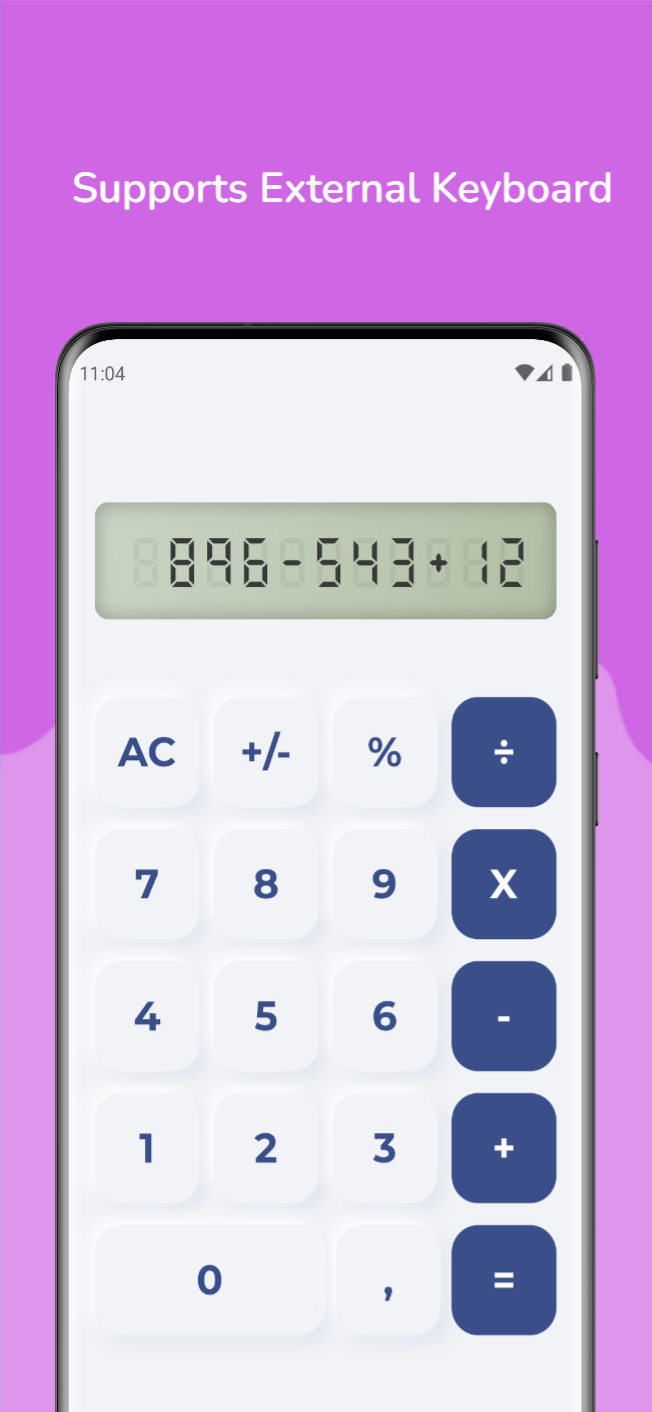
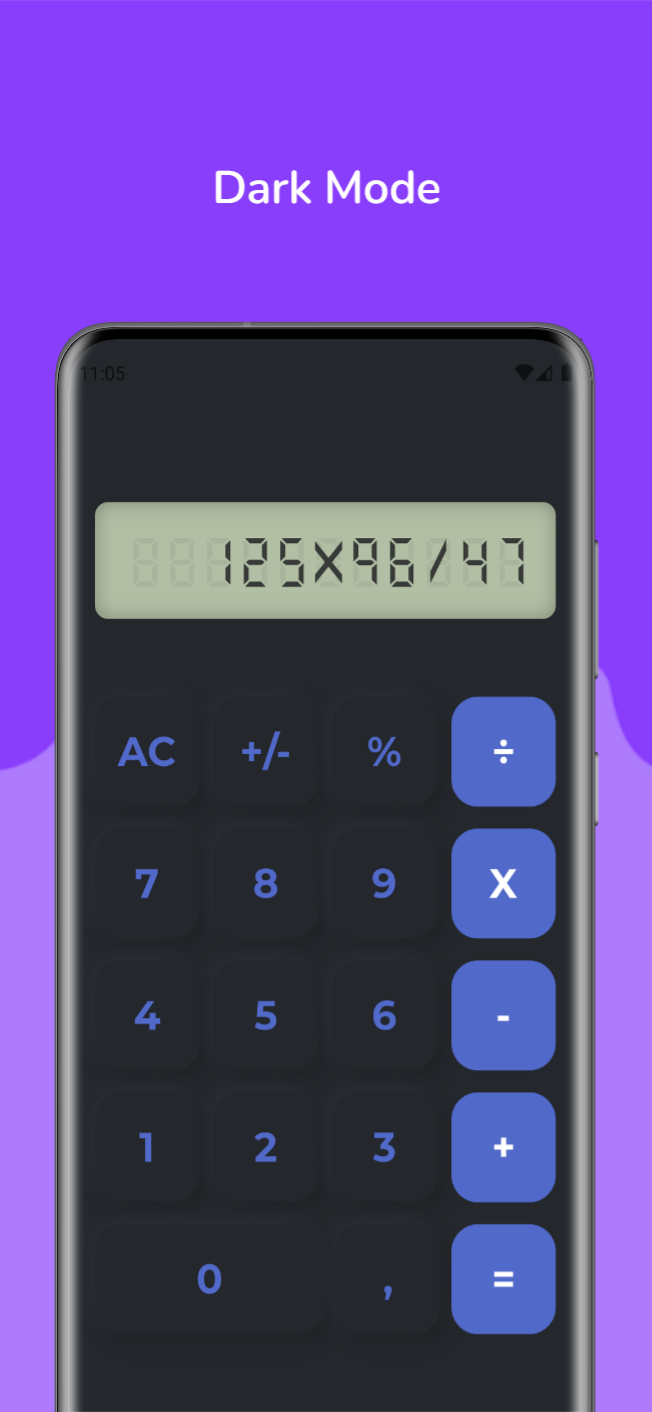

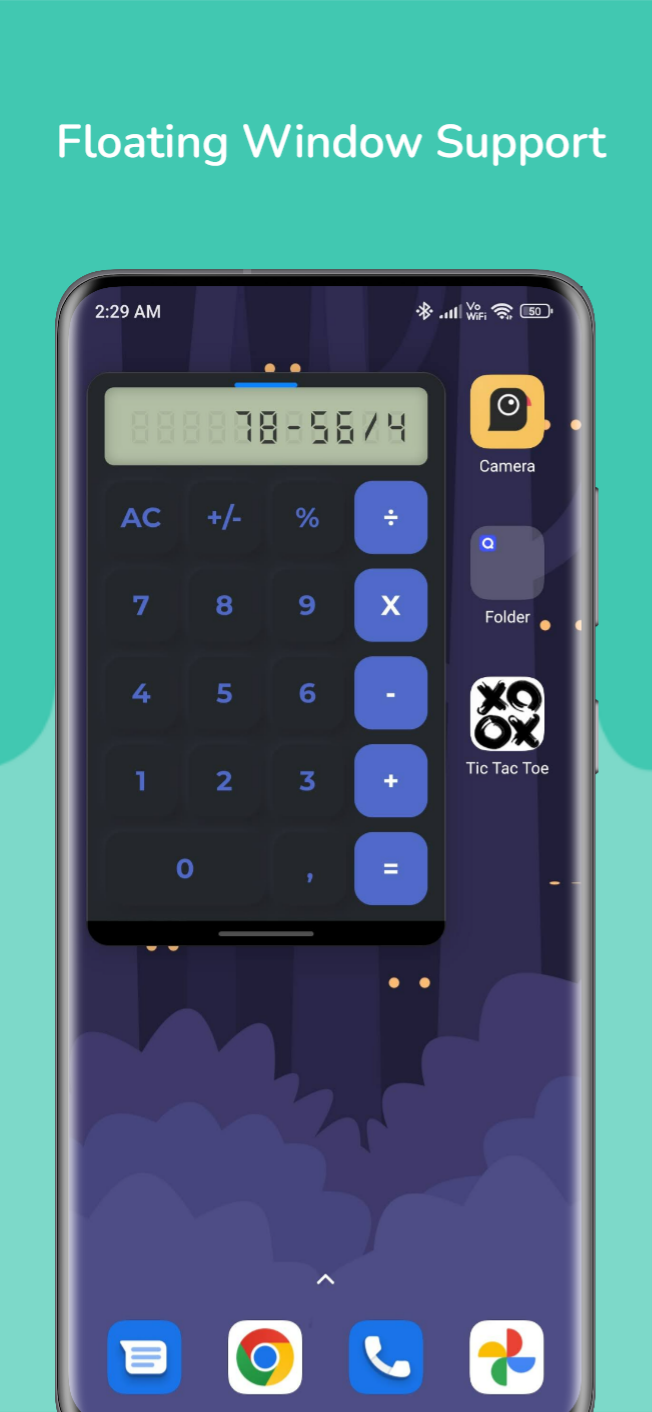
| Platform | Installation Links |
|---|---|
| Android |



|
| Linux |

|
| Windows |

|
| Web App |

|
| Shortcut | Action |
|---|---|
 |
Inputs digits from 0 to 9 |
 |
Addition |
 |
Subtraction |
  |
Multiplication |
 |
Division |
 |
Percentage |
 |
Delete a Digit |
  |
Decimal Point |
  |
Evaluate |
 |
All Clear |
  |
Clear Character |
| Name | Usage |
|---|---|
| flutter_inset_box_shadow | To use inset property for box shadows |
| math_expressions | For parsing and evaluating mathematical expressions |
| flutter_lints | For linting |
Copyright (c) 2023 Aditya R MIT LICENCE
依赖清单 4 项
{"sdk":"flutter"}^2.7.0^5.0.0{"sdk":"flutter"}先按使用场景筛选,再比较项目活跃情况,最后到原始仓库核对使用要求。
“A repository is the most basic element of GitHub.”
GitHub Docs — About repositories ↗