
字体库
一个用于显示不同字体族及其变体外观的应用程序。使用 Flutter 开发。

- 星标
- 82
- 复刻
- 8
- 最近推送(UTC)
- 2025年7月29日
- 项目状态
- 未归档
原始 README
以下为英文项目原文快照,最新内容请访问 GitHub。
📜🖼️ Font Gallery
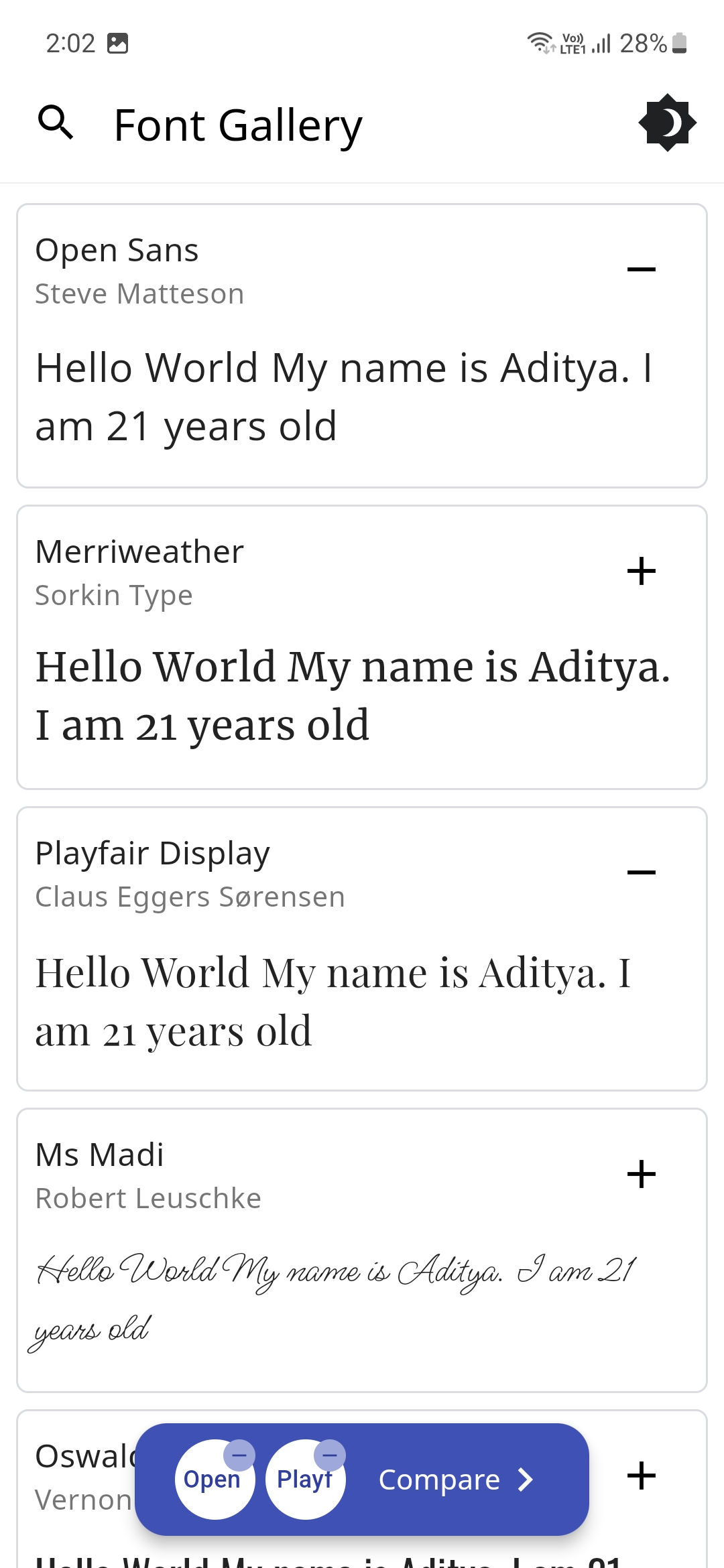
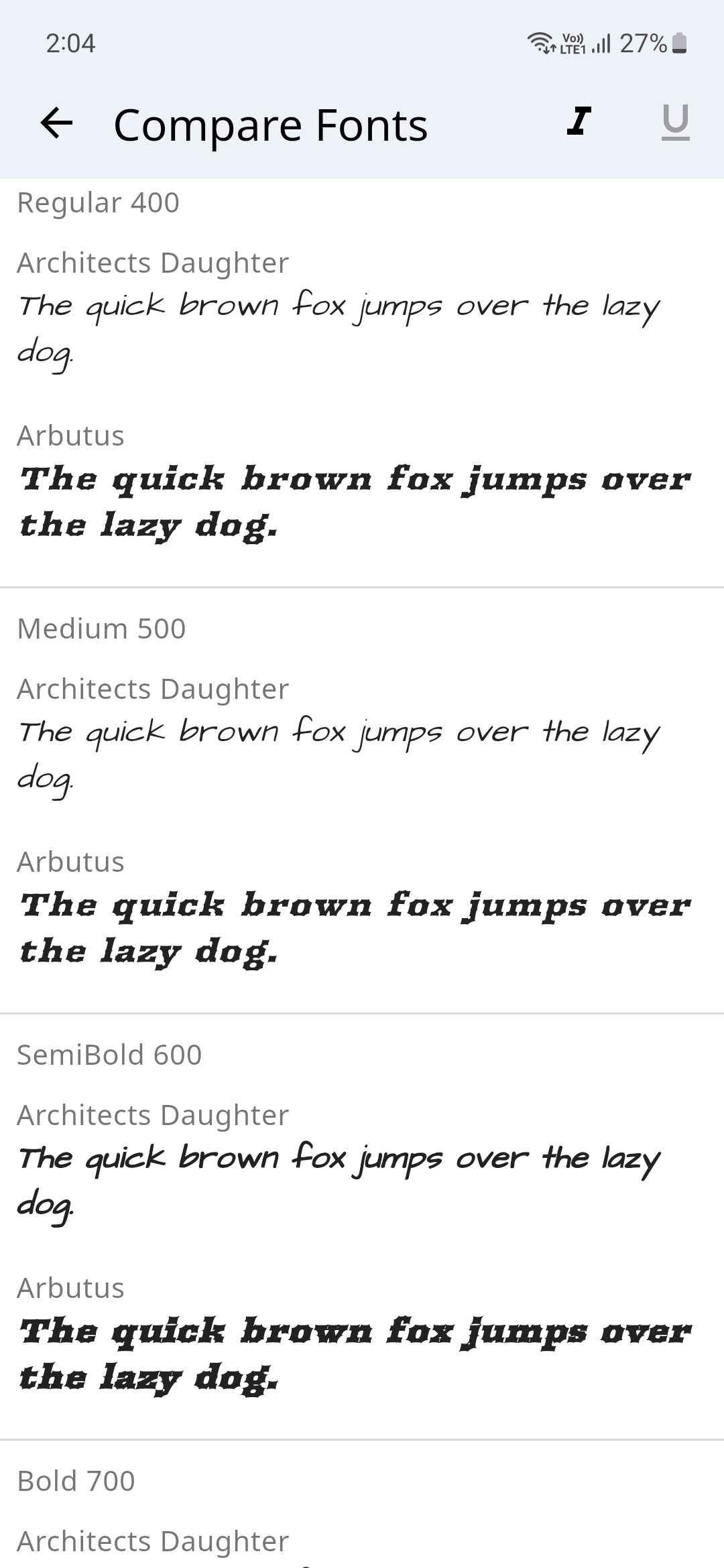
Font Gallery app showcases how different Font Families with their different variations (Style, Weight and Size) look. You could switch between light and dark modes and also compare different font families.
There's a handy search feature to easily search for your favorite fonts and the text to compare the font's could also be changed to a custom user set text.
The Fonts are sourced from Google Fonts and even the Font Author information is displayed.
Please star⭐ the repo if you like what you see😊.
💻 Installation and Usage
| Platform | Installation Links |
|---|---|
| Android |



|
| Linux |

|
| Windows |

|
| Web App |

|
✨ Features
- [x] Display Different Fonts
- [x] Search for Fonts using their name
- [x] Dark/Light Theme Modes
- [x] Input Text to preview how it would look with the selected Font
- [x] Change Font Size
- [x] Display all the Font Weights
- [x] Option to Display a different Font style
- [x] Display Font Author Information
- [x] Compare Fonts
- [ ] Change Font Colors
- [ ] Generate an Image for the font
- [ ] Multi-Language Support
📸 Screenshots
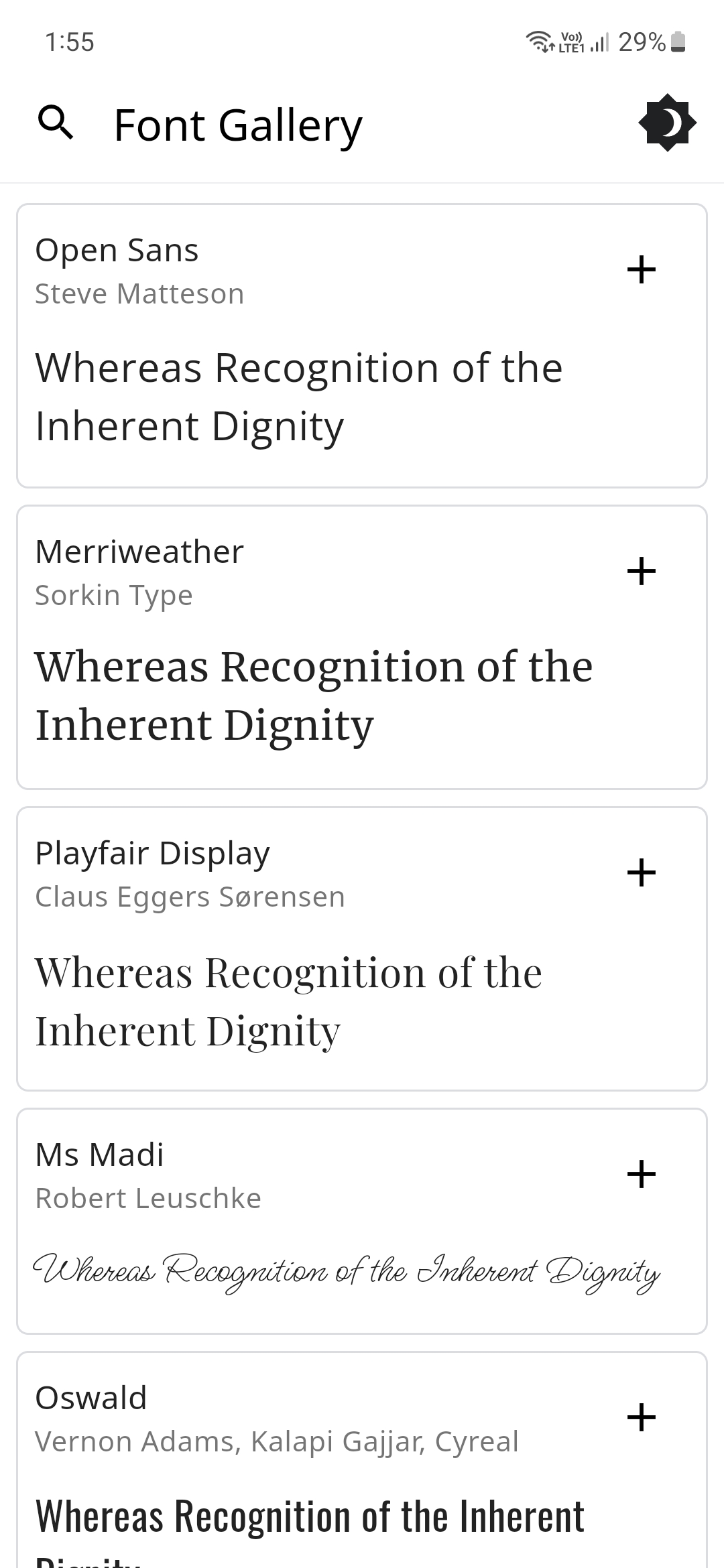
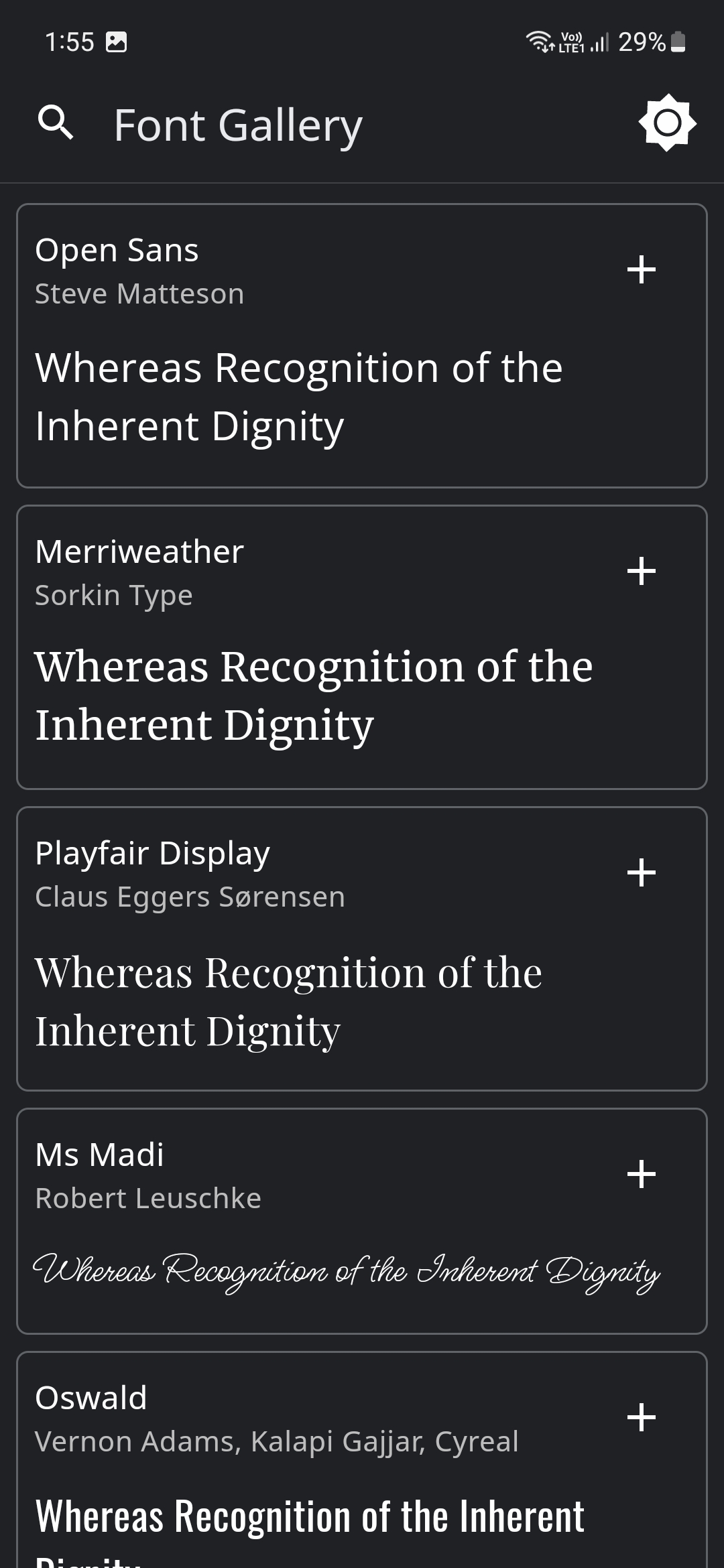
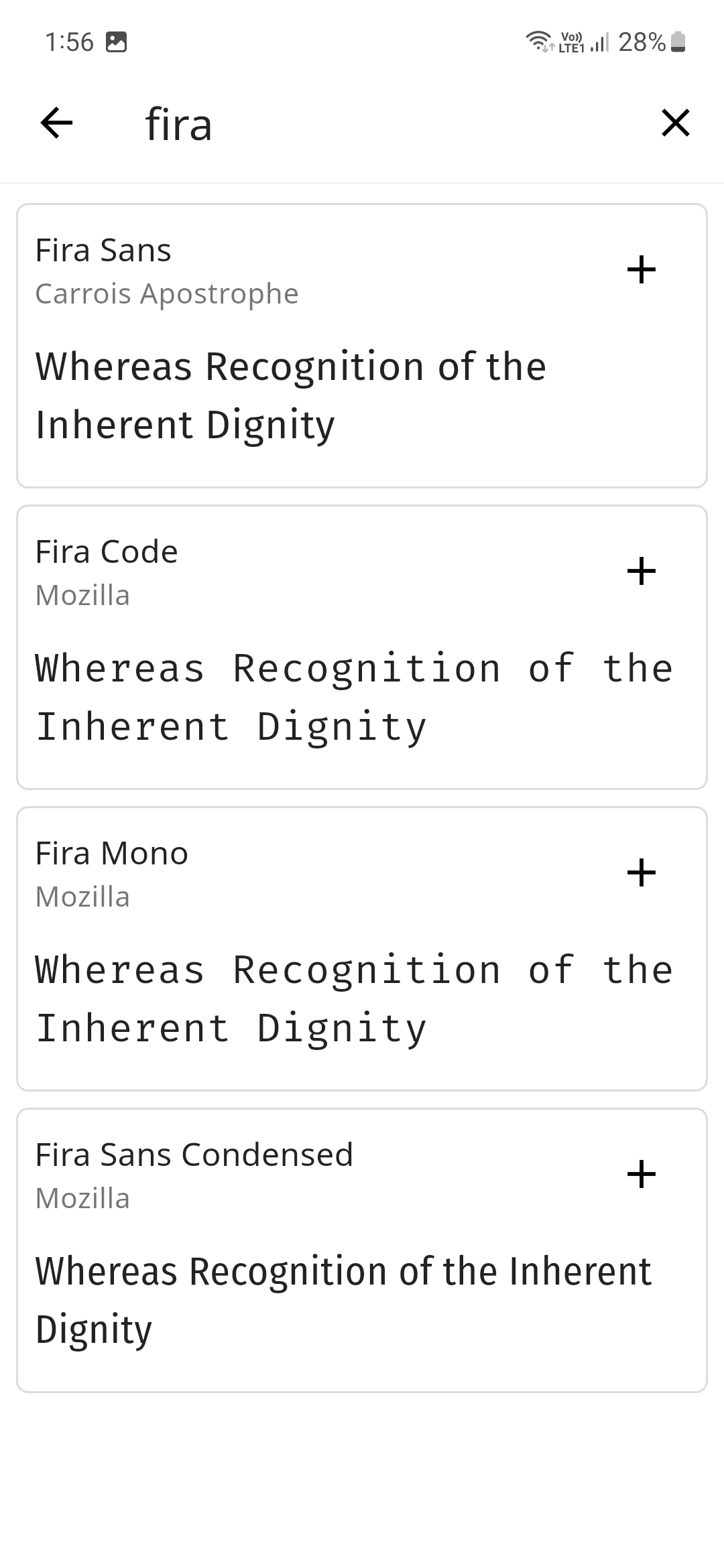
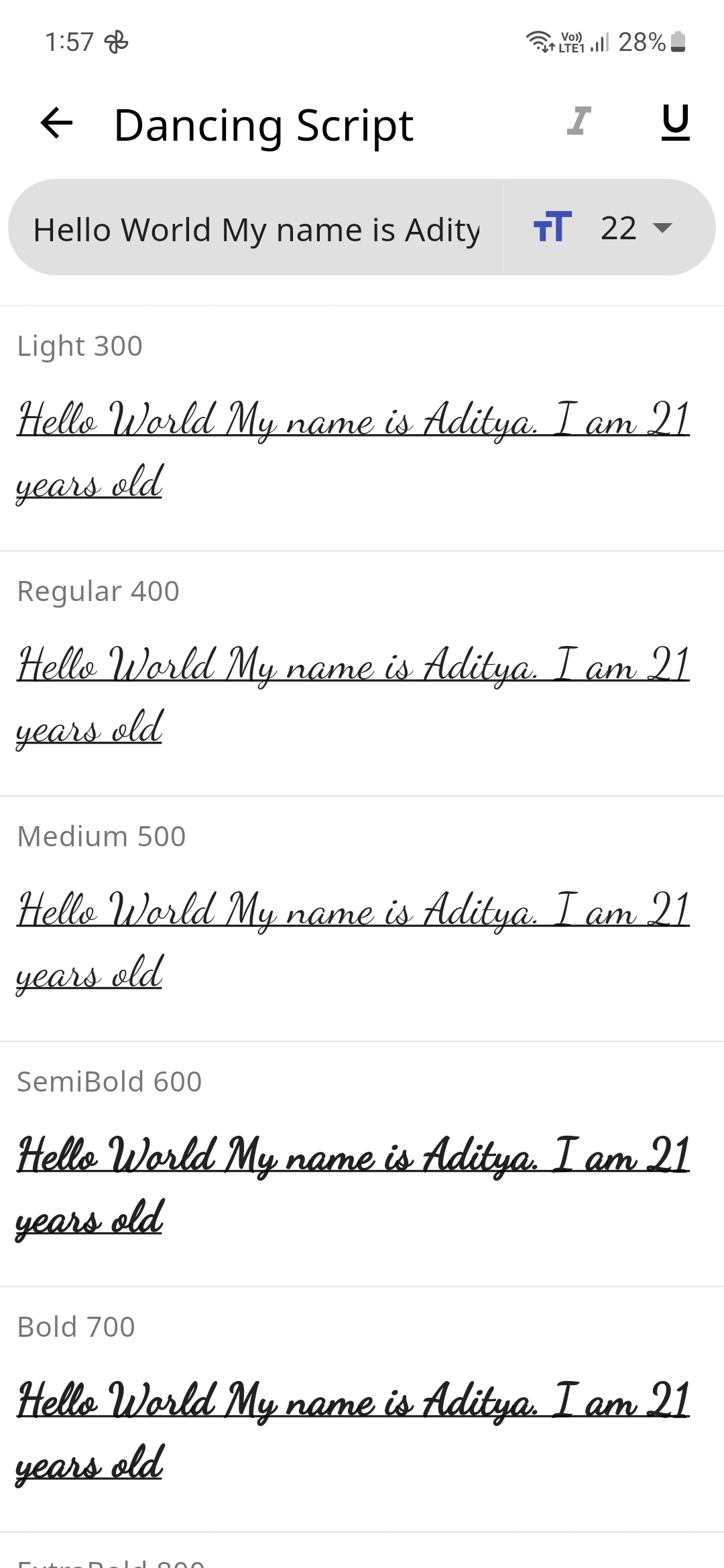
🔌 Plugins
| Name | Usage |
|---|---|
| shared_preferences | To store theme mode preference |
| flutter_lints | For linting |
| lottie | For Theme Switch Animation |
| google_fonts | For downloading the different fonts |
| flutter_riverpod | For managing the state |
🤓 Author
🔖 LICENSE
Copyright (c) 2023 Aditya R MIT LICENSE
🙏 Attributions

GitHub 作者
Aditya ↗
语言DartC++CMakeRubyInno SetupSwiftCHTMLKotlinObjective-C
分类
使用的依赖
依赖清单 7 项
- flutter
{"sdk":"flutter"} - flutter_riverpod
^2.6.1 - google_fonts
^6.2.1 - lottie
^3.3.1 - shared_preferences
^2.5.3 - flutter_lints开发依赖
^5.0.0 - flutter_test开发依赖
{"sdk":"flutter"}
App 分类
如何选择适合项目的代码仓?
先按使用场景筛选,再比较项目活跃情况,最后到原始仓库核对使用要求。
- 通过仓库名、作者或描述搜索,再按技术分类缩小范围。
- 结合星标、复刻与最近推送比较项目;星标反映社区关注,不代表质量保证。
- 使用前在 GitHub 核对 README、许可证与 Issues。
来源与维护
“A repository is the most basic element of GitHub.”
GitHub Docs — About repositories ↗