

 v1.0.1
cupertino_height_picker
该包提供了一种无缝的 Cupertino 风格高度选择器,支持厘米(公制)和英尺/英寸(英制),为用户提供灵活性和精确性。
8喜欢 158近 30 天下载160Pub 分数
AndroidiOSWebmacOSWindowsLinux
该包提供了一种无缝的 Cupertino 风格高度选择器,支持厘米(公制)和英尺/英寸(英制),为用户提供灵活性和精确性。

以下为英文项目原文快照,最新内容请访问 GitHub。

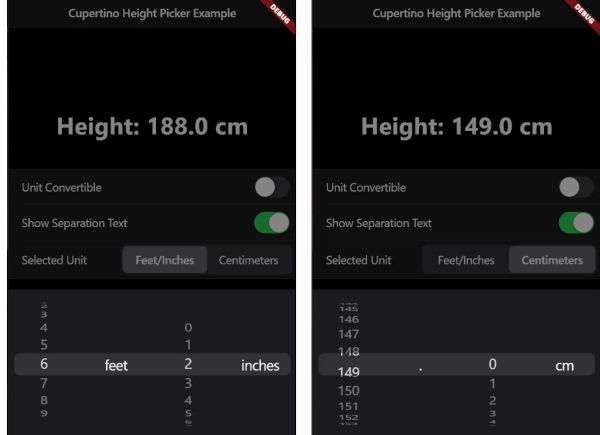
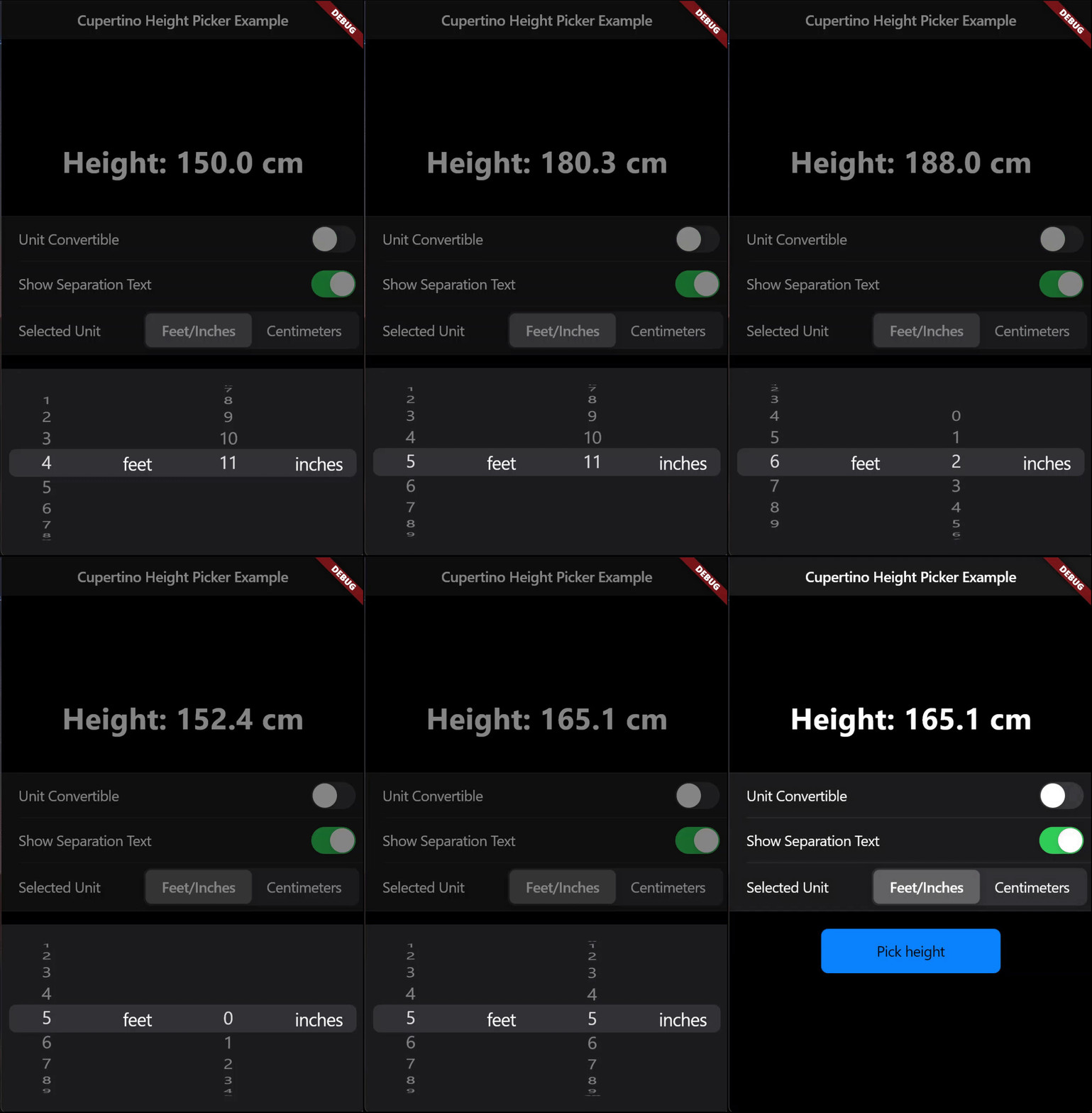
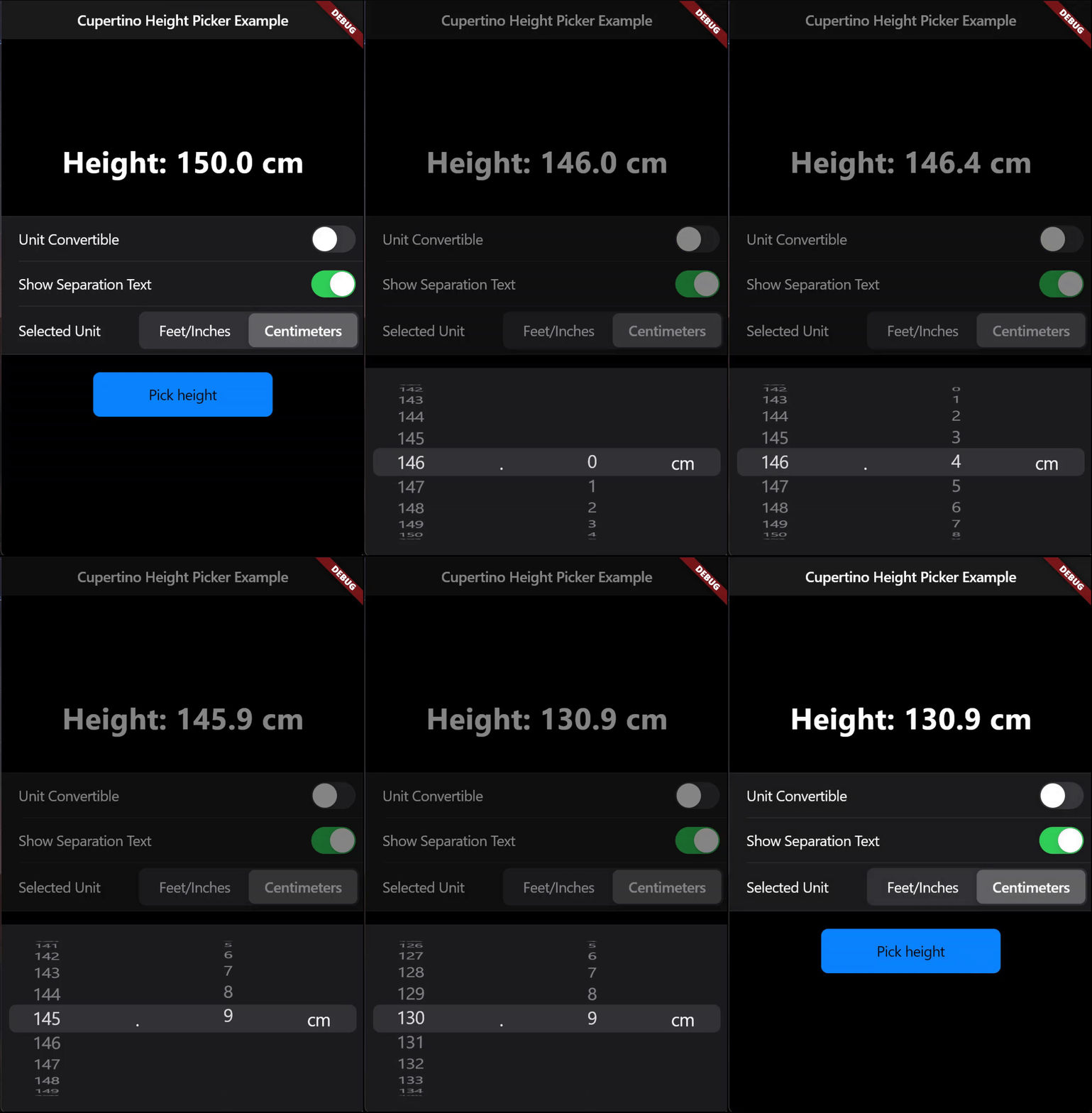
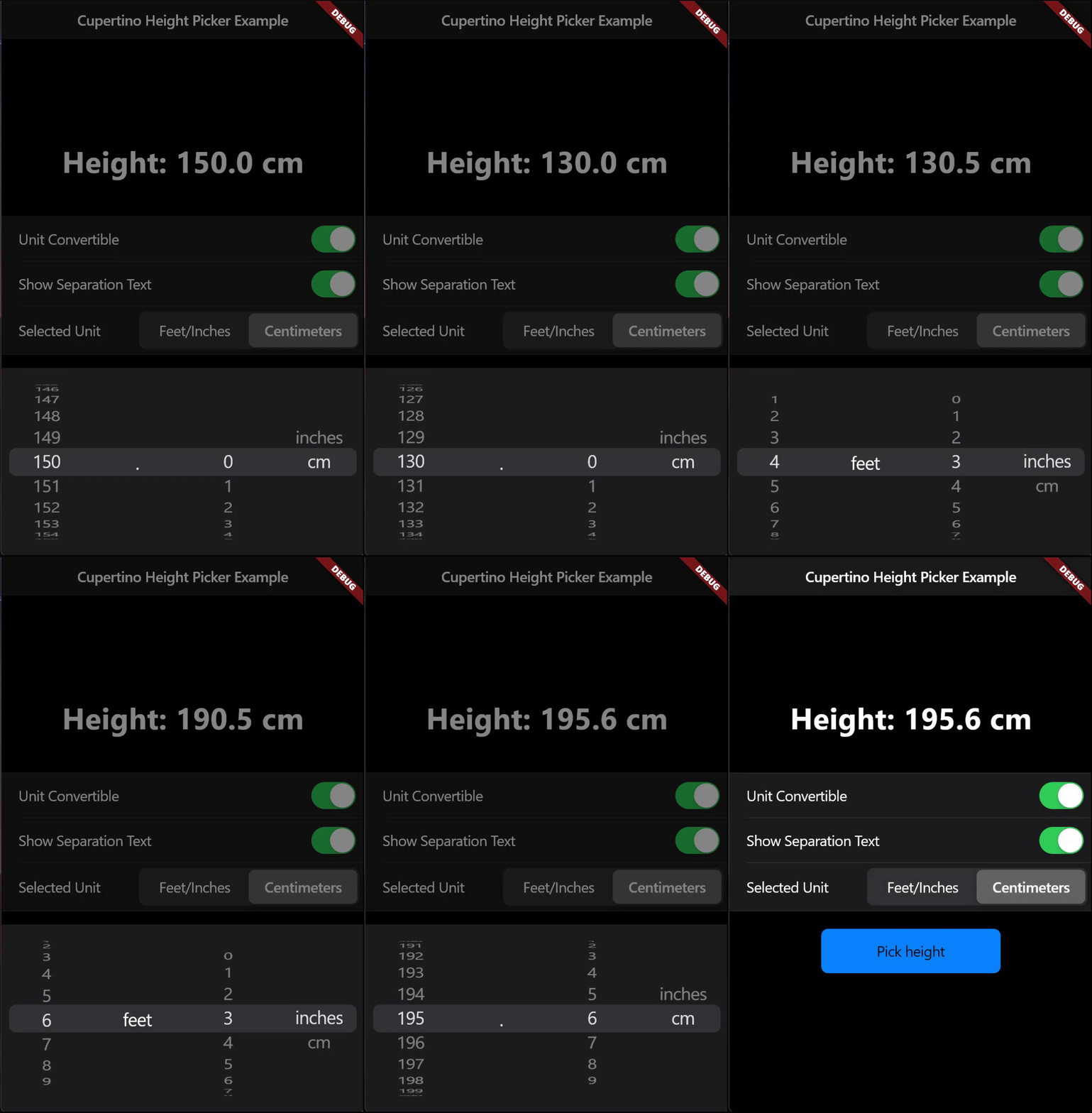
A seamless Cupertino-style height picker widget for Flutter. Supports height selection in both centimeters (metric) and feet/inches (imperial), providing versatility and precision for users.
| Imperial System | Metric System | Automatic Unit Conversion |
|---|---|---|
 |
 |
 |
Add this to your package's pubspec.yaml file:
dependencies:
  cupertino_height_picker: ^1.0.1
You can install packages from the command line:
$ flutter pub get
Now in your Dart code, you can use:
import 'package:cupertino_height_picker/cupertino_height_picker.dart';
Call the default showCupertinoHeightPicker Function which always returns the height in centimeters and has automatic unit conversion enabled by default
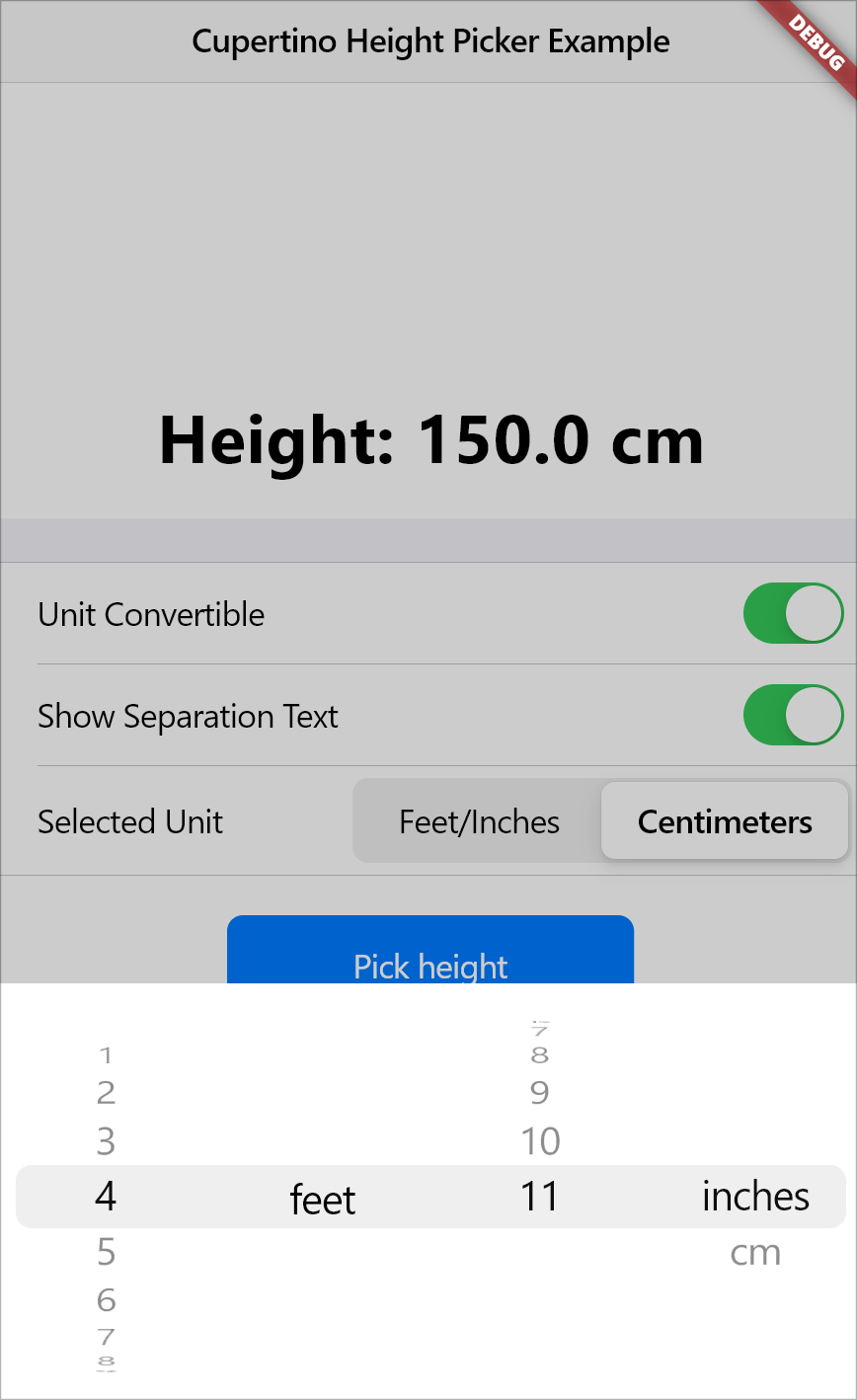
await showCupertinoHeightPicker(
  context: context,
  onHeightChanged: (val) {
    setState(() {
      heightInCm = val;
      });
  },
);
Allow Height to be input only from metric system
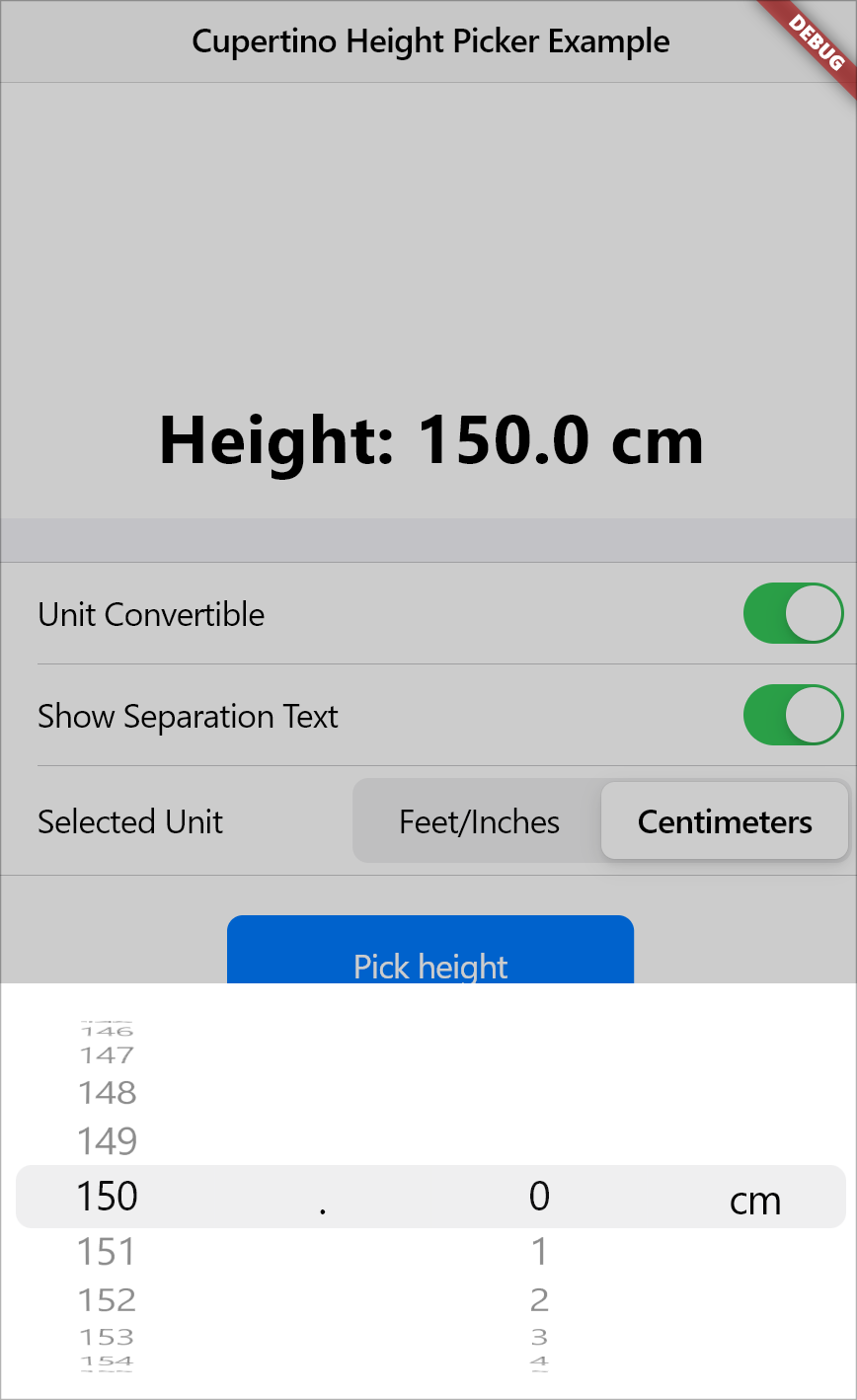
await showCupertinoHeightPicker(
  context: context,
  initialSelectedHeightUnit:HeightUnit.cm,
  canConvertUnit: false,
  onHeightChanged: (val) {
    print(val);
  },
);
Start from a custom initial height and don't show the separation text between feet and inches
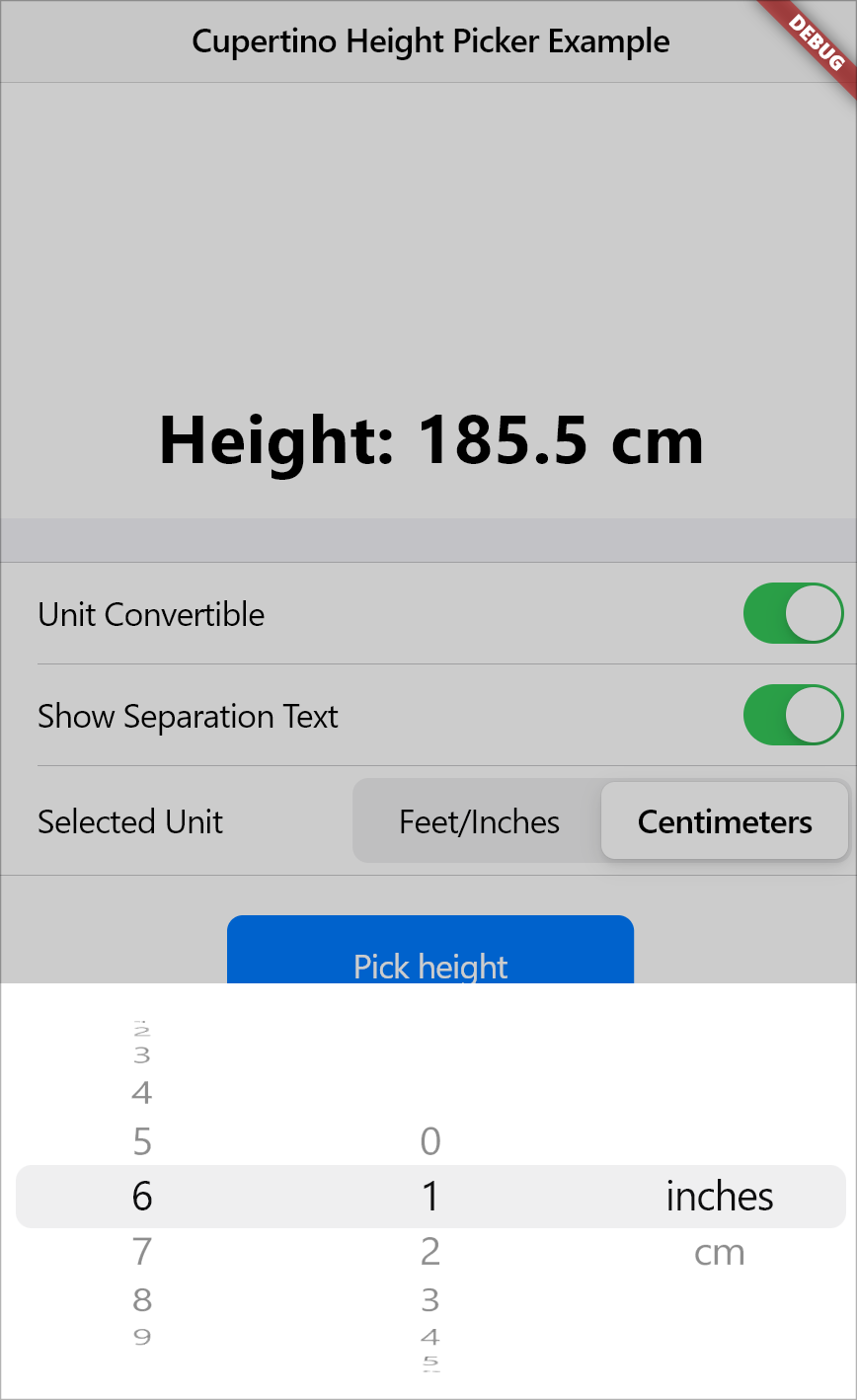
await showCupertinoHeightPicker(
  context: context,
  initialHeight: 185.5,
  showSeparationText: false,
  onHeightChanged: (val) {
    print(val);
  },
);
Customize the Look of the Modal to your liking!
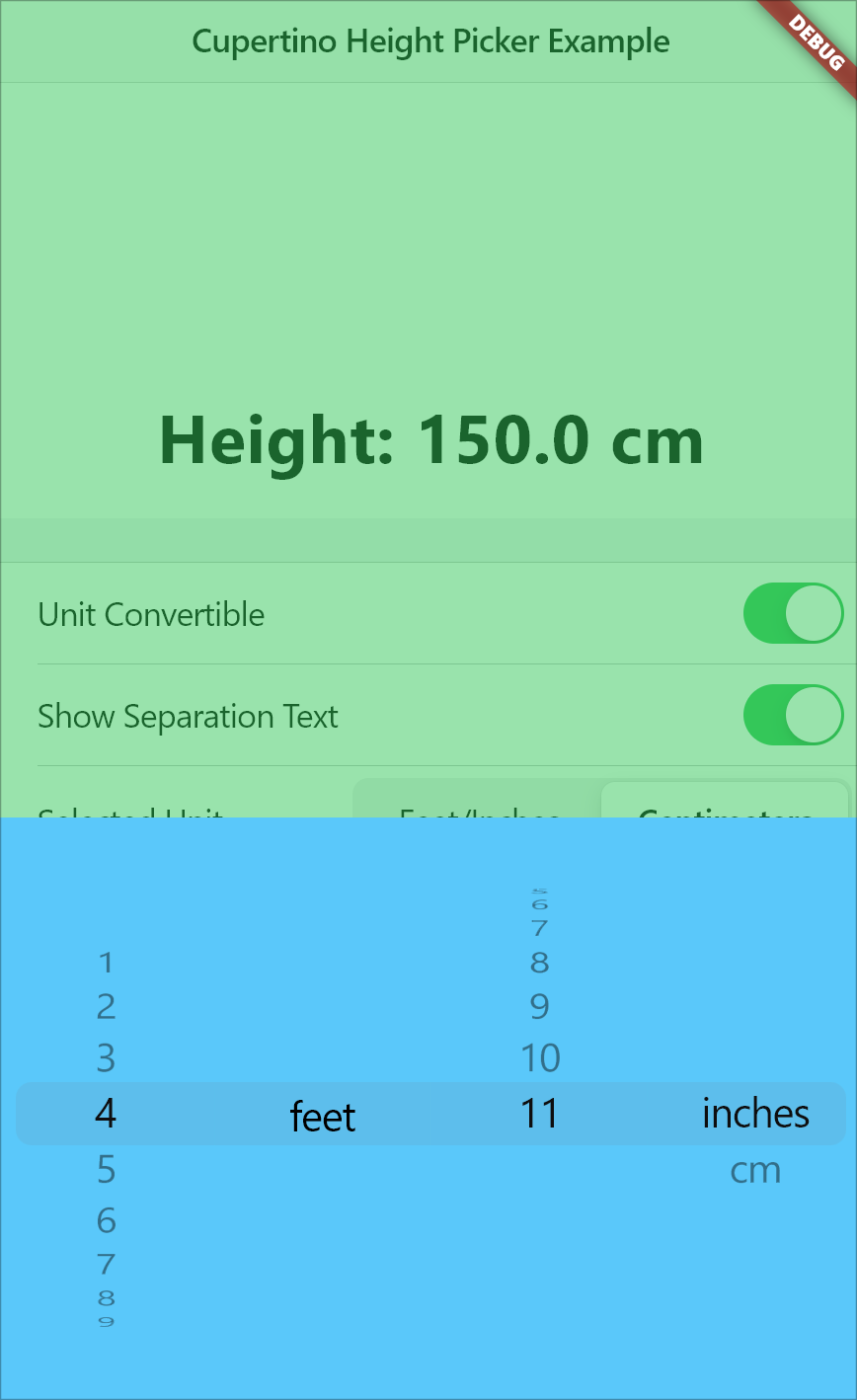
await showCupertinoHeightPicker(
  context: context,
  modalHeight: 300,
  maxModalWidth: 500,
  modalBackgroundColor: CupertinoColors.systemTeal,
  barrierColor: CupertinoColors.systemGreen.withOpacity(0.5),
  onHeightChanged: (val) {
    print(val);
  },
);
context: (Required) The BuildContext object, which is necessary for rendering the height picker within the widget tree.
onHeightChanged: (Required) A callback function that handles height changes when the user scrolls through different height values. The selected height is returned in centimeters.
initialHeight: Sets the default initial height value when the picker is opened. The default is 150.0 cm.
initialSelectedHeightUnit: Specifies the default height unit (either HeightUnit.inches or HeightUnit.cm) when the picker is opened. The default is HeightUnit.inches.
canConvertUnit: A boolean that determines whether the height picker allows conversion between imperial and metric systems. The default is true.
showSeparationText: A boolean that controls whether a separation text (e.g., 'feet') or a decimal point text is shown between the two sliders. The default is true.
modalHeight: Specifies the height of the modal sheet. The default value is 216.0.
maxModalWidth: Defines the maximum width of the modal sheet. This is useful for responsiveness on larger screens, such as tablets and laptops. If null, the modal takes up the full device width. The default is null.
modalBackgroundColor: Defines the background color of the modal sheet. The default is null.
barrierColor: Sets the color of the screen behind the modal, allowing for a custom background color with reduced opacity. The default is kCupertinoModalBarrierColor.
依赖清单 3 项
{"sdk":"flutter"}{"sdk":"flutter"}^4.0.0先按使用场景筛选,再比较项目活跃情况,最后到原始仓库核对使用要求。
“A repository is the most basic element of GitHub.”
GitHub Docs — About repositories ↗