
telpo-flutter-sdk
🖨 适用于Telpo热敏打印机设备的Flutter插件。
- 星标
- 24
- 复刻
- 17
- 最近推送(UTC)
- 2022年11月4日
- 项目状态
- 未归档
原始 README
以下为英文项目原文快照,最新内容请访问 GitHub。
telpo_flutter_sdk

A Flutter plugin for handling connection and communication with Telpo thermal printer devices.
💡 Motivation
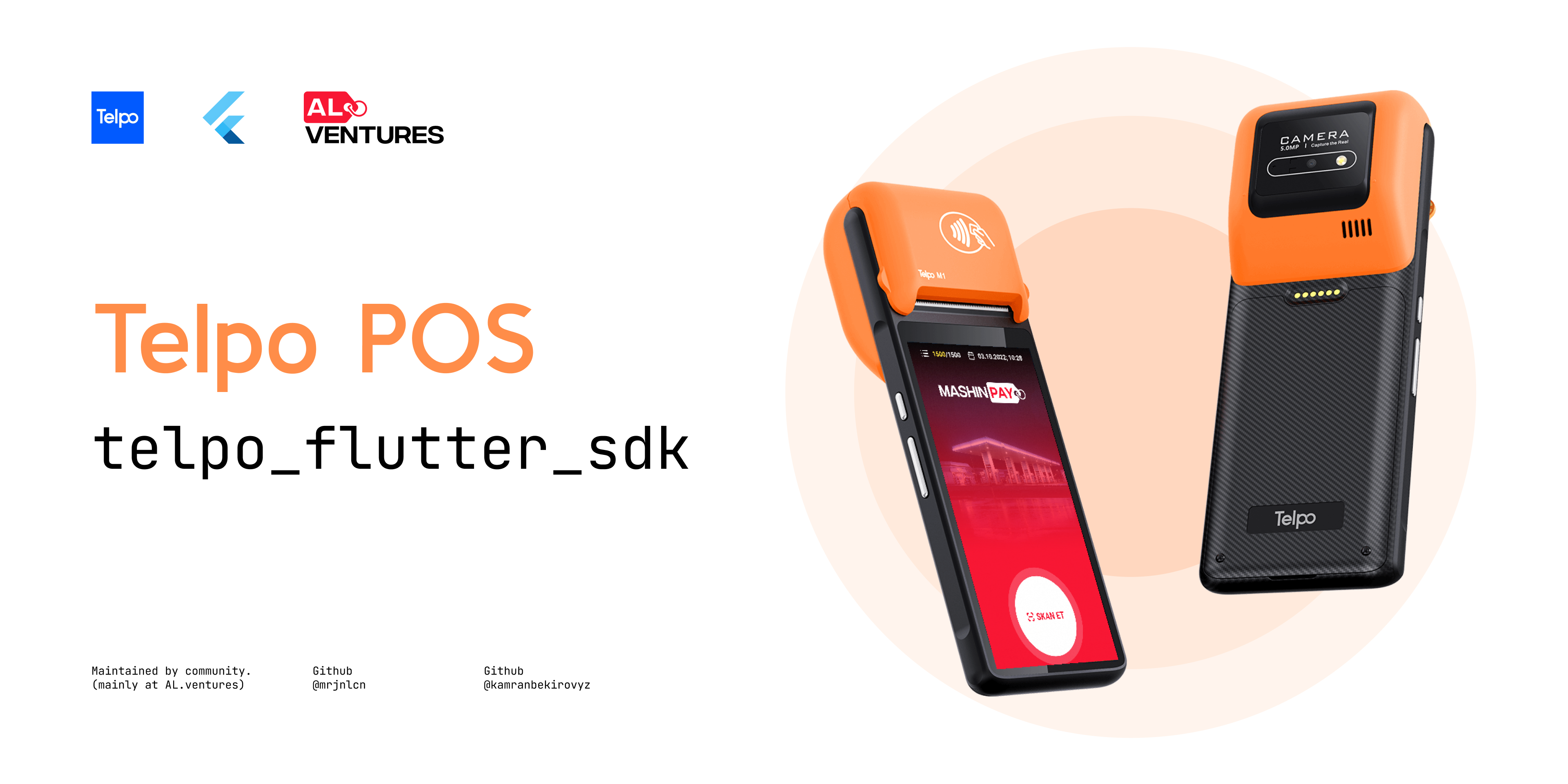
While developing MASHINPAY payment solution we've purchased Telpo thermal printers ("M1"s specifically) for printing invoice files after users' successful transaction. The Telpo devices come with a native SDK and documentation for it. Since there wasn't an official plugin for Flutter, we had to customize the plugin by ourselves. We've added so many useful methods for better handling exceptions, customizable print layout and etc.
⚙️ Android setup
- Add
url "https://jitpack.io"formavento project levelbuild.gradlefile (android/build.gradle).
allprojects {
    repositories {
        ...
        maven { url "https://jitpack.io" }
        ...
    }
}
- Set the
minSdkVersionas 19 in application levelbuild.gradlefile (android/app/build.gradle).
android {
    defaultConfig {
        ...
        minSdkVersion 19
        ...
    }
}
🕹️ Usage
Initialization
To get started, create an instance of TelpoFlutterChannel:
final _telpoFlutterChannel = TelpoFlutterChannel();
Connecting with Telpo:
final bool connected = await _telpoFlutterChannel.connect();
// Result: true, false.
Checking Telpo's status:
final TelpoStatus status = await _telpoFlutterChannel.checkStatus();
// Result: ok, noPaper, overHeat, cacheIsFull, unknown.
Checking connection status with Telpo:
final bool status = await _telpoFlutterChannel.isConnected();
// Result: true, false.
Printing a sheet:
// Creating an empty sheet
final sheet = TelpoPrintSheet();

// Creating a text element
const textData = PrintData.text(
  'TelpoFlutterSdk',
  alignment: PrintAlignment.center,
  fontSize: PrintedFontSize.size34,
);

// Creating 8-line empty space
const spacing = PrintData.space(step: 8);

// Inserting previously created text element to the sheet.
sheet.addElement(textData);

// Inserting previously created spacing element to the sheet.
sheet.addElement(spacing);

final PrintResult result = await _telpoFlutterChannel.print(sheet);
// Result: success, noPaper, lowBattery, overHeat, dataCanNotBeTransmitted, other.
📝 Roadmap
✅ Well-written documentation 🤓
✅ Document the platform-specific configurations.
✅ Add explanations for Enum values of PrintResult and TelpoStatus.
⏳ Print image file.
⏳ Toggle printing event via NFC. 🤩
⏳ Toggle printing event via BlueTooth, may be?
⏳ Checking if Telpo is available on the device?
🤓 Contributors


🙏 Credits
While we were trying to understand and port the Telpo device to the Flutter framework we got very inspiring code samples and examples from Efikas's plugin (flutter_telpo) for Flutter which can be considered as a basic version of our plugin and our plugin can be considered as more customized of his since both of us used the same native implementation of the Telpo's Android SDK which comes together with the Telpo device.
🐞 Bugs/Requests
If you encounter any problems please open an issue. If you feel the library is missing a feature, please raise a ticket on GitHub and we'll look into it. Pull requests are welcome.
📃 License

Aljan Shikhiyev ↗
分类
使用的依赖
依赖清单 3 项
- flutter
{"sdk":"flutter"} - flutter_test开发依赖
{"sdk":"flutter"} - flutter_lints开发依赖
^2.0.0
如何选择适合项目的代码仓?
先按使用场景筛选,再比较项目活跃情况,最后到原始仓库核对使用要求。
- 通过仓库名、作者或描述搜索,再按技术分类缩小范围。
- 结合星标、复刻与最近推送比较项目;星标反映社区关注,不代表质量保证。
- 使用前在 GitHub 核对 README、许可证与 Issues。
来源与维护
“A repository is the most basic element of GitHub.”
GitHub Docs — About repositories ↗