 v2.0.0
azlistview
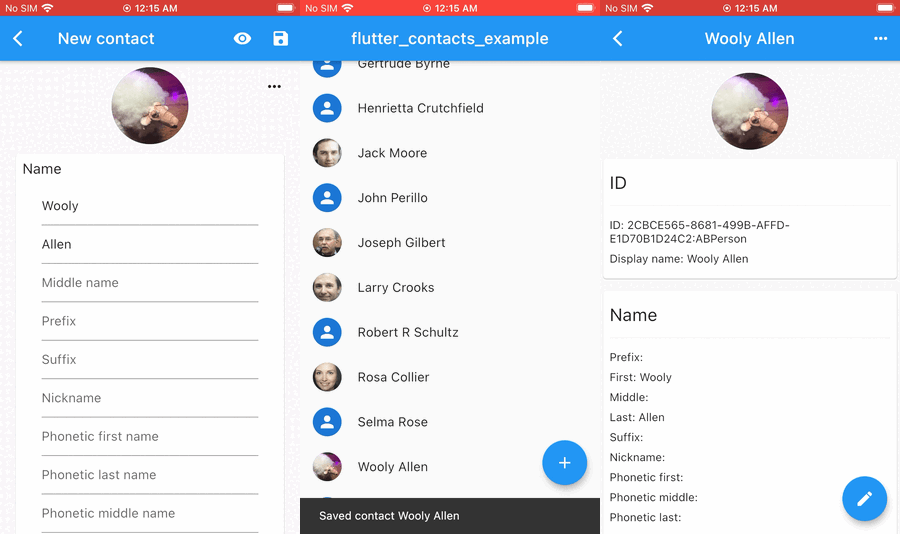
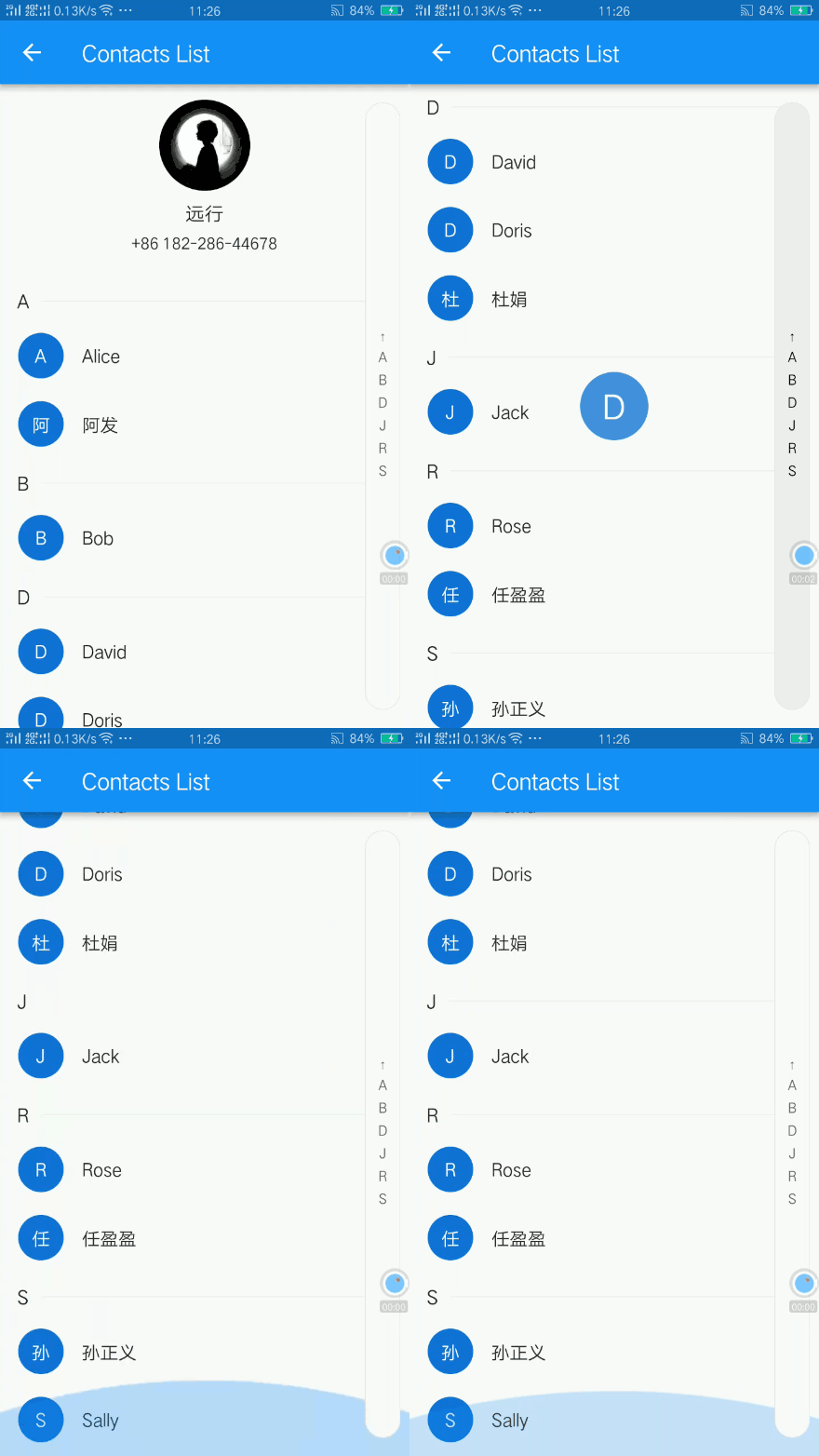
一个 Flutter 粘性标题和索引 ListView。IndexBar。例如城市列表、联系人列表。索引和悬停效果。
318喜欢 3.4万近 30 天下载130Pub 分数
AndroidiOSWebmacOSWindowsLinux
无需向 WhatsApp 提供联系人访问权限即可添加 WhatsApp 联系人!

以下为英文项目原文快照,最新内容请访问 GitHub。
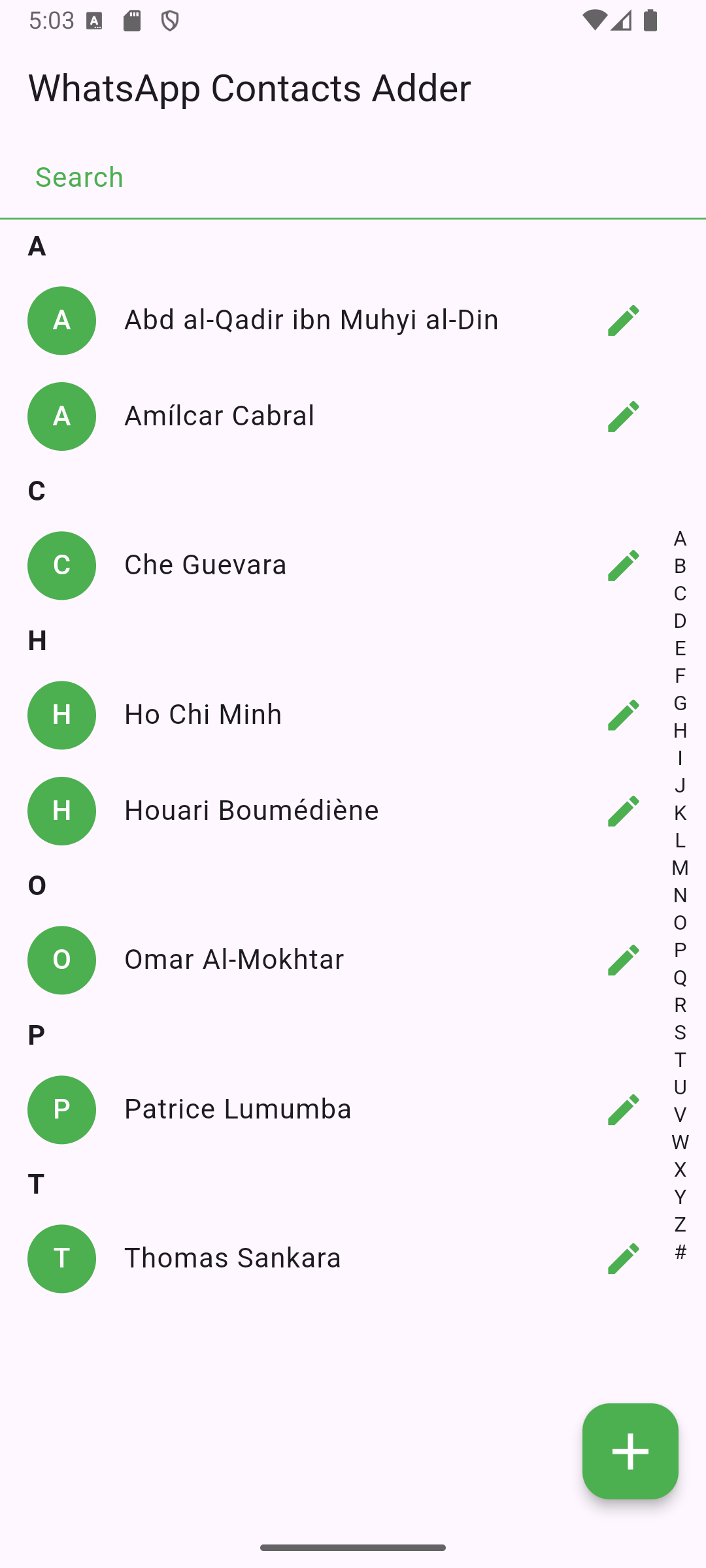
WhatsApp Contacts Adder is an Android app built with Flutter that allows users to add WhatsApp contacts, without giving WhatsApp access to their contacts.
Important: For this app to work, make sure your contacts (or the number you enter) has the country code.
Unlike other apps (e.g. Telegram), WhatsApp doesn't work properly without having access to the phone's contacts. Most functionalities work, but you practically can't add contacts.
So, for it to work, you'd have to ask people to add you.
This FOSS app basically acts as a man-in-the-middle that gets access to your contacts, and then through a simple mock API call, initiates a chat with whichever contact you prefer.
You can also start chatting with a phone number directly without adding it as a contact in your phone book!
Simply, get it on F-Droid store!

Or, to manually install the app on your Android device:
Settings > Apps & notifications > Special app access > Install unknown apps.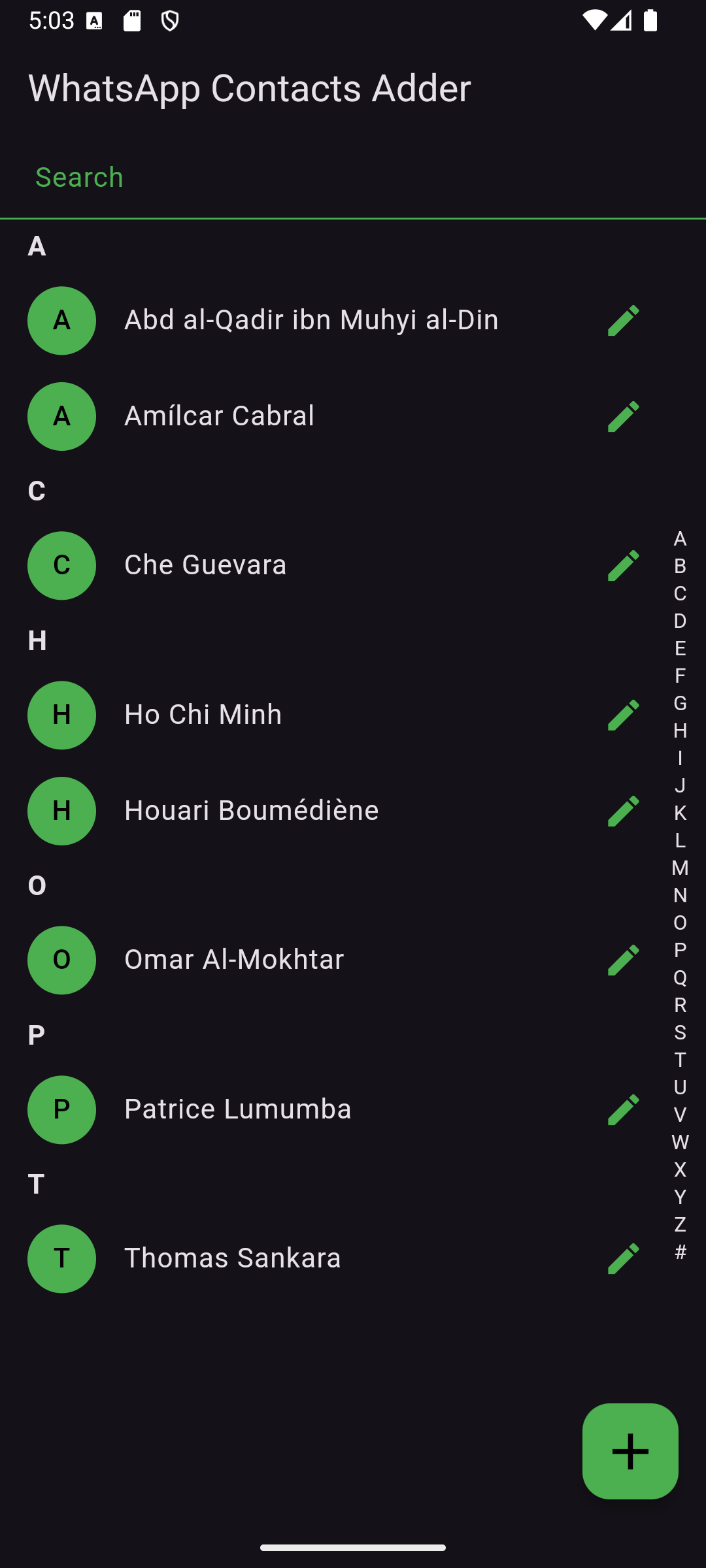


The app uses a custom icon stored in assets/. Ensure it's correctly referenced in pubspec.yaml.
This project is licensed under the GPL-3 License. See LICENSE for details.
For questions or suggestions, feel free to reach out!
依赖清单 9 项
{"sdk":"flutter"}^1.0.81.1.9+26.3.1^2.0.0^0.14.3^8.1.1{"sdk":"flutter"}^5.0.0先按使用场景筛选,再比较项目活跃情况,最后到原始仓库核对使用要求。
“A repository is the most basic element of GitHub.”
GitHub Docs — About repositories ↗