
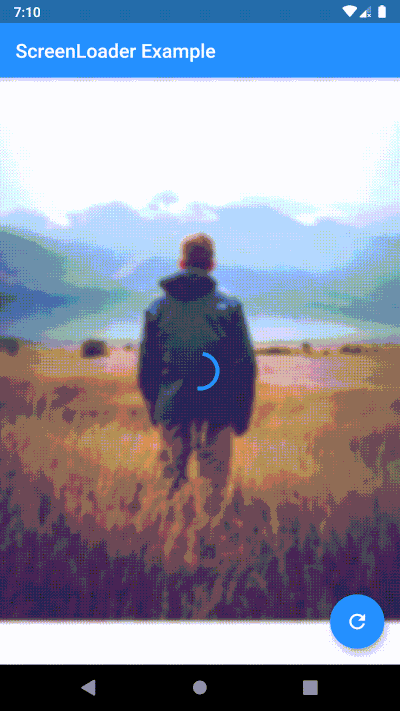
 v4.0.1
screen_loader
易于使用的 mixin ScreenLoader,可处理屏幕上的加载,而无需使用状态或导航堆栈。您也可以自定义加载。
50喜欢 772近 30 天下载150Pub 分数
AndroidiOSWebmacOSWindowsLinux
易于使用的混合类型 ScreenLoader,可处理屏幕上的加载。您也可以自定义加载效果,查看下面如何操作。

{"sdk":"flutter"}^3.0.4{"sdk":"flutter"}以下为英文项目原文快照,最新内容请访问 GitHub。
stream_mixin, it shows and hides the loader without updating the state of the widget which increases the performanceScreenLoader mixin and wrap the widget with loadableWidgetScreenLoader mixinloadableWidgetperformFuture function to show loader while your future is being performedSimply overide loader() method
loader() {
    // here any widget would do
    return AlertDialog(
        title: Text('Wait.. Loading data..'),
    );
}
void main() {
  configScreenLoader(
    loader: AlertDialog(
      title: Text('Gobal Loader..'),
    ),
    bgBlur: 20.0,
  );
  runApp(MyApp());
}
configScreenLoader. Note: if you don't override local(), this loader will be usedScreenLoaderApp widget is removed. Now no need to wrap your App around any widget just to set the global configurations. Instead call configScreenLoader() before runApp()-void main() => runApp(MyApp());
+void main() {
+ configScreenLoader(
+ loader: AlertDialog(
+ title: Text('Gobal Loader..'),
+ ),
+ bgBlur: 20.0,
+ );
+ runApp(MyApp());
+}
class MyApp extends StatelessWidget {
@override
Widget build(BuildContext context) {
- return ScreenLoaderApp(
- app: MaterialApp(
- debugShowCheckedModeBanner: false,
- title: 'Screen Loader',
- theme: ThemeData(
- primarySwatch: Colors.blue,
- ),
- home: Screen(),
- ),
- globalLoader: AlertDialog(
- title: Text('Gobal Loader..'),
+ return MaterialApp(
+ debugShowCheckedModeBanner: false,
+ title: 'Screen Loader',
+ theme: ThemeData(
+ primarySwatch: Colors.blue,
),
- globalLoadingBgBlur: 20.0,
+ home: Screen(),
);
}
}
build function with screen use the build function itself and wrap the widget you want to show loader on with the loadableWidget.
-class _ScreenState extends State<Screen> with ScreenLoader<Screen> {
+class _ScreenState extends State<Screen> with ScreenLoader {
   @override
   loader() {
     return AlertDialog(
@@ -49,17 +51,19 @@ class _ScreenState extends State<Screen> with ScreenLoader<Screen> {
   }

   @override
-  Widget screen(BuildContext context) {
-    return Scaffold(
-      appBar: AppBar(
-        title: Text('ScreenLoader Example'),
-      ),
-      body: _buildBody(),
-      floatingActionButton: FloatingActionButton(
-        onPressed: () async {
-          await this.performFuture(NetworkService.getData);
-        },
-        child: Icon(Icons.refresh),
+  Widget build(BuildContext context) {
+    return loadableWidget(
+      child: Scaffold(
+        appBar: AppBar(
+          title: Text('ScreenLoader Example'),
+        ),
+        body: _buildBody(),
+        floatingActionButton: FloatingActionButton(
+          onPressed: () async {
+            await this.performFuture(NetworkService.getData);
+          },
+          child: Icon(Icons.refresh),
+        ),
       ),
     );
   }