


 v4.1.2
country_flags
一个 Flutter 包,用于从 ISO 国家代码显示国旗图标。
177喜欢 21.7万近 30 天下载160Pub 分数
AndroidiOSmacOSWindowsLinux
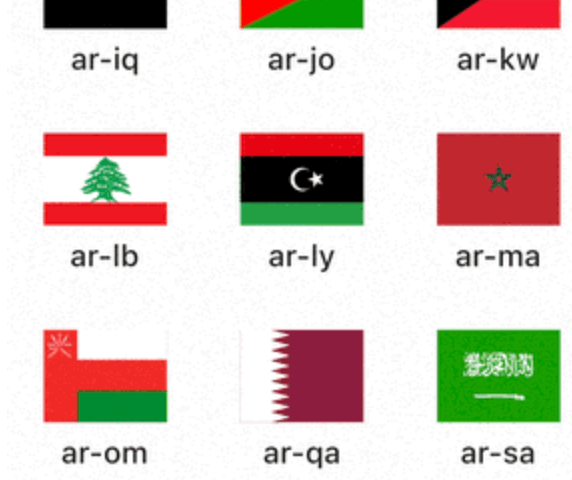
易于使用的库,可让您渲染国家和语言的SVG旗帜

以下为英文项目原文快照,最新内容请访问 GitHub。


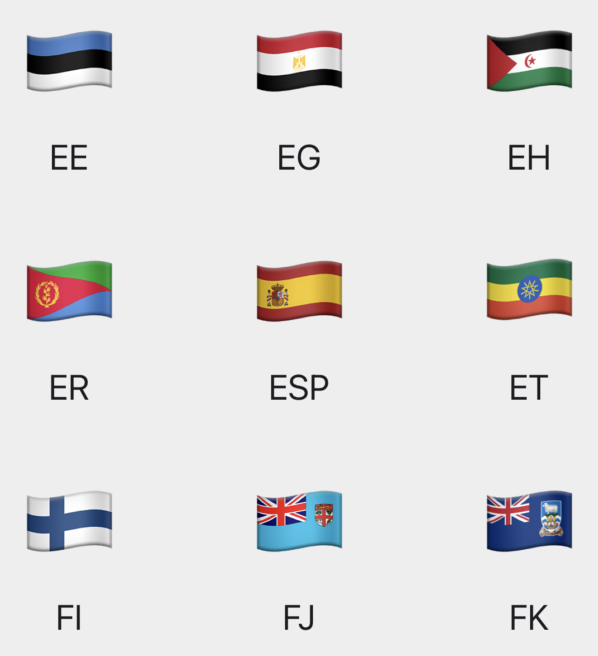
A Flutter package for displaying the SVG image or the emoji of a country's flag.
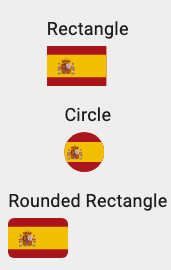
The flag can be generated using:
View the complete list of supported countries here.
For a list of supported languages, visit www.lingoes.net/en/translator/langcode.htm (please note that not all language codes on the list are supported).

Simply add country_flags to your pubspec.yaml file.
dependencies:
  country_flags: ^4.0.0
fromCountryCode supports 2 and 3 letter country code
CountryFlag.fromCountryCode('ES');
or
CountryFlag.fromCountryCode('ESP');
CountryFlag.fromLanguageCode('en');
CountryFlag.fromCurrencyCode('USD');
CountryFlag.fromPhonePrefix('+34');
CountryFlag.fromLanguageCode(
  'en',
  theme: const ImageTheme(
    width: 120,
    height: 80,
  ),
);
CountryFlag.fromCountryCode(
  'ES',
  theme: const ImageTheme(
    shape: Circle(),
  ),
);
CountryFlag.fromCountryCode(
  'ES',
  theme: const ImageTheme(
    shape: RoundedRectangle(6),
  ),
);
CountryFlag.fromCountryCode(
  'ES',
  theme: EmojiTheme(size: 60),
)
Special thanks to jovial_svg which is utilized to render the SVG images from binary files. Many thanks to bgoncharuck for the implementation.
Acknowledgments to the flag-icons project for providing the necessary SVG flags.
依赖清单 6 项
^1.19.1{"sdk":"flutter"}^1.1.25{"sdk":"flutter"}^0.15.0>=5.0.0+1 <11.0.0先按使用场景筛选,再比较项目活跃情况,最后到原始仓库核对使用要求。
“A repository is the most basic element of GitHub.”
GitHub Docs — About repositories ↗