


 v0.0.7
dialogs
此 Flutter 包提供经过精心设计的对话框,具有自定义选项。
26喜欢 137近 30 天下载130Pub 分数
AndroidiOSWebmacOSWindowsLinux
对话框

以下为英文项目原文快照,最新内容请访问 GitHub。
This flutter package provides aesthetically designed dialog box with customization options.
legacy_progress_dialog
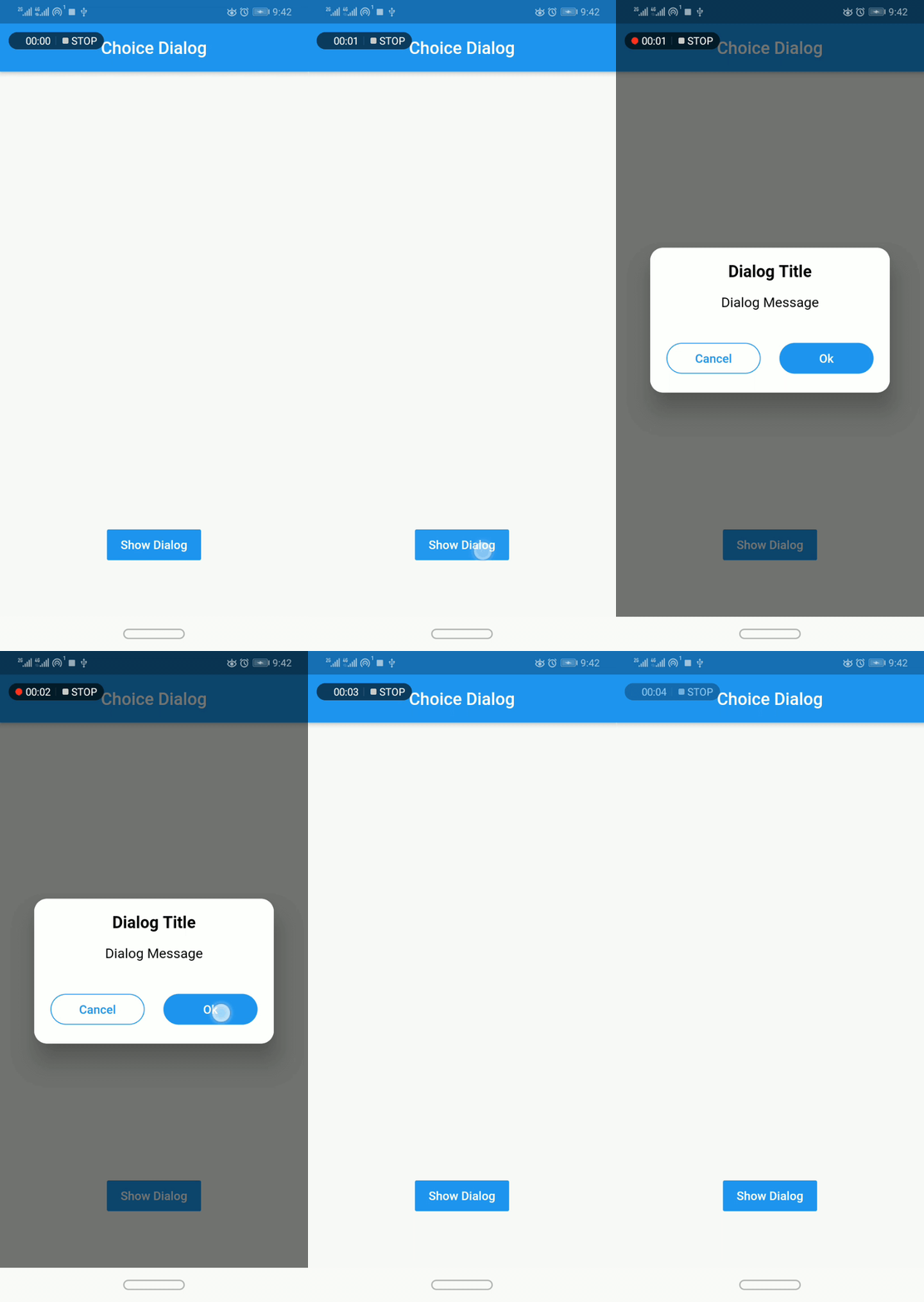
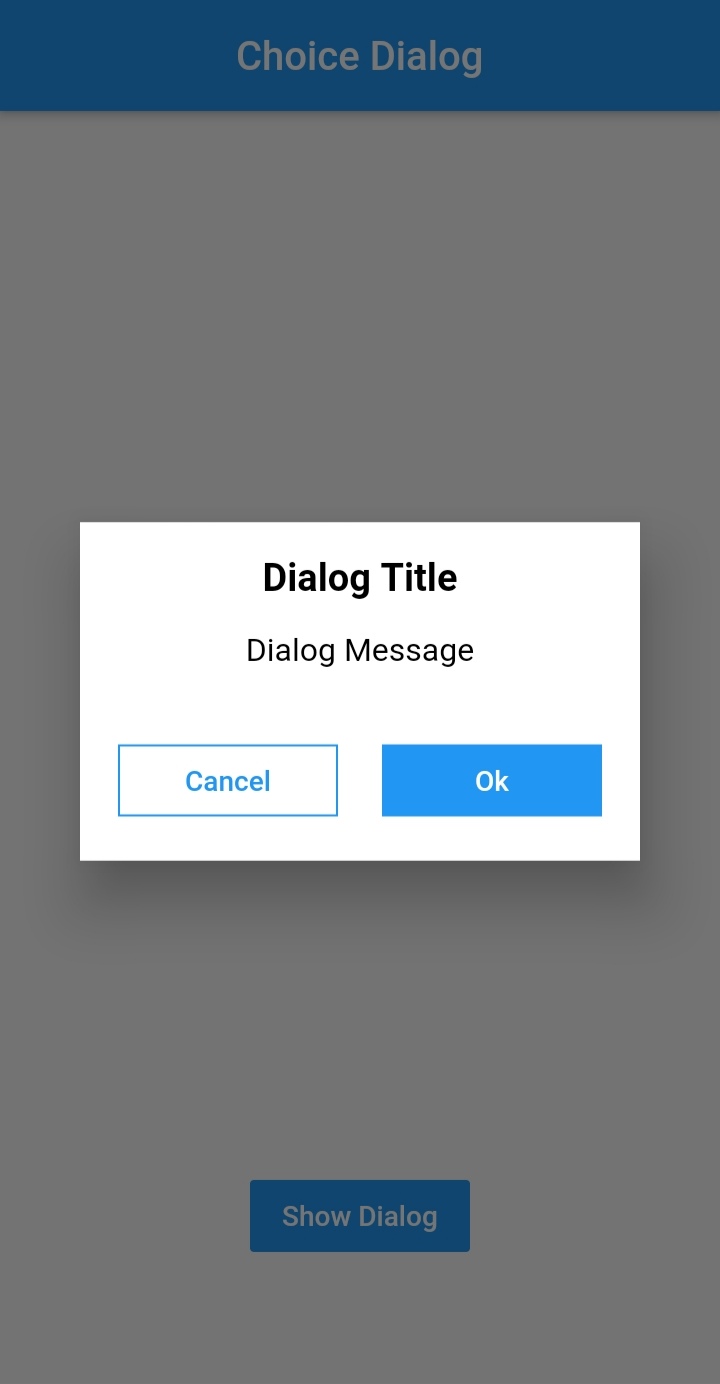
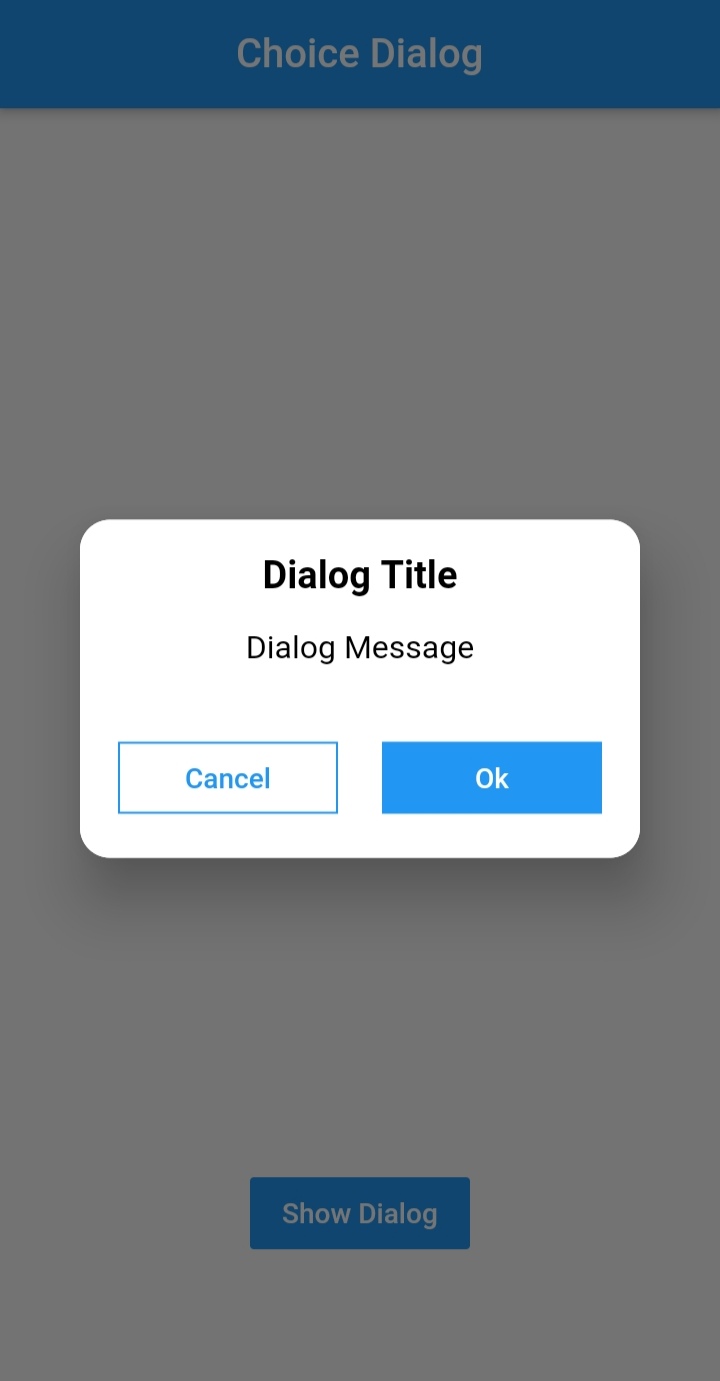
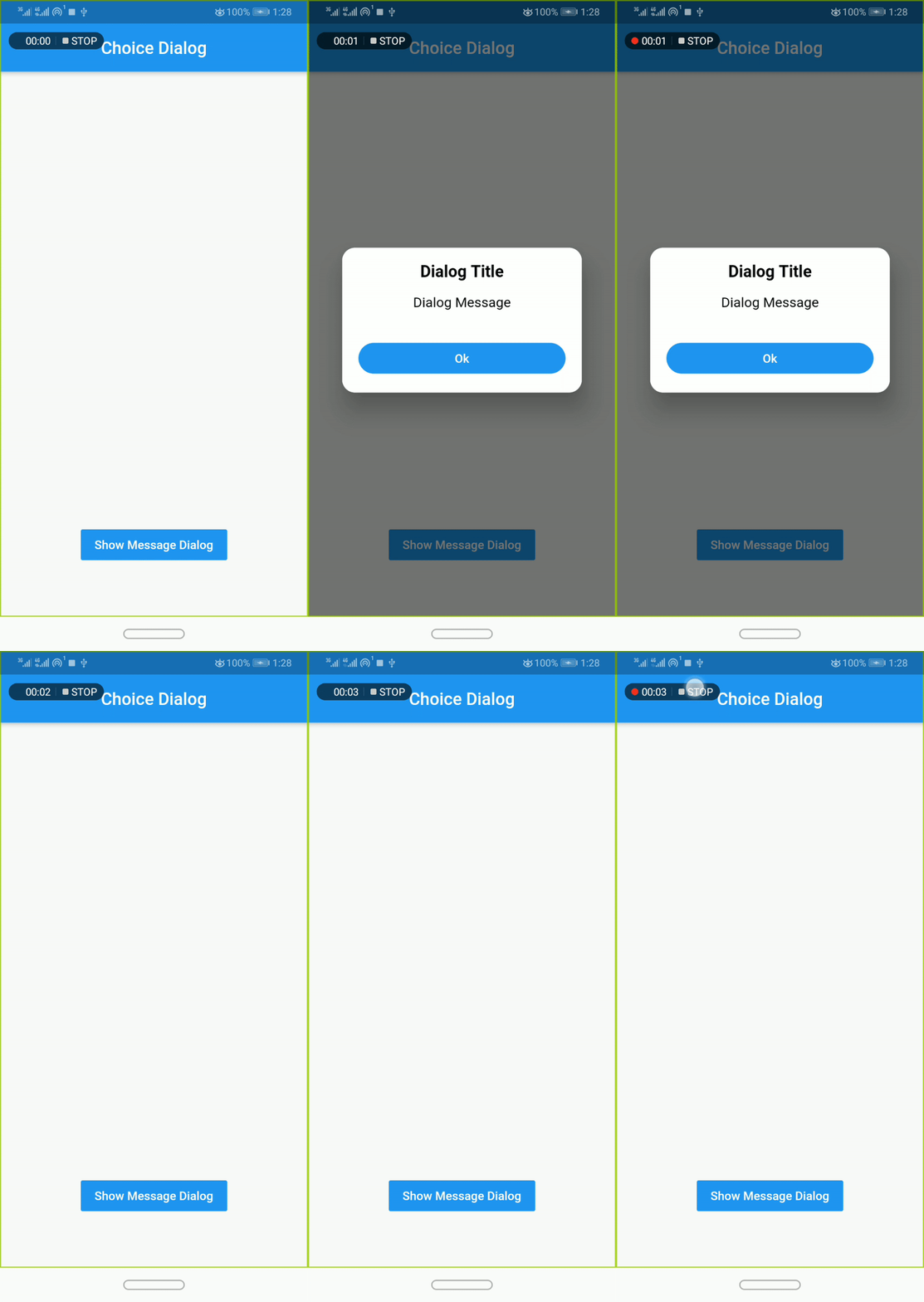
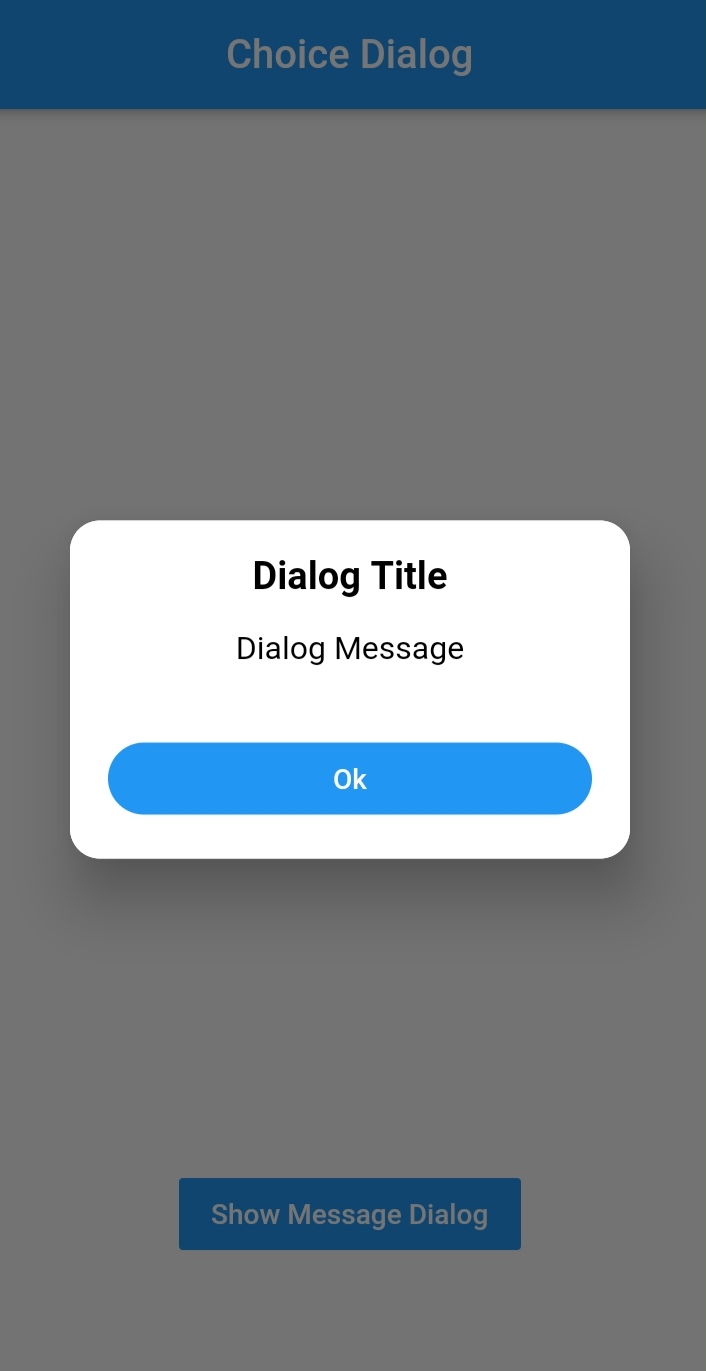
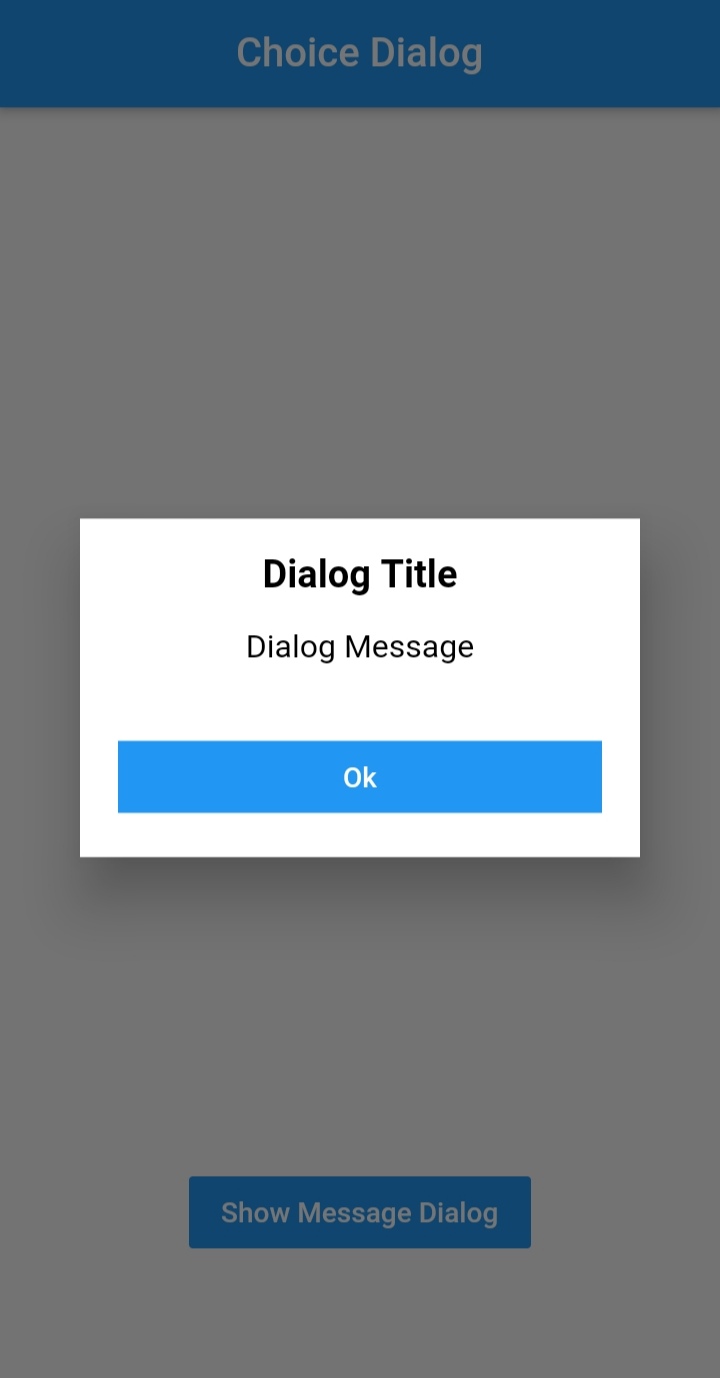



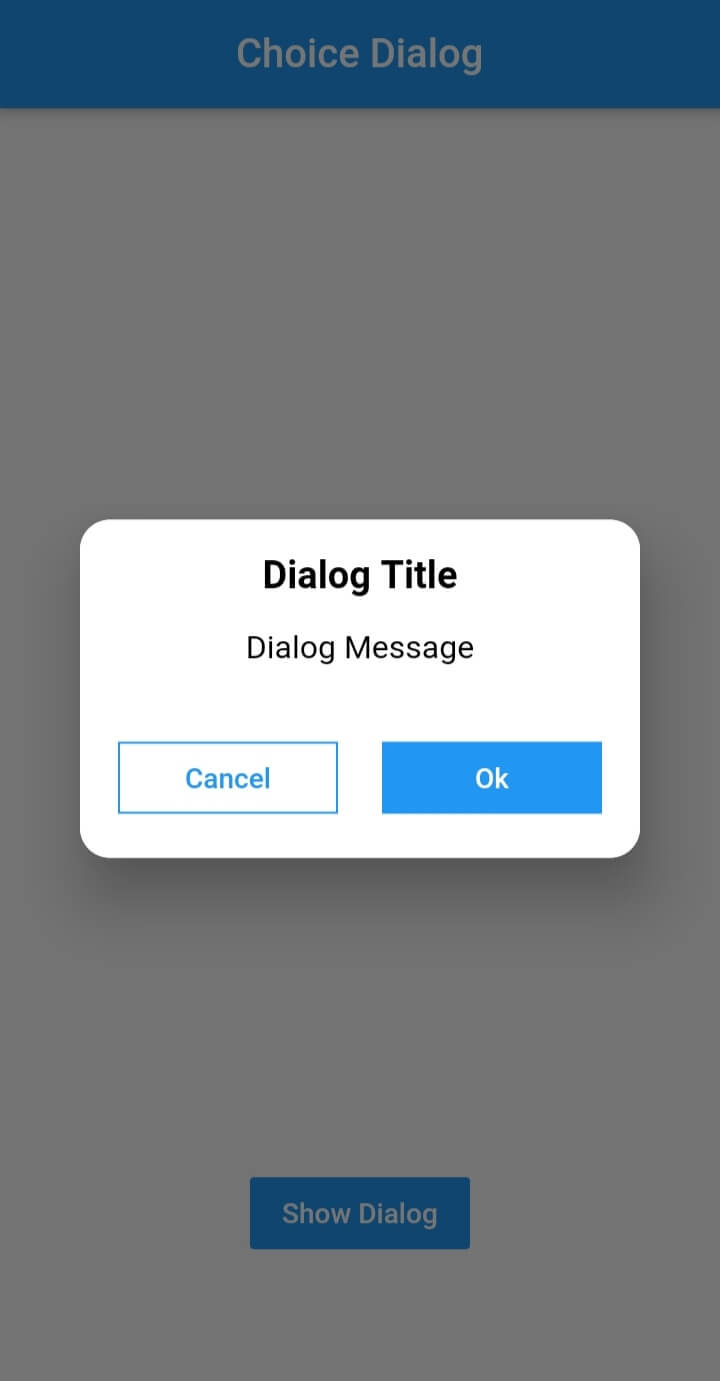
To use this plugin, add dialogs as a
dependency in your pubspec.yaml file.
import 'package:dialogs/dialogs.dart';ChoiceDialog().show() function to display the dialog.
ChoiceDialog().show(context);
##OR
final choiceDialog = ChoiceDialog();
choiceDialog.show(context);
MessageDialog().show() function and call the Choice Dialog .
MessageDialog().show(context);
final messageDialog = MessageDialog();
choiceDialog.show(context);
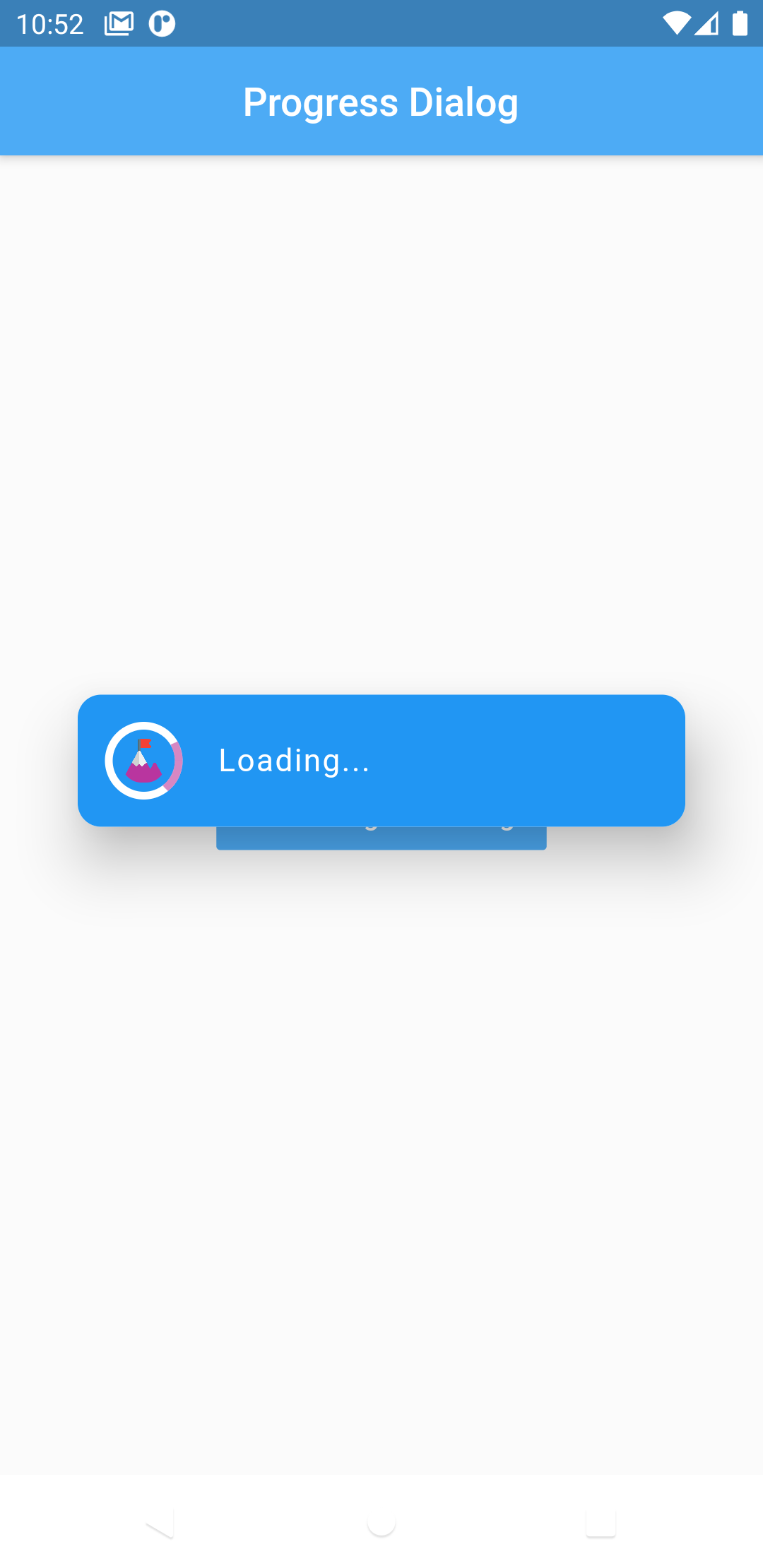
//Create an instance of ProgressDialog
ProgressDialog progressDialog = ProgressDialog(
                  context: context,
                  backgroundColor: Colors.blue,
                  textColor: Colors.White,
                );
// show dialog
progressDialog.show();

//close dialog
progressDialog.dismiss();
In order to add the ChoiceDialog, MessageDialog to your app, there are several attributes that are important parameters that you might need frequently:
| Attribute | Type | Default | Required | Description |
|---|---|---|---|---|
buttonOkOnPressed |
Function() |
Navigator.pop(context) |
No |
This function will be registered as the callback of 'Ok' button. |
buttonCancelOnPressed |
Function() |
Navigator.pop(context) |
No |
This function will be registered as the callback of 'Cancel' button. |
dialogRadius |
double |
15.0 |
No |
Determines the borderRadius of dialog box. |
buttonRadius |
double |
18.0 |
No |
Determines the borderRadius of action buttons. |
iconButtonOk |
Icon |
null |
No |
Renders a FlatButton with the provided icon for positive action. |
iconButtonCancel |
Icon |
null |
No |
Renders a FlatButton with the provided icon for negative action. |
show() also provides some useful parameters of showDialog() function
| Attribute | Type | Default | Required | Description |
|---|---|---|---|---|
context |
BuildContext |
Null |
Yes |
The context argument is used to look up the Navigator and Theme for the dialog. |
barrierDismissible |
bool |
true |
No |
Indicates whether tapping on the barrier will dismiss the dialog. |
barrierColor |
Color |
Colors.black54 |
No |
Specifies the color of the modal barrier that darkens everything below the dialog. |
Made with contributors-img.
依赖清单 2 项
{"sdk":"flutter"}{"sdk":"flutter"}先按使用场景筛选,再比较项目活跃情况,最后到原始仓库核对使用要求。
“A repository is the most basic element of GitHub.”
GitHub Docs — About repositories ↗