

 v0.1.1+1
atreeon_get_child_size
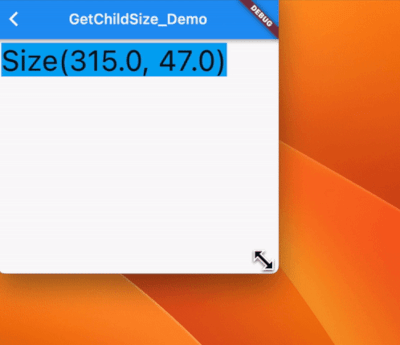
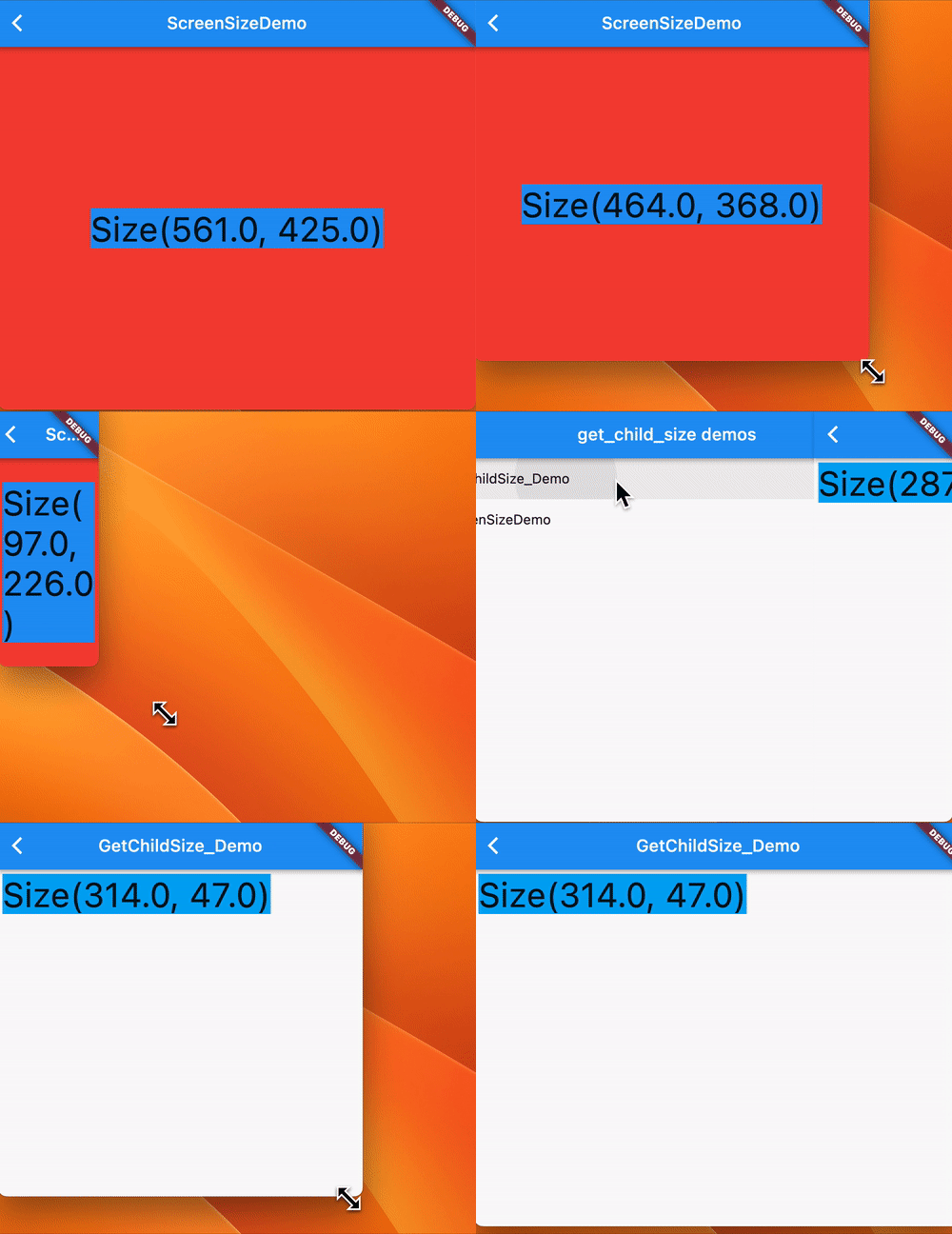
一个返回子对象大小的控件。每当控件大小发生变化时,[onChange] 回调都会执行。
2喜欢 12近 30 天下载160Pub 分数
AndroidiOSWebmacOSWindowsLinux
一个返回子对象大小的组件。每当组件的大小发生变化时,[onChange] 回调都会执行。

以下为英文项目原文快照,最新内容请访问 GitHub。
A widget that returns the size of the child object. The [onChange] callback will run everytime the widget's size has changed.
Waring! will result in multiple passes from the layout algorithm if you rebuild a widget from onChange; it will affect performance. This can happen even when just writing out to text the screen size. For example if you have more go from a '10' in the output to a '100', that can affect the size of a widget. Use with care.
This is a fundamental restriction in how widgets are built -> constraints go down & sizes go up -> if the constraints change the size could change.
class _GetChildSize_DemoState extends State<GetChildSize_Demo> {
  void initState() {
    super.initState();
  }

  Size myChildSize = Size(10, 10);

  Widget build(BuildContext context) {
    return Column(
      children: [
        Text(myChildSize.height.toString()),
        Expanded(
          child: GetChildSize(
            onChange: (size) {
              setState(() {
                myChildSize = size;
              });
            },
            child: Text(myChildSize.height.toString()),
          ),
        )
      ],
    );
  }
}
https://github.com/flutter/flutter/issues/14488
If you just want to know the dimensions between layouts (i.e. you're not using them to affect the layout), you can just read them right out of the rendering tree (get the RenderObject from the BuildContext, etc).
However, if you are using the dimensions to actually affect the layout, then that will lead to horrible effects like lagging one frame behind, or worse. In those cases, you want to just build your own render object, or use a layout builder, or similar, depending on exactly what your use case is.
I need the size of a child to use it in the parent's build.
Fundamentally that's not possible, because at the time of the parent's build the child hasn't laid out yet. If you want to get the child's size during the parent's layout, you can do that by creating your own RenderObject. Just look at how e.g. Align is implemented.
依赖清单 2 项
{"sdk":"flutter"}^2.0.0先按使用场景筛选,再比较项目活跃情况,最后到原始仓库核对使用要求。
“A repository is the most basic element of GitHub.”
GitHub Docs — About repositories ↗