



 v3.7.0
flutter_material_pickers
一个用于轻松且一致地显示 Material 风格选择器对话框的 Flutter 包。
232喜欢 1740近 30 天下载130Pub 分数
AndroidiOSWebmacOSWindowsLinux
一个用于显示常见选择器对话框的 Flutter 包。
以下为英文项目原文快照,最新内容请访问 GitHub。





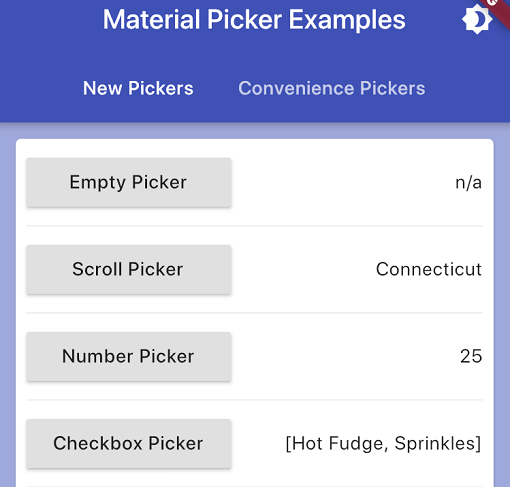
A flutter package containing commonly used material design picker dialogs. Some are new, some wrap existing or built in pickers with a common dialog and access function.
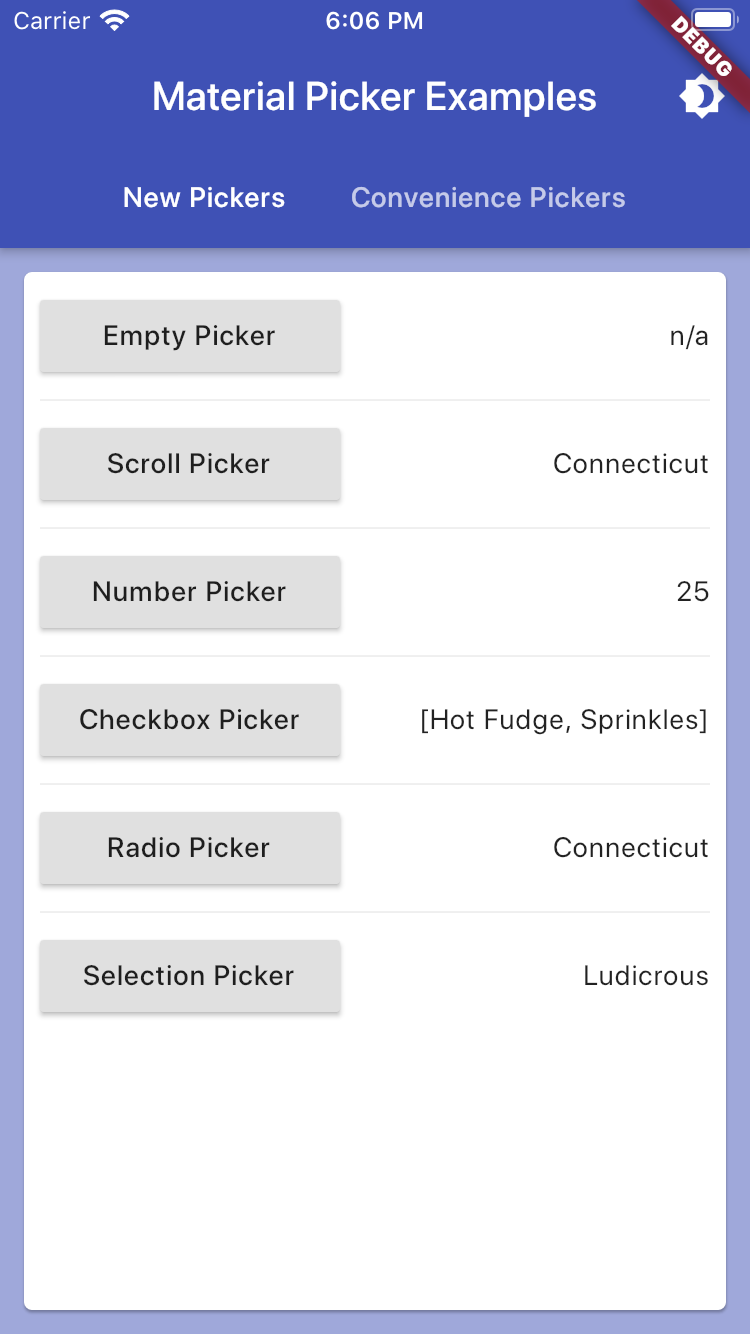
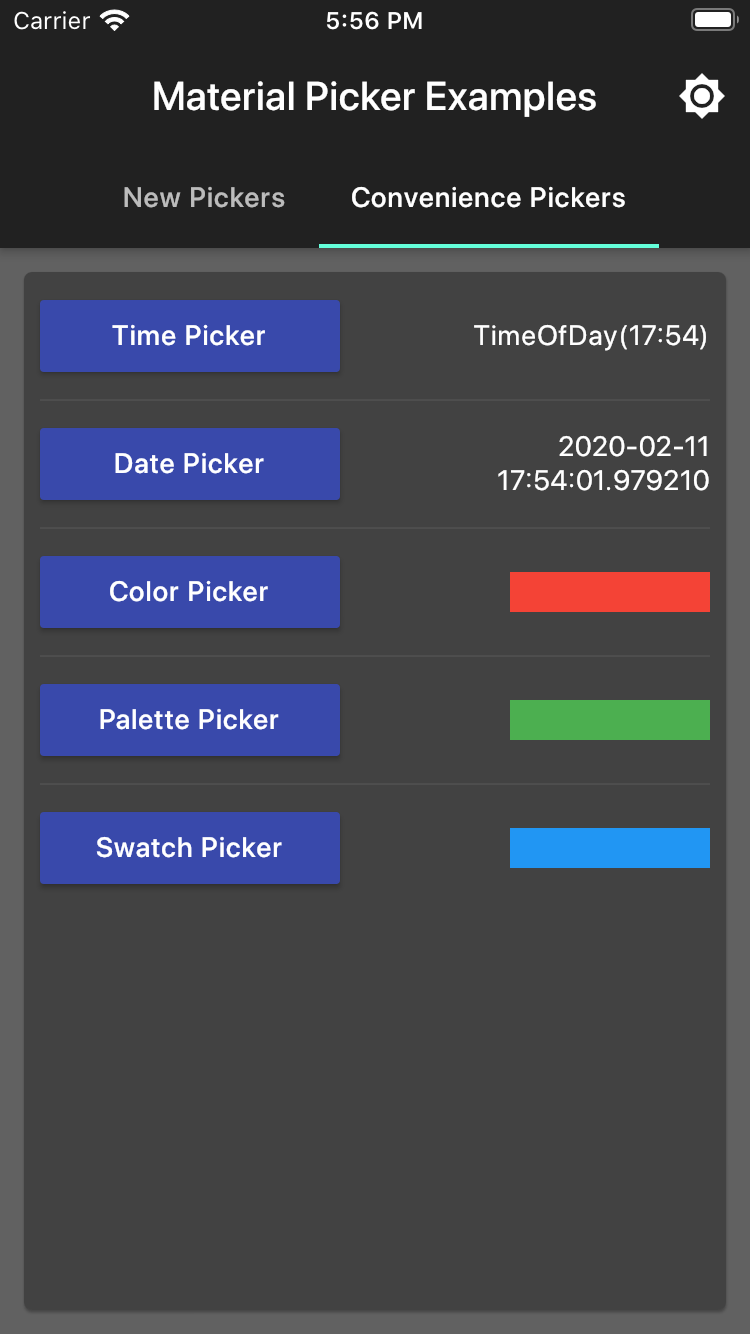
It includes:
showMaterialScrollPicker:
showMaterialNumberPicker:
showMaterialRadioPicker:
showMaterialCheckboxPicker:
showMaterialSelectionPicker:
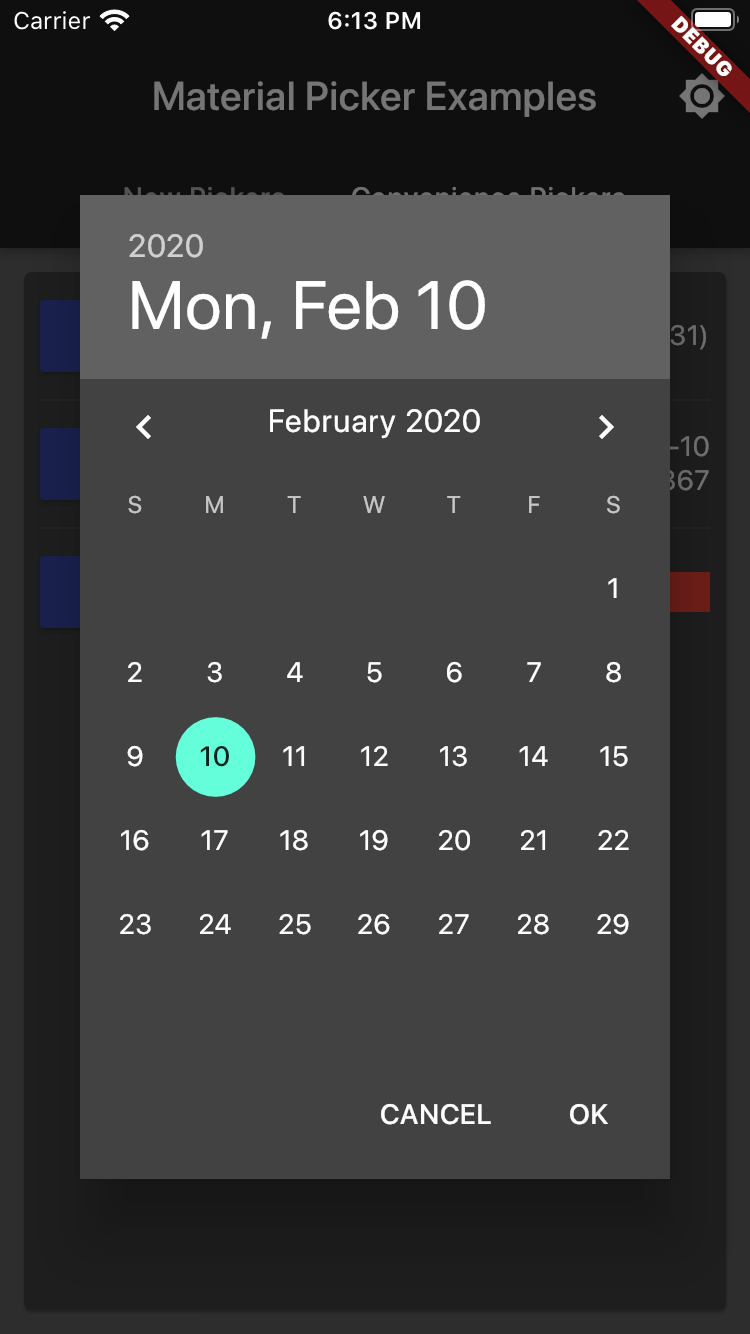
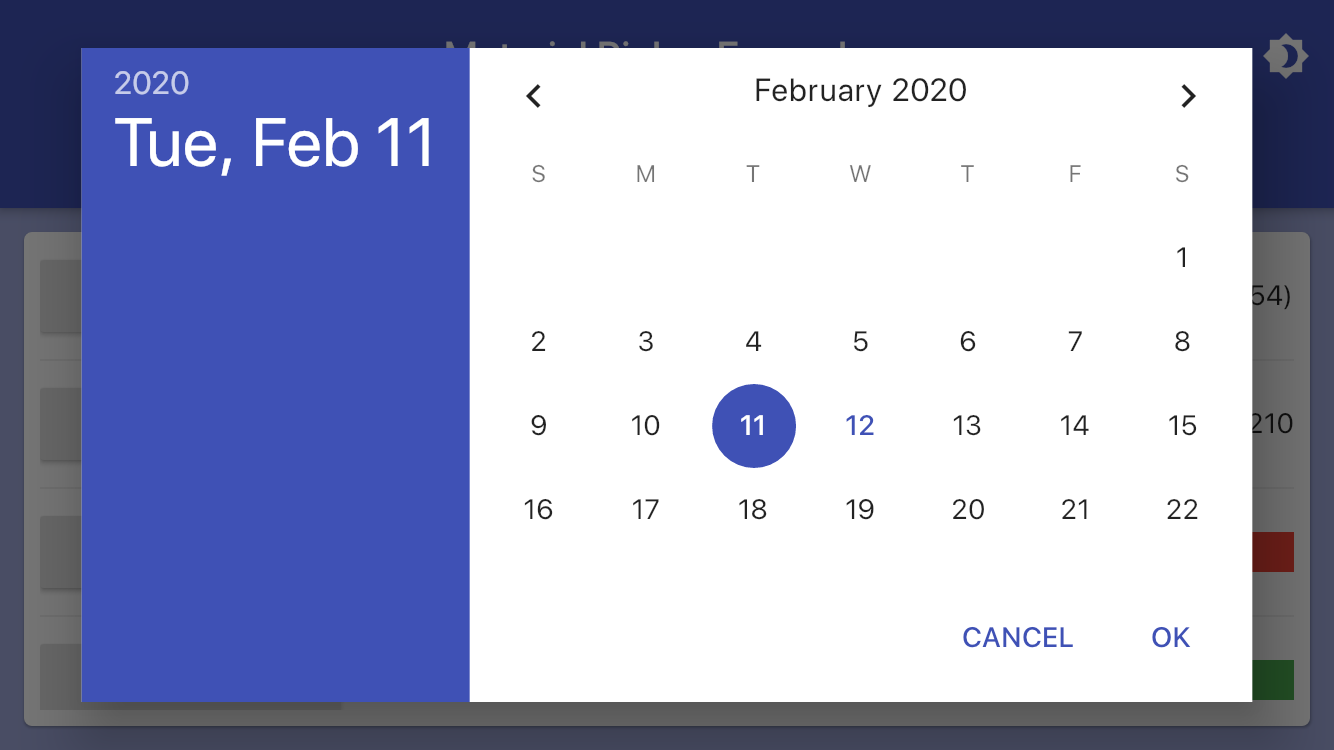
showMaterialDatePicker:
showMaterialTimePicker:
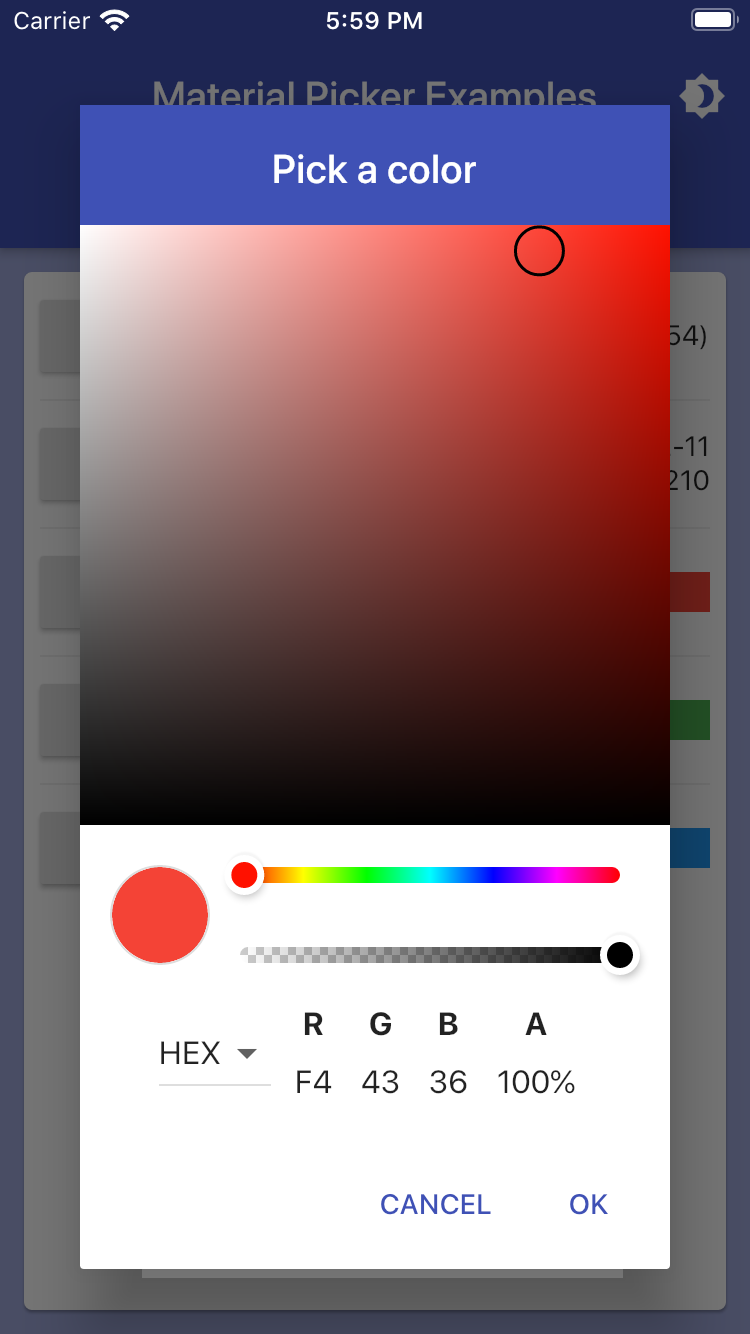
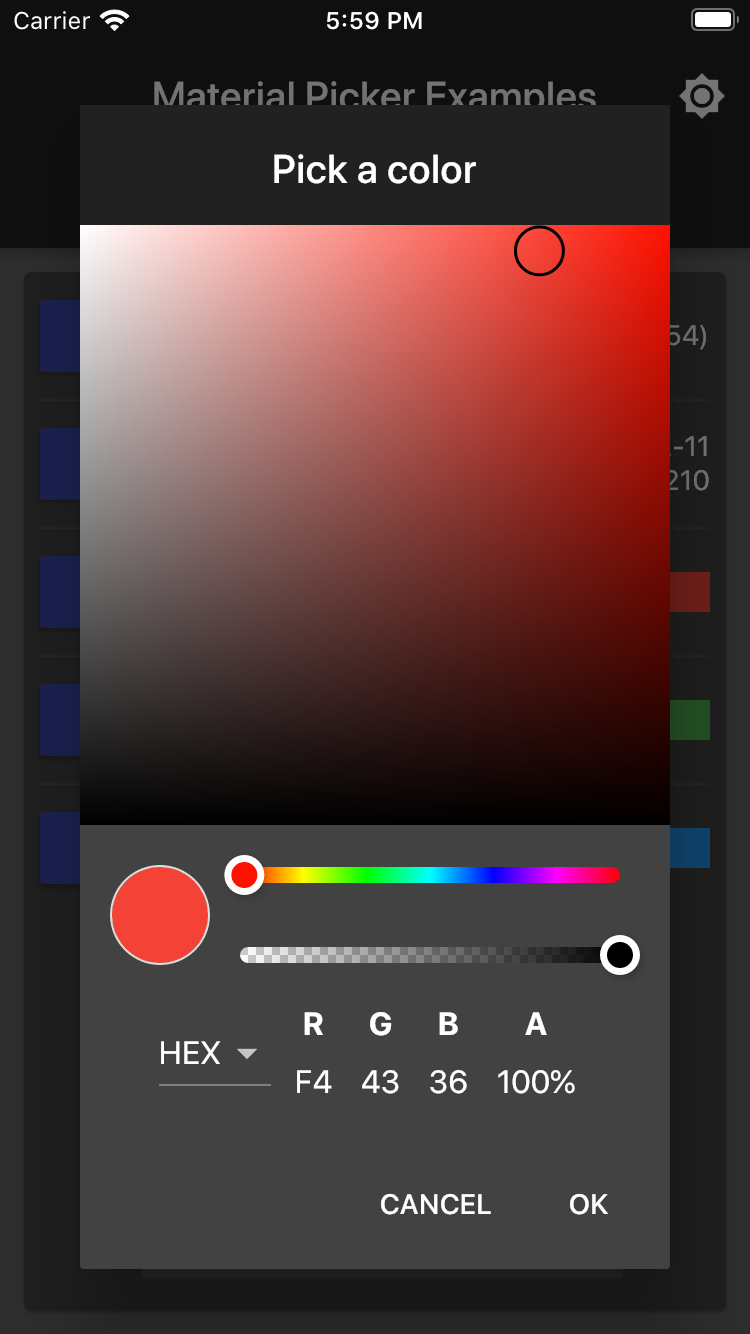
showMaterialColorPicker:
showMaterialPalettePicker:
showMaterialSwatchPicker:
showMaterialFilePicker:
showMaterialResponsiveDialog:
All helpers implement an onChange handler to return picked option(s).
All helpers return Future<T> with the picked option(s).
There are some breaking changes in 3.0.0 (from 2.1.1).
selectedItem not
selectedValue to match name of items.Although not a picker, per se, the showMaterialEmptyPicker helper displays the universal material design dialog wrapper that the pickers appear in. Using this directly, however, allows any content to be injected into the content area by passing in a custon Widget as the child. This code shows the basic structure of all the helpers:
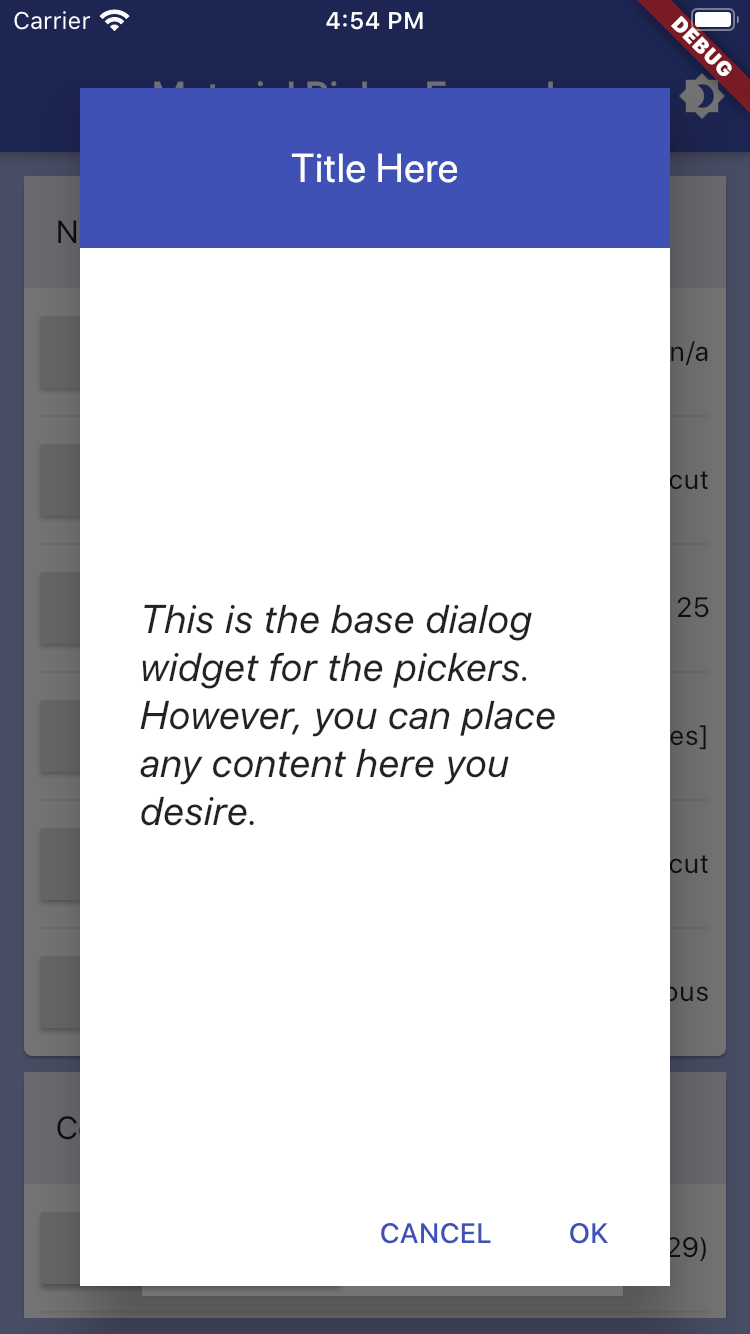
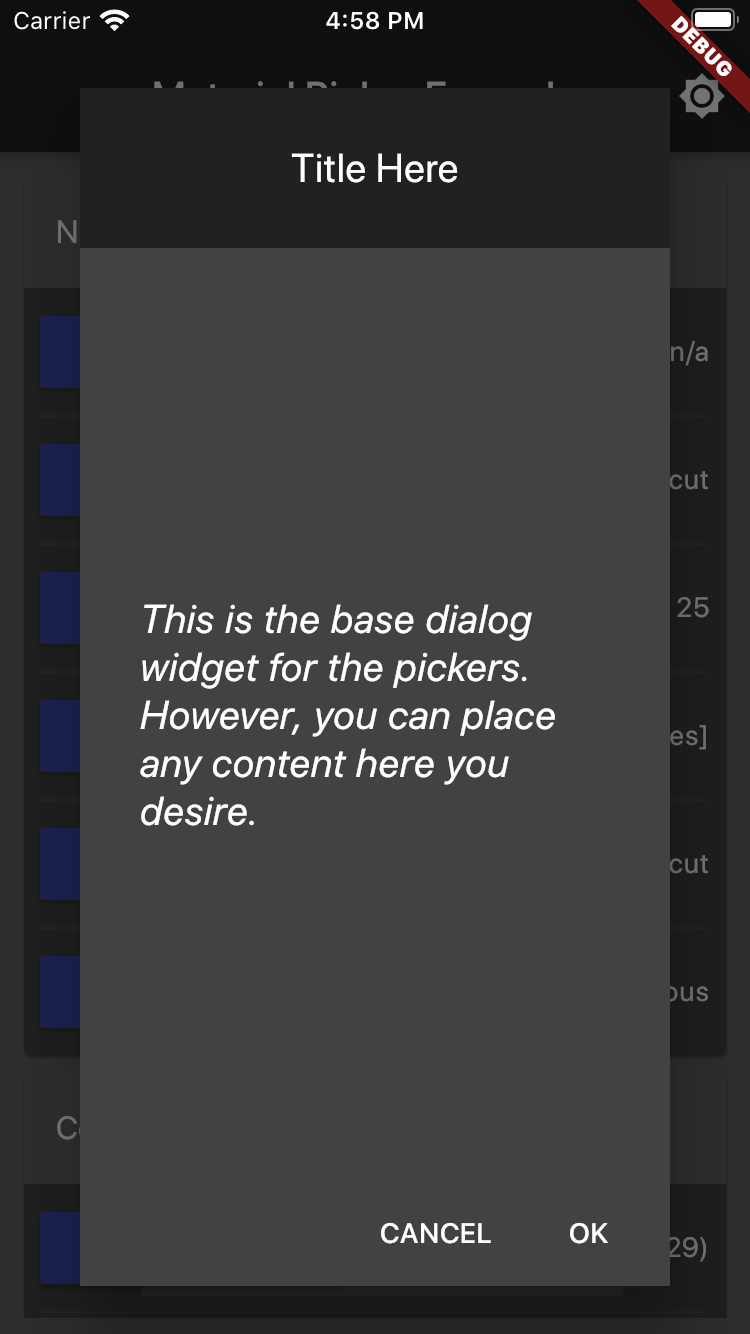
showMaterialResponsiveDialog(
    context: context,
    child: Center(
        child: Container(
            padding: EdgeInsets.all(30.0),
            child: Text('Any content here.'),
            style: TextStyle(
                fontSize: 20.0,
                fontStyle: FontStyle.italic,
            ),
        ),
    ),
);
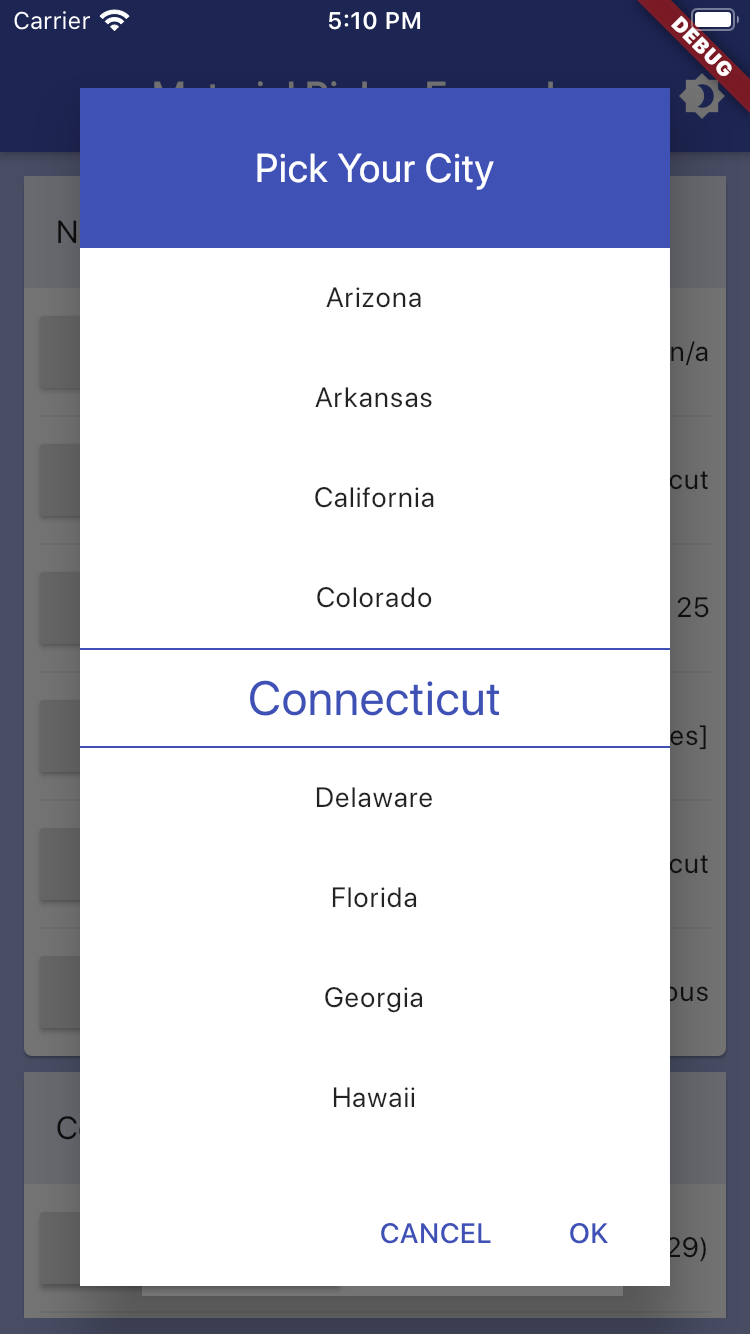
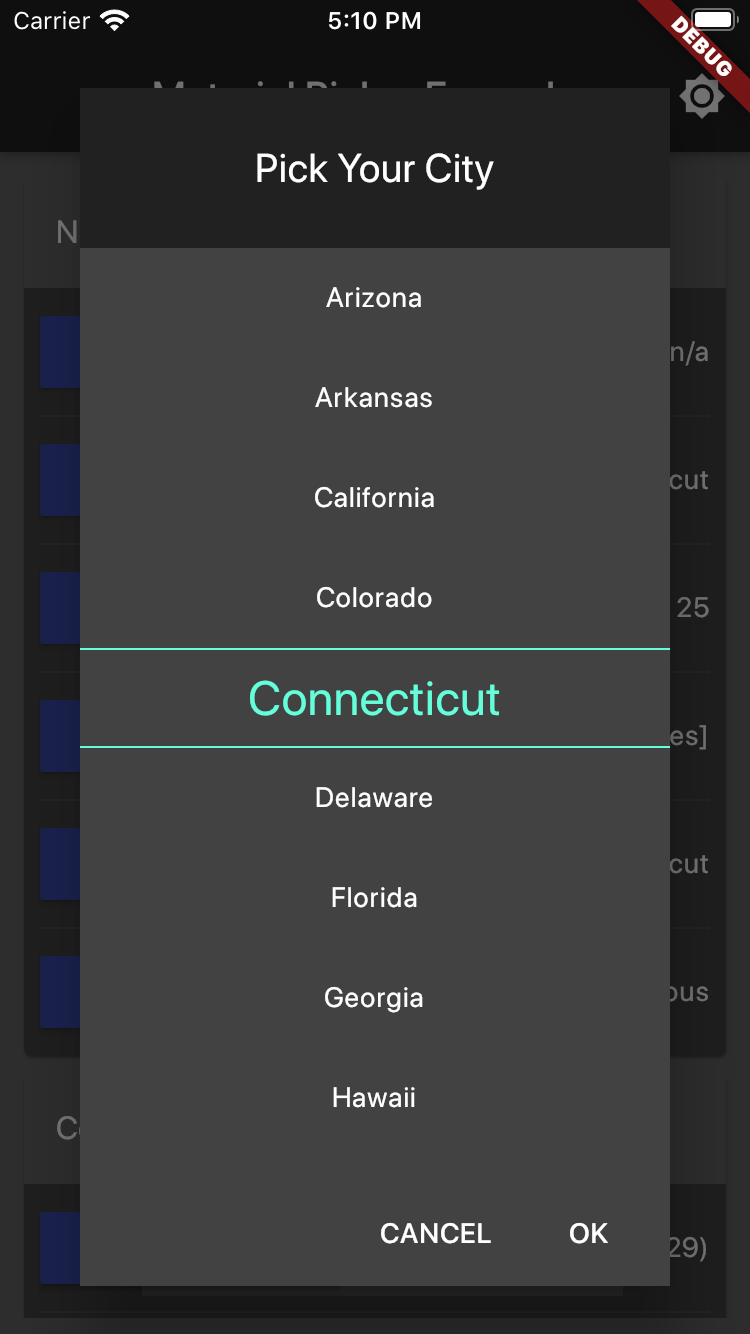

class StateModel {
  const StateModel(this.name, this.code);
  final String code;
  final String name;

  @override
  String toString() => name;
}
static const List<StateModel> usStates = <StateModel>[
  StateModel('Alabama', 'AL'),
  StateModel('Alaska', 'AK'),
  StateModel('Arizona', 'AZ'),
  StateModel('Arkansas', 'AR'),
  StateModel('California', 'CA'),
  StateModel('Colorado', 'CO'),
  StateModel('Connecticut', 'CT'),
  ...
];
StateModel selectedUsState = usStates[0];

showMaterialScrollPicker<StateModel>(
    context: context,
    title: 'Pick Your State',
    items: usStates,
    selectedItem: selectedUsState,
    onChanged: (value) => setState(() => selectedUsState = value),
);
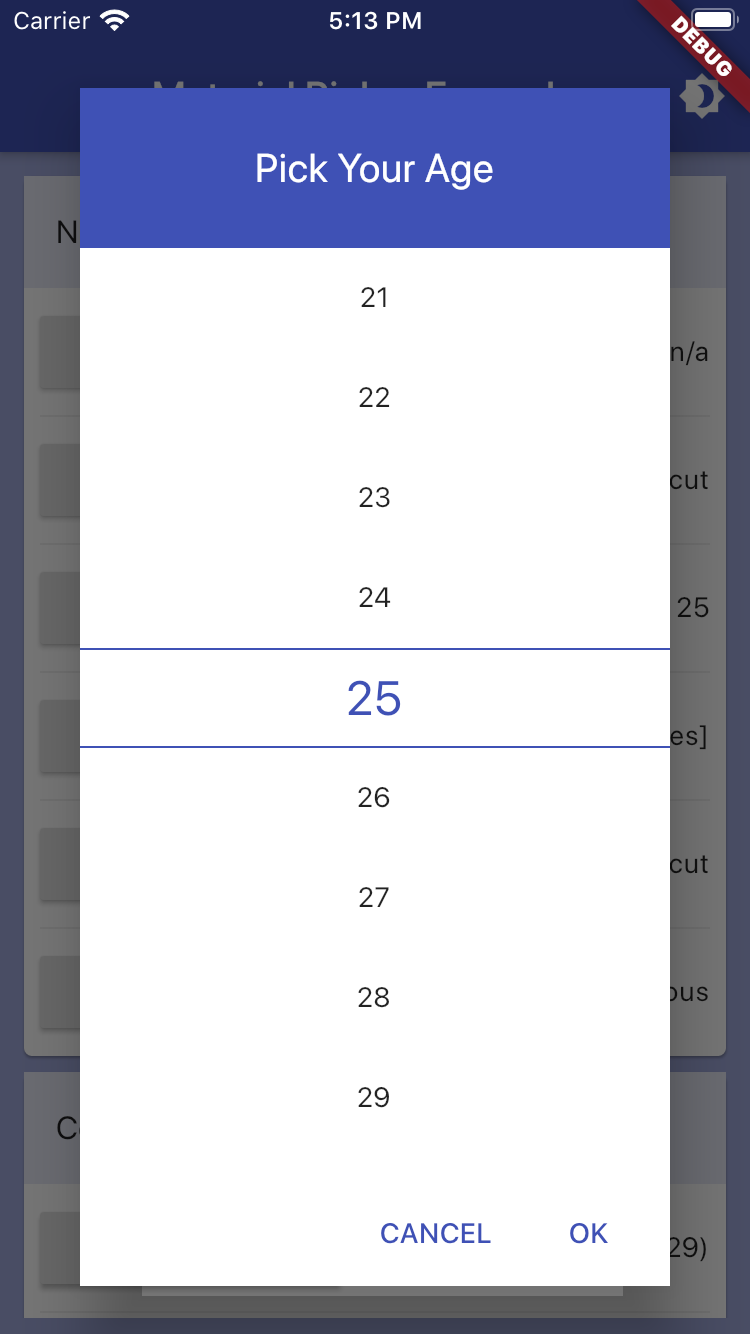
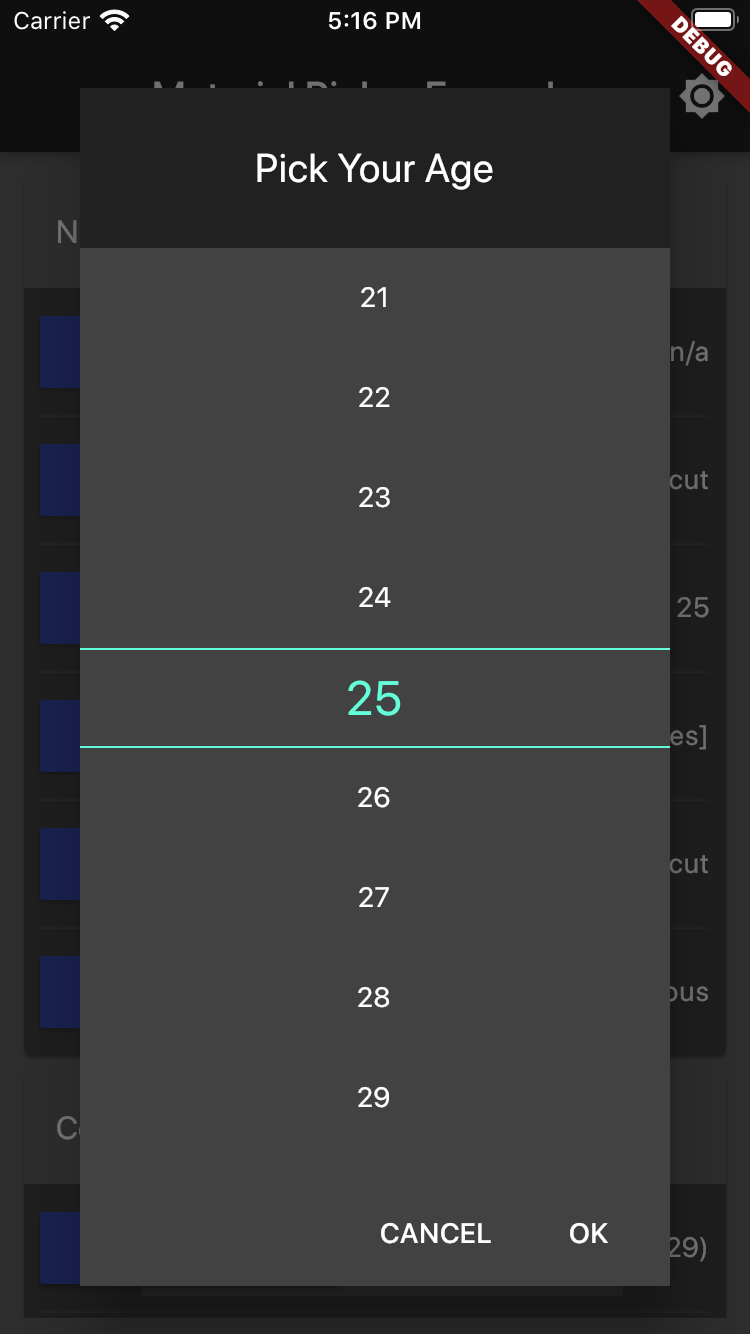
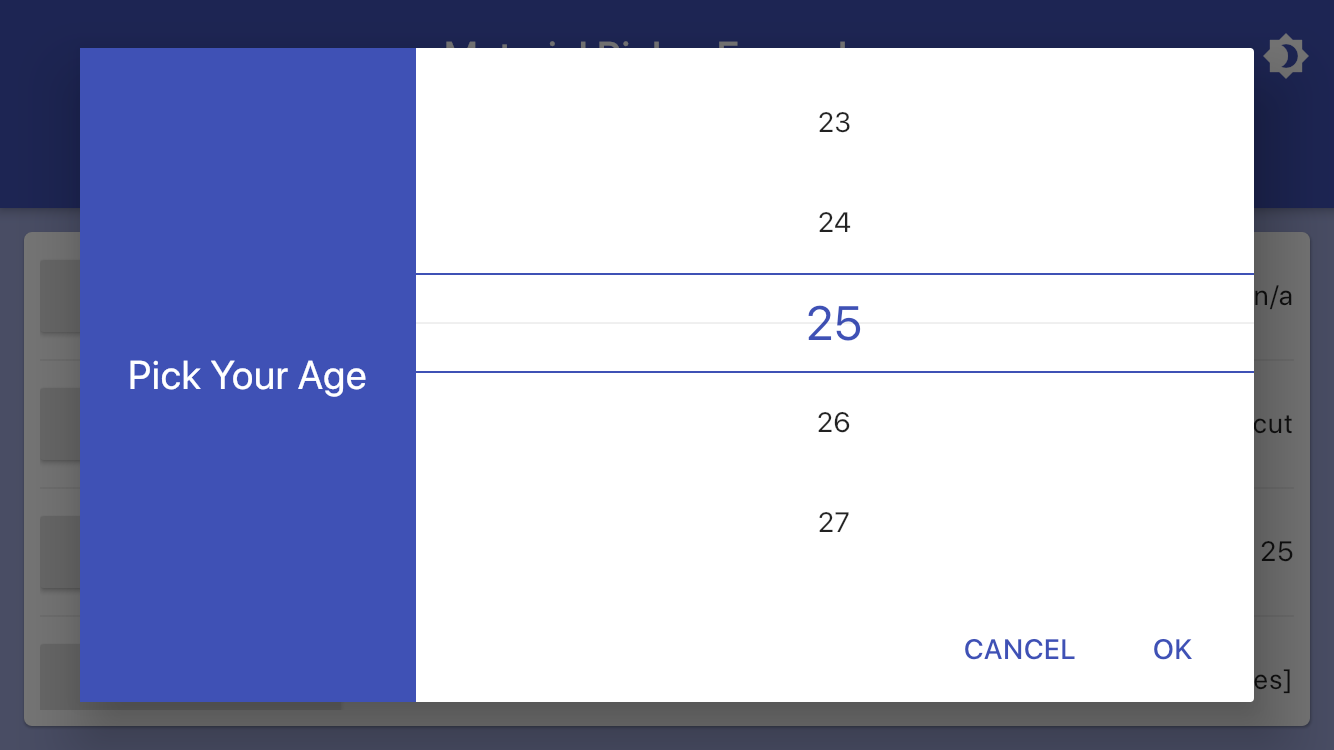
var age = 25;

showMaterialNumberPicker(
  context: context,
  title: 'Pick Your Age',
  maxNumber: 100,
  minNumber: 14,
  selectedNumber: age,
  onChanged: (value) => setState(() => age = value),
);
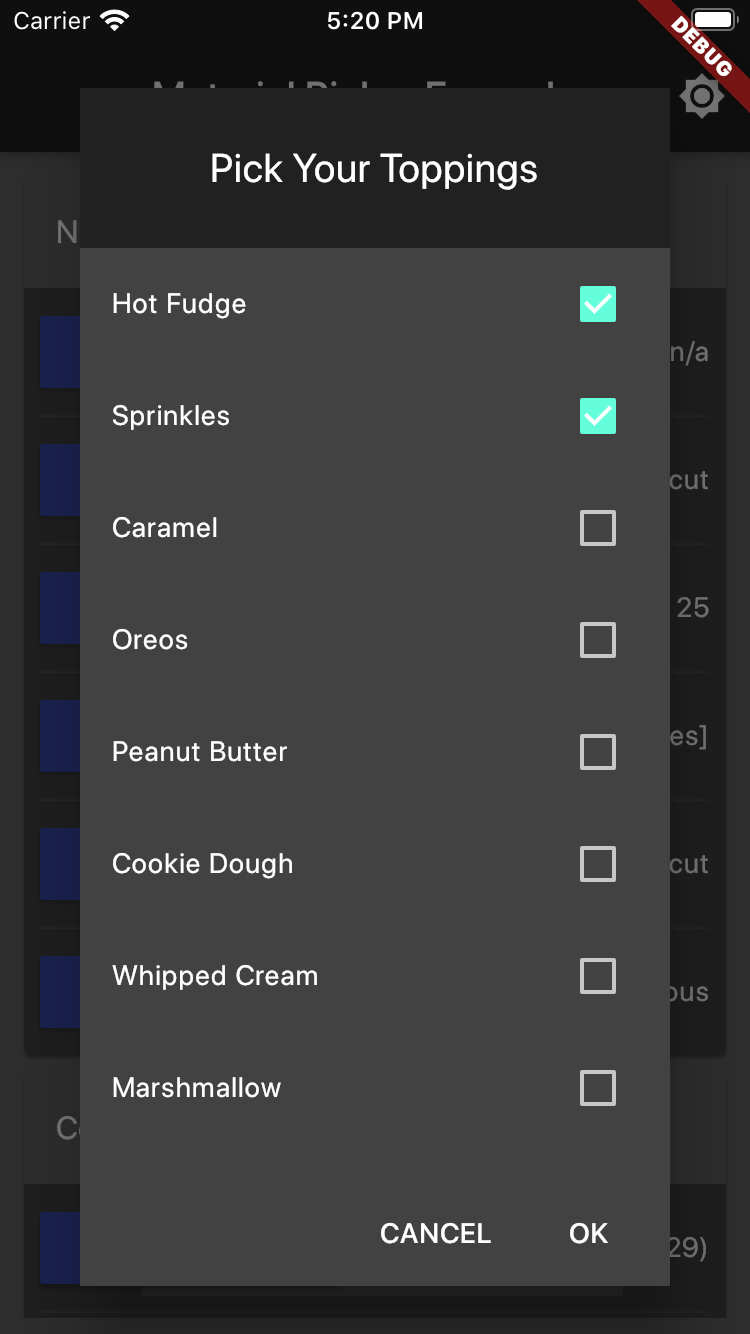
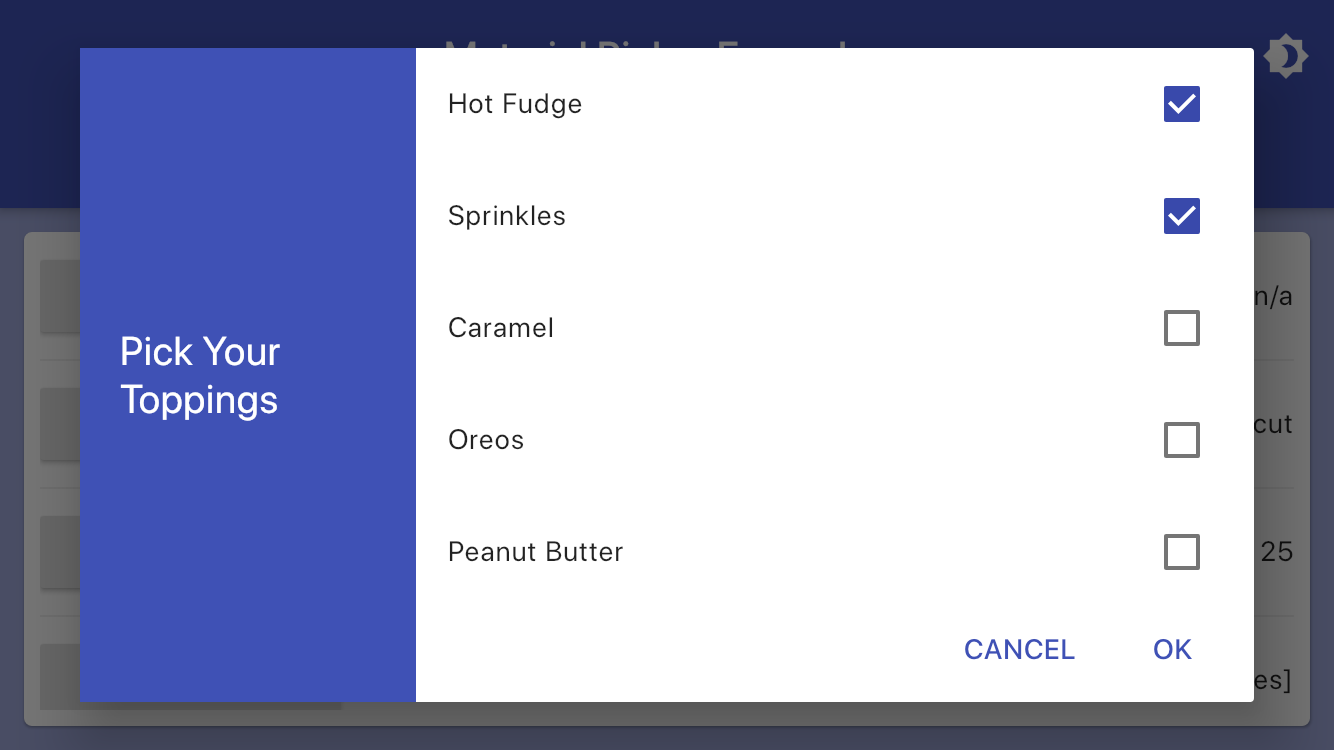
class ToppingModel {
  const ToppingModel(this.name, this.code);
  final String code;
  final String name;

  @override
  String toString() => name;
}
static const List<ToppingModel> iceCreamToppings = <ToppingModel>[
  ToppingModel('Hot Fudge', 'FUDGE'),
  ToppingModel('Sprinkles', 'SPRINK'),
  ToppingModel('Caramel', 'CARM'),
  ToppingModel('Oreos', 'OREO'),
  ...
];
List<ToppingModel> selectedIceCreamToppings = [
  iceCreamToppings[0],
  iceCreamToppings[2],
];

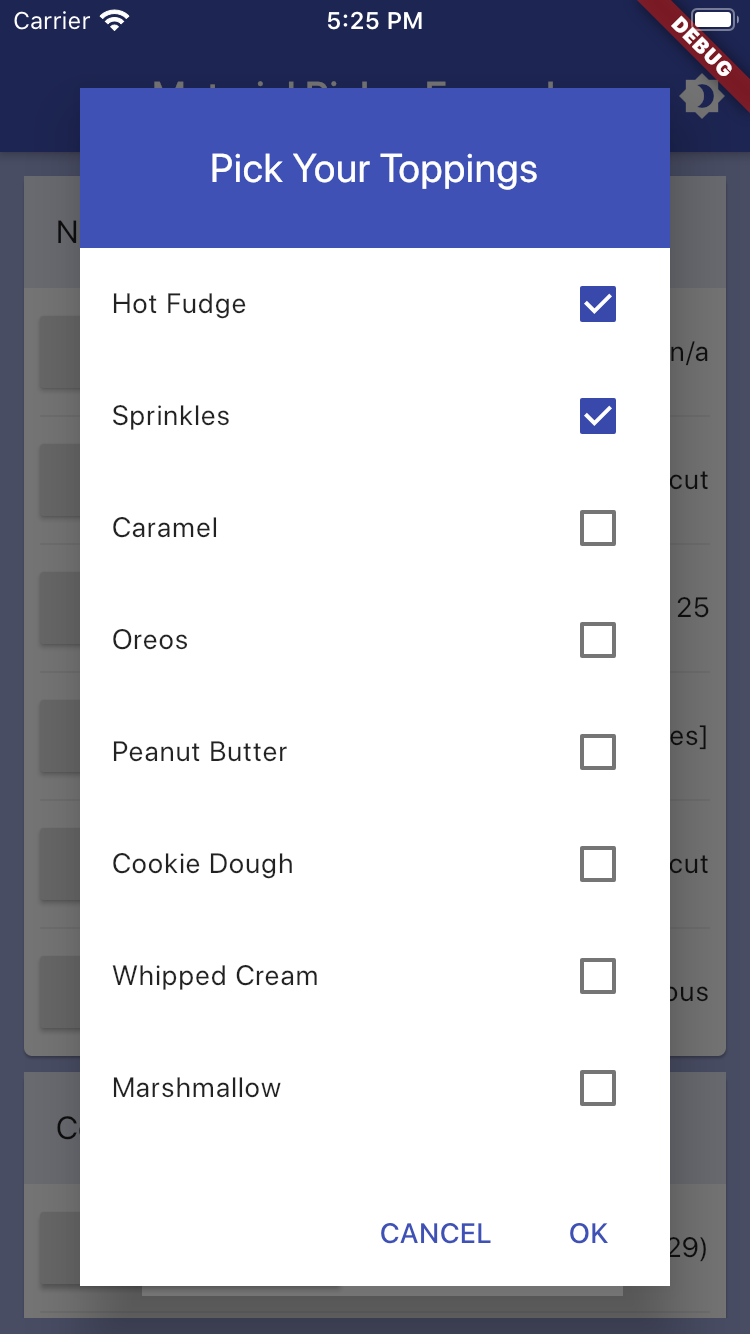
showMaterialCheckboxPicker<ToppingModel>(
  context: context,
  title: 'Pick Your Toppings',
  items: iceCreamToppings,
  selectedItems: selectedIceCreamToppings,
  onChanged: (value) => setState(() => selectedIceCreamToppings = value),
);
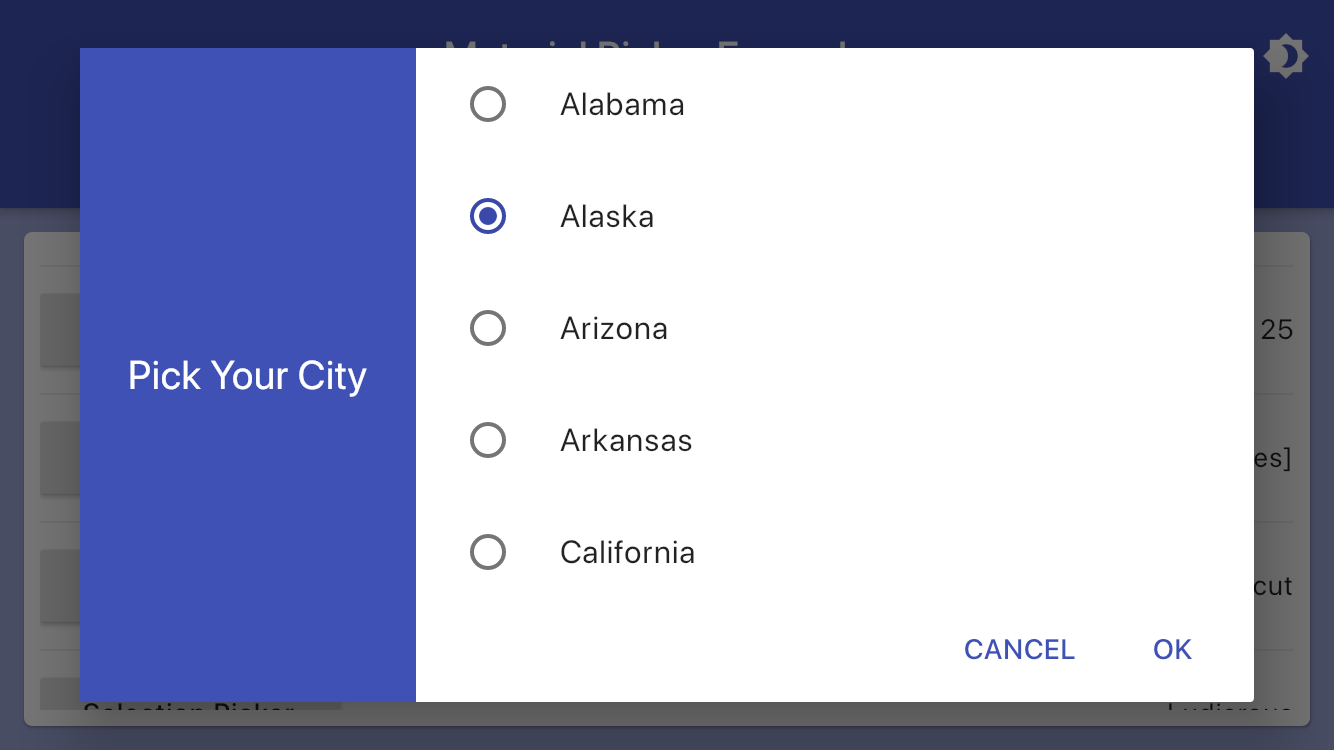
class StateModel {
  const StateModel(this.name, this.code);
  final String code;
  final String name;

  @override
  String toString() => name;
}
static const List<StateModel> usStates = <StateModel>[
  StateModel('Alabama', 'AL'),
  StateModel('Alaska', 'AK'),
  StateModel('Arizona', 'AZ'),
  StateModel('Arkansas', 'AR'),
  StateModel('California', 'CA'),
  StateModel('Colorado', 'CO'),
  StateModel('Connecticut', 'CT'),
  ...
];
StateModel selectedUsState = usStates[3];

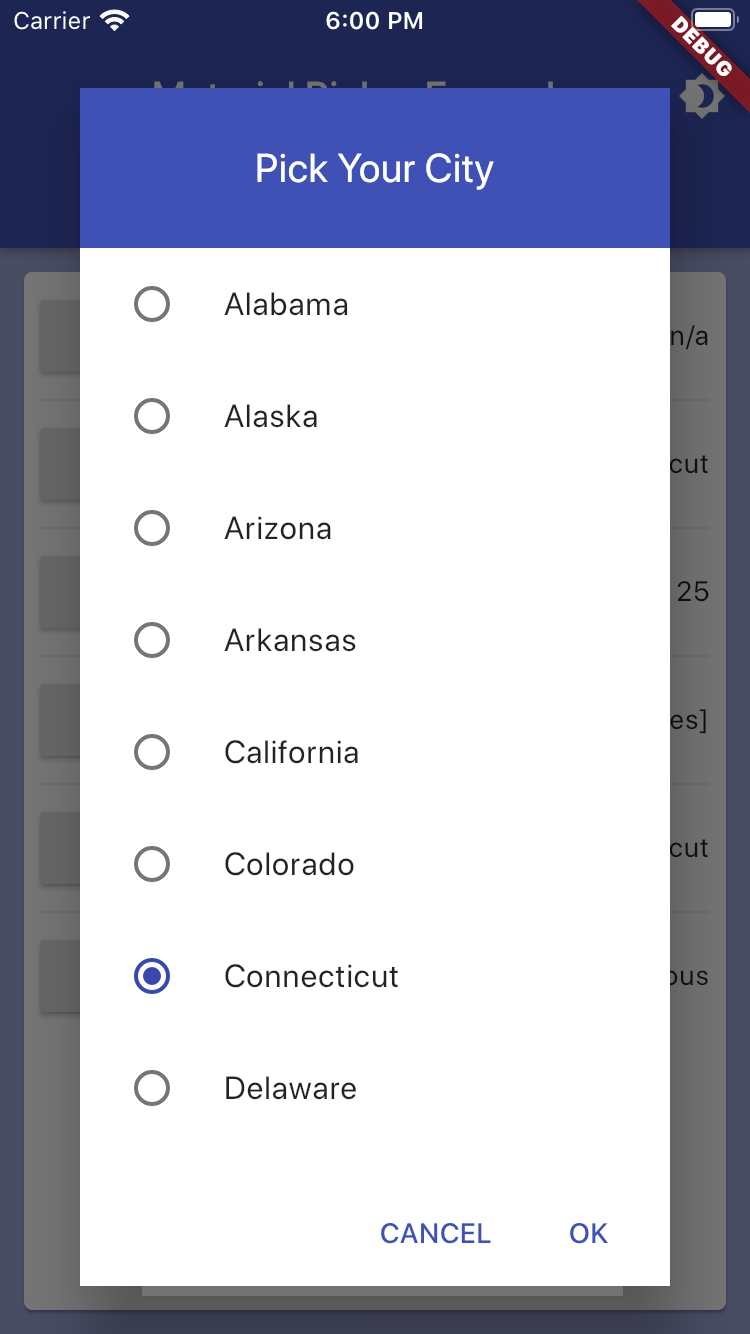
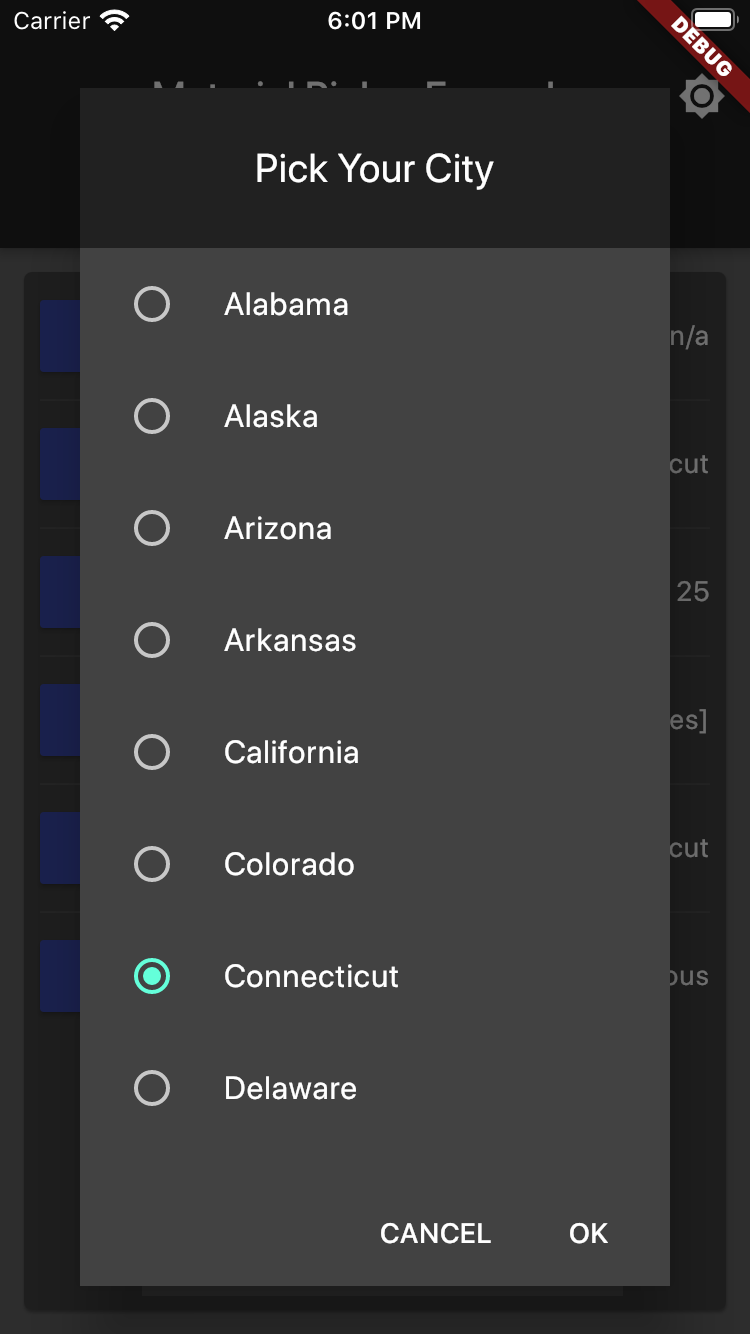
showMaterialRadioPicker<StateModel>(
  context: context,
  title: 'Pick Your State',
  items: usStates,
  selectedItem: selectedUsState,
  onChanged: (value) => setState(() => selectedUsState = value),
);
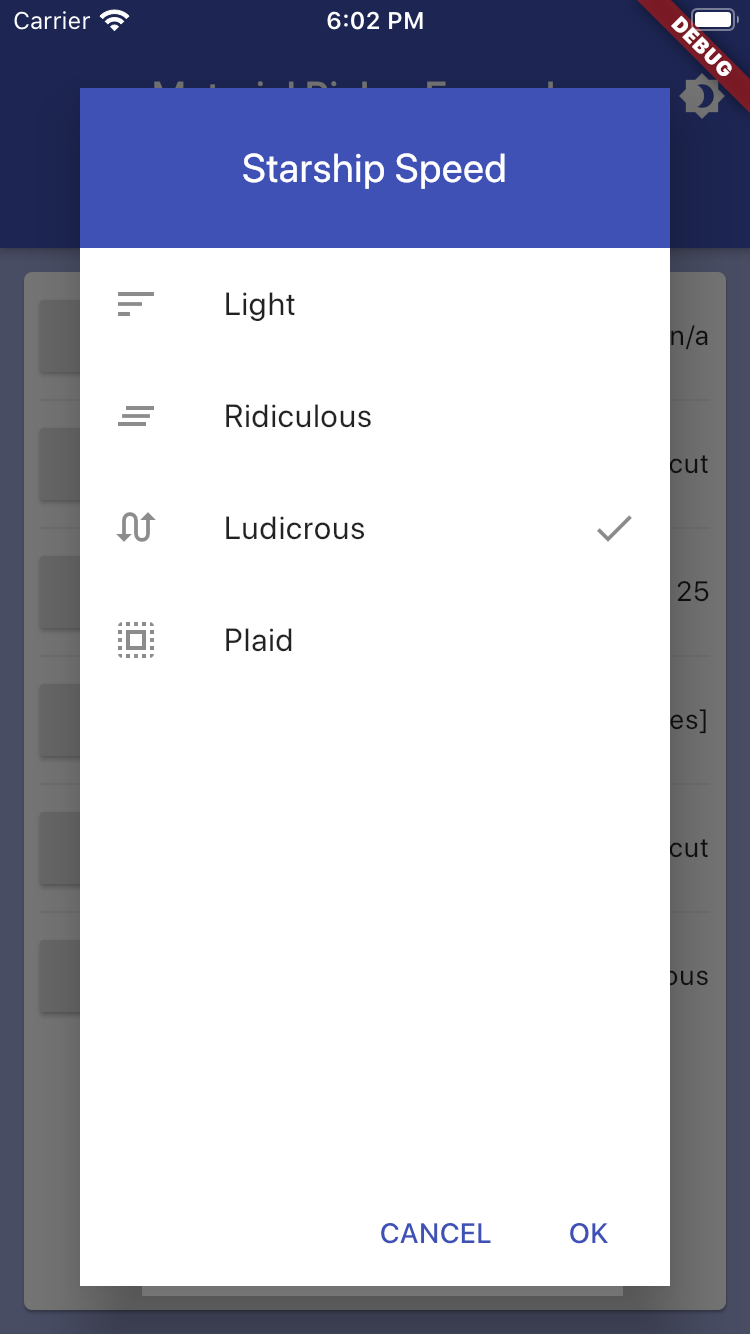
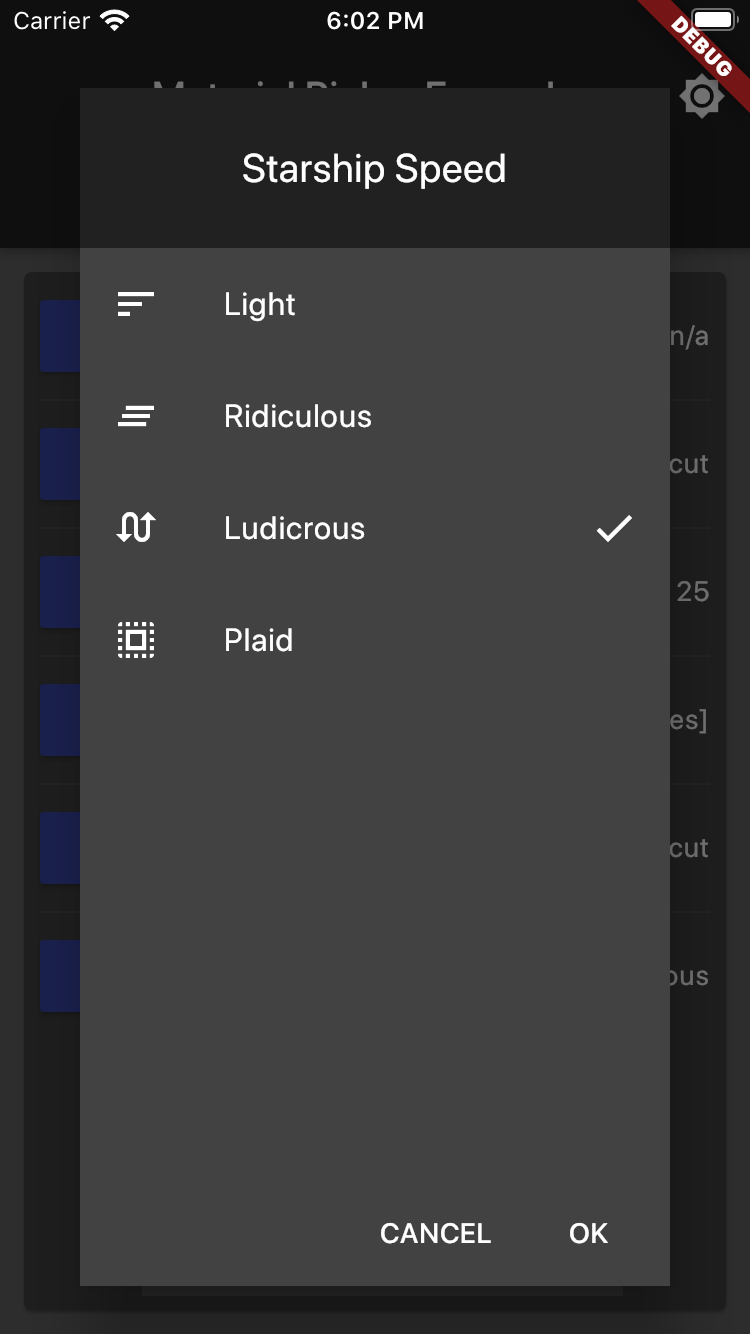
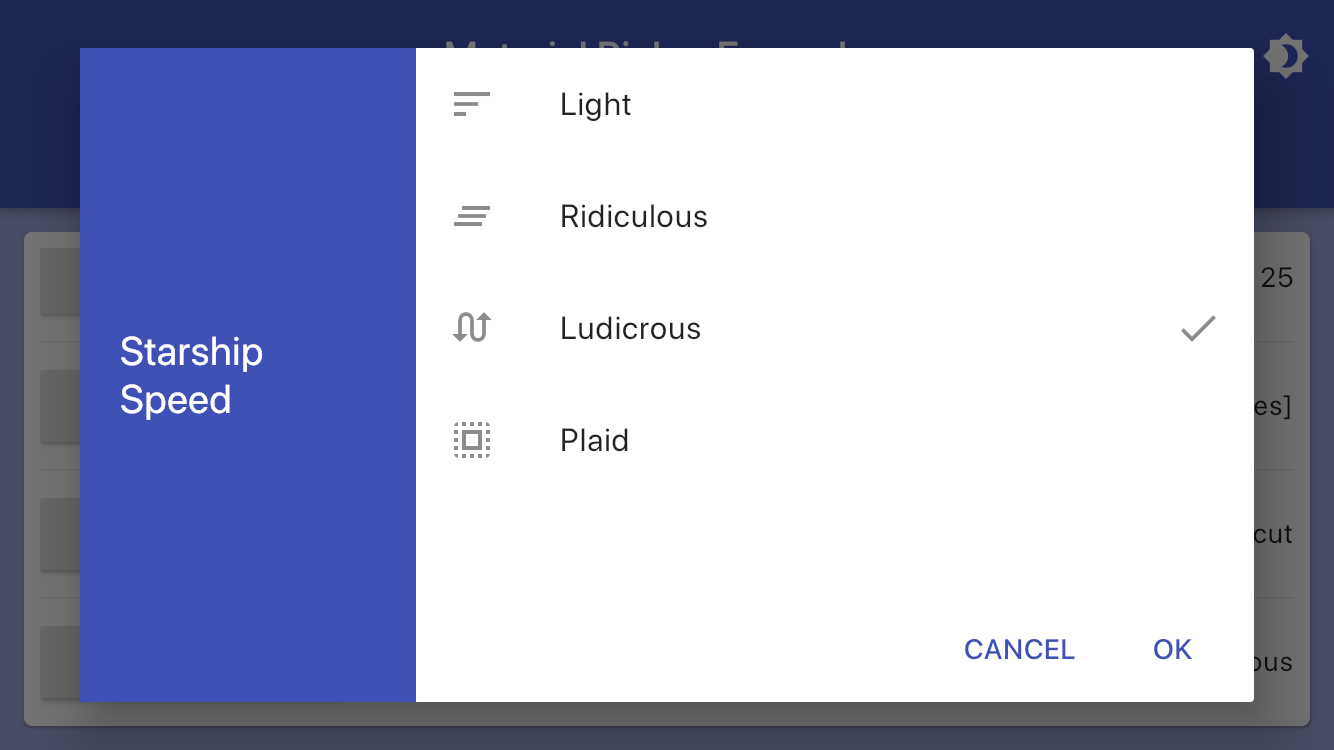
class SpeedModel {
  const SpeedModel(this.name, this.icon);
  final String name;
  final Icon icon;
}
// Selection Picker Model
static const List<SpeedModel> speedOptions = <SpeedModel>[
  SpeedModel('Light', Icon(Icons.sort)),
  SpeedModel('Ridiculous', Icon(Icons.clear_all)),
  SpeedModel('Ludicrous', Icon(Icons.swap_calls)),
  SpeedModel('Plaid', Icon(Icons.select_all)),
];
SpeedModel speed = speedOptions[2];

showMaterialSelectionPicker(
  context: context,
  title: "Starship Speed",
  items: speedOptions,
  selectedItem: speed,
  icons: speedIcons,
  transformer: (item) => item.name,
  iconizer: (item) => item.icon,
  onChanged: (value) => setState(() => speed = value),
);
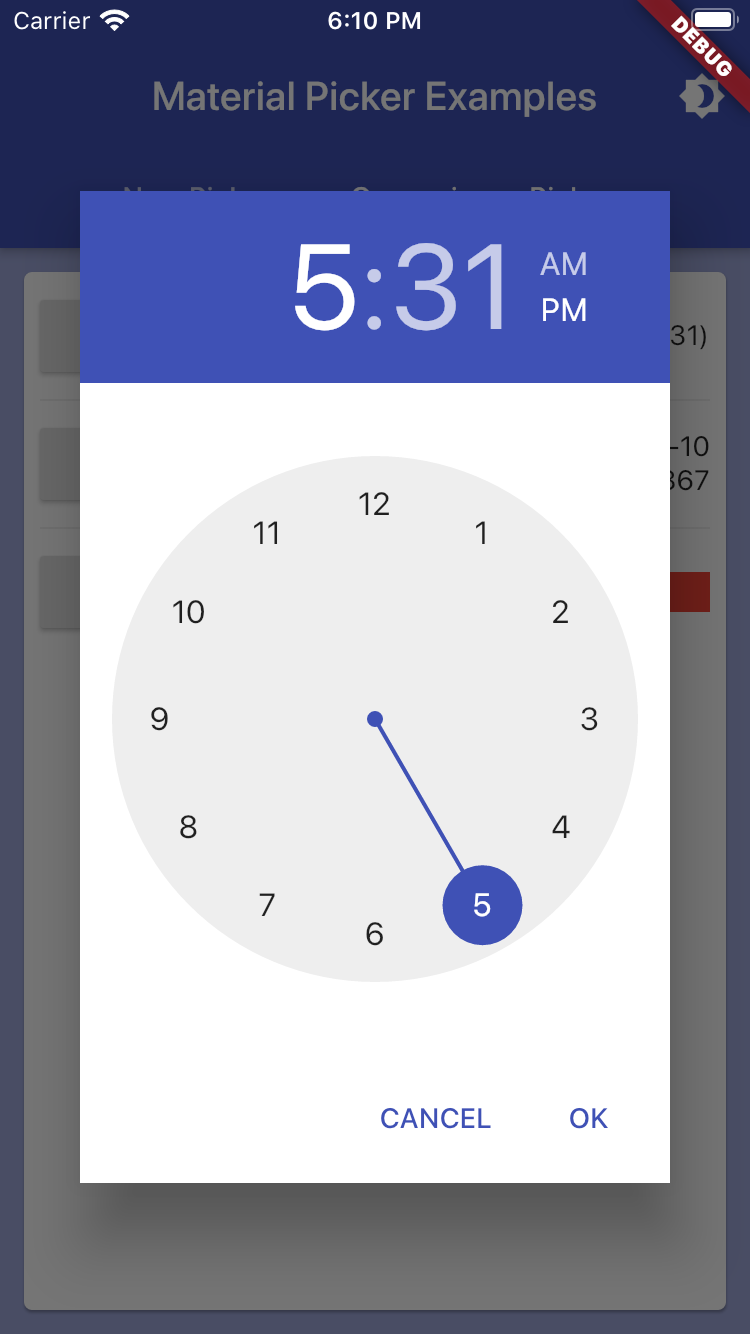
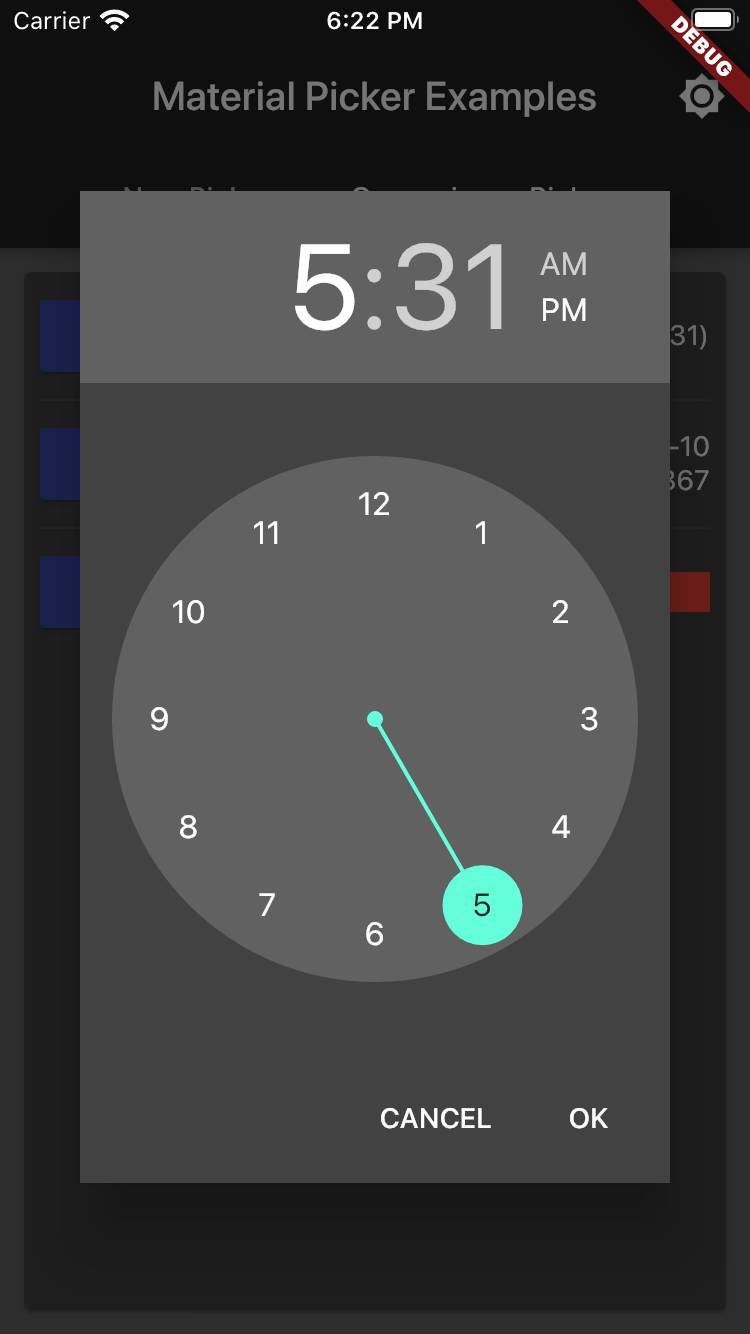
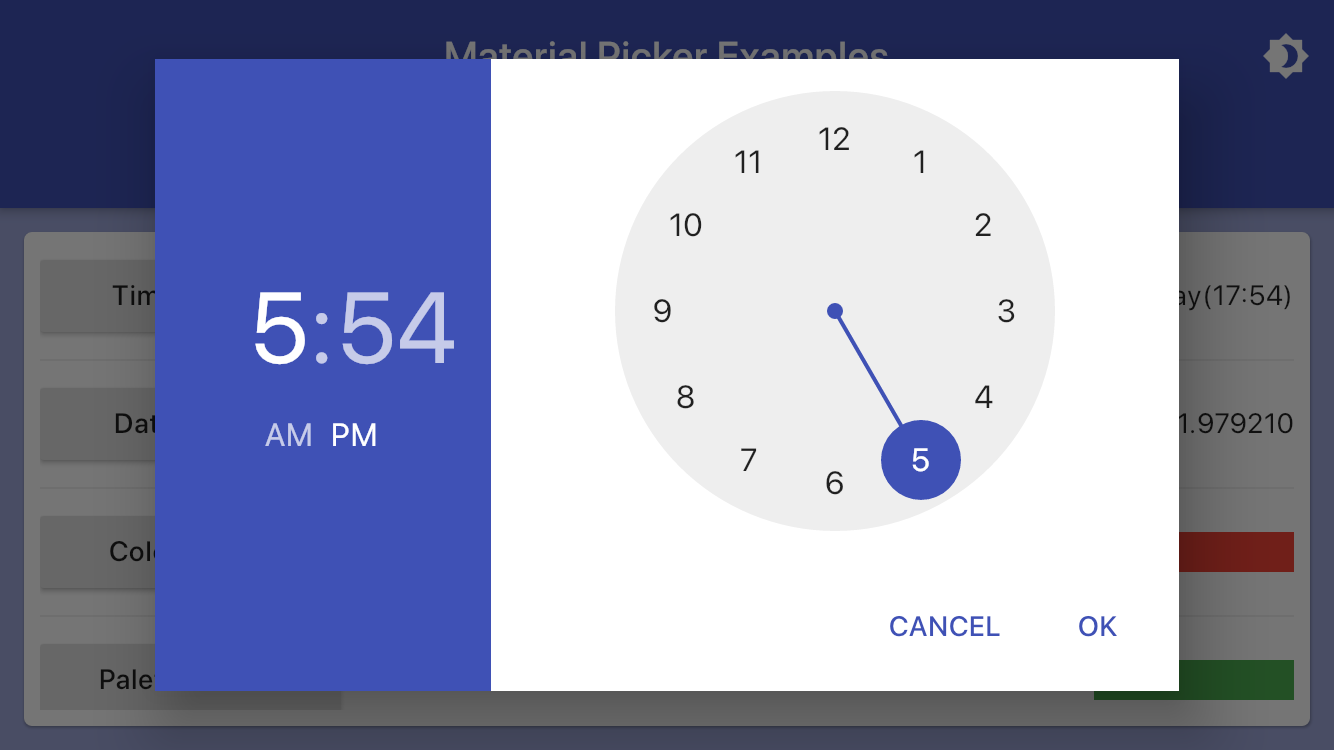
var time = TimeOfDay.now();

showMaterialTimePicker(
  context: context,
  selectedTime: time,
  onChanged: (value) => setState(() => time = value),
);
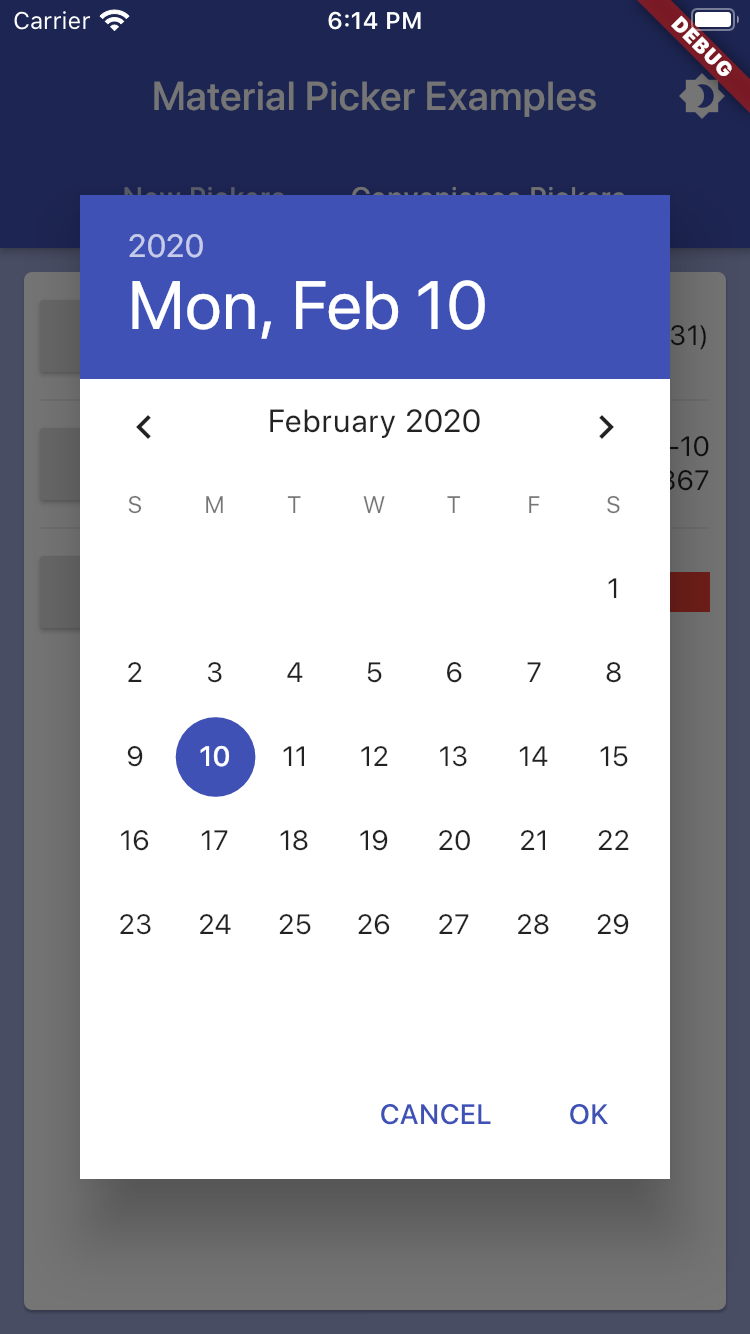
var date = DateTime.now();

showMaterialDatePicker(
  context: context,
  selectedDate: date,
  onChanged: (value) => setState(() => date = value),
);
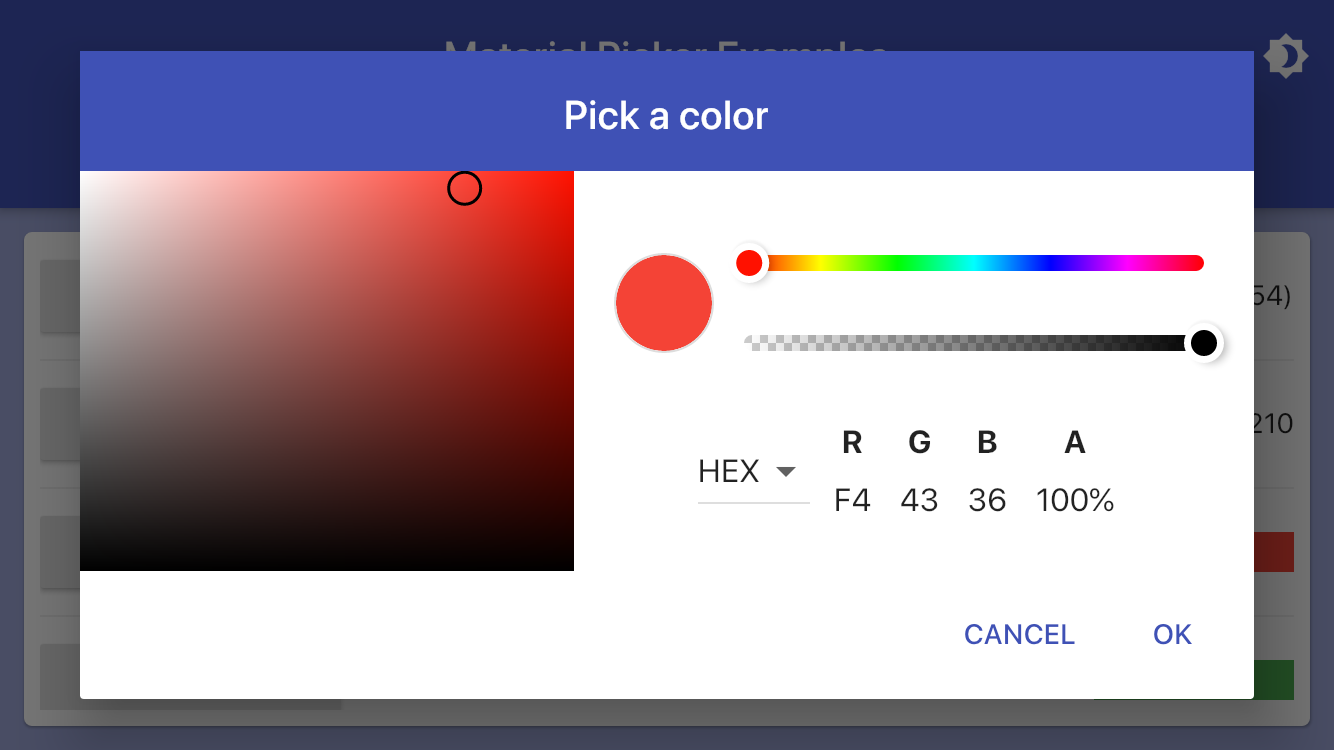
Color color = Colors.red;

showMaterialColorPicker(
  context: context,
  selectedColor: color,
  onChanged: (value) => setState(() => color = value),
);
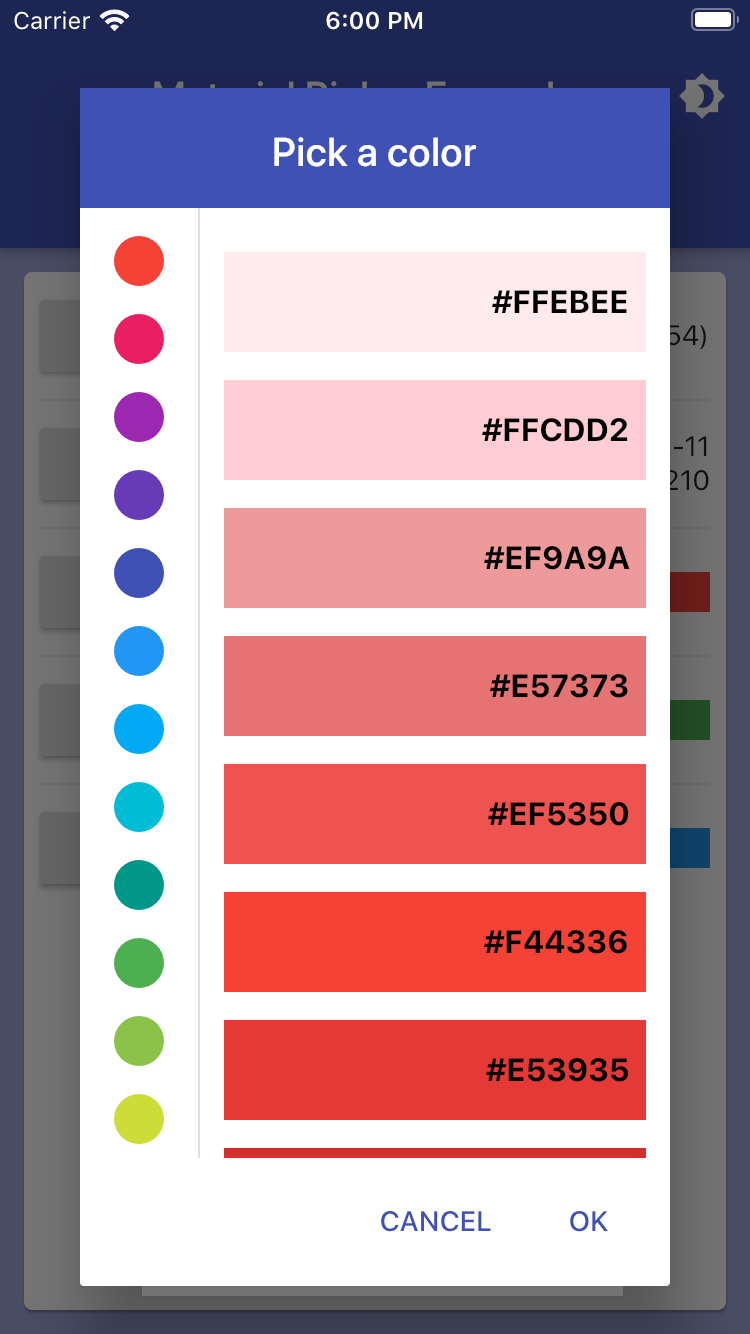
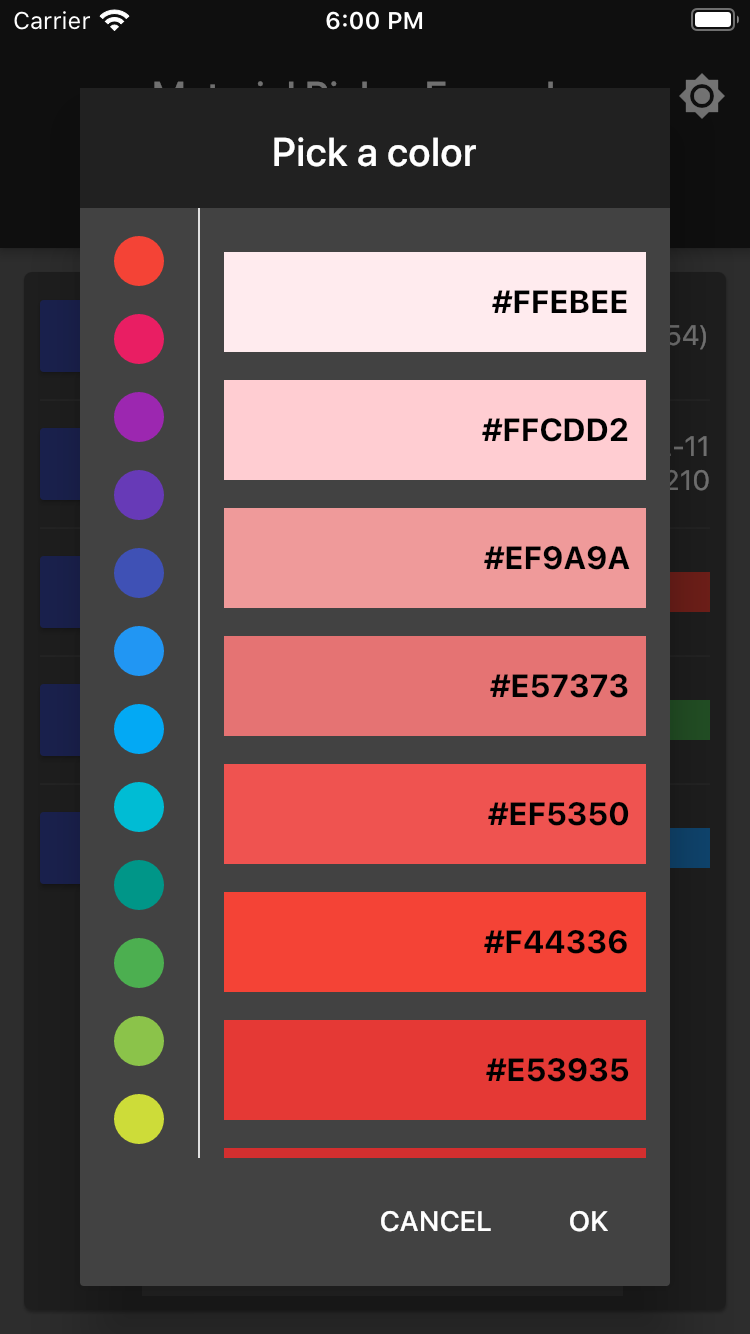
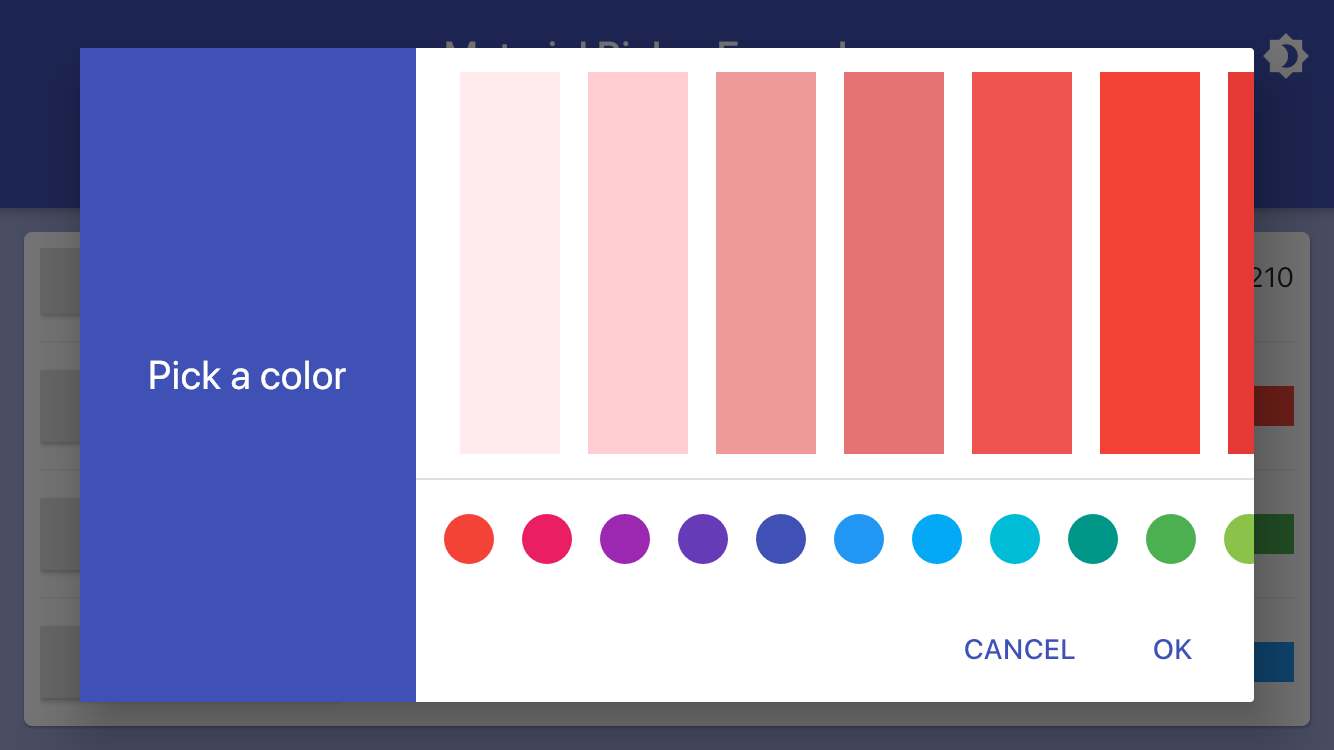
Color palette = Colors.green;

showMaterialPalettePicker(
  context: context,
  selectedColor: palette,
  onChanged: (value) => setState(() => palette = value),
);
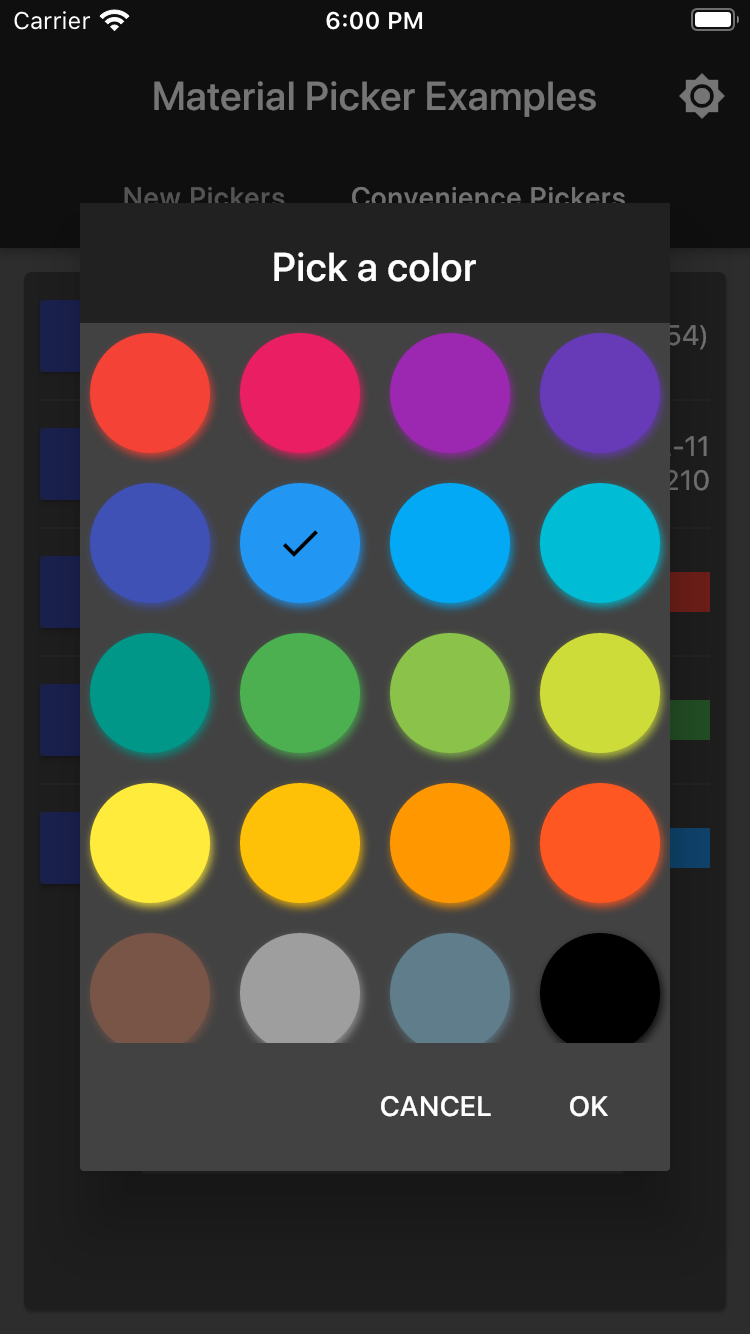
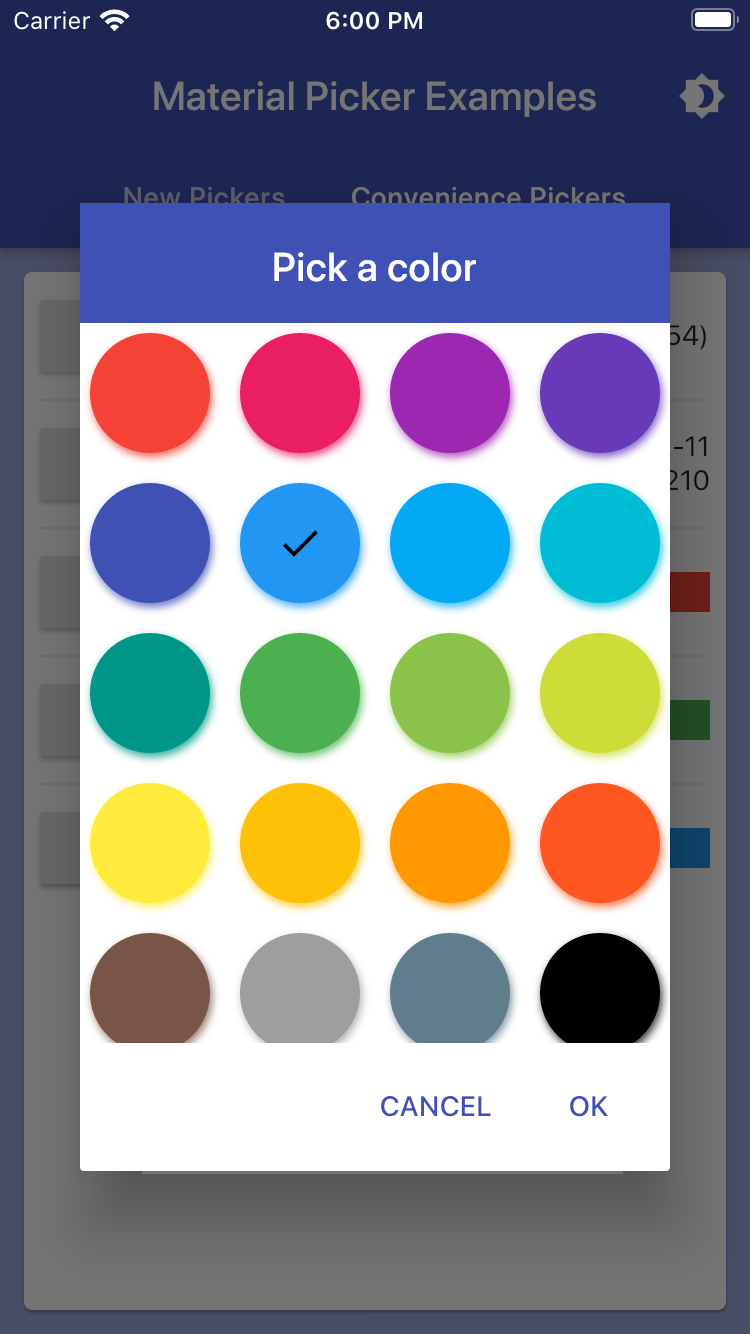
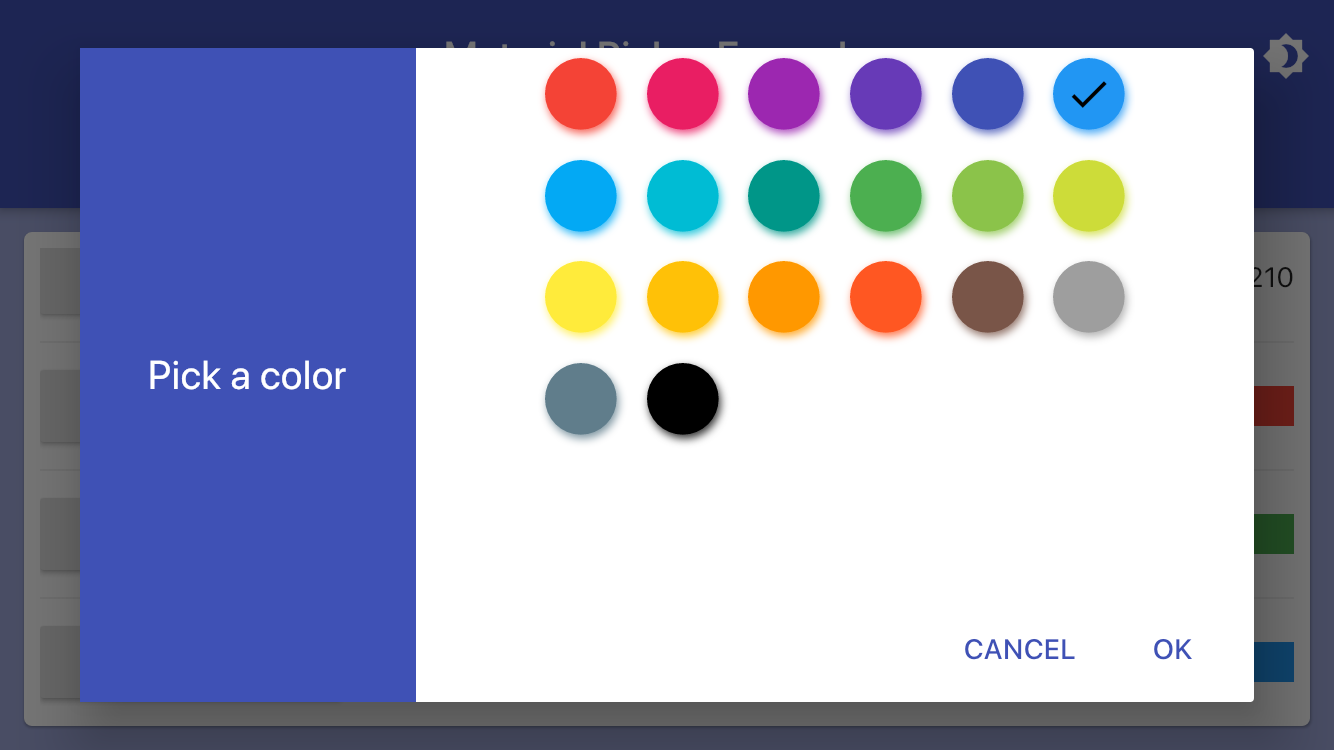
Color swatch = Colors.blue;

showMaterialSwatchPicker(
  context: context,
  selectedColor: swatch,
  onChanged: (value) => setState(() => swatch = value),
);
If you don't already have or want to build a custom object to hold selction items, this library includes a general purpose one called PickerModel that you would use like this:
  static const List<PickerModel> items = <PickerModel>[
    PickerModel('First', code: 1, icon: Icon(Icons.sort)),
    PickerModel('Second', code: 2, icon: Icon(Icons.clear_all)),
    PickerModel('Third', code: 3, icon: Icon(Icons.swap_calls)),
    PickerModel('Fourth', code: 4, icon: Icon(Icons.select_all)),
  ];
The code and icon fields are optional.
It is highly recommended you use Flutter's built in theme styling with primarySwatch to automatically style all controls across your entire application.
ThemeData(
  primarySwatch: Colors.indigo,
)
If you desire to override the color for a given control, here is how to customize the theme:
var theme = ThemeData();
theme = theme.copyWith(
  primaryColor: Colors.green, // background color of the header area
  accentColor: Colors.black, // color of selected controls and button bar text
  dialogBackgroundColor: Colors.green[300], // background color of the entire dialog
  primaryTextTheme: theme.primaryTextTheme.copyWith(
    title: theme.primaryTextTheme.title.copyWith(
      color: Colors.lightGreen[50], // text color of the header area
    ),
  ),
  textTheme: theme.textTheme.copyWith(
    body1: theme.textTheme.body1.copyWith(
      color: Colors.green[900], // text color of dialog text
    ),
    button: theme.textTheme.button.copyWith(
      color: Colors.lightGreen[50], // text color of the action bar buttons
    ),
  ),
);
The example app demonstrates switching between light and dark themes globally.
However, if for some reason you want to change colors in an individual dialog, several parameters are exposed to allow this:
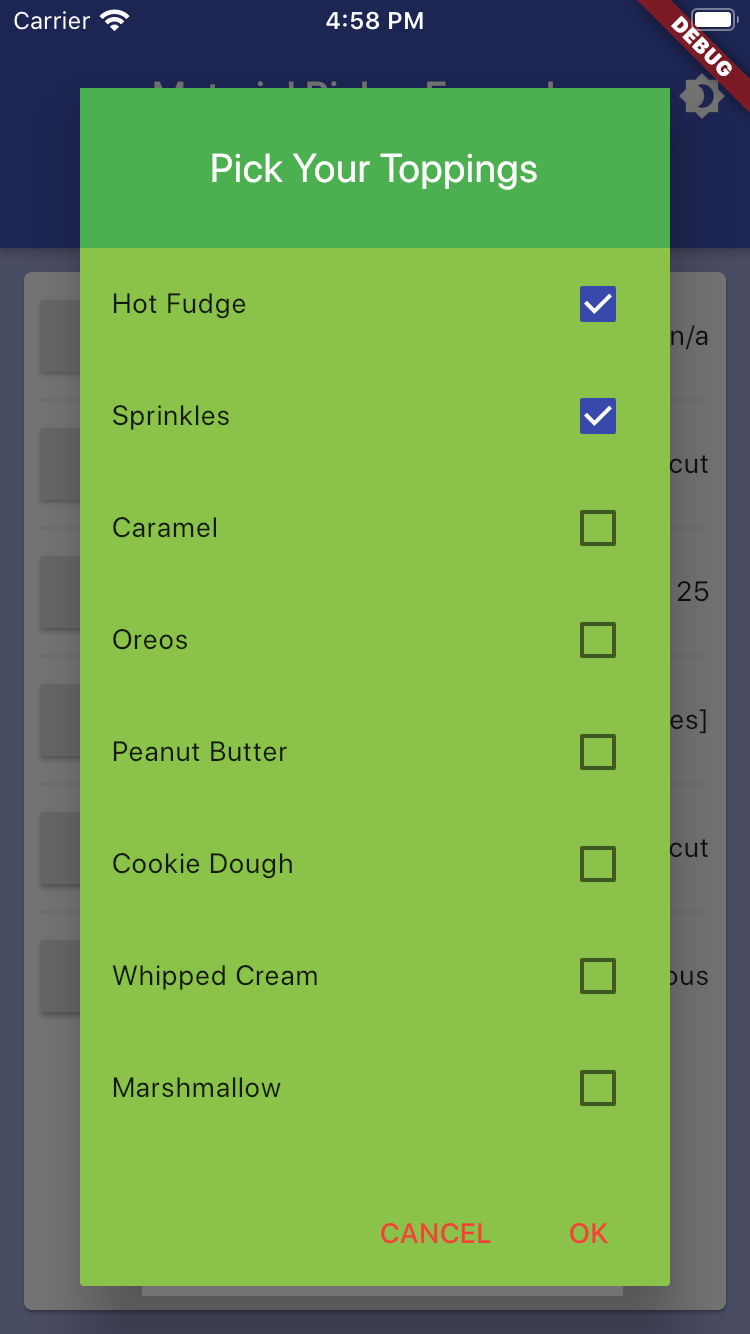
showMaterialResponsiveDialog(
    context: context,
    headerColor: Colors.green, // background color of the header area
    headerTextColor: Colors.white, // text fcolor of the header
    backgroundColor: Colors.lightGreen, // background color of the entire dialog
    buttonTextColor: Colors.red, // text color of the action bar buttons
    child: Text('Custom dialog colors'),
);
You can customize the text that appears in various areas of the screen. The button labels automatically localize to the native language versions of "Ok" and "Cancel", unless replacement text is provided.
showMaterialNumberPicker(
  title: 'Pick Your Age',
  confirmText: 'Count me in',
  cancelText: 'Negatory',
);
To prevent dialogs from growing to full screen on larger devices (or web) two properties control the maxmium size that it will grow:
  maxLongSide: 600,
  maxShortSide: 400,
The sides relate to if the dialog is showing in landscape or portrait mode. If you wish larger (or smaller) dialogs you can overide these values.
This widget set relies on these external third-party components:
Please see the Changelog page to know what's recently changed.
If you find a bug or want a feature, but don't know how to fix/implement it, please fill an issue.
If you fixed a bug or implemented a new feature, please send a pull request. Please include a note about your change in CHANGELOG.md with your pull request.

依赖清单 5 项
{"sdk":"flutter"}^1.1.0^0.20.2^8.1.5{"sdk":"flutter"}先按使用场景筛选,再比较项目活跃情况,最后到原始仓库核对使用要求。
“A repository is the most basic element of GitHub.”
GitHub Docs — About repositories ↗