

 v1.0.1
facebook_audience_network
适用于 Flutter 应用的 Facebook Audience Network 插件。您可以通过此插件展示 Facebook 横幅广告、插页式广告、激励视频广告和原生广告。
318喜欢 758近 30 天下载140Pub 分数
AndroidiOS
Flutter Facebook Audience Network

以下为英文项目原文快照,最新内容请访问 GitHub。


Facebook Audience Network plugin for Flutter applications (Android & iOS).
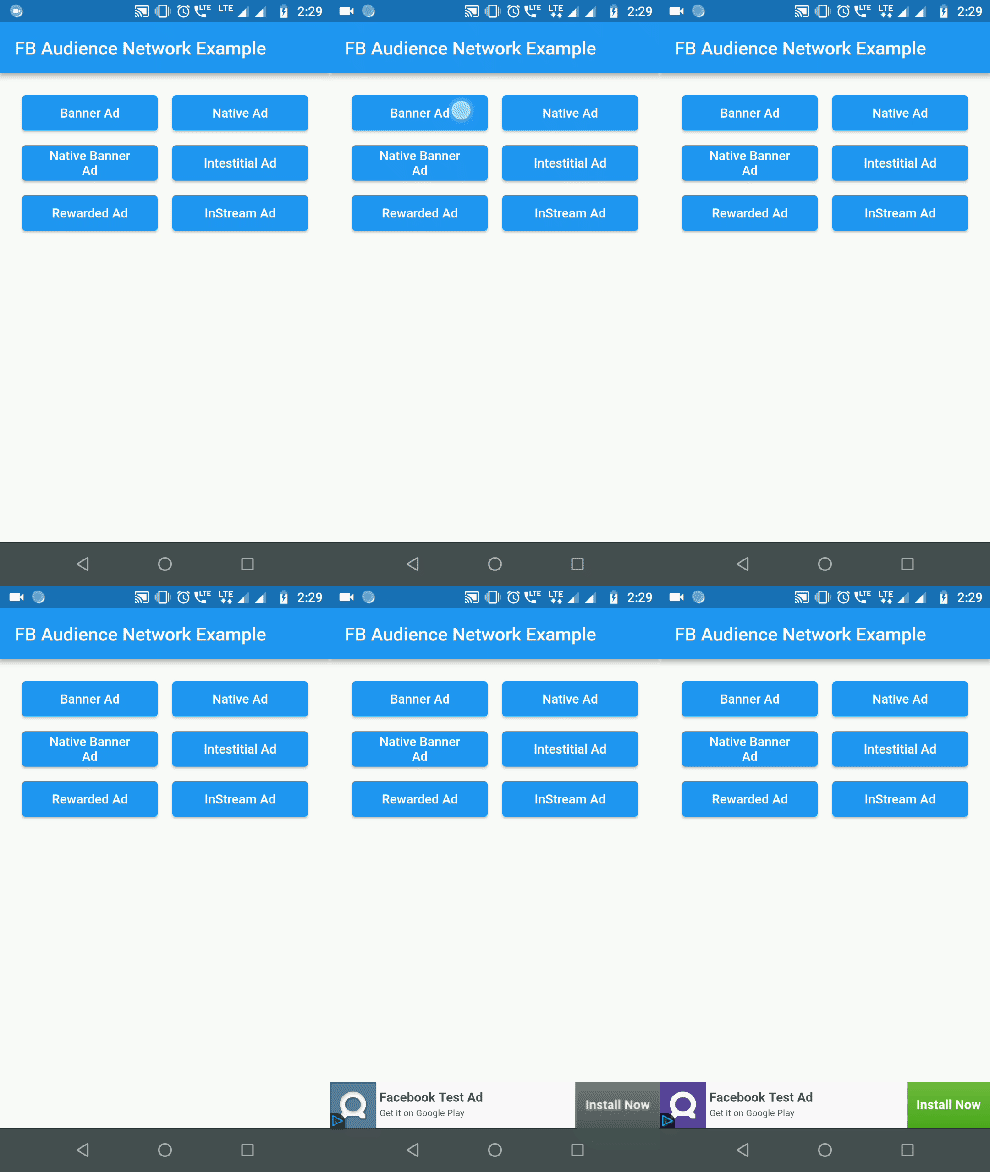
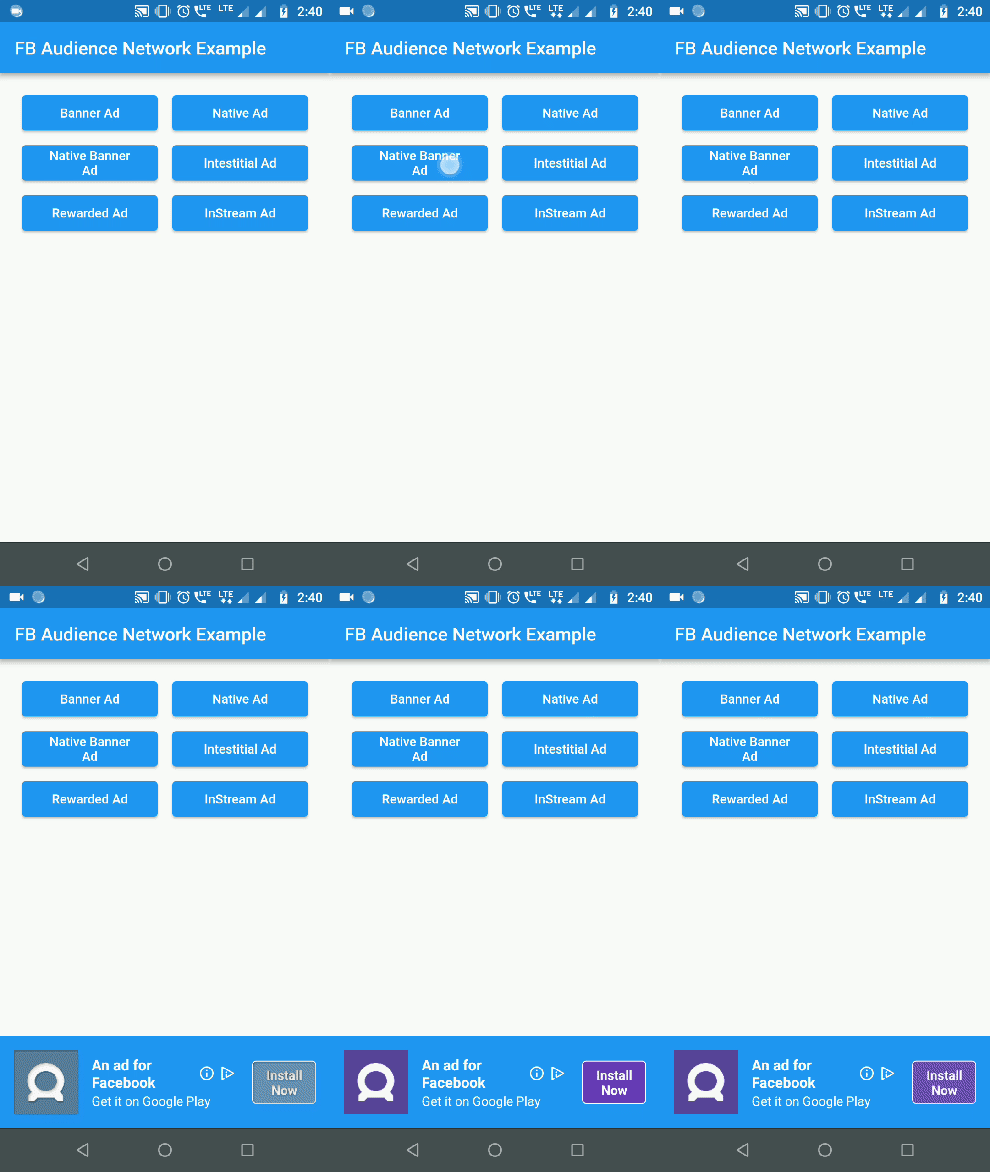
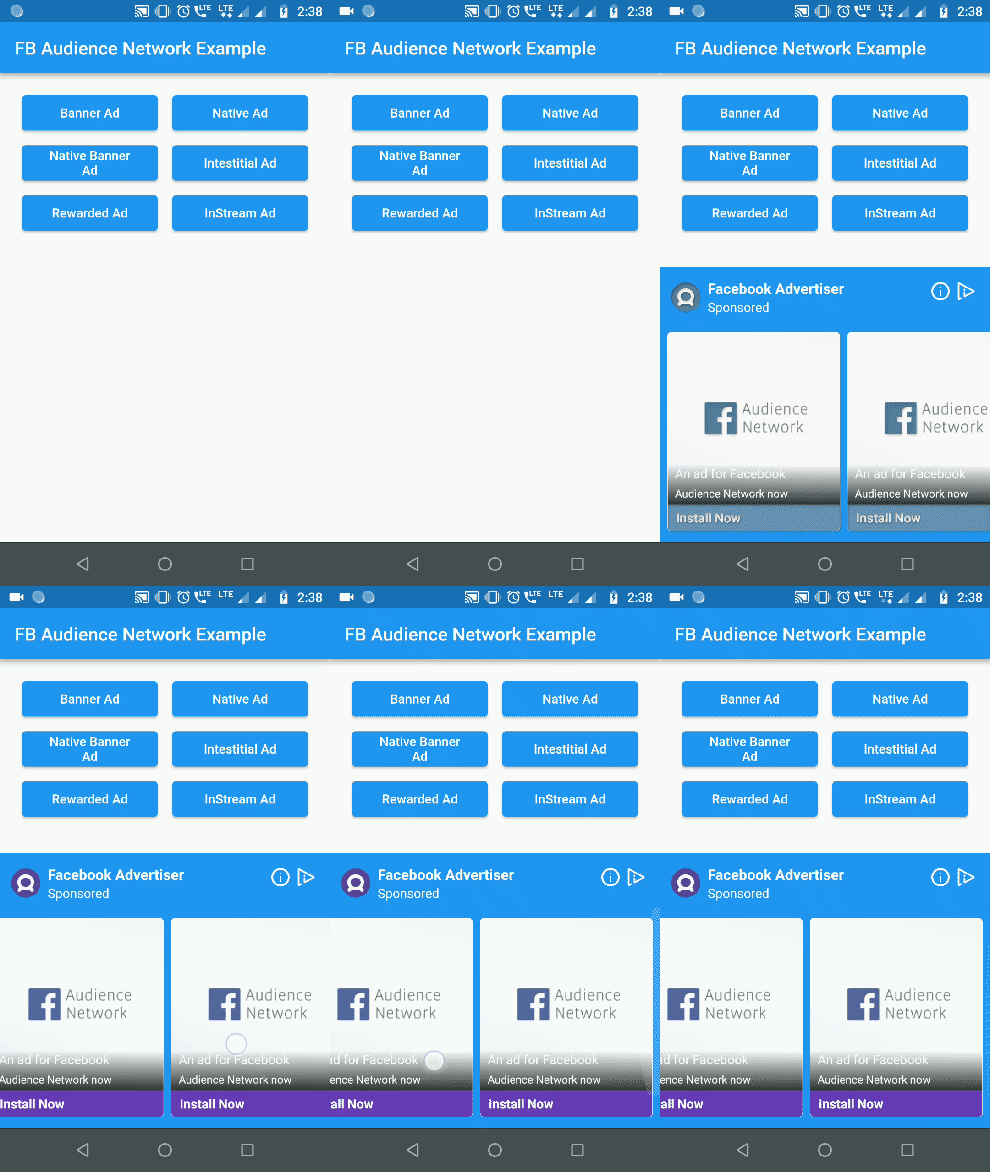
| Banner Ad | Native Banner Ad | Native Ad |
|---|---|---|
 |
 |
 |
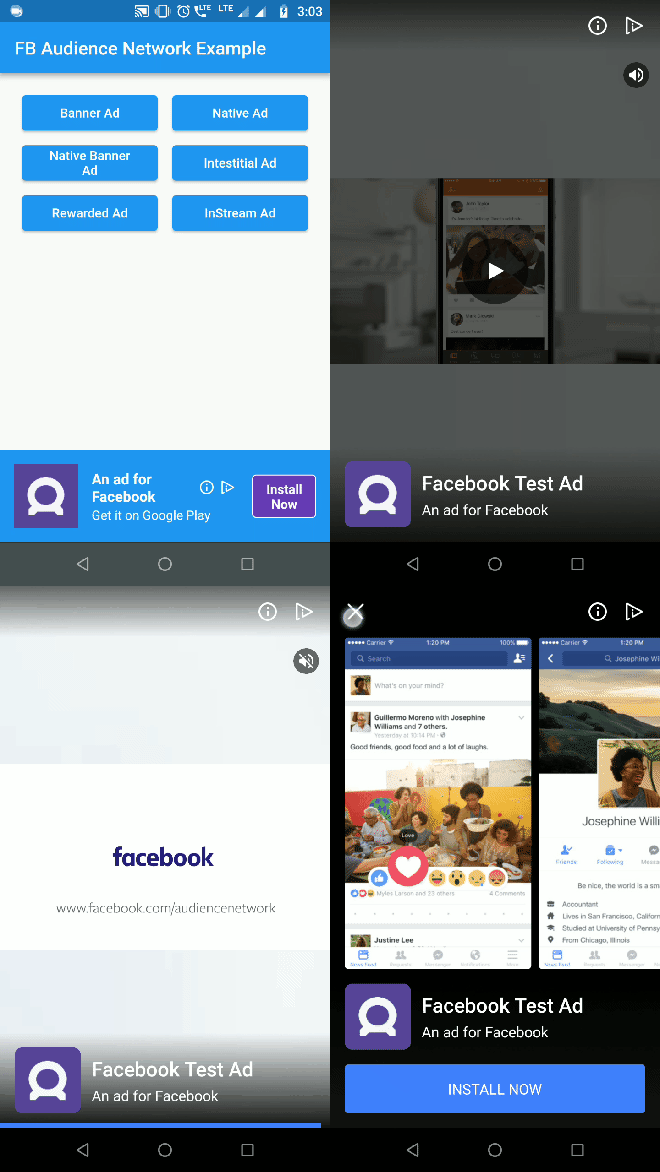
| Interstitial Ad | Rewarded Video Ad |
|---|---|
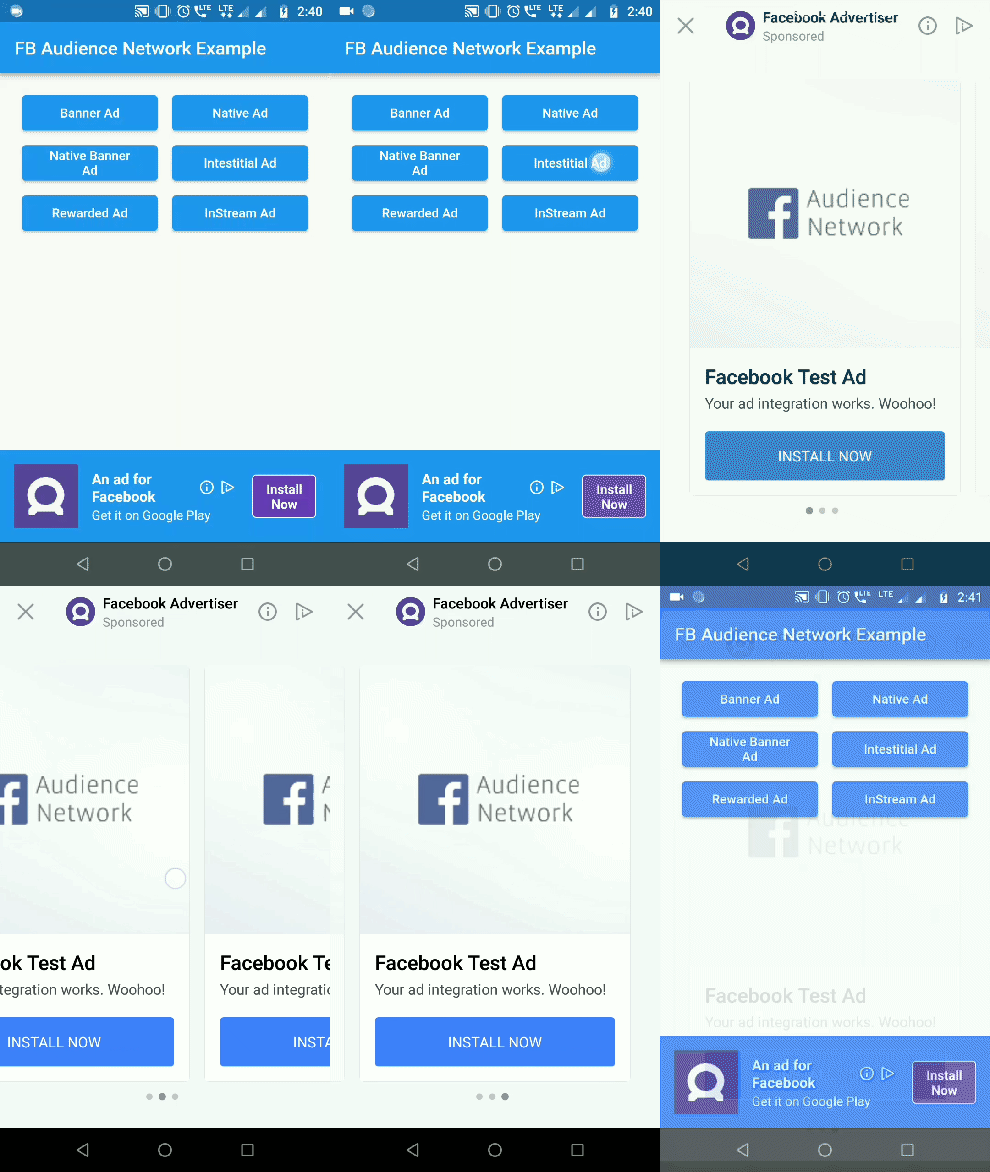 |
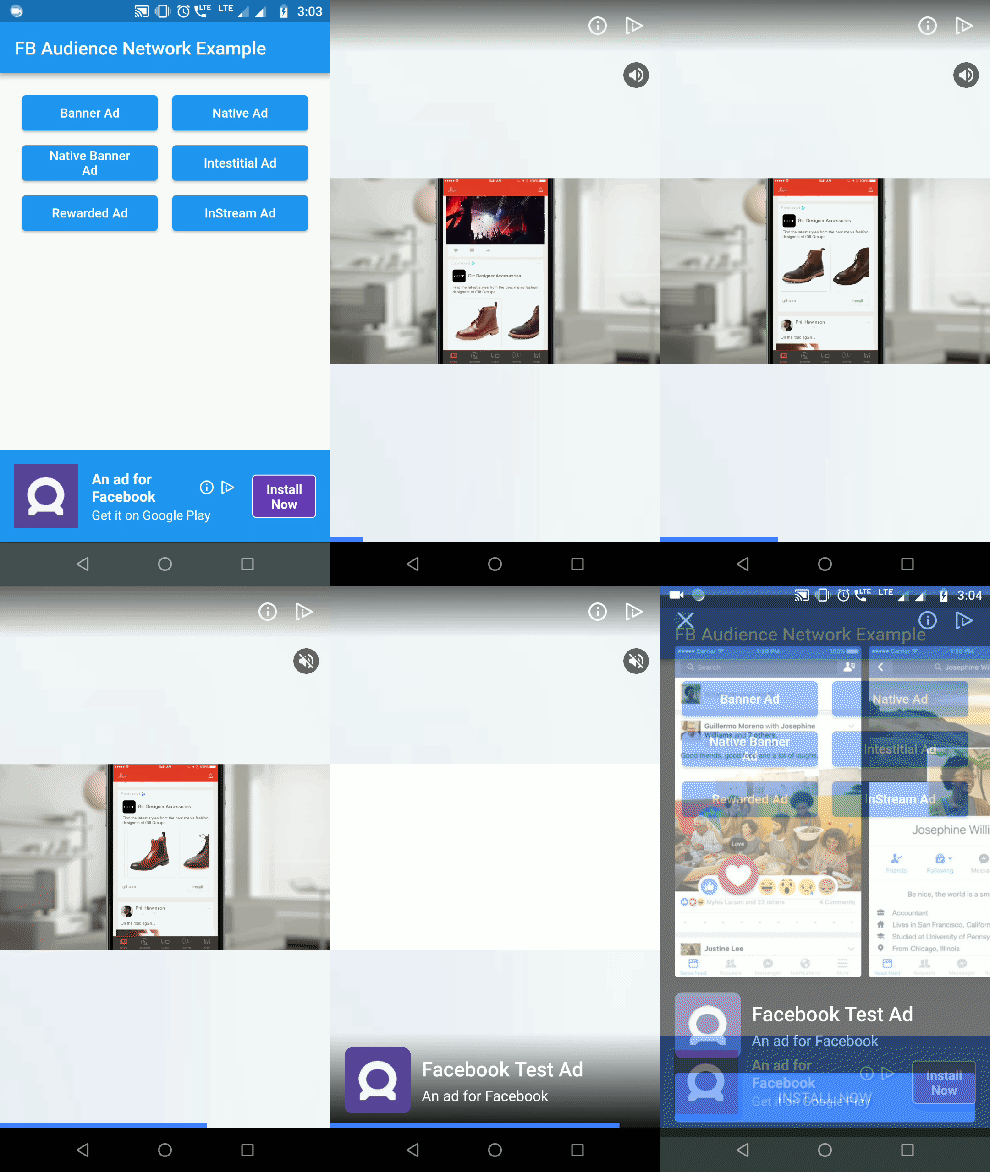 |
For testing purposes you need to obtain the hashed ID of your testing device. To obtain the hashed ID:
FacebookAudienceNetwork.init() during app initialization.FacebookBannerAd widget in your app.The hased id will be in printed to the logcat. Paste that onto the testingId parameter.
FacebookAudienceNetwork.init(
  testingId: "37b1da9d-b48c-4103-a393-2e095e734bd6", //optional
  iOSAdvertiserTrackingEnabled: true //default false
);
In Pod file, set the IOS deployment target version to 9.0
IN iOS, Banner, Interstital and Native Ads are supported
Container(
  alignment: Alignment(0.5, 1),
  child: FacebookBannerAd(
    placementId: Platform.isAndroid ? "YOUR_ANDROID_PLACEMENT_ID" : "YOUR_IOS_PLACEMENT_ID",
    bannerSize: BannerSize.STANDARD,
    listener: (result, value) {
      switch (result) {
        case BannerAdResult.ERROR:
          print("Error: $value");
          break;
        case BannerAdResult.LOADED:
          print("Loaded: $value");
          break;
        case BannerAdResult.CLICKED:
          print("Clicked: $value");
          break;
        case BannerAdResult.LOGGING_IMPRESSION:
          print("Logging Impression: $value");
          break;
      }
    },
  ),
)
FacebookInterstitialAd.loadInterstitialAd(
  placementId: "YOUR_PLACEMENT_ID",
  listener: (result, value) {
    if (result == InterstitialAdResult.LOADED)
      FacebookInterstitialAd.showInterstitialAd(delay: 5000);
  },
);
(Android Only)
FacebookRewardedVideoAd.loadRewardedVideoAd(
  placementId: "YOUR_PLACEMENT_ID",
  listener: (result, value) {
    if(result == RewardedVideoResult.LOADED)
      FacebookRewardedVideoAd.showRewardedVideoAd();
    if(result == RewardedVideoResult.VIDEO_COMPLETE)
      print("Video completed");
  },
);
FacebookNativeAd(
  placementId: "YOUR_PLACEMENT_ID",
  adType: NativeAdType.NATIVE_AD,
  width: double.infinity,
  height: 300,
  backgroundColor: Colors.blue,
  titleColor: Colors.white,
  descriptionColor: Colors.white,
  buttonColor: Colors.deepPurple,
  buttonTitleColor: Colors.white,
  buttonBorderColor: Colors.white,
  keepAlive: true, //set true if you do not want adview to refresh on widget rebuild
  keepExpandedWhileLoading: false, // set false if you want to collapse the native ad view when the ad is loading
  expandAnimationDuraion: 300, //in milliseconds. Expands the adview with animation when ad is loaded
  listener: (result, value) {
    print("Native Ad: $result --> $value");
  },
),
Use NativeBannerAdSize to choose the height for Native banner ads. height property is ignored for native banner ads.
FacebookNativeAd(
  placementId: "YOUR_PLACEMENT_ID",
  adType: NativeAdType.NATIVE_BANNER_AD,
  bannerAdSize: NativeBannerAdSize.HEIGHT_100,
  width: double.infinity,
  backgroundColor: Colors.blue,
  titleColor: Colors.white,
  descriptionColor: Colors.white,
  buttonColor: Colors.deepPurple,
  buttonTitleColor: Colors.white,
  buttonBorderColor: Colors.white,
  listener: (result, value) {
    print("Native Ad: $result --> $value");
  },
),
Check out the example for complete implementation.
iOS wrapper code contribution by lolqplay team from birdgang
Implement Rewarded video for iOS platform.
依赖清单 4 项
{"sdk":"flutter"}^1.7.0^1.2.0{"sdk":"flutter"}先按使用场景筛选,再比较项目活跃情况,最后到原始仓库核对使用要求。
“A repository is the most basic element of GitHub.”
GitHub Docs — About repositories ↗