搜索插件、代码仓与 APP 分类

facebook_audience_network 封面
插件详情v1.0.1

facebook_audience_network

适用于 Flutter 应用的 Facebook Audience Network 插件。您可以通过此插件展示 Facebook 横幅广告、插页式广告、激励视频广告和原生广告。

AndroidiOS
近 30 天下载
704
喜欢数
318
Pub 分数
140

安装插件

flutter pub add facebook_audience_network

插件介绍

基于插件公开信息、社区数据与项目使用情况整理的选型参考。

Facebook Audience Network 插件使 Flutter 开发者能够将其应用中集成原生广告。该插件支持多种广告格式,包括横幅、插页式、激励视频和原生广告,可在 Android 和 iOS 平台上实现变现。该插件提供了一个简单的接口来加载和显示广告,利用 Facebook 广告网络的广泛资源,提供高质量且精准投放的内容。开发者可以使用提供的 Flutter API 轻松实现这些功能,设置简单,无需复杂配置。

适合场景

  • 通过应用内广告 monetizing 移动应用程序
  • 显示奖励视频广告以提高用户参与度
  • 集成原生广告以实现无缝的用户界面体验
  • 在应用界面之间显示插页广告
  • 使用横幅广告进行持续收入生成

主要特点

  • 支持横幅广告、插屏广告、激励视频广告和原生广告
  • 跨平台兼容性(Android 和 iOS)
  • 与 Flutter 的简单集成
  • 通过 Facebook 网络实时投放广告
  • 易于使用的 Flutter 广告管理 API

适合对象

  • 寻求广告变现的Flutter开发者
  • 面向全球受众的应用
  • 需要多种广告格式的项目
  • 使用 Facebook 广告生态系统的开发者
  • 旨在通过奖励内容提高参与度的移动应用

使用建议

  • 需要 Facebook 开发者账户和应用设置
  • 广告表现取决于地区和受众
  • 如果使用过度,可能会影响用户体验
  • 遵守 Facebook 广告政策的要求
  • 与原生 SDK 相比,自定义功能有限

原始 README

以下为关联源码仓库的 README 原文快照,最新内容请访问源码仓库。

facebook_audience_network

Pub GitHub Awesome Flutter

Facebook Audience Network plugin for Flutter applications (Android & iOS).

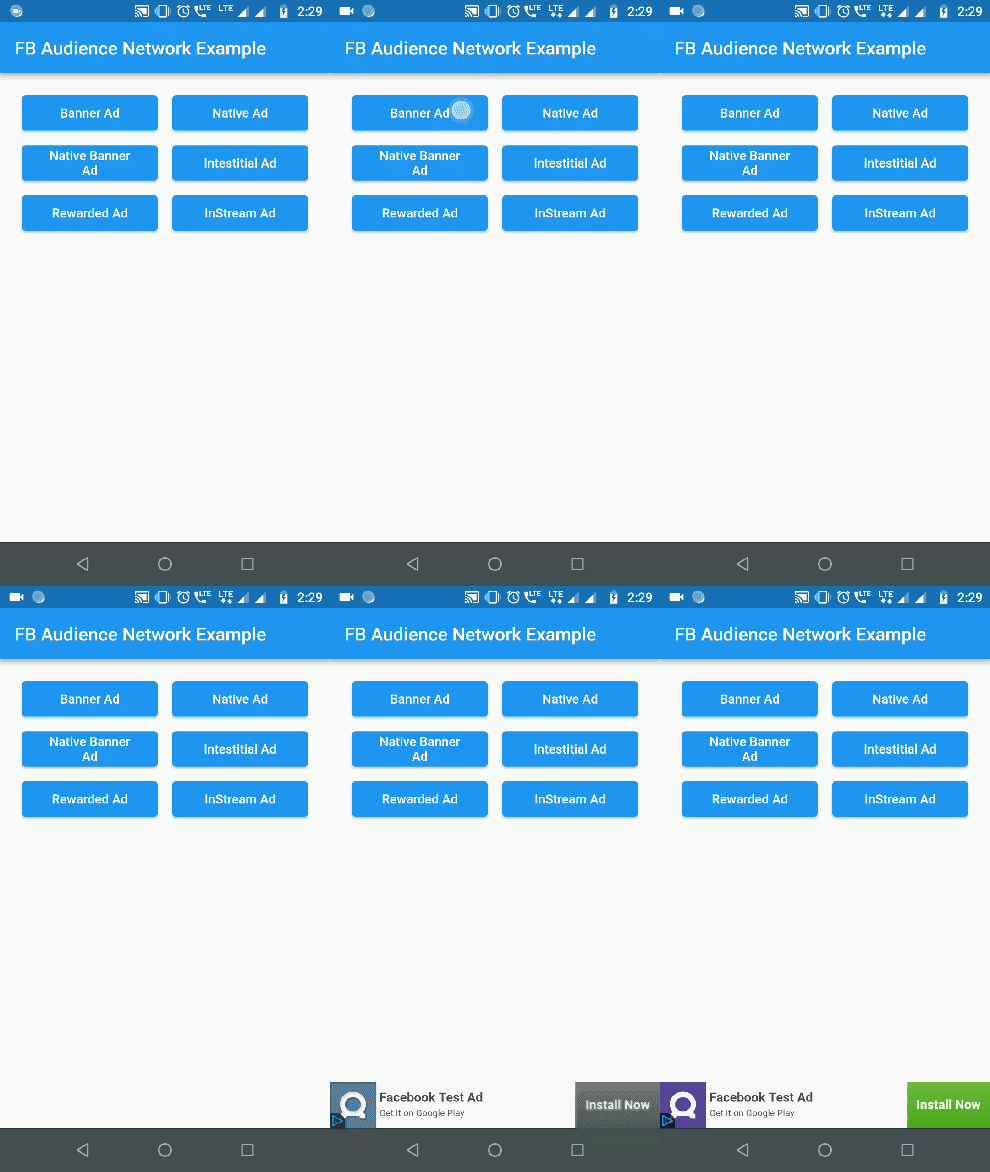
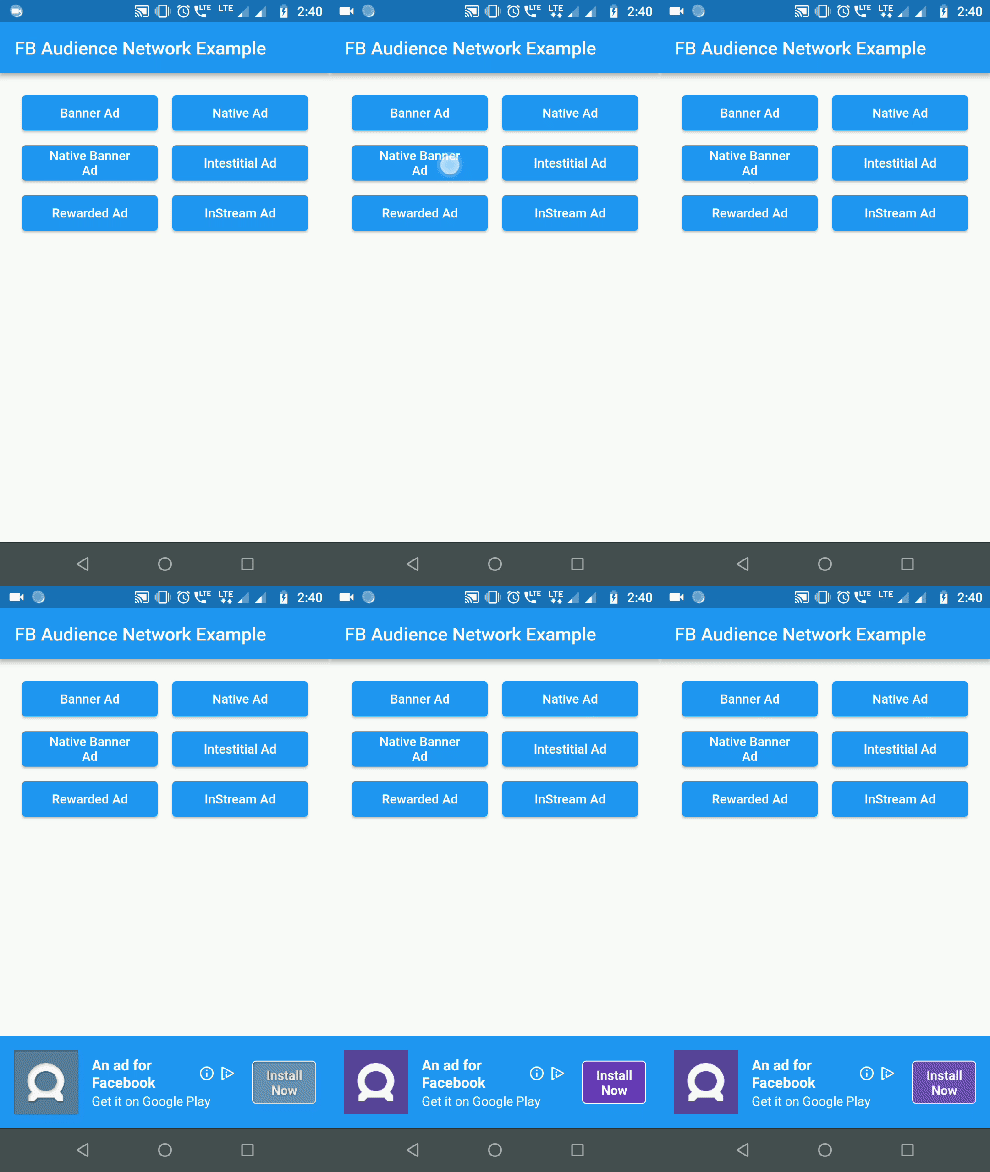
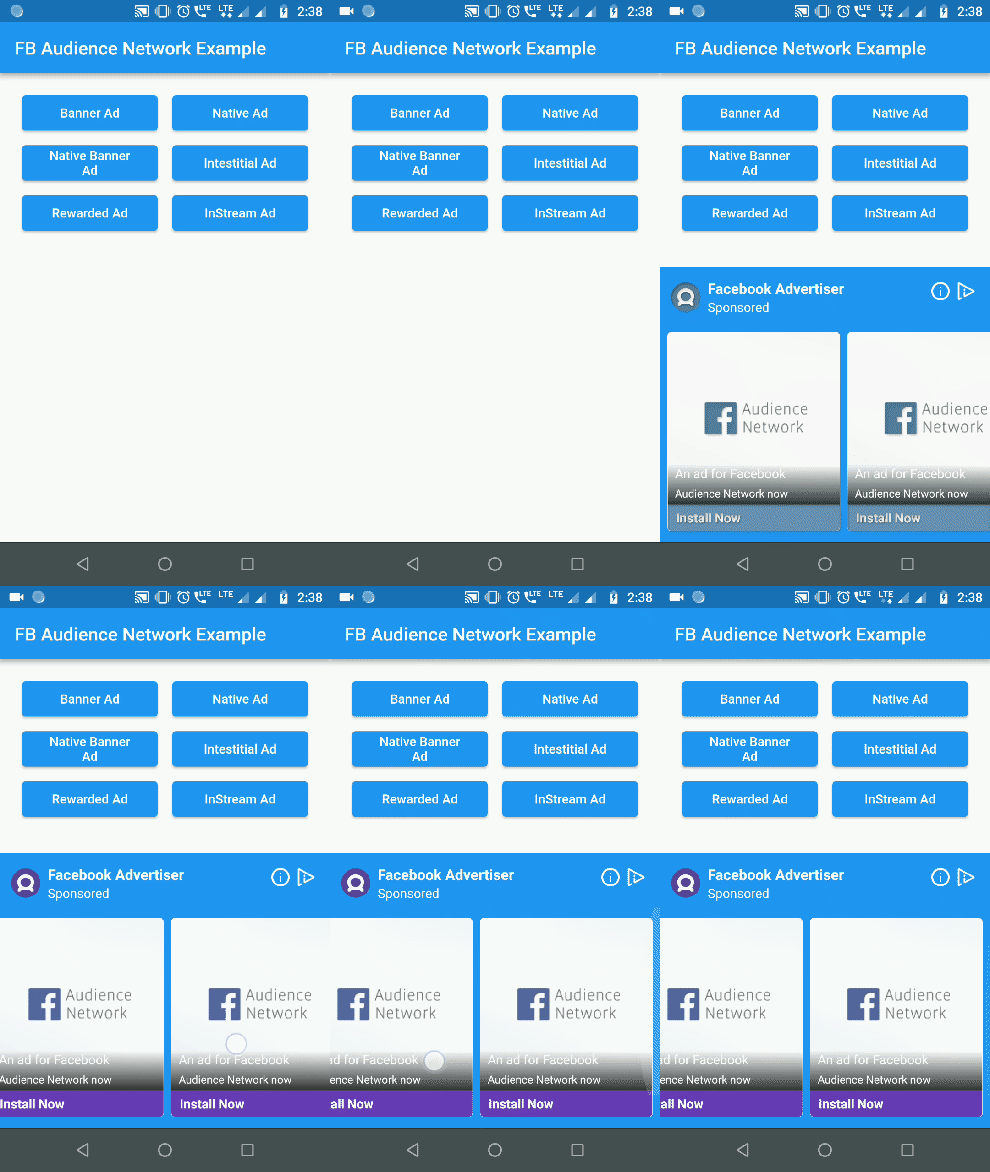
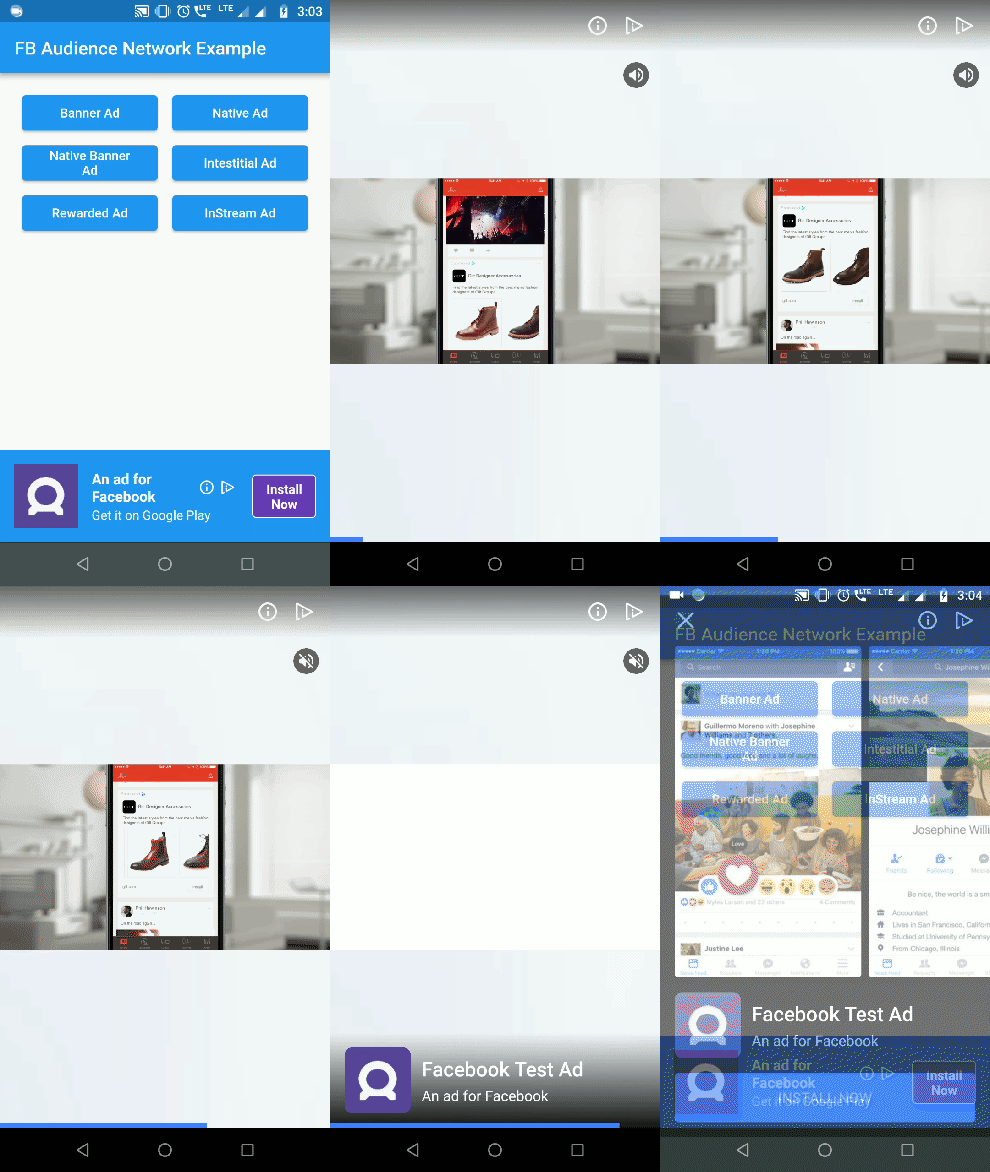
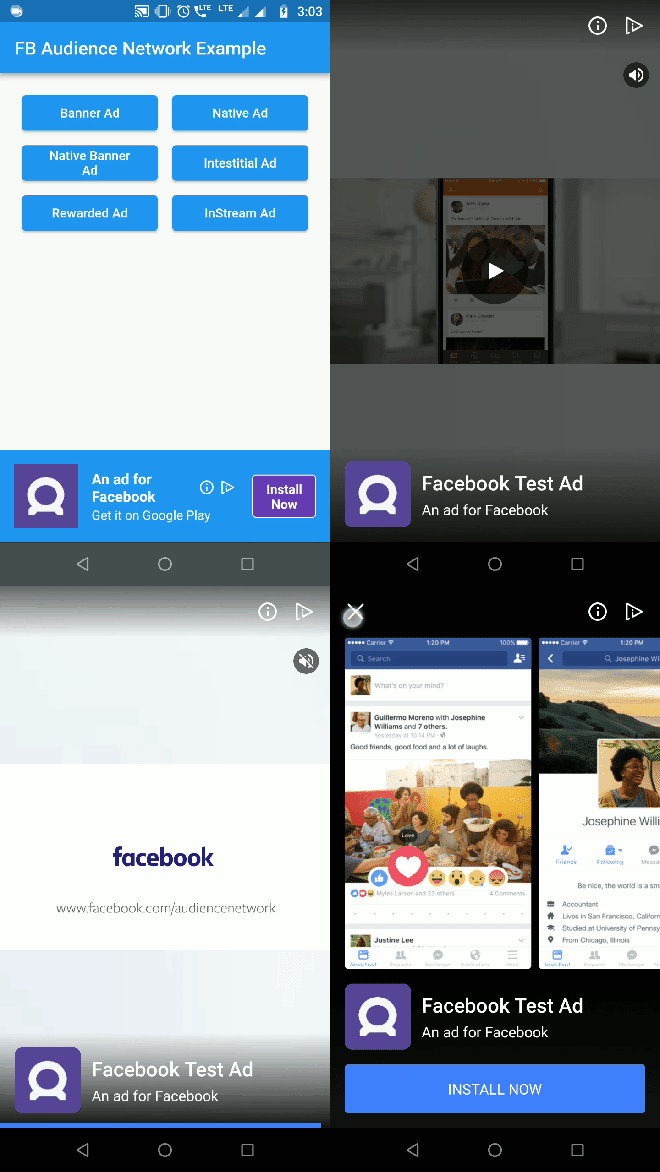
Banner Ad Native Banner Ad Native Ad
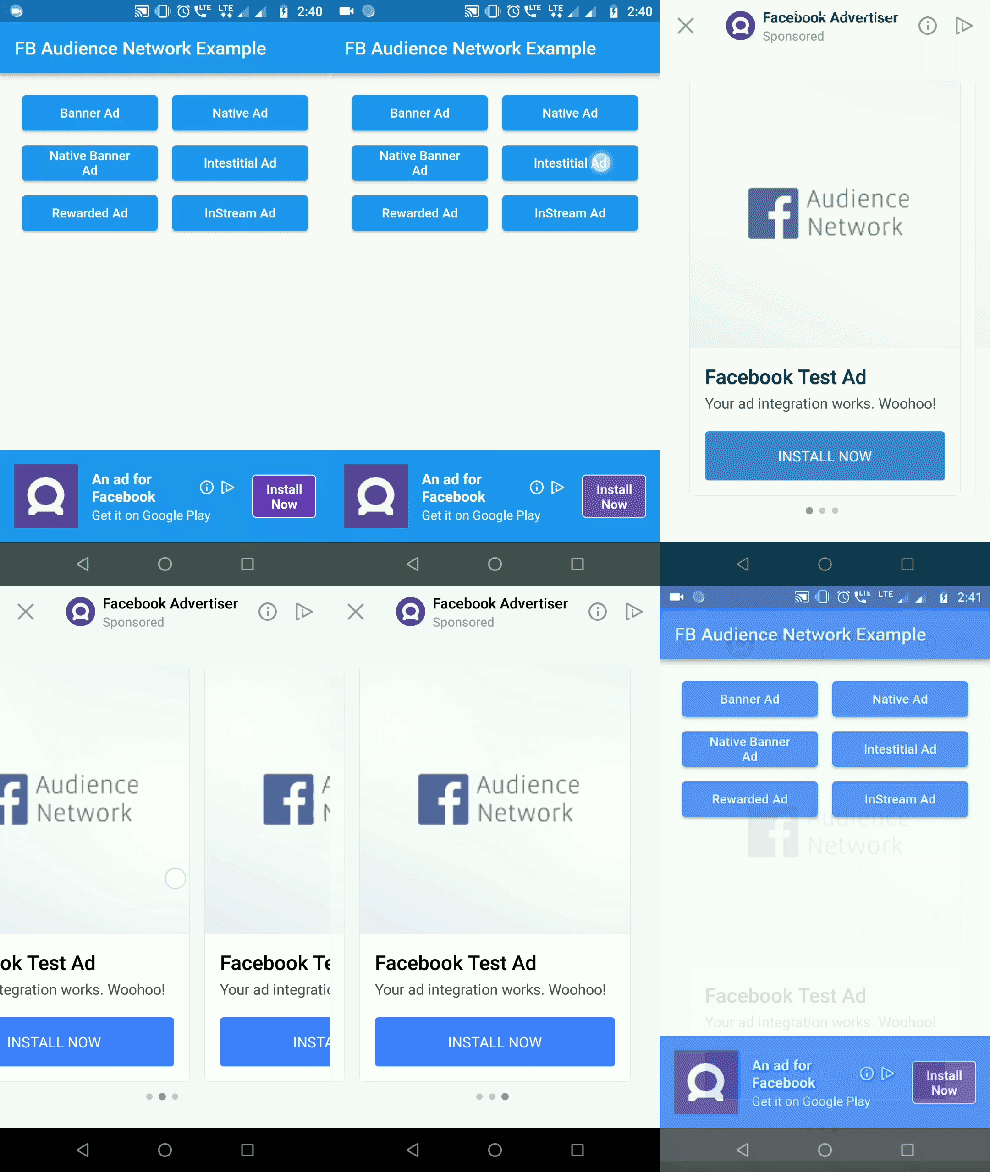
Interstitial Ad Rewarded Video Ad
Interstitial Ad Rewarded Ad

Getting Started

1. Initialization:

For testing purposes you need to obtain the hashed ID of your testing device. To obtain the hashed ID:

  1. Call FacebookAudienceNetwork.init() during app initialization.
  2. Place the FacebookBannerAd widget in your app.
  3. Run the app.

The hased id will be in printed to the logcat. Paste that onto the testingId parameter.

FacebookAudienceNetwork.init(
  testingId: "37b1da9d-b48c-4103-a393-2e095e734bd6", //optional
  iOSAdvertiserTrackingEnabled: true //default false
);
IOS Setup

In Pod file, set the IOS deployment target version to 9.0

IN iOS, Banner, Interstital and Native Ads are supported


2. Show Banner Ad:
Container(
  alignment: Alignment(0.5, 1),
  child: FacebookBannerAd(
    placementId: Platform.isAndroid ? "YOUR_ANDROID_PLACEMENT_ID" : "YOUR_IOS_PLACEMENT_ID",
    bannerSize: BannerSize.STANDARD,
    listener: (result, value) {
      switch (result) {
        case BannerAdResult.ERROR:
          print("Error: $value");
          break;
        case BannerAdResult.LOADED:
          print("Loaded: $value");
          break;
        case BannerAdResult.CLICKED:
          print("Clicked: $value");
          break;
        case BannerAdResult.LOGGING_IMPRESSION:
          print("Logging Impression: $value");
          break;
      }
    },
  ),
)

3. Show Interstitial Ad:
FacebookInterstitialAd.loadInterstitialAd(
  placementId: "YOUR_PLACEMENT_ID",
  listener: (result, value) {
    if (result == InterstitialAdResult.LOADED)
      FacebookInterstitialAd.showInterstitialAd(delay: 5000);
  },
);

4. Show Rewarded Video Ad:

(Android Only)

FacebookRewardedVideoAd.loadRewardedVideoAd(
  placementId: "YOUR_PLACEMENT_ID",
  listener: (result, value) {
    if(result == RewardedVideoResult.LOADED)
      FacebookRewardedVideoAd.showRewardedVideoAd();
    if(result == RewardedVideoResult.VIDEO_COMPLETE)
      print("Video completed");
  },
);

5. Show Native Ad:
  • NativeAdType NATIVE_AD_HORIZONTAL & NATIVE_AD_VERTICAL ad types are supported only in iOS. In Android use NATIVE_AD.
FacebookNativeAd(
  placementId: "YOUR_PLACEMENT_ID",
  adType: NativeAdType.NATIVE_AD,
  width: double.infinity,
  height: 300,
  backgroundColor: Colors.blue,
  titleColor: Colors.white,
  descriptionColor: Colors.white,
  buttonColor: Colors.deepPurple,
  buttonTitleColor: Colors.white,
  buttonBorderColor: Colors.white,
  keepAlive: true, //set true if you do not want adview to refresh on widget rebuild
  keepExpandedWhileLoading: false, // set false if you want to collapse the native ad view when the ad is loading 
  expandAnimationDuraion: 300, //in milliseconds. Expands the adview with animation when ad is loaded
  listener: (result, value) {
    print("Native Ad: $result --> $value");
  },
),

6. Show Native Banner Ad:

Use NativeBannerAdSize to choose the height for Native banner ads. height property is ignored for native banner ads.

FacebookNativeAd(
  placementId: "YOUR_PLACEMENT_ID",
  adType: NativeAdType.NATIVE_BANNER_AD,
  bannerAdSize: NativeBannerAdSize.HEIGHT_100,
  width: double.infinity,
  backgroundColor: Colors.blue,
  titleColor: Colors.white,
  descriptionColor: Colors.white,
  buttonColor: Colors.deepPurple,
  buttonTitleColor: Colors.white,
  buttonBorderColor: Colors.white,
  listener: (result, value) {
    print("Native Ad: $result --> $value");
  },
),

Check out the example for complete implementation.

iOS wrapper code contribution by lolqplay team from birdgang

Note: Instream video ad has been removed by Facebook. Read more here

Future Work

Implement Rewarded video for iOS platform.

所属分类

依赖

依赖清单 2 项

源码仓库

使用此插件的项目