

 v8.0.0
flutter_map_line_editor
`flutter_map` 的基本线条和多边形编辑器,使用拖动标记
32喜欢 6040近 30 天下载130Pub 分数
AndroidiOSWebmacOSWindowsLinux
一个基本的线/多边形编辑器,可与 flutter_map 和 dragmarkers 配合使用。

以下为英文项目原文快照,最新内容请访问 GitHub。
flutter_map


A basic line and polygon editor that works with
flutter_map, relying on
DragMarker from
flutter_map_dragmarker.

To use this package, first add flutter_map_line_editor as a
dependency in your pubspec.yaml file:
dependencies:
  flutter_map_line_editor: <latest version>
See the example directory for a complete example app demonstrating the usage
of this package, here are the most important features:
Once the package is installed, make sure to import the package in the file that
you are going to need it, you may also need to import flutter_map_dragmarker:
import 'package:flutter_map_dragmarker/flutter_map_dragmarker.dart';
import 'package:flutter_map_line_editor/flutter_map_line_editor.dart';
Set up a new editor instance, tipically inside initState():
var polyEditor = PolyEditor(
  points: testPolyline.points,
  pointIcon: Icon(Icons.crop_square, size: 23),
  intermediateIcon: Icon(Icons.lens, size: 15, color: Colors.grey),
  callbackRefresh: () => { this.setState(() {})},
  addClosePathMarker: false, // set to true if polygon
);
The PolyEditor takes a list of LatLng points that are used to put
DragMarker's over these locations. PolyEditor does not care if the given
list of points is a polyline, it could be something else. This list will be
edited in place so that when the build method is triggered it will use updated
points.
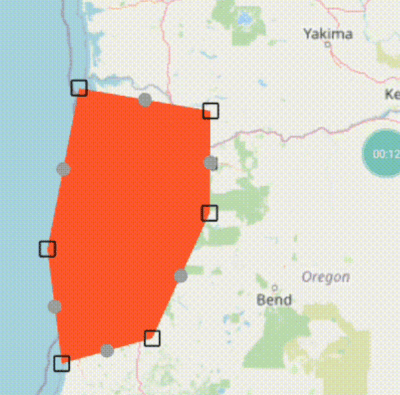
You must also pass a Widget (tipically an Icon) using the pointIcon
parameter that will be used to represent each DragMarker.
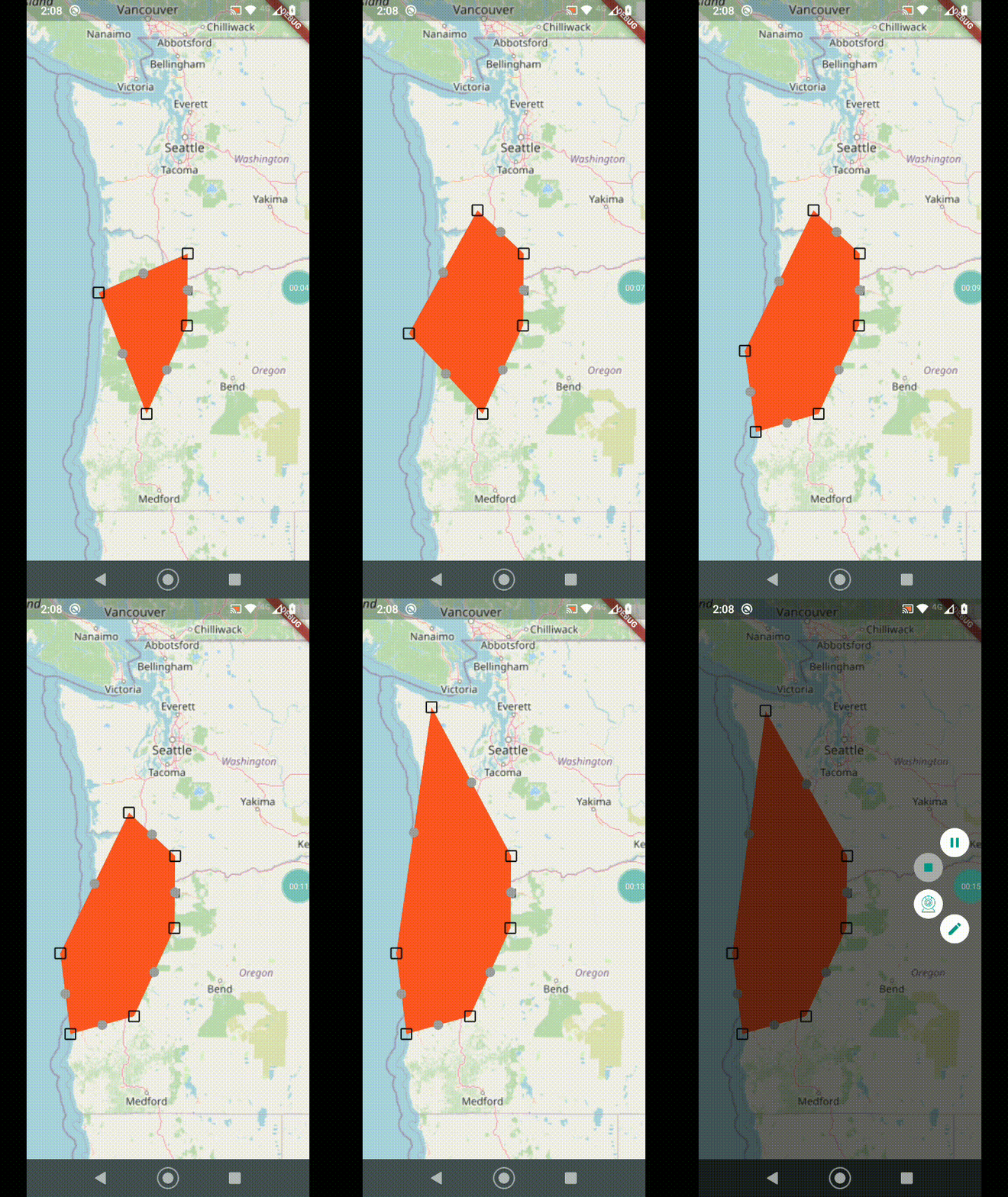
You may also pass the optional parameter intermediateIconto display another
DragMarker halfway between the main points. Dragging this marker will create
another main point and the line will be split.
The screen needs to be updated during a drag, so callbackRefresh takes a
function that will get called each drag frame.
For polygons or “closed paths” set the parameter addClosePathMarker to true
so that the end auto-returns to the start. Otherwise, if you just want a basic
polyline, set this to false.
You can add a point programmatically using the onTap callback in MapOptions:
onTap: (ll) {
  polyEditor.add(testPolyline.points, ll);
},
Add the correspondent layers as FlutterMap childrens:
FlutterMap(
  options: MapOptions(
    onTap: (_, ll) {
      polyEditor.add(testPolyline.points, ll);
    },
  ),
  children: [
    // .....
    PolylineLayer(polylines: polyLines),
    DragMarkers(markers: polyEditor.edit()),
  ],
),
Report issues or feature requests in the GitHub repository, Pull Requests are welcome!
This package is licensed under the permissive MIT License.
See the LICENSE file in this repository to get a full copy.
依赖清单 5 项
{"sdk":"flutter"}>=0.9.0 <0.10.0>=8.0.0 <9.0.0>=1.0.4{"sdk":"flutter"}先按使用场景筛选,再比较项目活跃情况,最后到原始仓库核对使用要求。
“A repository is the most basic element of GitHub.”
GitHub Docs — About repositories ↗