


 v3.1.0
flutter_settings_ui
几分钟内为 Flutter 应用创建原生设置。settings_ui 的分支。
164喜欢 2万近 30 天下载150Pub 分数
AndroidiOSWebmacOSWindowsLinux
settings_ui 的分支。几分钟内为 Flutter 应用创建原生设置。

以下为英文项目原文快照,最新内容请访问 GitHub。
This project was archived, however since the original package seems unmaintained yet, I reactivated this package together with some improvements and changes. Please checkout the changelog for all changes.
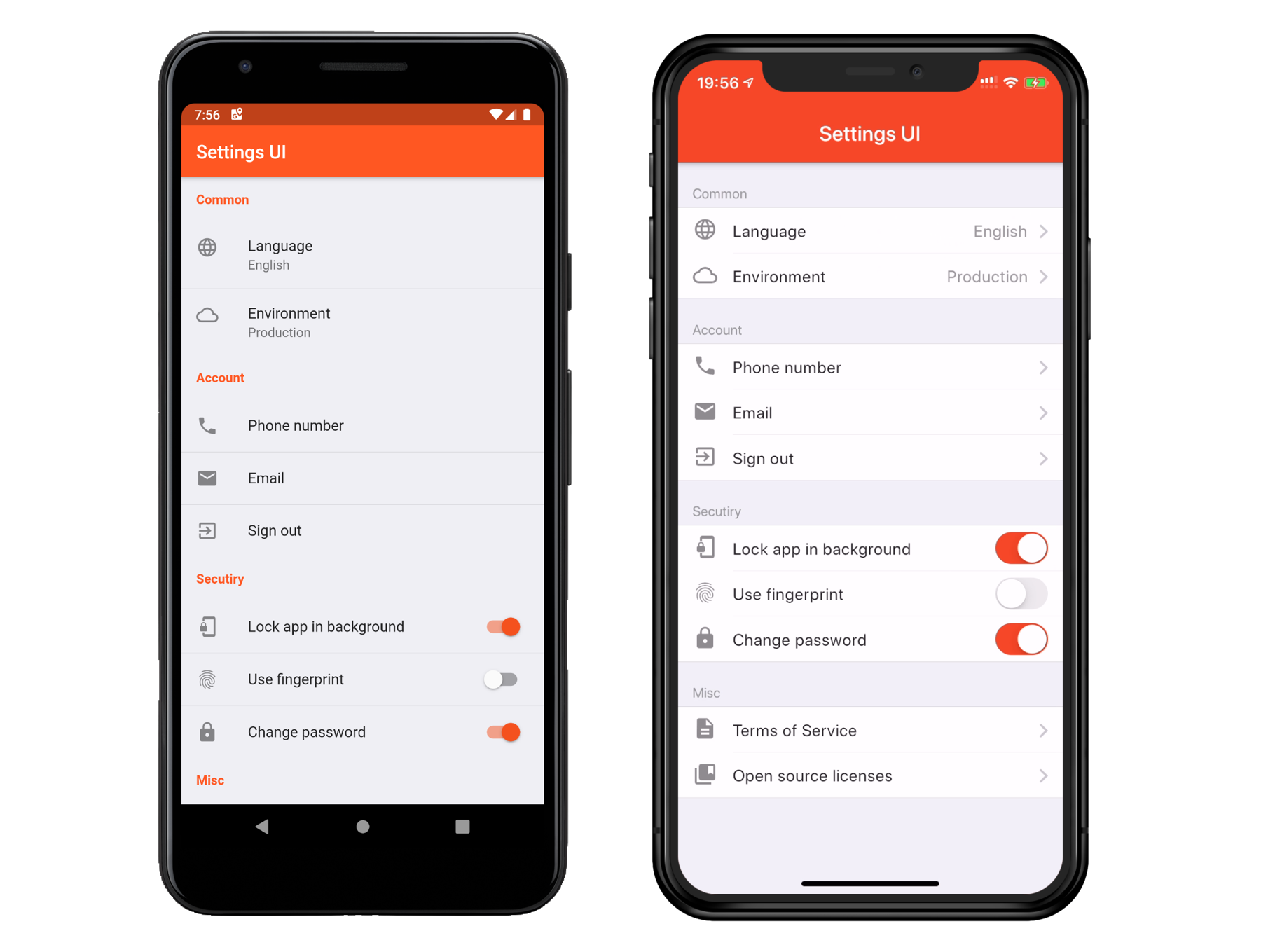
In your pubspec.yaml
dependencies:
  flutter_settings_ui: ^3.0.0
import 'package:flutter_settings_ui/flutter_settings_ui.dart';
      SettingsList(
        sections: [
          SettingsSection(
            title: const Text('Section'),
            tiles: [
              SettingsTile(
                title: const Text('Language'),
                description: const Text('English'),
                leading: const Icon(Icons.language),
                onPressed: (BuildContext context) {},
                ),
              SettingsTile.switchTile(
                initialValue: false,
                title: const Text('Use fingerprint'),
                leading: const Icon(Icons.fingerprint),
                onToggle: (bool value) {},
              ),
            ],
          ),
        ],
      )
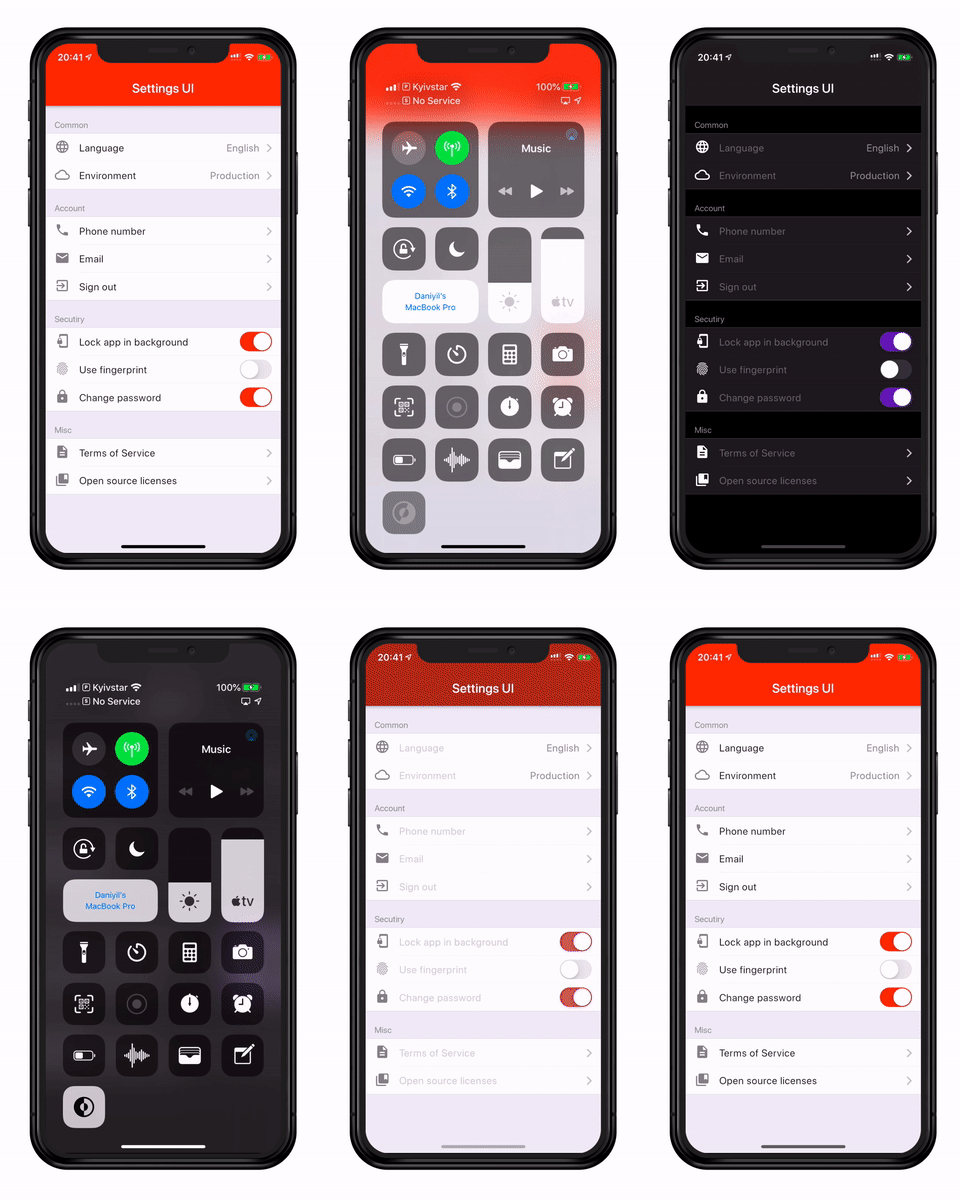
Contributions are welcome! If you're new to the project's tech stack or need a refresher, here are some resources to get started:
Dart:
C++:
CMake:
Ruby:
Swift:
C:
Other:
Feel free to explore these resources to gain familiarity with the project's tech stack and contribute effectively.
This project is licensed under the Apache License 2.0 - see the LICENSE file for details
依赖清单 3 项
{"sdk":"flutter"}{"sdk":"flutter"}2.2.0先按使用场景筛选,再比较项目活跃情况,最后到原始仓库核对使用要求。
“A repository is the most basic element of GitHub.”
GitHub Docs — About repositories ↗