


v1.0.1
qr_code_scanner
可嵌入 Flutter 的二维码扫描器。Android 使用 zxing,iOS 使用 MTBBarcode 扫描器。
2150喜欢 21.3万近 30 天下载60Pub 分数
平台暂无数据
适用于 Flutter 的二维码扫描器

以下为英文项目原文快照,最新内容请访问 GitHub。
Since the underlying frameworks of this package, zxing for android and MTBBarcodescanner for iOS are both not longer maintaned, this plugin is no longer up to date and in maintenance mode only. Only bug fixes and minor enhancements will be considered.
I am developing a new plugin mobile_scanner that uses the latest version of MLKit for detecting barcodes and QR codes. On Android it also uses the latest version of CameraX, and on iOS the native AVFoundation for best camera performance.


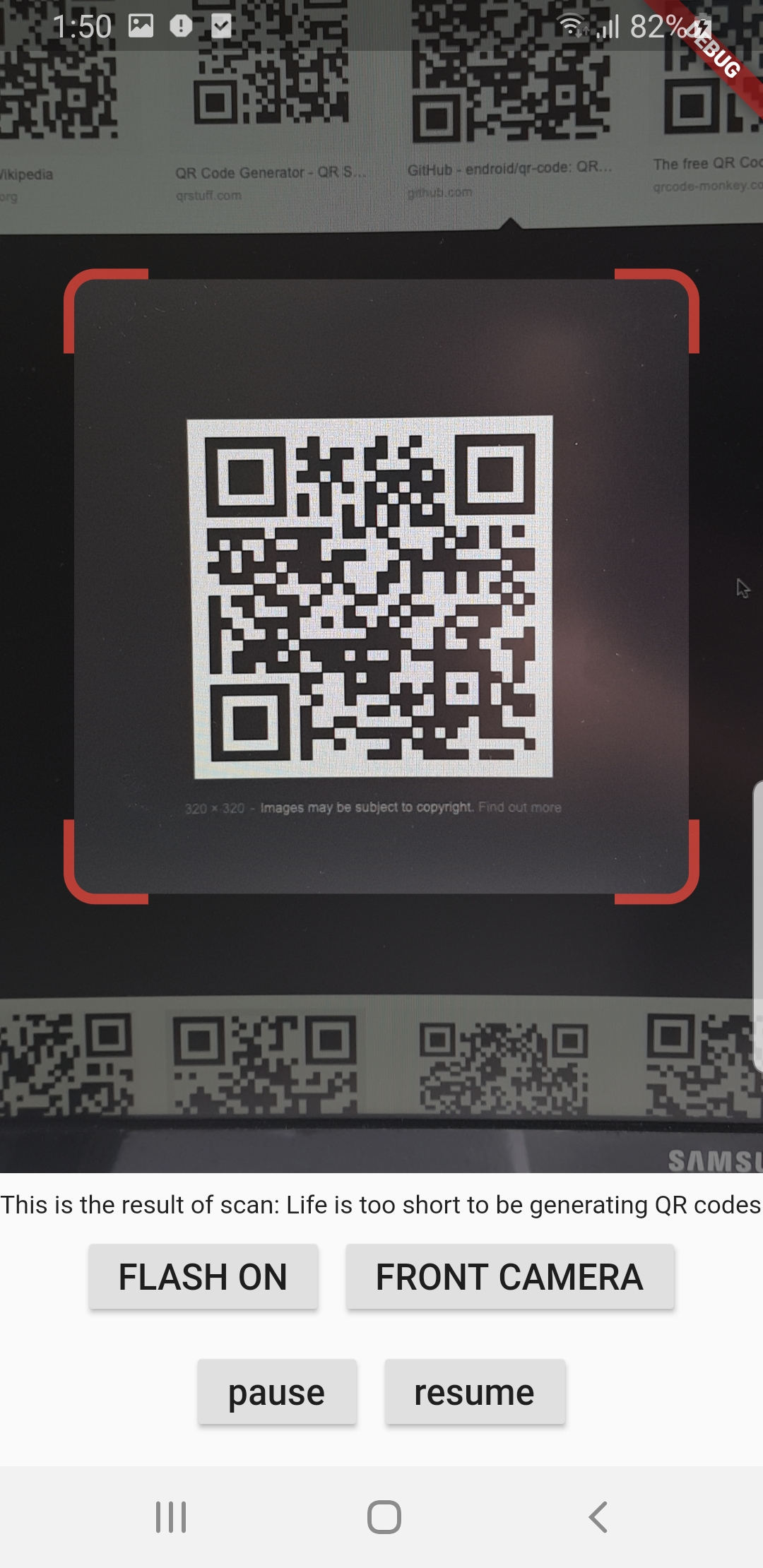
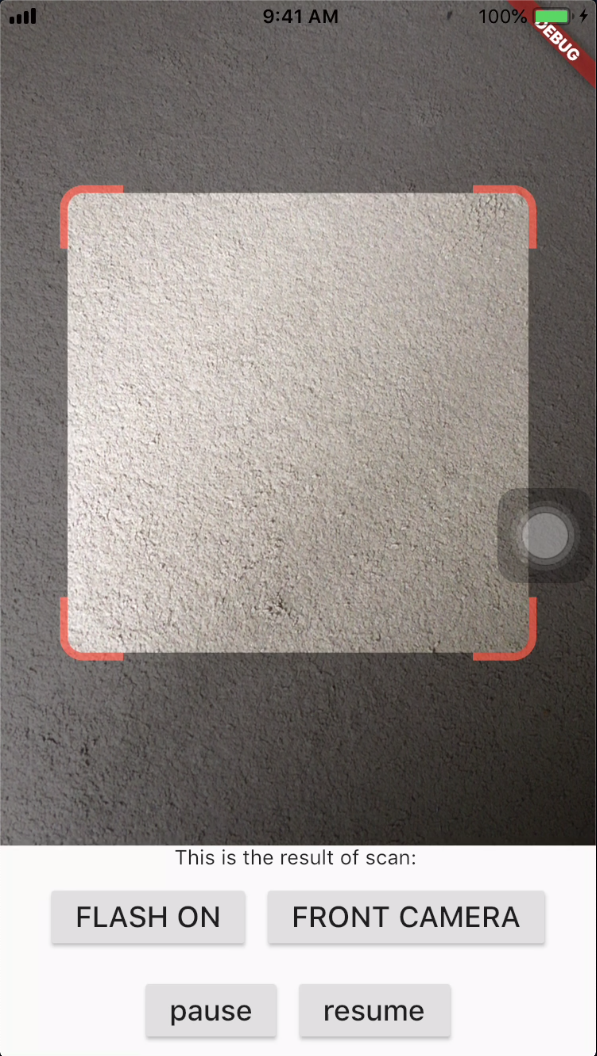
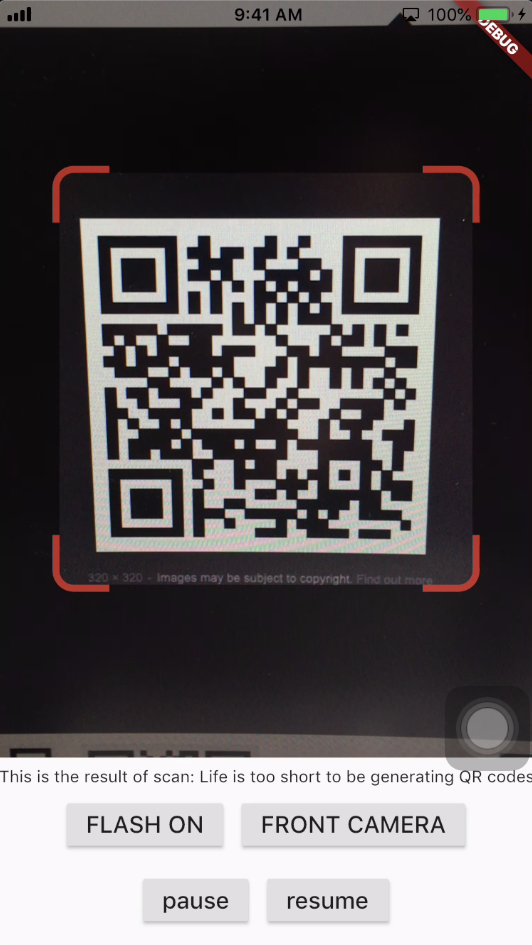
A QR code scanner that works on both iOS and Android by natively embedding the platform view within Flutter. The integration with Flutter is seamless, much better than jumping into a native Activity or a ViewController to perform the scan.
| Android | |
|---|---|
|
|
|
| iOS | |
|
|
|
When a QR code is recognized, the text identified will be set in 'result' of type Barcode, which contains the output text as property 'code' of type String and scanned code type as property 'format' which is an enum BarcodeFormat, defined in the library.
class _QRViewExampleState extends State<QRViewExample> {
  final GlobalKey qrKey = GlobalKey(debugLabel: 'QR');
  Barcode? result;
  QRViewController? controller;

  // In order to get hot reload to work we need to pause the camera if the platform
  // is android, or resume the camera if the platform is iOS.
  @override
  void reassemble() {
    super.reassemble();
    if (Platform.isAndroid) {
      controller!.pauseCamera();
    } else if (Platform.isIOS) {
      controller!.resumeCamera();
    }
  }

  @override
  Widget build(BuildContext context) {
    return Scaffold(
      body: Column(
        children: <Widget>[
          Expanded(
            flex: 5,
            child: QRView(
              key: qrKey,
              onQRViewCreated: _onQRViewCreated,
            ),
          ),
          Expanded(
            flex: 1,
            child: Center(
              child: (result != null)
                  ? Text(
                      'Barcode Type: ${describeEnum(result!.format)}   Data: ${result!.code}')
                  : Text('Scan a code'),
            ),
          )
        ],
      ),
    );
  }

  void _onQRViewCreated(QRViewController controller) {
    this.controller = controller;
    controller.scannedDataStream.listen((scanData) {
      setState(() {
        result = scanData;
      });
    });
  }

  @override
  void dispose() {
    controller?.dispose();
    super.dispose();
  }
}
In order to use this plugin, please update the Gradle, Kotlin and Kotlin Gradle Plugin:
In android/build.gradle change ext.kotlin_version = '1.3.50' to ext.kotlin_version = '1.5.10'
In android/build.gradle change classpath 'com.android.tools.build:gradle:3.5.0' to classpath 'com.android.tools.build:gradle:4.2.0'
In android/gradle/wrapper/gradle-wrapper.properties change distributionUrl=https\://services.gradle.org/distributions/gradle-5.6.2-all.zip to distributionUrl=https\://services.gradle.org/distributions/gradle-6.9-all.zip
In android/app/build.gradle change
defaultConfig{
...
minSdkVersion 16
} to
defaultConfig{
...
minSdkVersion 20
}
If you are using Flutter Beta or Dev channel (1.25 or 1.26) you can get the following error:
java.lang.AbstractMethodError: abstract method "void io.flutter.plugin.platform.PlatformView.onFlutterViewAttached(android.view.View)"
This is a bug in Flutter which is being tracked here: https://github.com/flutter/flutter/issues/72185
There is a workaround by adding android.enableDexingArtifactTransform=false to your gradle.properties file.
In order to use this plugin, add the following to your Info.plist file:
<key>io.flutter.embedded_views_preview</key>
<true/>
<key>NSCameraUsageDescription</key>
<string>This app needs camera access to scan QR codes</string>
Add this to web/index.html:
<script src="https://cdn.jsdelivr.net/npm/jsqr@1.3.1/dist/jsQR.min.js"></script>
Please note: on web, only QR codes are supported. Other barcodes and 2D codes cannot be scanned.
Web support is in very early stage. Features such as flash, pause or resume are not implemented. Moreover, the camera preview does not respect the surrounding constraints. This is not at last due to Flutter's early state of platform views on web.
The default camera is the back camera.
await controller.flipCamera();
By default, flash is OFF.
await controller.toggleFlash();
Pause camera stream and scanner.
await controller.pauseCamera();
Resume camera stream and scanner.
await controller.resumeCamera();
Requires at least SDK 20. Requires at least iOS 8.
依赖清单 4 项
^0.6.3{"sdk":"flutter"}{"sdk":"flutter"}^1.0.4先按使用场景筛选,再比较项目活跃情况,最后到原始仓库核对使用要求。
“A repository is the most basic element of GitHub.”
GitHub Docs — About repositories ↗