

v2.1.2
versionarte
强制更新,显示更新指示器,并在维护期间禁用应用程序,UI 自由度完全掌控。
173喜欢 862近 30 天下载150Pub 分数
AndroidiOSWebmacOSWindows
🔢 用几行代码强制更新您的 Flutter 应用

以下为英文项目原文快照,最新内容请访问 GitHub。
Force update, show update indicator and disable the app for maintenance with total freedom over the UI.
| Forced update | New version indicator | Maintenance mode |
|---|---|---|
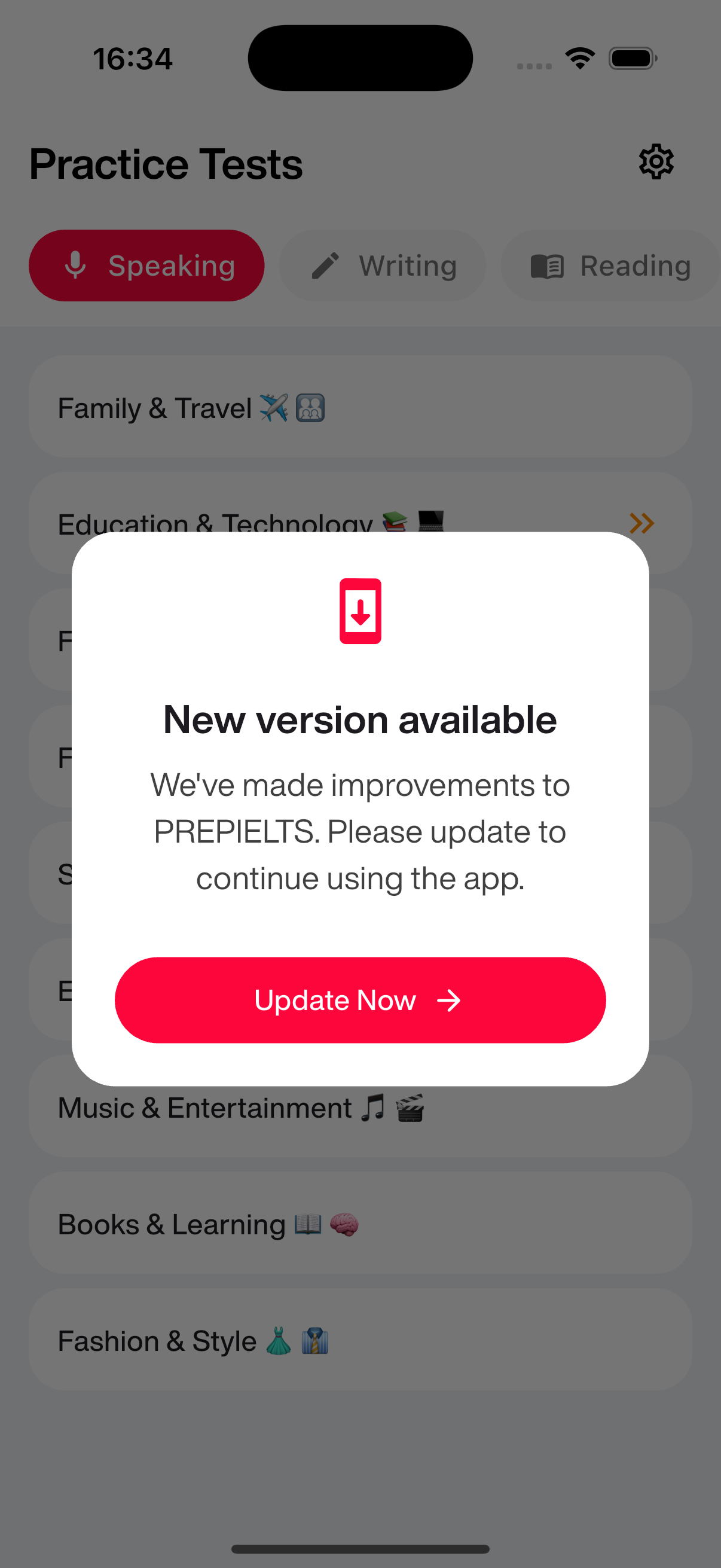 |
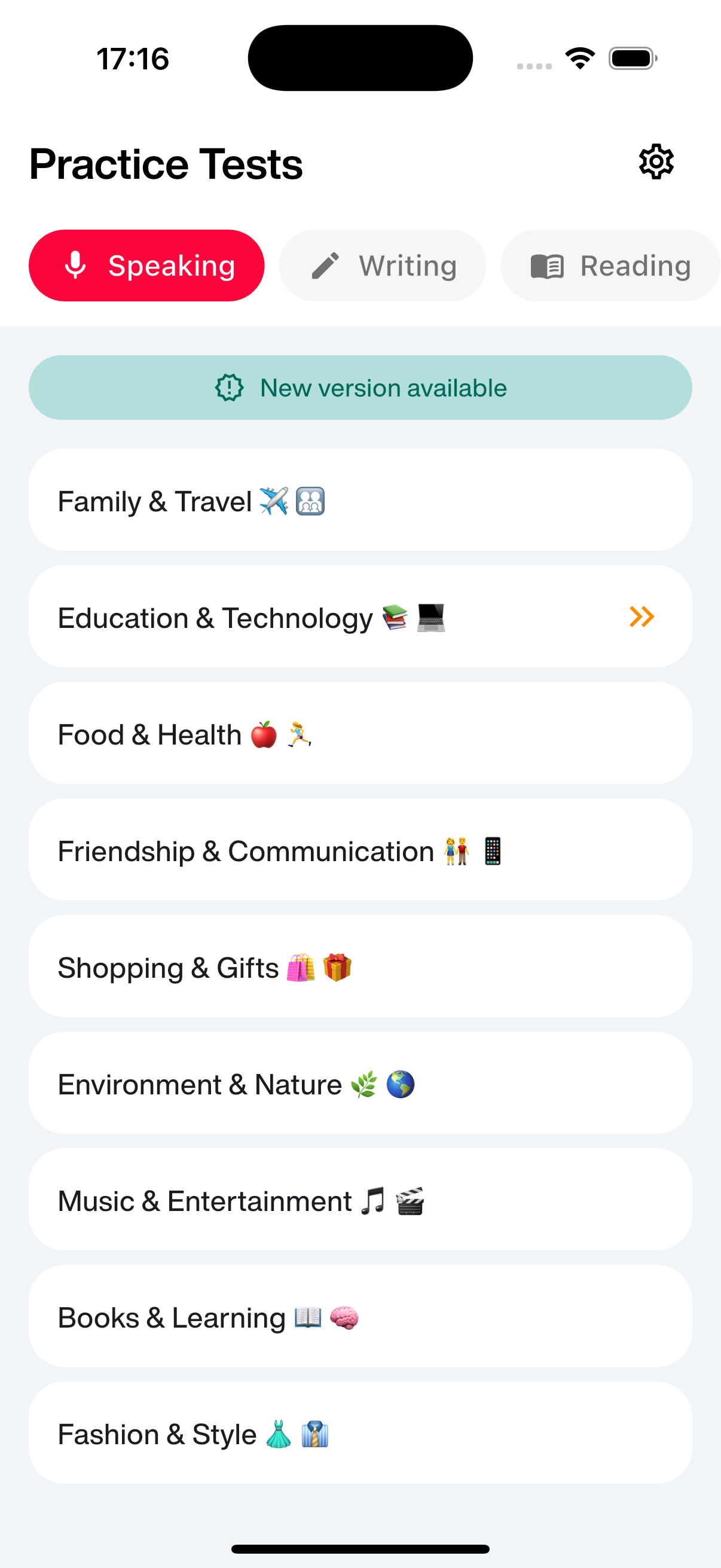 |
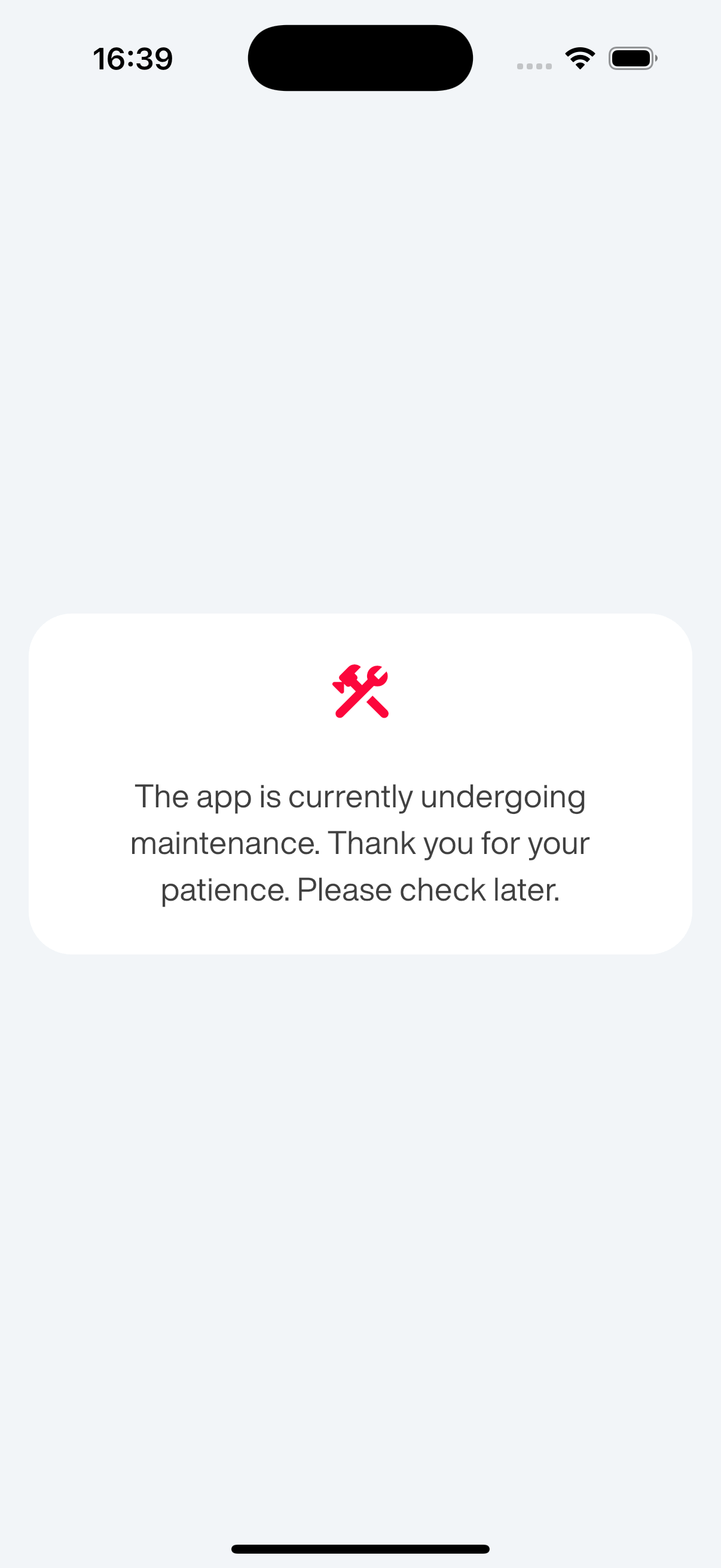 |
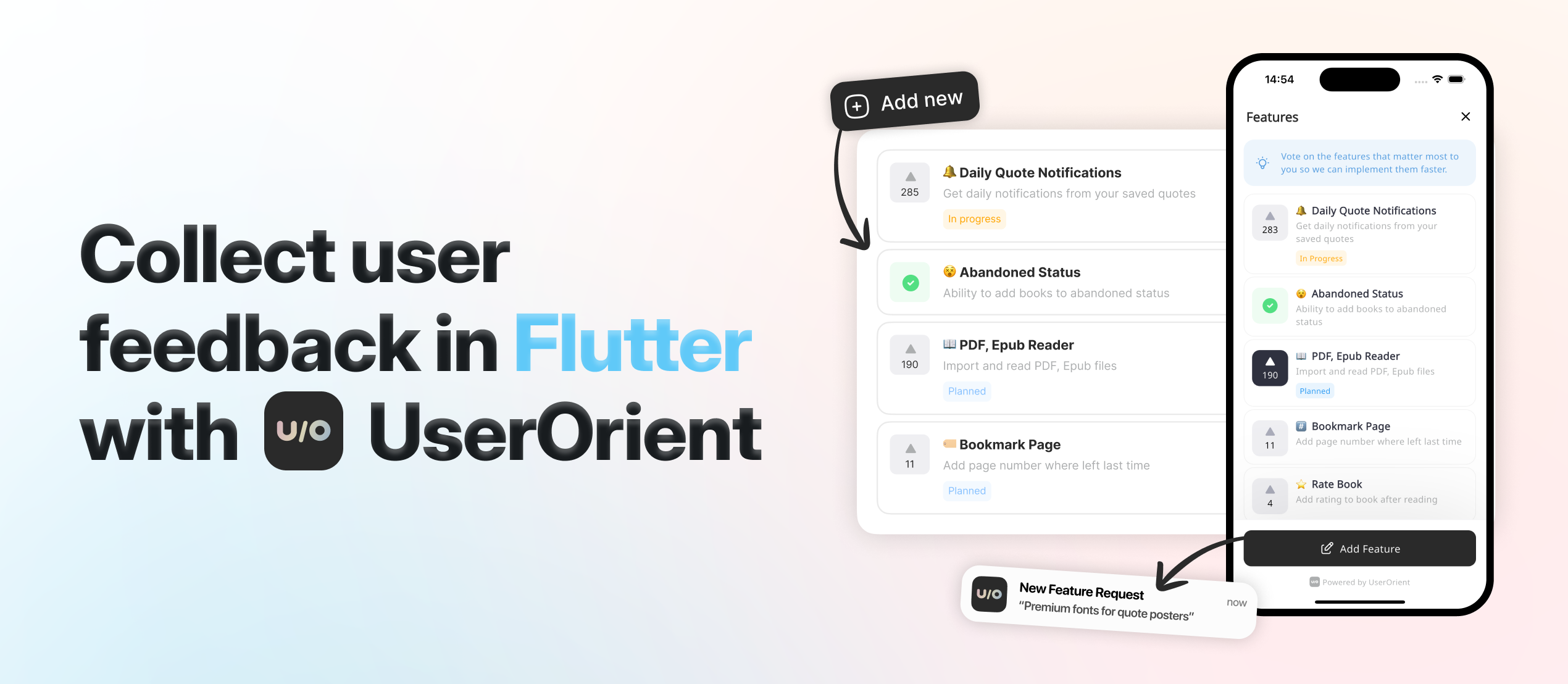
Read the How to force users to update your Flutter app article for detailed explanation.
Add the package and import it:
dependencies:
  versionarte: <latest_version>
import 'package:versionarte/versionarte.dart';
Call Versionarte.check with a provider to get the app's versioning status:
// Using Firebase Remote Config (most common)
final VersionarteResult result = await Versionarte.check(
    versionarteProvider: RemoteConfigVersionarteProvider(),
);
Tip: Pass
silent: trueto suppress debug console logs.
Choose from three provider types based on your backend:
Recommended for apps already using Firebase
final VersionarteResult result = await Versionarte.check(
    versionarteProvider: RemoteConfigVersionarteProvider(),
);
Optional parameters:
keyName: Firebase config key (default: "versionarte")initializeInternally: Set to false if your app already initializes FirebaseremoteConfigSettings: Custom settings if neededSee Firebase Remote Config setup guide for configuration details.
Recommended for apps with custom backends
final VersionarteResult result = await Versionarte.check(
    versionarteProvider: RestfulVersionarteProvider(
        url: 'https://myapi.com/getVersioning',
    ),
);
Optional parameters:
headers: Custom HTTP headers if neededNote: Your RESTful endpoint must return the same JSON structure as shown in the Configuration JSON section below.
For advanced use cases with custom data sources
class MyCustomVersionarteProvider extends VersionarteProvider {
  @override
  Future<DistributionManifest> getDistributionManifest() async {
    final String result = MyCustomService.fetchVersioning();
    final Map<String, dynamic> decodedResult = jsonDecode(result);

    return DistributionManifest.fromJson(decodedResult);
  }
}
Use the status value to determine what action to take:
if (result.status == VersionarteStatus.inactive) {
    // App is in maintenance mode
    final String message = result.getMessageForLanguage('en');

    showMaintenanceDialog(message);
} else if (result.status == VersionarteStatus.forcedUpdate) {
    // User must update to continue
    showForceUpdateDialog(
      onUpdate: () {
        Versionarte.launchDownloadUrl(result.downloadUrls);
      },
    );
} else if (result.status == VersionarteStatus.outdated) {
    // Update available but optional
    showOptionalUpdateDialog(
      onUpdate: () {
        Versionarte.launchDownloadUrl(result.downloadUrls);
      },
    );
}
Tip: You can also show different widgets based on status. For example, when the app is outdated, you might want to show an update indicator anywhere in your app (for example in home page):
Widget build(BuildContext context) {
  return Column(
    children: [
      // other widgets
      if (result.status == VersionarteStatus.outdated)
        // A custom widget to show "Update available"
        NewVersionAvailableIndicator(
          onUpdate: () {
            Versionarte.launchDownloadUrl(result.downloadUrls);
          }
        ),
      // other widgets
    ],
  );
}
To open the appropriate store for the current platform:
await Versionarte.launchDownloadUrl(result.downloadUrls);
Note: Add "download_url" in your configuration JSON for each platform. The correct store opens automatically based on the current platform.
See the example directory for a complete sample app.
The configuration JSON contains versioning and status information for each platform. Only configure platforms that your app supports.
{
    "android": {
        "version": {
            "minimum": "2.7.0", // Minimum required version
            "latest": "2.8.0"   // Latest available version
        },
        "download_url": "https://play.google.com/store/apps/details?id=app.example",
        "status": {
            "active": true,     // Whether app is currently active
            "message": {        // Only needed if active is false
                "en": "App is in maintenance mode, please come back later.",
                "es": "La aplicación está en modo de mantenimiento, vuelva más tarde."
            }
        }
    },
    "iOS": {
        // Same structure as Android
    },
    // Optional: Include other platforms if needed (macOS, windows, linux)
}
If you encounter any problems or need a feature, please raise a ticket on GitHub.
依赖清单 8 项
{"sdk":"flutter"}^6.5.1^1.6.0^10.1.0^6.3.2^2.2.0{"sdk":"flutter"}^6.0.0先按使用场景筛选,再比较项目活跃情况,最后到原始仓库核对使用要求。
“A repository is the most basic element of GitHub.”
GitHub Docs — About repositories ↗