

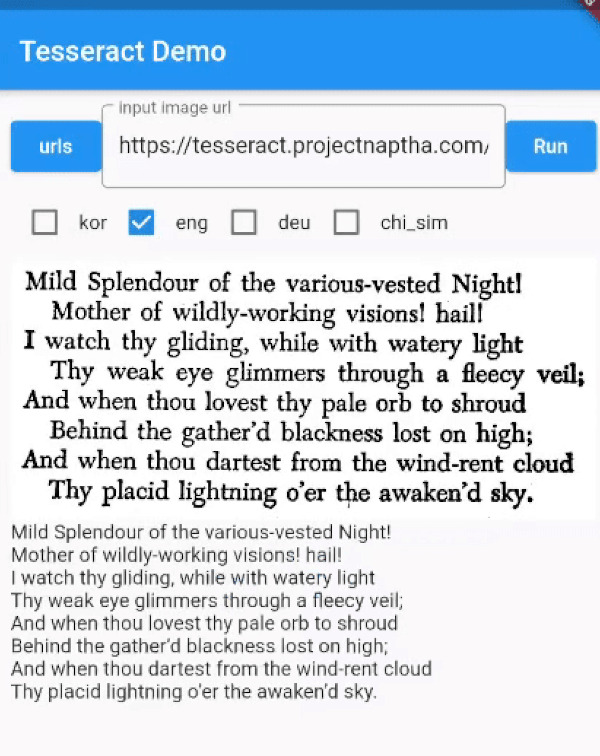
 v0.4.32
flutter_tesseract_ocr
Tesseract 4 添加了一个基于神经网络(LSTM)的新OCR引擎,专注于行识别。它支持Unicode(UTF-8),可识别超过100种语言。
216喜欢 1万近 30 天下载130Pub 分数
AndroidiOSWeb
适用于 Flutter 的 Tesseract OCR

以下为英文项目原文快照,最新内容请访问 GitHub。
Fork note (onestudi0/tesseract_ocr): This fork exists solely to fix
android/build.gradle, which still declares the defunctjcenter()repository — current Gradle rejects thejcenter()DSL method outright, so upstream fails to build at all as of this writing. This fork replaces it withmavenCentral(). No other changes. If upstream (khjde1207/tesseract_ocr) ever merges an equivalent fix, switch back to the pub.dev release and drop thedependency_overridespointing here.
Tesseract OCR 4.0 for flutter This plugin is based on Tesseract OCR 4 This plugin uses Tesseract4Android and SwiftyTesseract.
https://pub.dev/packages/google_ml_kit
Tesseract is slower than ml_kit.
Consider whether you should use Tesseract
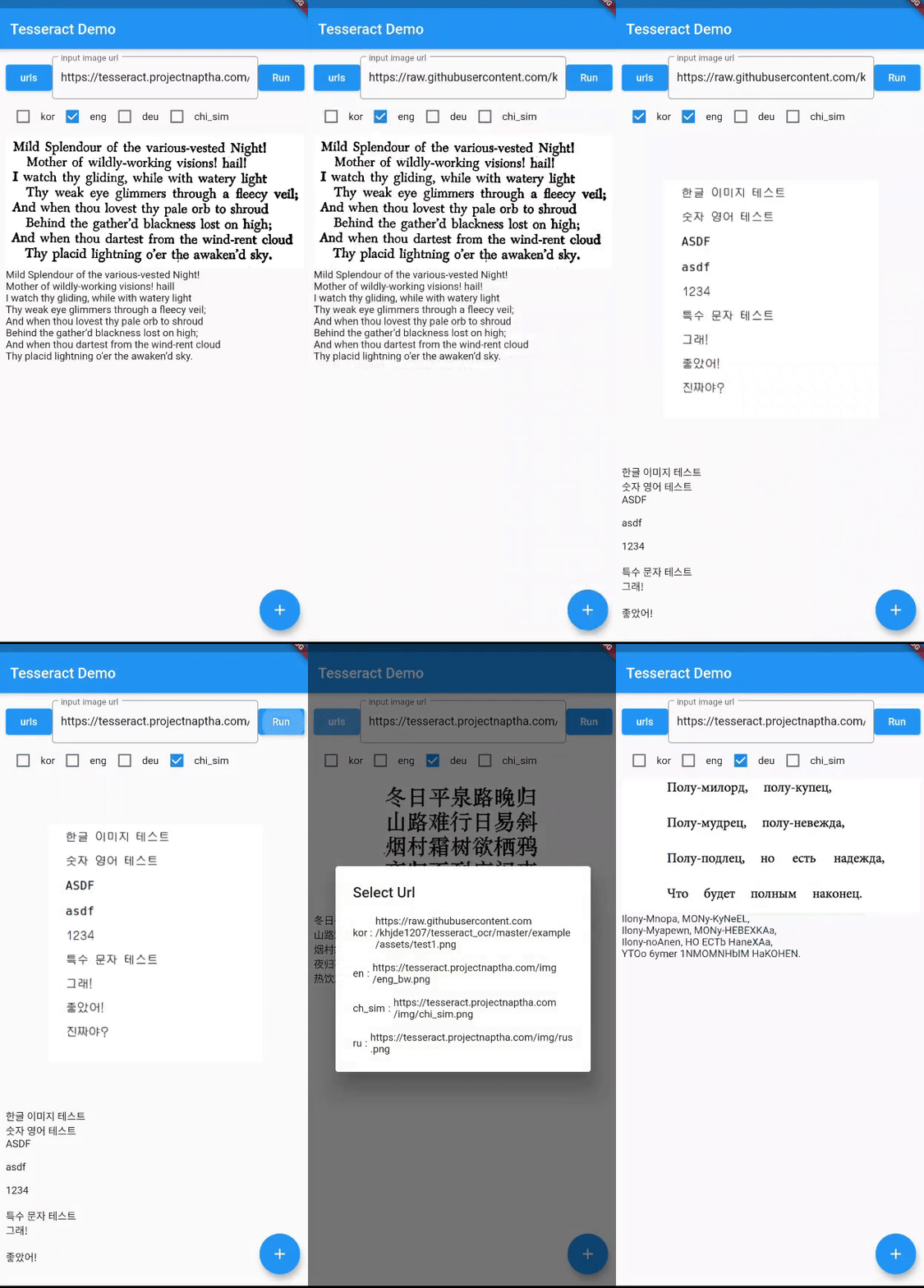
dev_dependencies:
  ...
  flutter_tesseract_ocr:
./web/index.html
use https://www.npmjs.com/package/tesseract.js/v/v4.0.2
<body>
  <script src='https://unpkg.com/tesseract.js@v4.0.2/dist/tesseract.min.js'></script>
  <script>
    async function _extractText(imagePath , mapData){
      var worker = await Tesseract.createWorker();
      await worker.load();
      await worker.loadLanguage(mapData.language)
      await worker.initialize(mapData.language)
      await worker.setParameters(mapData.args)
      var rtn = await worker.recognize(imagePath, {}, worker.id);
      await worker.terminate();
      if(mapData.args["tessjs_create_hocr"]){
        return rtn.data.hocr;
      }
      return rtn.data.text;
    }
  </script>
  ...
  ..
  .
</body>
You must add trained data and trained data config file to your assets directory. You can find additional language trained data files here Trained language files
add tessdata folder under assets folder, add tessdata_config.json file under assets folder:
{
  "files": [
    "eng.traineddata",
    "<other_language>.traineddata"
  ]
}
Plugin assumes you have tessdata folder in your assets directory and defined in your pubspec.yaml
Check the contents of example/assets folder and example/pubspec.yaml
Initialization of SwiftyTesseract has failed
Just drag tessdata folder from asset to place under Runner folder in xcode add as a reference then it will work.
Using is very simple:
//args support android / Web , i don't have a mac
String text = await FlutterTesseractOcr.extractText('/path/to/image', language: 'kor+eng',
        args: {
          "psm": "4",
          "preserve_interword_spaces": "1",
        });
You can leave language empty, it will default to `'eng'.
//---- dynamic add Tessdata (Android)---- ▼
// https://github.com/tesseract-ocr/tessdata/raw/main/dan_frak.traineddata

HttpClient httpClient = new HttpClient();

HttpClientRequest request = await httpClient.getUrl(Uri.parse(
        'https://github.com/tesseract-ocr/tessdata/raw/main/${langName}.traineddata'));

HttpClientResponse response = await request.close();
Uint8List bytes =await consolidateHttpClientResponseBytes(response);
String dir = await FlutterTesseractOcr.getTessdataPath();

print('$dir/${langName}.traineddata');
File file = new File('$dir/${langName}.traineddata');
await file.writeAsBytes(bytes);
//---- dynamic add Tessdata ---- ▲
依赖清单 4 项
{"sdk":"flutter"}^2.1.4^1.9.0{"sdk":"flutter"}先按使用场景筛选,再比较项目活跃情况,最后到原始仓库核对使用要求。
“A repository is the most basic element of GitHub.”
GitHub Docs — About repositories ↗