

 v1.0.5
random_color
从色相、饱和度和亮度生成随机颜色,使其视觉上悦目。您可以选择确切的颜色规格。
152喜欢 6080近 30 天下载30Pub 分数
平台暂无数据
适用于 Flutter 的随机颜色生成器

以下为英文项目原文快照,最新内容请访问 GitHub。

Pub link: https://pub.dartlang.org/packages/random_color
This library will generate random colors that are visually pleasing and can be customized by passing custom hue, saturation and brightness range. This allows it to generate just specific color with slight differences.


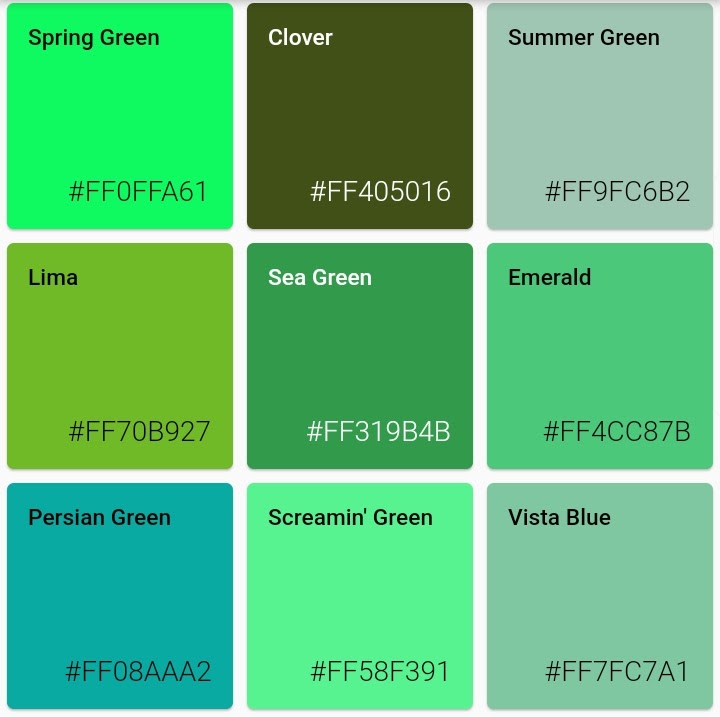

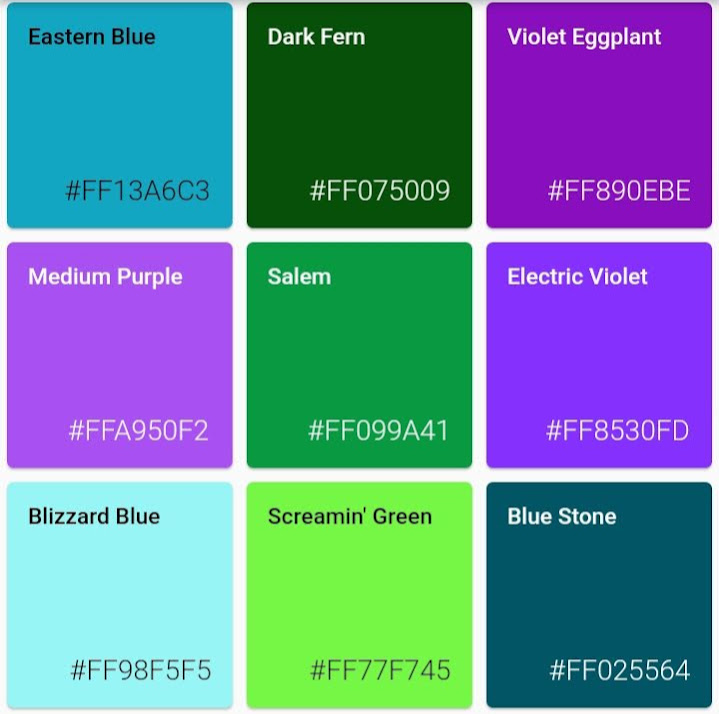


random color function can be called with parameters colorHue, colorSaturation and colorBrightness allowing for customization of colors the generator will pass.
import 'package:random_color/random_color.dart';

RandomColor _randomColor = RandomColor();

Color _color = _randomColor.randomColor();
You can get color name from hex string (without # and alpha hex values) or from Color object
  Color _color = Color('FF0000'.toStringRadix(16));
  MyColor _myColor = getColorNameFromColor(_color);

  // Prints: 'Red'
  print(_myColor.getName);
Random color can generate just specific color type, as long hue, saturation and brightness are not too limiting this will still give rich result
import 'package:random_color/random_color.dart';

RandomColor _randomColor = RandomColor();

Color _color = _randomColor.randomColor(colorHue: ColorHue.red);
You can combine multiple hue ranges to choose from
import 'package:random_color/random_color.dart';

RandomColor _randomColor = RandomColor();

Color _color = _randomColor.randomColor(
  colorHue: ColorHue.multiple([ColorHue.red, ColorHue.blue])
);
import 'package:random_color/random_color.dart';

RandomColor _randomColor = RandomColor();

Color _color = _randomColor.randomColor(
  colorSaturation: ColorSaturation.highSaturation
);
import 'package:random_color/random_color.dart';

RandomColor _randomColor = RandomColor();

Color _color = _randomColor.randomColor(
  colorBrightness: ColorBrightness.light
);
If you want to run the tests for this project under Flutter Dart
flutter pub pub run test
依赖清单 3 项
{"sdk":"flutter"}{"sdk":"flutter"}^1.10.0-nullsafety先按使用场景筛选,再比较项目活跃情况,最后到原始仓库核对使用要求。
“A repository is the most basic element of GitHub.”
GitHub Docs — About repositories ↗