
flutter-for-wordpress-app
:jack_o_lantern: 使用 Flutter 和 WP REST API 构建的跨平台 WordPress 新闻应用。

- 星标
- 267
- 复刻
- 119
- 最近推送(UTC)
- 2025年1月5日
- 项目状态
- 未归档
原始 README
以下为英文项目原文快照,最新内容请访问 GitHub。

Flutter for Wordpress
A flutter app for a wordpress websites with clean and elegant design. This app is available in free and pro version. You can choose to use the one you need.
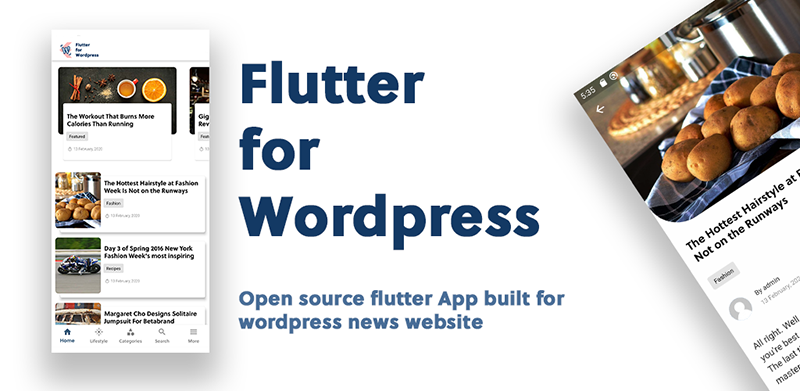
📌 Get Flutter for Wordpress
Flutter for wordpress is currently available in free and pro version:
| Flutter for Wordpress | Flutter for Wordpress Pro |
|---|---|
|
|
|
|
|
|
Free and Open Source |
39$ on codecanyon |
|
|





🚀 Installation
You need to have a wordpress website before you implement the app.
If you have a wordpress website already then follow the simple steps given below to build your own Wordpress Flutter App.
🔥 Install a wordpress plugin
Install Flutter for wordpress (wp plugin) in your wordpress website before you build a mobile application. This plugin is important for the enhancement of the performance in the app. Always keep this plugin active for the mobile app to run smoothly.
If you do not want to install the plugin then you can edit the functions.php file in child theme.
📌 Edit your wordpress theme (Skip if plugin installed)
Update the wordpress functions.php file on your theme by appending the following code at the end. The app will not function correctly if this step is not followed.
function flutter_news_rest_prepare_post($data, $post, $request) {
    $_data = $data->data;
    $_data["custom"]["td_video"] = get_post_meta($post->ID, 'td_post_video', true) ?? '';
    $_data['custom']["featured_image"] = get_the_post_thumbnail_url($post->ID, "original") ?? '';
    $_data['custom']["author"]["name"]   = get_author_name($_data['author']);
    $_data['custom']["author"]["avatar"] = get_avatar_url($_data['author']);
    $_data['custom']["categories"] = get_the_category($_data["id"]);
    $data->data = $_data;
    return $data;
}

add_filter('rest_prepare_post', 'flutter_news_rest_prepare_post', 10, 3);

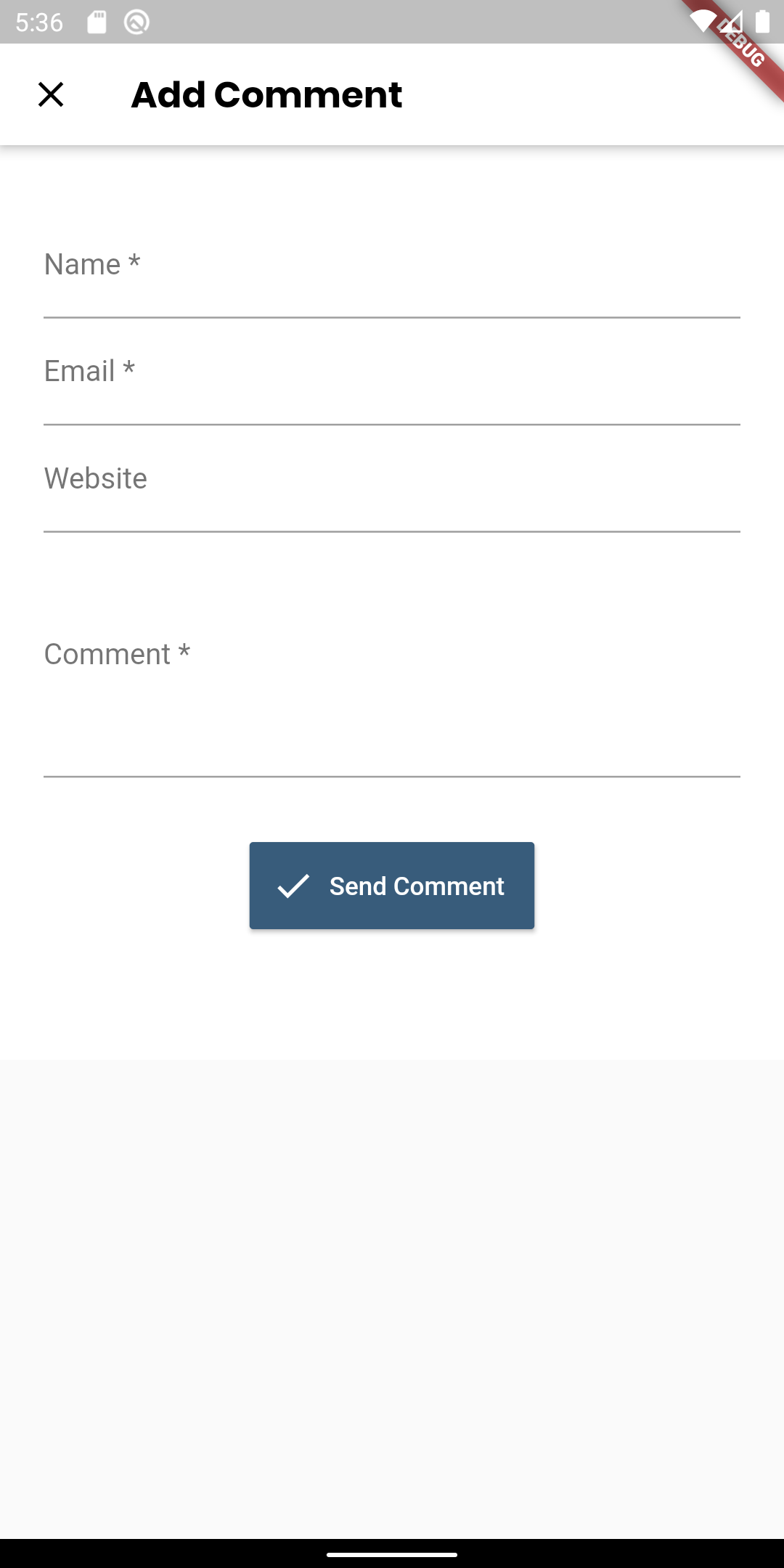
// Enable comment without being loggedin
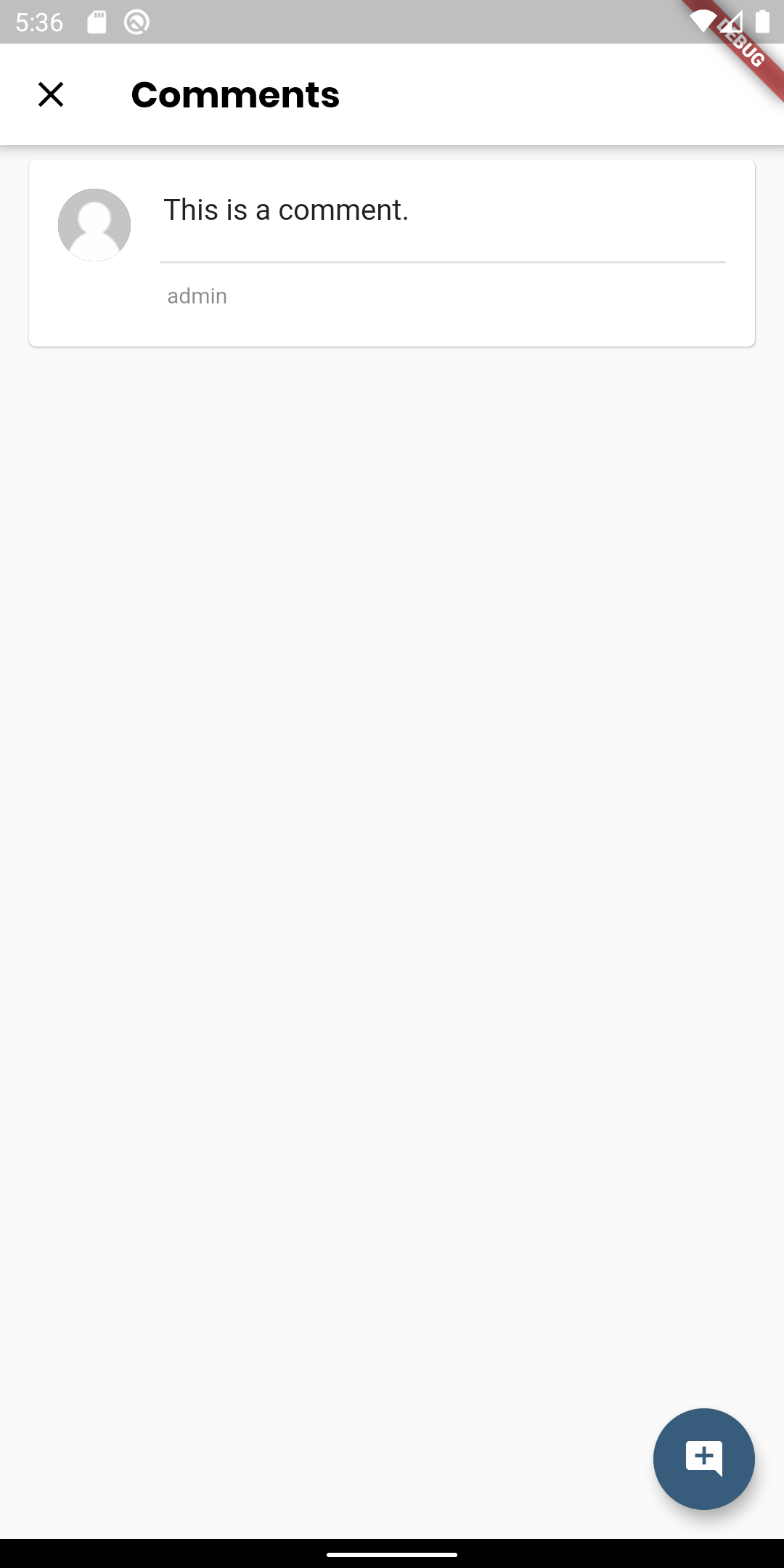
function filter_rest_allow_anonymous_comments() {
    return true;
}

add_filter('rest_allow_anonymous_comments','filter_rest_allow_anonymous_comments');
🔨 Edit the constants
Change the constants from the ./lib/common/constants.dart file. For the categories name and ID refer to your wordpress website.
// Your wordpress website URL
const String wordpressUrl = "https://flutterblog.crumet.com";

// Featured category ID (for Home Screen top section)
const int featuredId = 2;

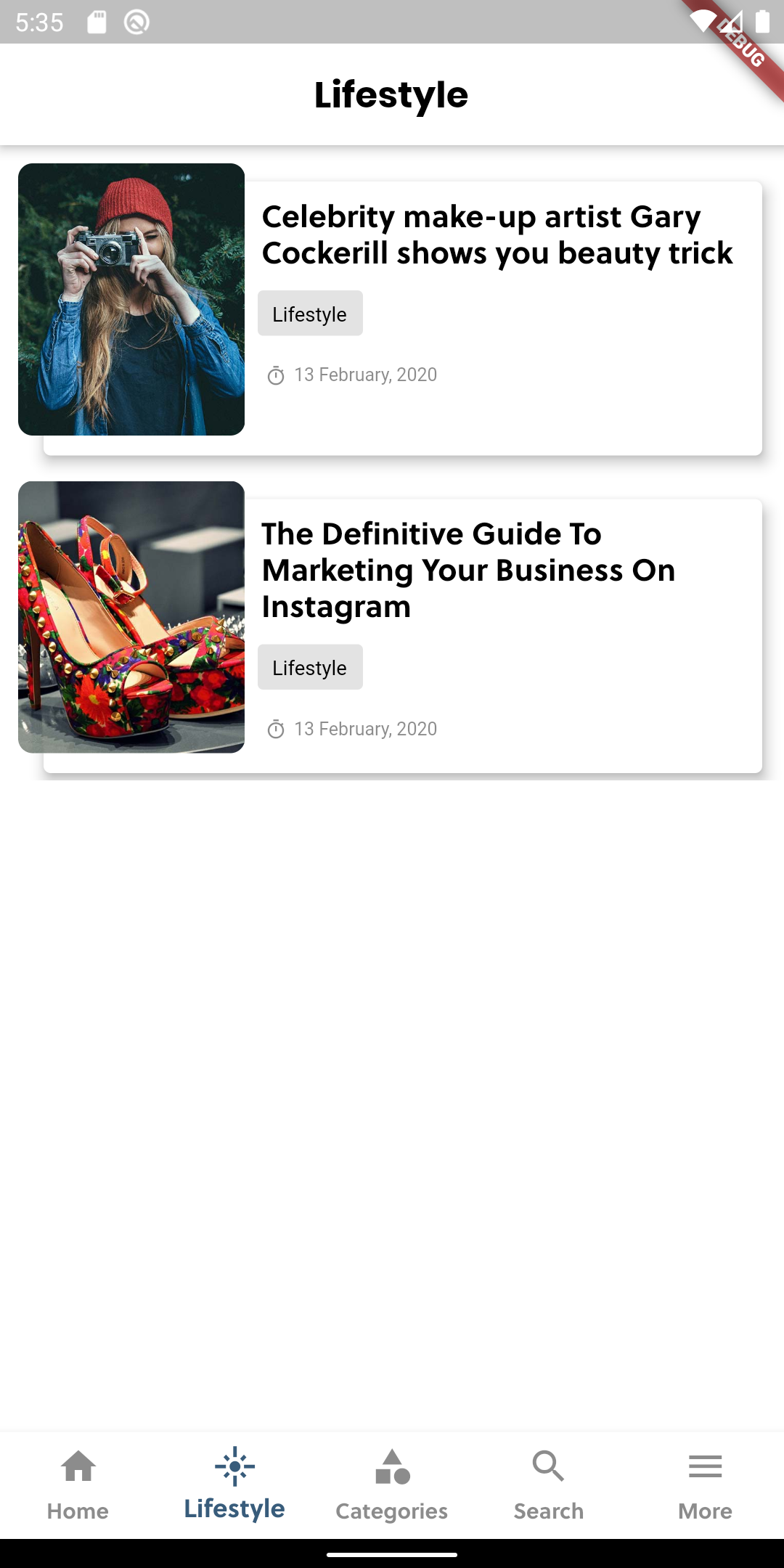
// Tab 2 page category name
const String page2CategoryName = "Lifestyle";

// Tab 2 page category ID
const int page2CategoryId = 6;

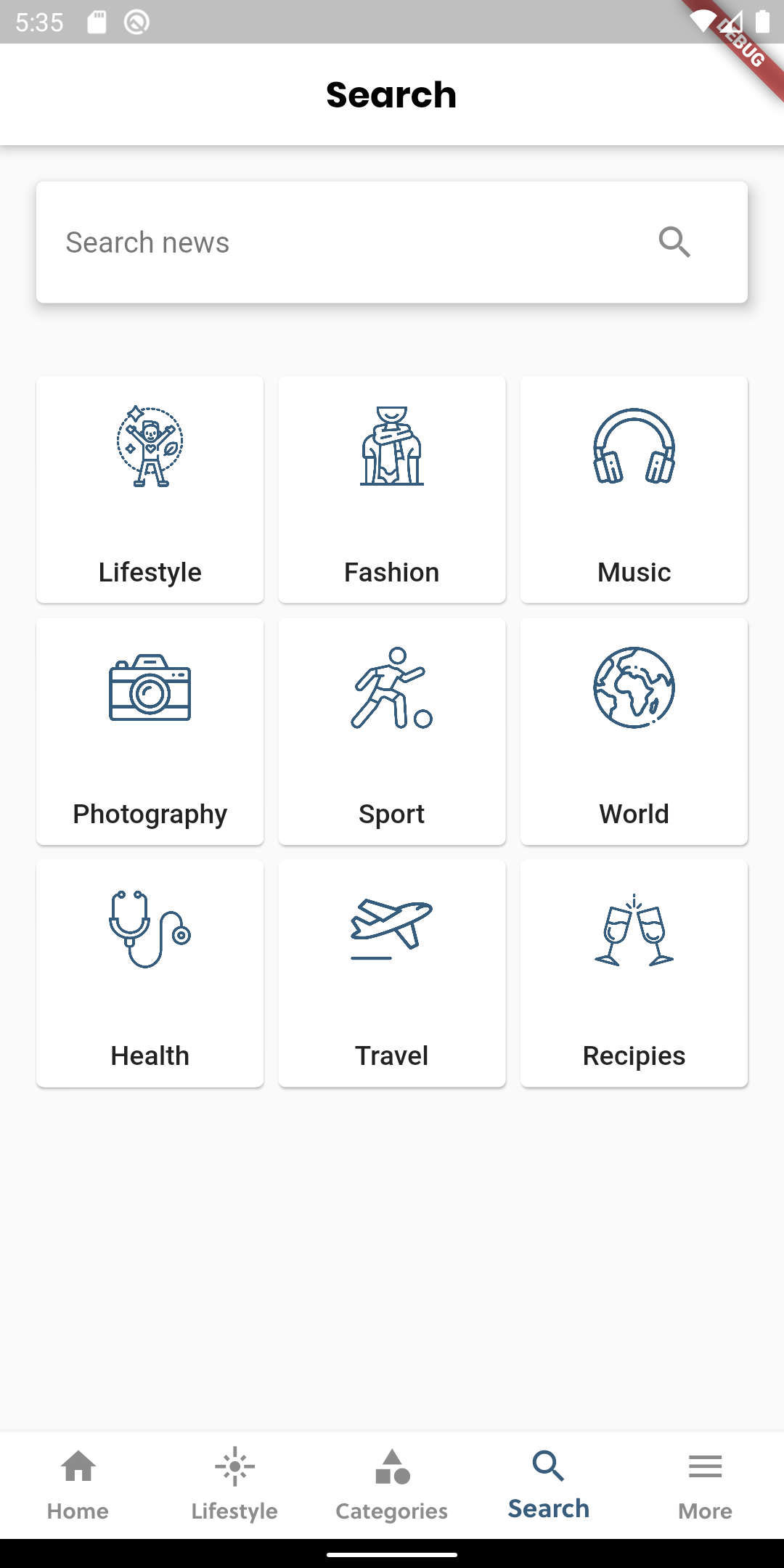
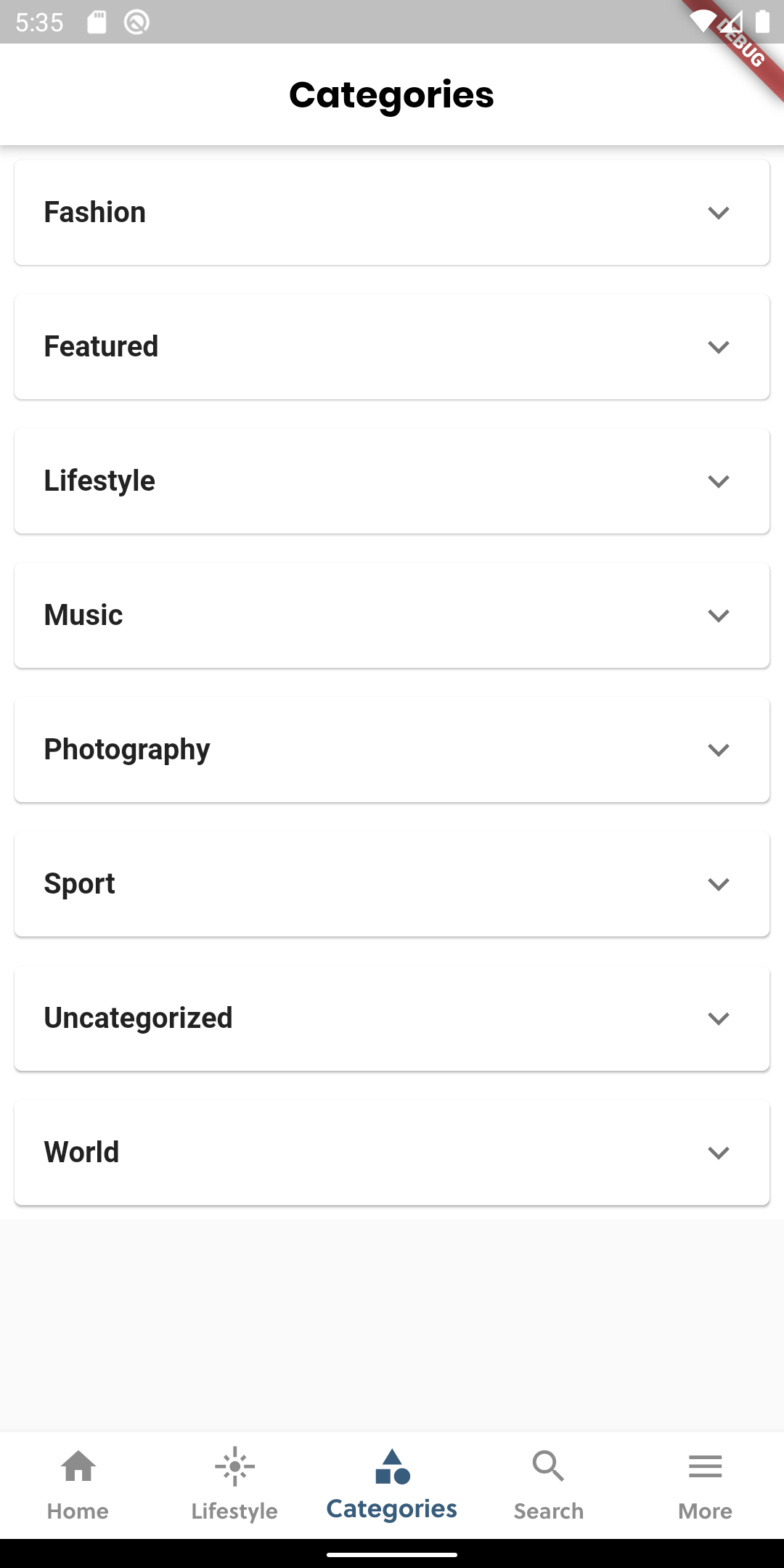
// Custom categories in search tab
// Array in format
// ["Category Name", "Image Link", "Category ID"]
const List<dynamic> customCategories = [
  ["Lifestyle", "assets/boxed/lifestyle.png", 6],
  ["Fashion", "assets/boxed/fashion.png", 12],
  ["Music", "assets/boxed/music.png", 14],
  ["Photography", "assets/boxed/photography.png", 15],
  ["Sport", "assets/boxed/sport.png", 13],
  ["World", "assets/boxed/world.png", 11],
  ["Health", "assets/boxed/health.png", 8],
  ["Travel", "assets/boxed/travel.png", 7],
  ["Recipies", "assets/boxed/recipies.png", 10],
];
🔔 Push Notification (Optional)
gh This project uses firebase messaging for push notification.
To integrate push notification from firebase follow the steps:
- Go to firebase console
- Generate and Download google-services.json file
- Place google-services.json file inside android/app
- It should be ready now. Test your push notification.
For further instruction read documentation from https://pub.dev/packages/firebase_messaging
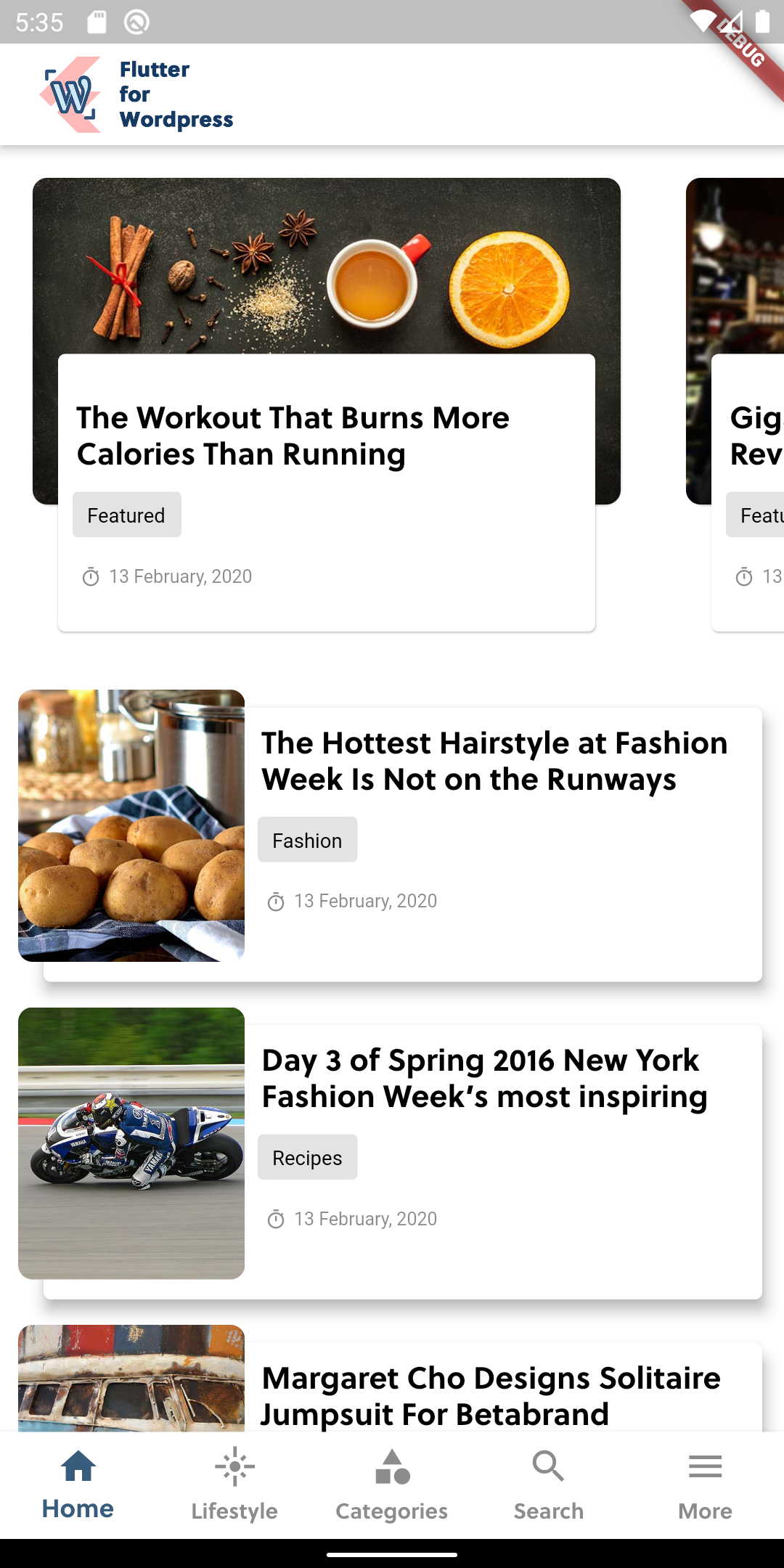
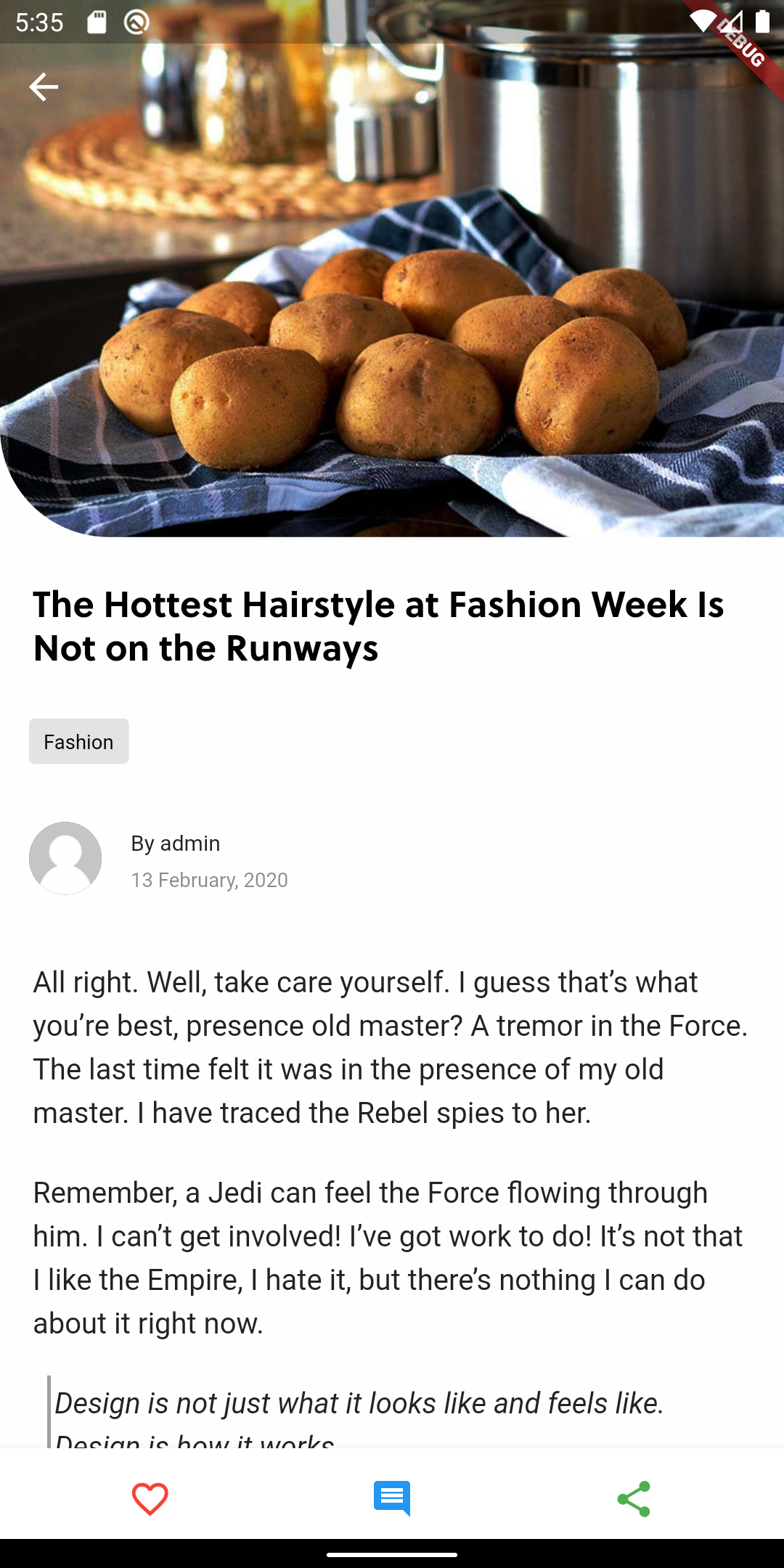
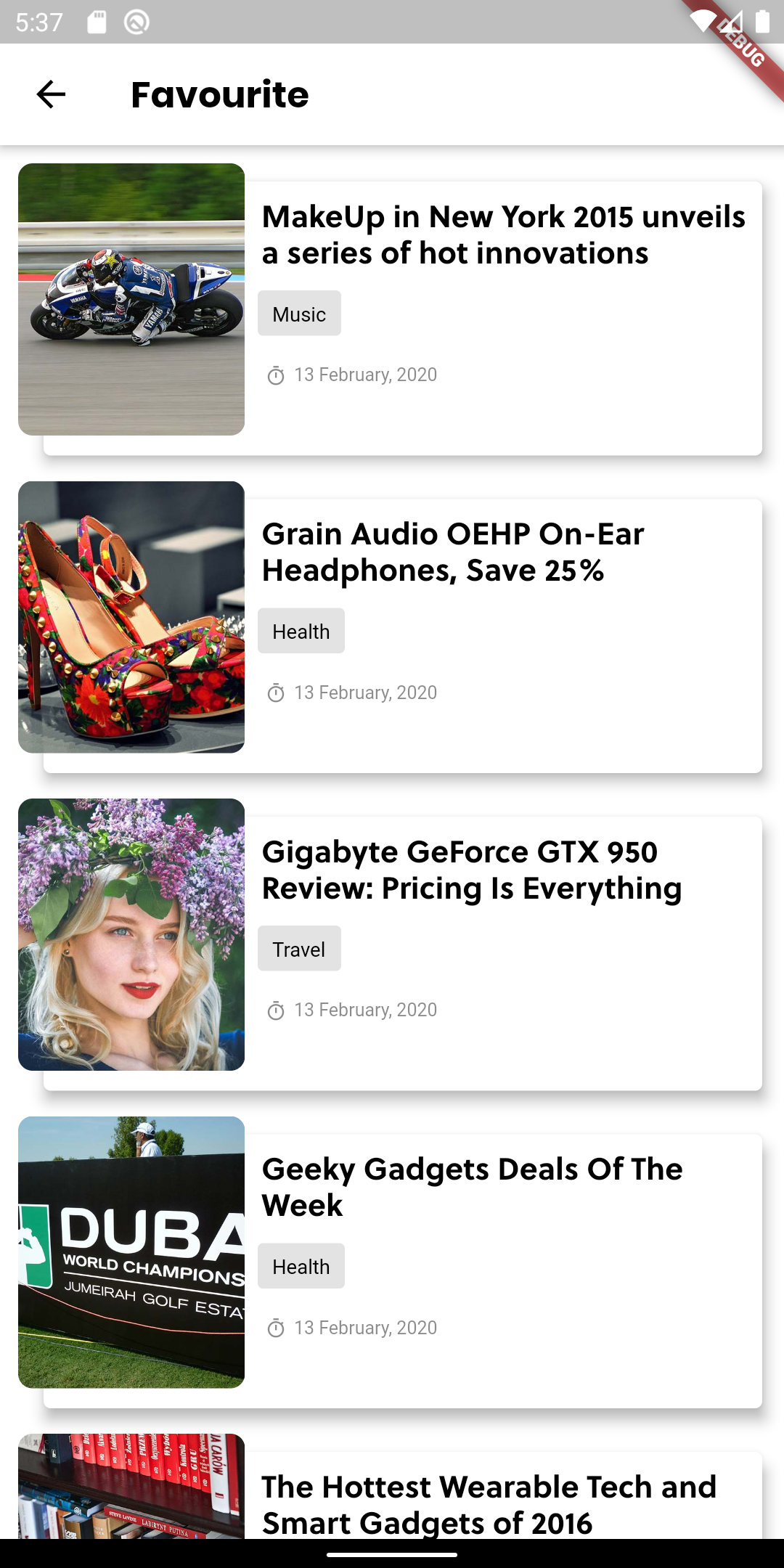
📱 Screenshots
 |
 |
 |
 |
 |
 |
 |
 |
 |
 |
 |
 |
🙌 Want to Contribute?
We are open to all kinds of contributions. If you want to:
- 🤔 Suggest a feature
- 🐛 Report an issue
- 👨💻 Contribute to the code
📑 LICENCE
Released under the MIT License.

Madhav Poudel ↗
分类
使用的依赖
依赖清单 14 项
- flutter
{"sdk":"flutter"} - url_launcher
^6.3.1 - http
^1.2.2 - html
^0.15.4 - flutter_html
^2.2.1 - dio
^5.7.0 - intl
^0.20.1 - share_plus
^6.3.4 - path_provider
^2.1.5 - sqflite
^2.4.1 - shared_preferences
^2.3.4 - flutter_widget_from_html
^0.9.1 - flutter_test开发依赖
{"sdk":"flutter"} - flutter_lints开发依赖
^5.0.0
所在榜单
如何选择适合项目的代码仓?
先按使用场景筛选,再比较项目活跃情况,最后到原始仓库核对使用要求。
- 通过仓库名、作者或描述搜索,再按技术分类缩小范围。
- 结合星标、复刻与最近推送比较项目;星标反映社区关注,不代表质量保证。
- 使用前在 GitHub 核对 README、许可证与 Issues。
来源与维护
“A repository is the most basic element of GitHub.”
GitHub Docs — About repositories ↗