


v3.2.2
quiver
Quiver 是一组用于 Dart 的实用程序库,可使使用许多 Dart 库更加轻松和方便,或添加额外功能。
665喜欢 373万近 30 天下载140Pub 分数
AndroidiOSWebmacOSWindowsLinux
桌面端优雅的虚拟机管理器

以下为英文项目原文快照,最新内容请访问 GitHub。

An elegant virtual machine manager for the desktop
Made with 💝 for 

Quickgui is a graphical user interface for the Quickemu virtual machine manager. Quickgui enables you to create and manage virtual machines from a simple and elegant interface. Nearly 1000 operating systems supported including Windows, macOS, BSDs, and 100s of Linux distros. All with automated downloads and configuration.
Quickgui depends on Quickemu. Most package managers will automatically install Quickemu when you install Quickgui.
If you don't have Quickemu installed then go and follow the Quickemu installation steps for your operating system:
A .deb package is available for Debian on our release page.
apt-get install ./quickgui-1.2.10+1-linux.debA .rpm package is available for Fedora on our release page.
Stable releases of Quickgui are published to FlakeHub for NixOS users. See the Quickemu flake on FlakeHub for more details:
Add Quickgui to your systemPackages. For example:
systemPackages = with pkgs; [
  quickgui
];
Ubuntu users can install Quickgui using the .deb package described above for Debian or from our PPA.
sudo apt-add-repository ppa:flexiondotorg/quickemu
sudo apt-get update
sudo apt-get install quickgui
We provide an AppImage and a pre-compiled binary of Quickemu in a .zip file.
The AppImage should work on most Linux distributions.
chmod +x quickgui-1.2.10+1-linux.AppImage./quickgui-1.2.10+1-linux.AppImageunzip quickgui-1.2.10+1-linux.zipcd quickgui-1.2.10+1-linuxchmod +x quickgui./quickguiTo compile the Quickgui yourself:
git clone https://github.com/quickemu-project/quickgui.gitcd quickguiflutter pub getflutter config --enable-linux-desktopflutter build linux --releaseThis requires flutter to be installed as well as xcode development for macos nad cocoapods. It will install quickgui app in the applications and after running the command below you should be able to search for it through spotlight
git clone https://github.com/quickemu-project/quickgui.git
cd quickgui
flutter pub get
flutter config --enable-macos-desktop
flutter build macos --release
The compiled binary will be in build/linux/x64/release/bundle/quickgui.
You can run it with:
./build/linux/x64/release/bundle/quickgui
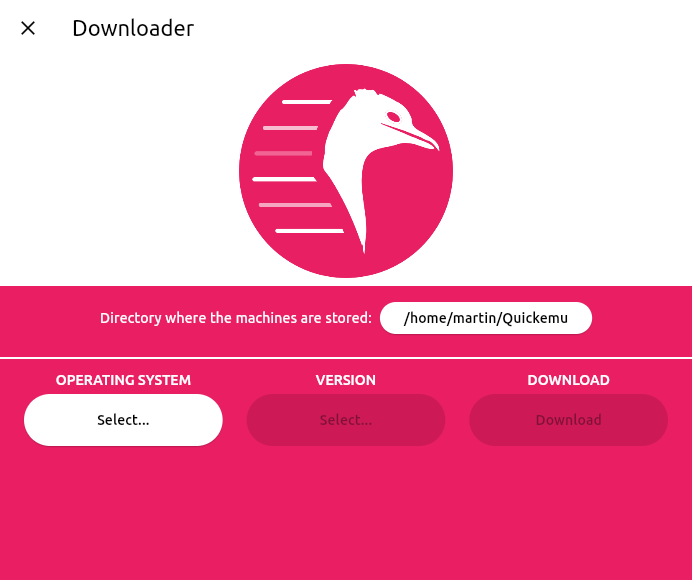
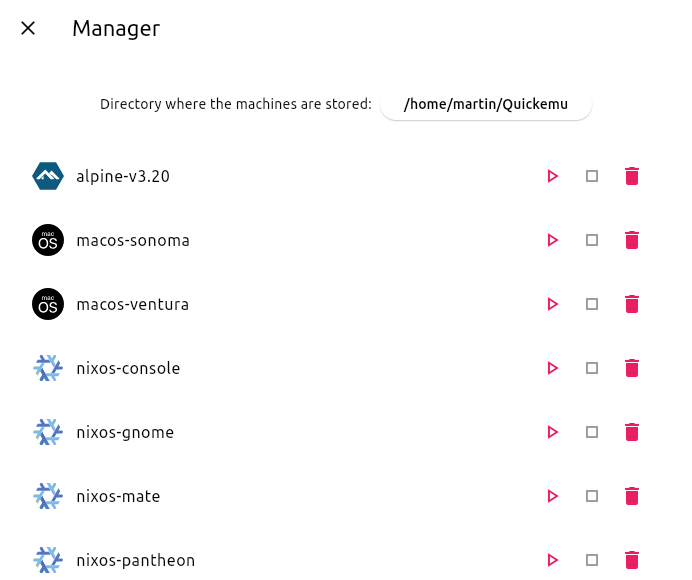
When a VM is running, Quickgui will display the host ports that are mapped to the SPICE and SSH ports on the guest. These ports are used to connect to the guest for display and SSH access.
If you close the SPICE display and wish to reconnect, you can click the "Connect display with SPICE" button. To open an SSH session, you can click the "Connect with SSH" button.
If the "Connect display with SPICE" button is disabled, the spicy client cannot be found. Ensure it is installed, and in your PATH (it should have been installed with quickemu).
If the "Connect with SSH" button is disabled, an SSH server cannot be detected on the guest. Most guest operating systems will not install an SSH server by default, so if it was not an option during installation, you will need to install one yourself. It must be listening on port 22 (the default SSH port). Once a server is installed and running, it should be detected automatically.
"Connect with SSH" will open a terminal and attempt to connect to the guest. If the connection is successful, you will be prompted for the password. If the connection is unsuccessful, you might need to remove the host key for the guest from your ~/.ssh/known_hosts file using something like ssh-keygen -R [localhost]:22220.
Quiver 是一组用于 Dart 的实用程序库,可使使用许多 Dart 库更加轻松和方便,或添加额外功能。
Linux/Win/Mac 的进程运行辅助工具,以及用于查找可执行文件的 which 类功能。
一个提供元组数据结构的库。
允许使用桌面通知规范在 Linux 桌面发送通知。
提供一个简单的类,用于解析和比较由 http://semver.org/ 定义的语义化版本。
依赖清单 21 项
{"sdk":"flutter"}{"sdk":"flutter"}^1.0.8^0.6.3^8.0.6^2.1.0^1.2.0^1.0.7^0.2.0^9.0.1^1.1.0^6.1.5^3.2.2^6.3.0^2.3.2^2.0.2^3.0.2{"git":{"url":"https://github.com/google/flutter-desktop-embedding.git","path":"plugins/window_size","ref":"eb3964990cf19629c89ff8cb4a37640c7b3d5601"}}{"sdk":"flutter"}^0.6.6^4.0.0先按使用场景筛选,再比较项目活跃情况,最后到原始仓库核对使用要求。
“A repository is the most basic element of GitHub.”
GitHub Docs — About repositories ↗