

v1.0.5
flutter_sizer
Flutter Sizer 通过提供辅助小部件和扩展来帮助实现响应式布局。
24喜欢 942近 30 天下载150Pub 分数
AndroidiOSWebmacOSWindowsLinux
Responsive Sizer 通过提供辅助小部件和扩展来帮助实现响应式布局

以下为英文项目原文快照,最新内容请访问 GitHub。
Flutter Sizer helps implement a responsive layout by providing helper widgets and extensions
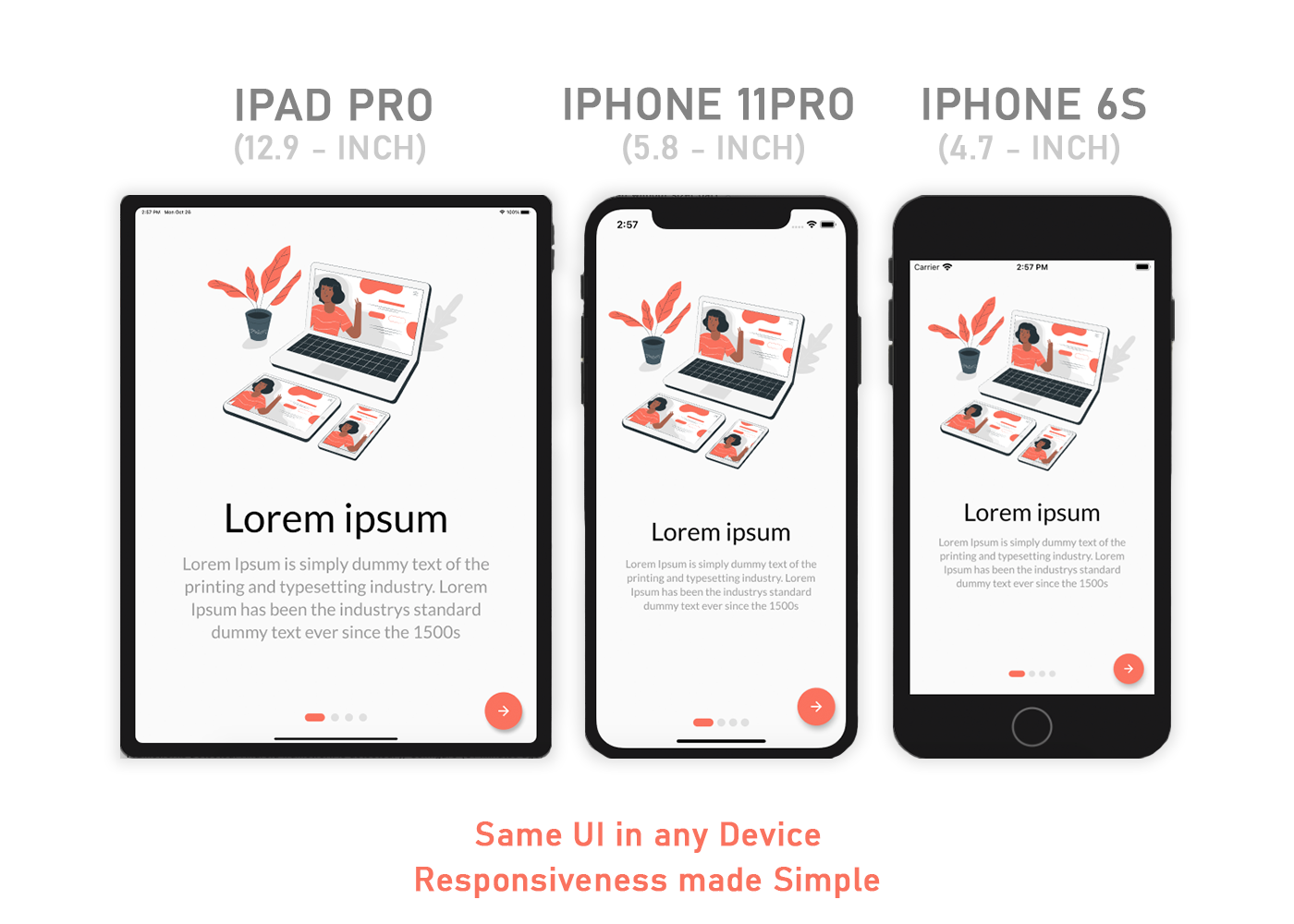
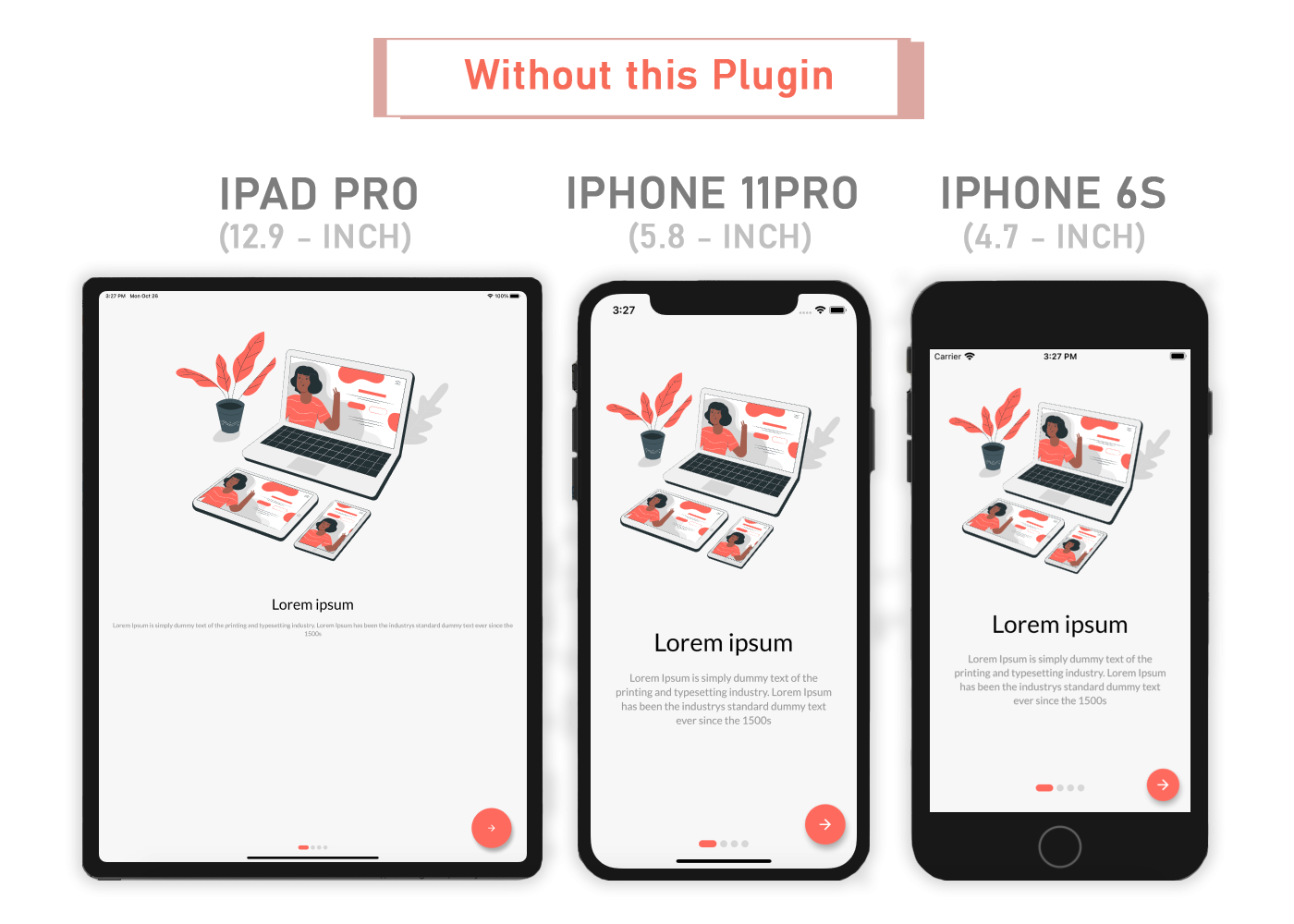
Add flutter_sizer to pubspec.yaml
dependencies:
  flutter_sizer: ^1.0.4
Adaptive.h() - Returns a calculated height based on the deviceAdaptive.w() - Returns a calculated width based on the deviceAdaptive.sp() - Returns a calculated sp based on the device (deprecated)Adaptive.dp() - Returns a calculated dp based on the device.h - Returns a calculated height based on the device.w - Returns a calculated width based on the device.sp - Returns a calculated sp based on the device (deprecated).dp - Returns a calculated dp based on the deviceDevice.boxConstraints - Returns the Device's BoxConstraintsDevice.orientation - Returns the Screen Orientation (portrait or landscape)Device.screenType - Returns the Screen Type (mobile or tablet)Device.devicePixelRatio - Returns the devicePixel Ratio or (1.0)import 'package:flutter_sizer/flutter_sizer.dart';
 FlutterSizer(
      builder: (context, orientation, screenType) {
        return MaterialApp();
      }
 )
Container(
  width: Adaptive.w(20),    // This will take 20% of the screen's width
  height: 30.5.h     // This will take 30.5% of the screen's height
)
Text(
  'Flutter Sizer',
  style: TextStyle(fontSize: 15.dp),
)
If you want to support both portrait and landscape orientations
Device.orientation == Orientation.portrait
  ? Container(   // Widget for Portrait
      width: 100.w,
      height: 20.5.h,
   )
  : Container(   // Widget for Landscape
      width: 100.w,
      height: 12.5.h,
   )
If you want the same layout to look different in tablet and mobile, use the Device.screenType method:
Device.screenType == ScreenType.tablet
  ? Container(   // Widget for Tablet
      width: 100.w,
      height: 20.5.h,
   )
  : Container(   // Widget for Mobile
      width: 100.w,
      height: 12.5.h,
   )
You need to import flutter_sizer package in order to access number.h, number.w, and number.dp
Auto import in VSCode and Android Studio doesn't work for dart extension methods. Typing 10.h would not bring up auto import suggestion for this package
One workaround is to type Device so that the auto import suggestion would show up:
import 'package:flutter_sizer/flutter_sizer.dart';
If you have any suggestions or issues, feel free to open an issue
If you would like to contribute, feel free to create a PR
依赖清单 2 项
{"sdk":"flutter"}{"sdk":"flutter"}先按使用场景筛选,再比较项目活跃情况,最后到原始仓库核对使用要求。
“A repository is the most basic element of GitHub.”
GitHub Docs — About repositories ↗