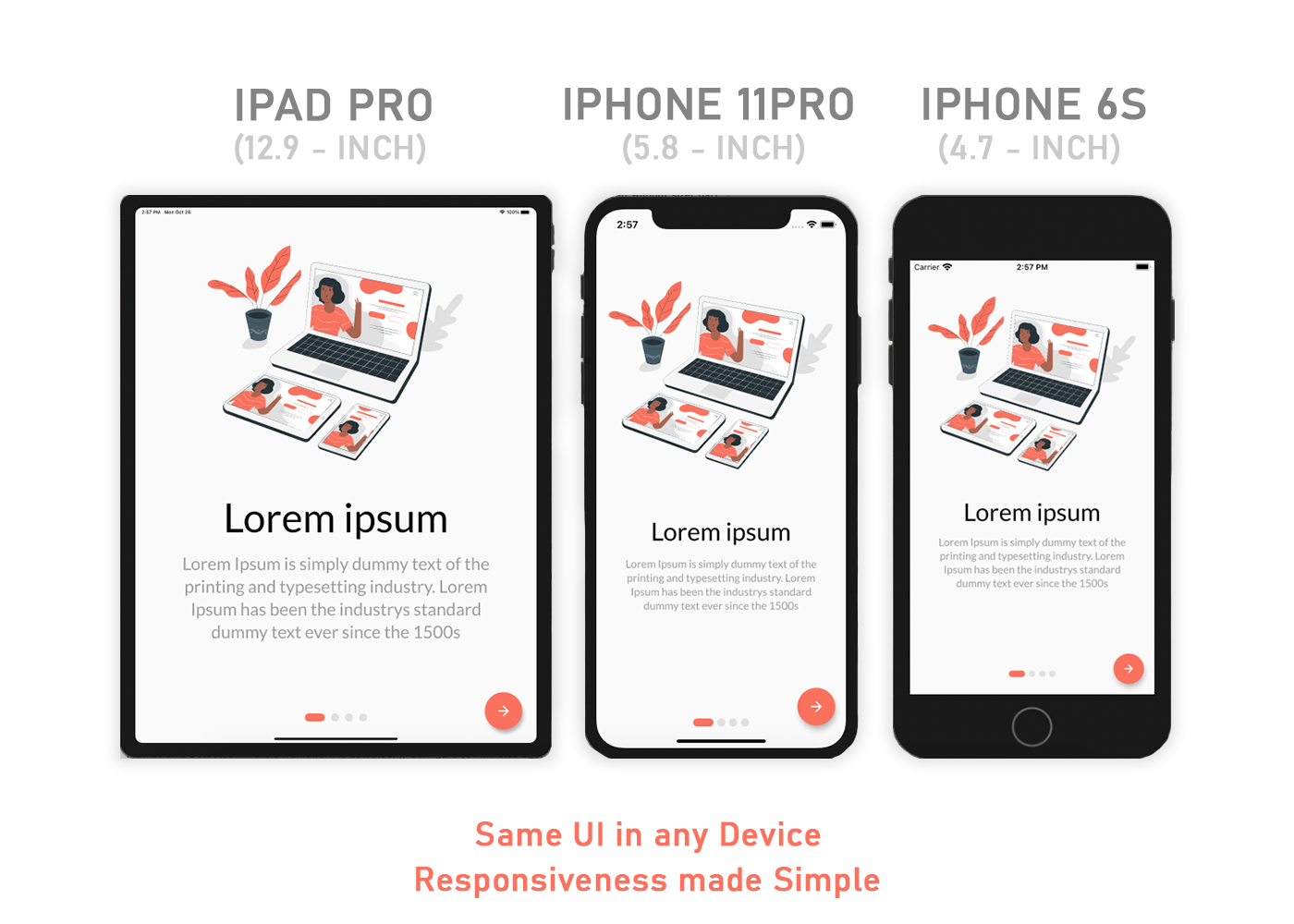
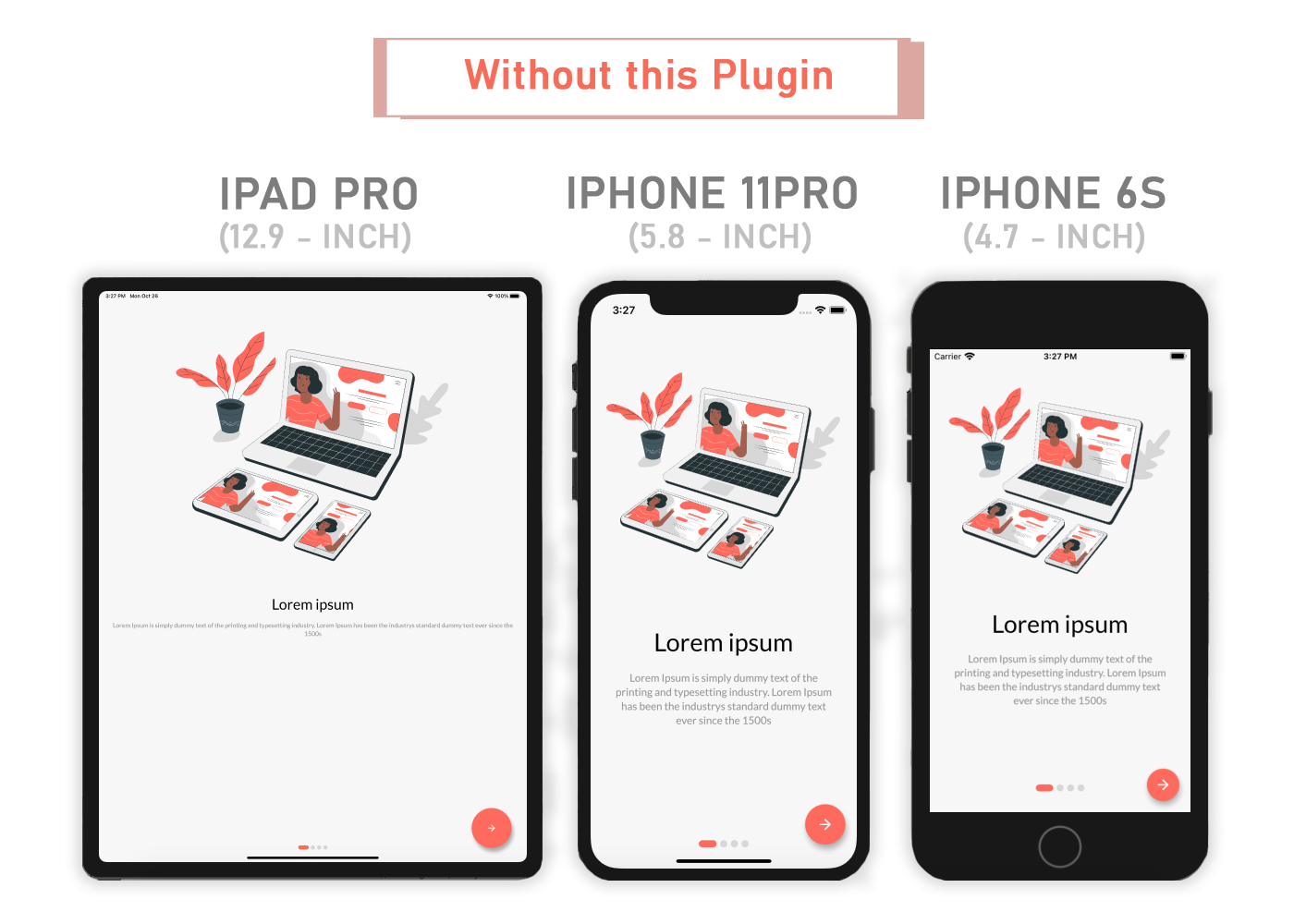
If you want the same layout to look different in tablet and mobile, use the Device.screenType method:
Device.screenType == ScreenType.tablet
  ? Container(   // Widget for Tablet
      width: 100.w,
      height: 20.5.h,
   )
  : Container(   // Widget for Mobile
      width: 100.w,
      height: 12.5.h,
   )
Take Note
You need to import flutter_sizer package in order to access number.h, number.w, and number.dp
Auto import in VSCode and Android Studio doesn't work for dart extension methods. Typing 10.h would not bring up auto import suggestion for this package
One workaround is to type Device so that the auto import suggestion would show up:
import'package:flutter_sizer/flutter_sizer.dart';
Community Support
If you have any suggestions or issues, feel free to open an issue
If you would like to contribute, feel free to create a PR