


 v1.0.3
dropdown_below
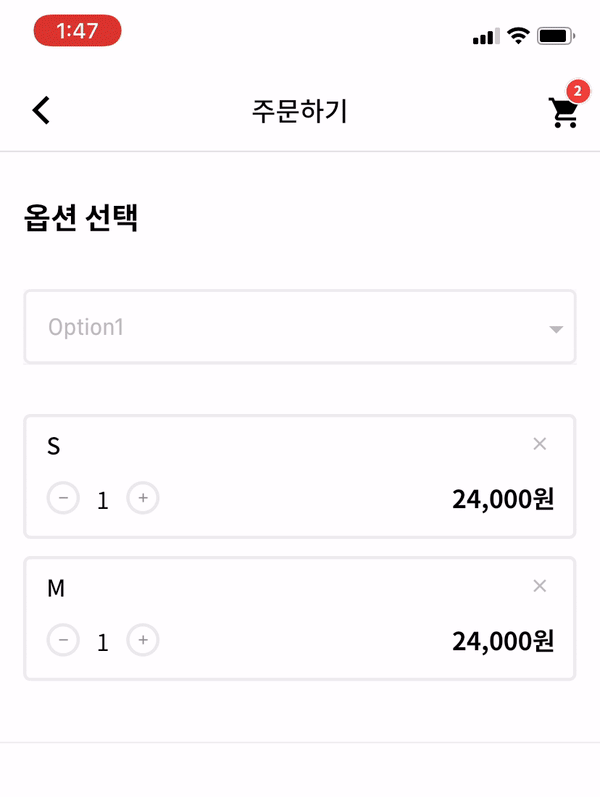
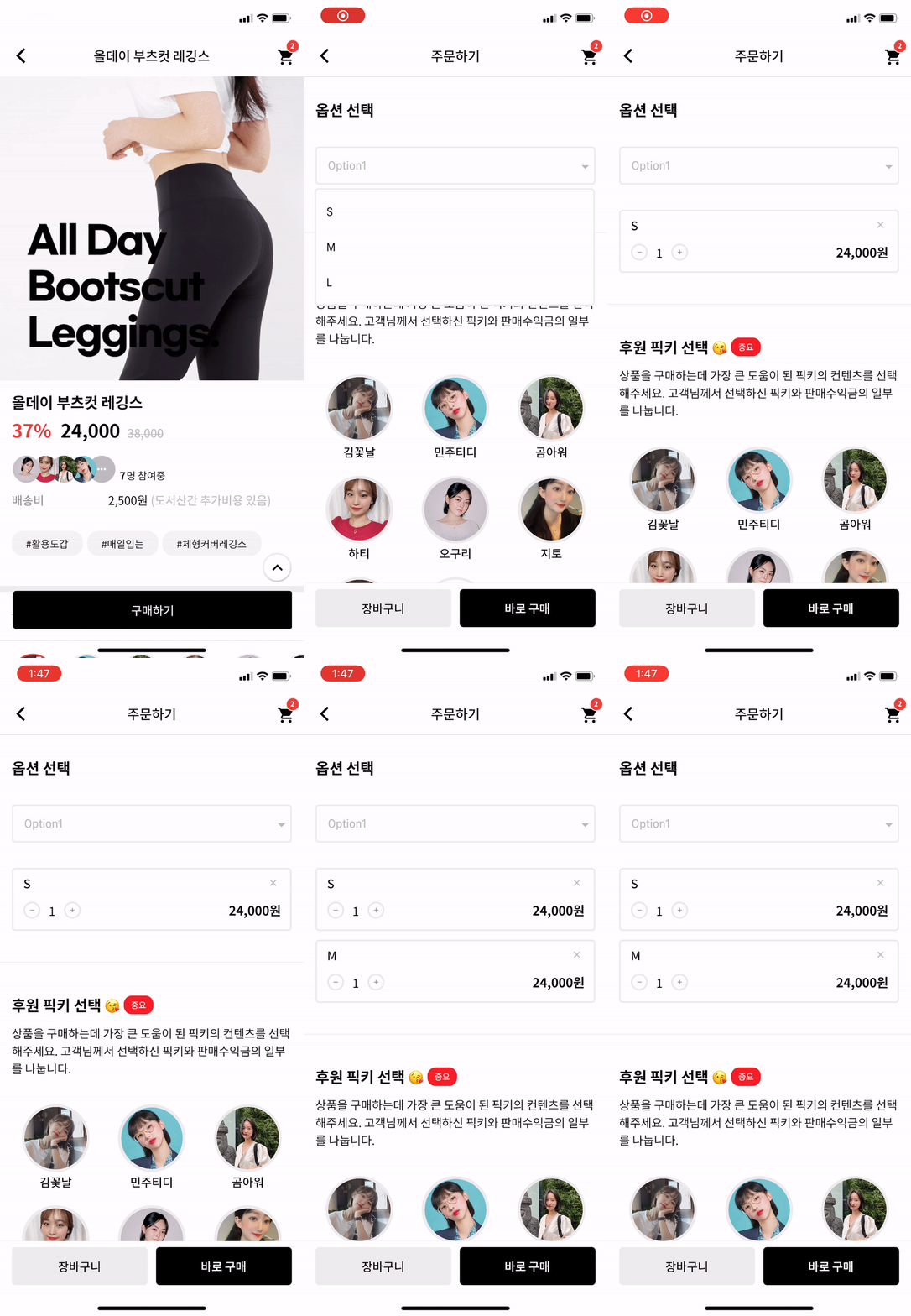
Flutter 自定义下拉框。开发者可以根据自己的喜好自定义许多选项。这对下拉框的用户体验来说是一个巨大的优势。
71喜欢 1090近 30 天下载140Pub 分数
AndroidiOSWebmacOSWindowsLinux
一个 Flutter 下拉菜单控件。

以下为英文项目原文快照,最新内容请访问 GitHub。


| options | description | type | required |
|---|---|---|---|
| itemWidth | dropdown item's box width | double | X |
| itemTextstyle | dropdown item's text style | double | X |
| boxTextstyle | seletced box text style | TextStyle | X |
| boxPadding | seletced box inner padding | EdgeInsetsGeometry | X |
| boxHeight | seletced box height | double | X |
| boxWidth | seletced box width | double | X |
| hint | text before you choose item | Widget | X |
| value | selected item | T | X |
| boxDecoration | box's border, borderRadius, color | BoxDecoration | X |
| icon | widget which is right beside | Widget | X |
| items | itemsList | List<DropdownMenuItem> | O |
| onChange | change item function | ValueChanged | O |
_testList's type is always be a list.
If you want to use map or other type, you can customize this package.
  List _testList = [{'no': 1, 'keyword': 'blue'},{'no': 2, 'keyword': 'black'},{'no': 3, 'keyword': 'red'}];
  List<DropdownMenuItem> _dropdownTestItems;
  var _selectedTest;
If you want to customize item's child widget ex) Text -> Container, You can change any widget you want.
  @override
  void initState() {
    _dropdownTestItems = buildDropdownTestItems(_testList);
    super.initState();
  }

  List<DropdownMenuItem> buildDropdownTestItems(List _testList) {
    List<DropdownMenuItem> items = List();
    for (var i in _testList) {
      items.add(
        DropdownMenuItem(
          value: i,
          child: Text(i['keyword']),
        ),
      );
    }
    return items;
  }
  onChangeDropdownTests(selectedTest) {
    print(selectedTest);
    setState(() {
      _selectedTest = selectedTest;
    });
  }
Dropdown Widget.
    DropdownBelow(
      itemWidth: 200,
      itemTextstyle: TextStyle(fontSize: 14, fontWeight: FontWeight.w400, color: Colors.black),
      boxTextstyle: TextStyle(fontSize: 14, fontWeight: FontWeight.w400, color: Color(0XFFbbbbbb)),
      boxPadding: EdgeInsets.fromLTRB(13, 12, 0, 12),
      boxHeight: 45,
      boxWidth: 200,
      hint: Text('choose item'),
      value: _selectedTest,
      items: _dropdownTestItems,
      onChanged: onChangeDropdownTests,
    ),
IF you want to make itemBox dropdown when you enter the page?
Put this code to initState like this.
Timer(Duration(milliseconds: 200), () {
    CustomDropdownButtonState state = dropdownKey1.currentState;
    state.callTap();
});
And put key to Widget like this.
DropdownBelow(
  key: dropdownKey1,
  itemWidth: 200,
  itemTextstyle: TextStyle(fontSize: 14, fontWeight: FontWeight.w400, color: Colors.black),
  boxTextstyle: TextStyle(fontSize: 14, fontWeight: FontWeight.w400, color: Color(0XFFbbbbbb)),
  boxPadding: EdgeInsets.fromLTRB(13, 12, 0, 12),
  boxHeight: 45,
  boxWidth: 200,
  hint: Text('choose item'),
  value: _selectedTest,
  items: _dropdownTestItems,
  onChanged: onChangeDropdownTests,
)
Actually, dropdown widget is made by Navigation. So, it can work.
依赖清单 2 项
{"sdk":"flutter"}{"sdk":"flutter"}先按使用场景筛选,再比较项目活跃情况,最后到原始仓库核对使用要求。
“A repository is the most basic element of GitHub.”
GitHub Docs — About repositories ↗