

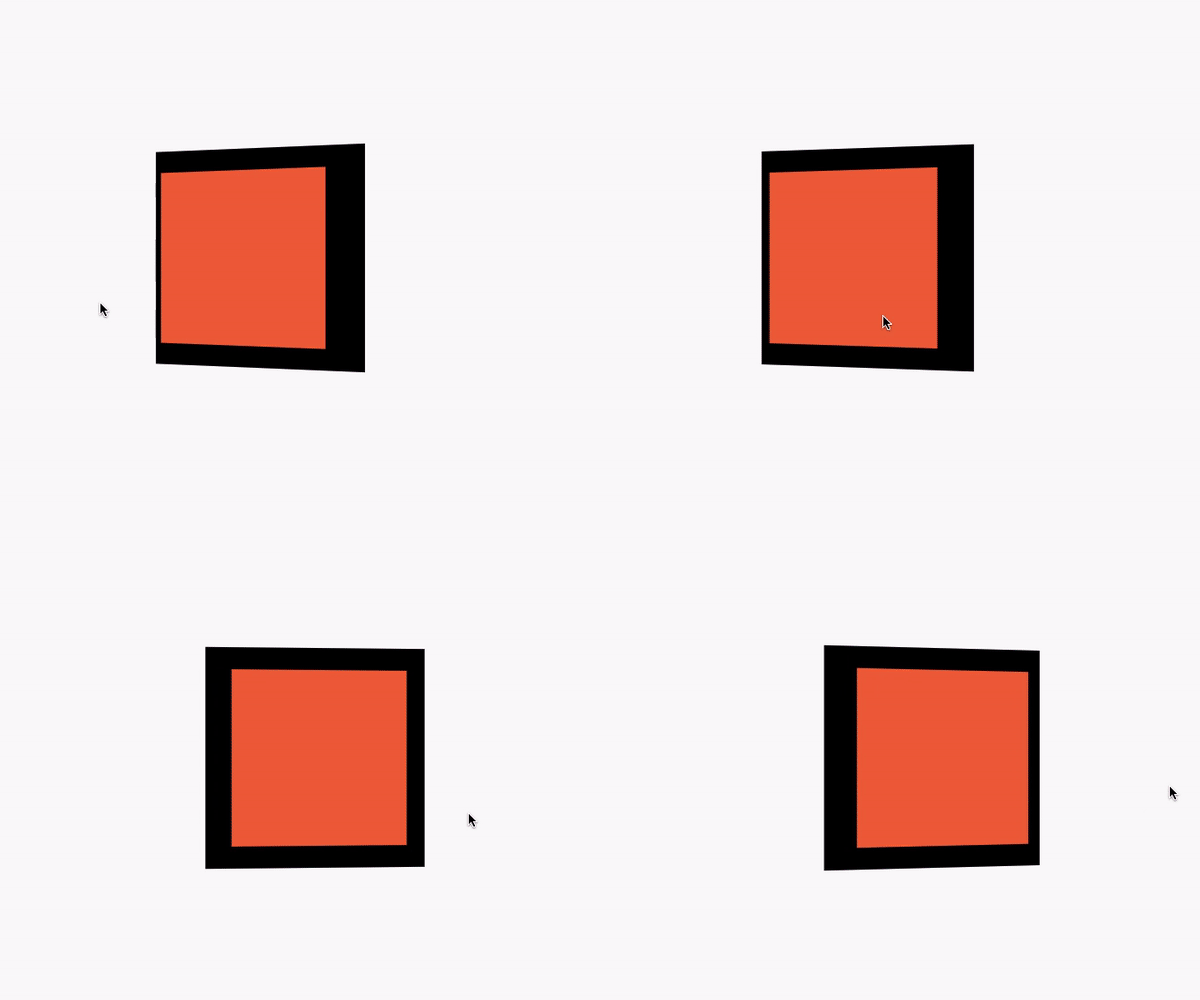
 v1.1.0
mouse_parallax
一种在多个平台上实现基于指针的视差动画的简单方法。
165喜欢 31近 30 天下载150Pub 分数
AndroidiOSWebmacOSWindowsLinux
wilsonowilson/mouse_parallax open-source repository details.

以下为英文项目原文快照,最新内容请访问 GitHub。
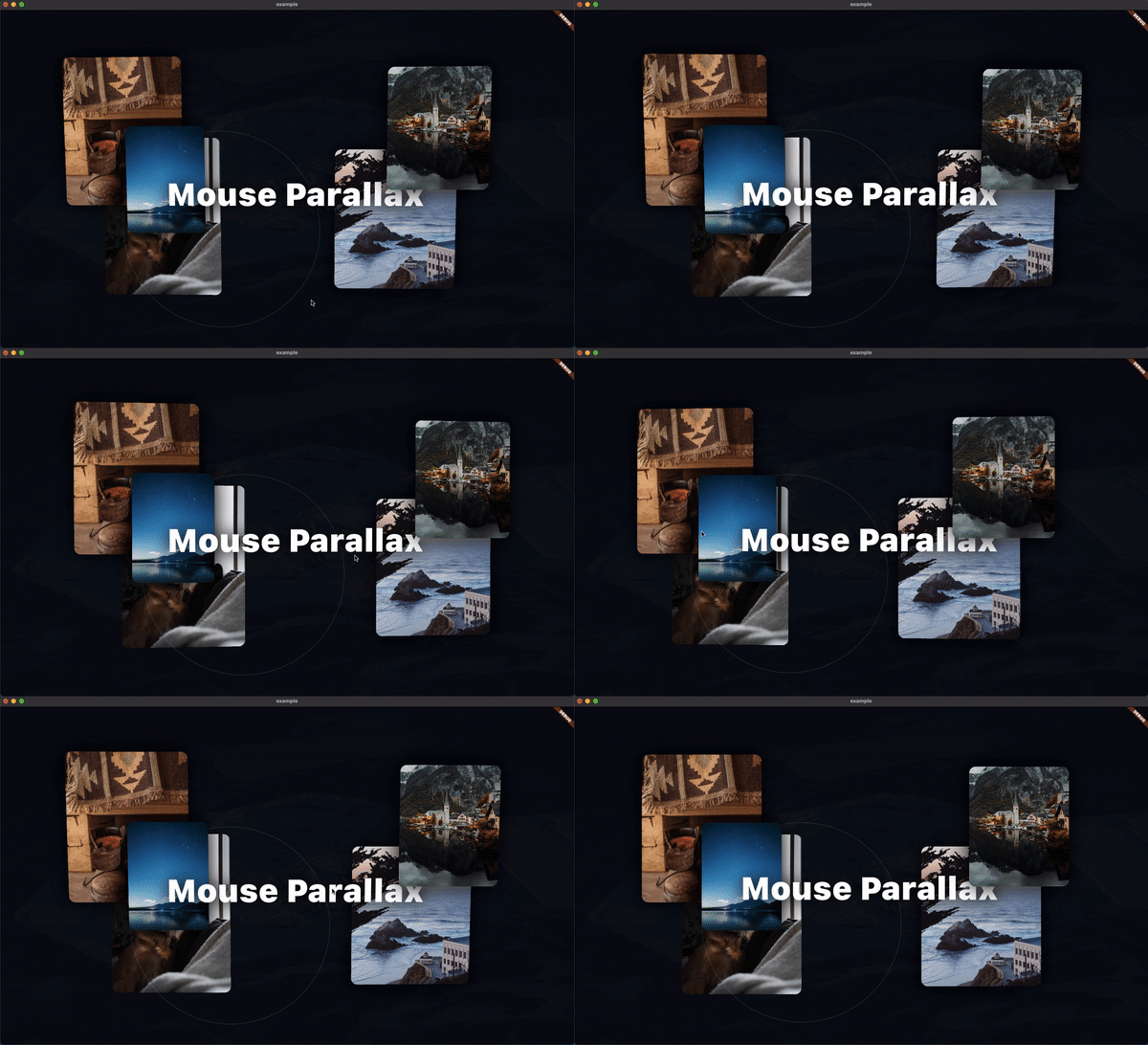
A Pointer-Based Animation Package. The goal of this package is to make mouse and touch based parallax effects as simple as possible.
To get started with the Parallax effect, use a ParallaxStack
class MyApp extends StatelessWidget {
 @override
 Widget build(BuildContext context) {
   return MaterialApp(
     home: Scaffold(
       body: ParallaxStack(
         layers: [],
       ),
     ),
   );
 }
}
The layers property takes a list of ParallaxLayers. These layers allow
you to define the animatable properties of the stack.
class MyApp extends StatelessWidget {
 @override
 Widget build(BuildContext context) {
   return MaterialApp(
     home: Scaffold(
       body: ParallaxStack(
         layers: [
           ParallaxLayer(
             yRotation: 0.35,
             xOffset: 60,
             child: Center(
               child: Container(
                 width: 250,
                 height: 250,
                 color: Colors.black,
               ),
             ),
           ),
           ParallaxLayer(
             yRotation: 0.35,
             xOffset: 80,
             child: Center(
               child: Container(
                 width: 200,
                 height: 200,
                 decoration: const BoxDecoration(
                   color: Colors.deepOrange,
                 ),
               ),
             ),
           ),
         ],
       ),
     ),
   );
 }
}
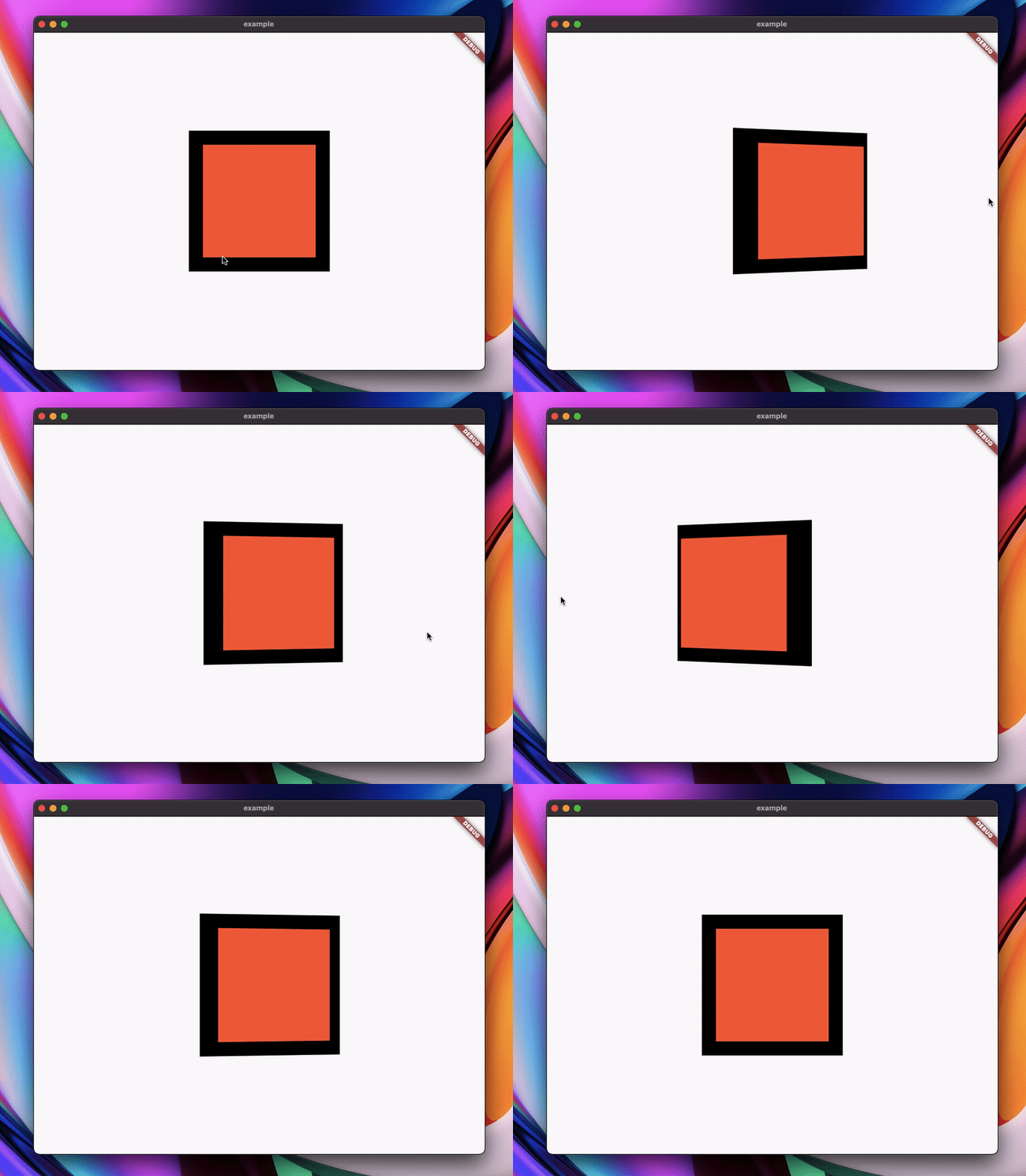
That example yields this result:
依赖清单 3 项
{"sdk":"flutter"}^1.0.4{"sdk":"flutter"}先按使用场景筛选,再比较项目活跃情况,最后到原始仓库核对使用要求。
“A repository is the most basic element of GitHub.”
GitHub Docs — About repositories ↗