
 v0.7.1
image_painter
一个用于在图像上绘图的 Flutter 包。支持颜色、笔触宽度、不同的绘画模式以及导出图像。
214喜欢 7050近 30 天下载150Pub 分数
AndroidiOSmacOSWindowsLinux
用于在图像上绘画的 Flutter 包
以下为英文项目原文快照,最新内容请访问 GitHub。




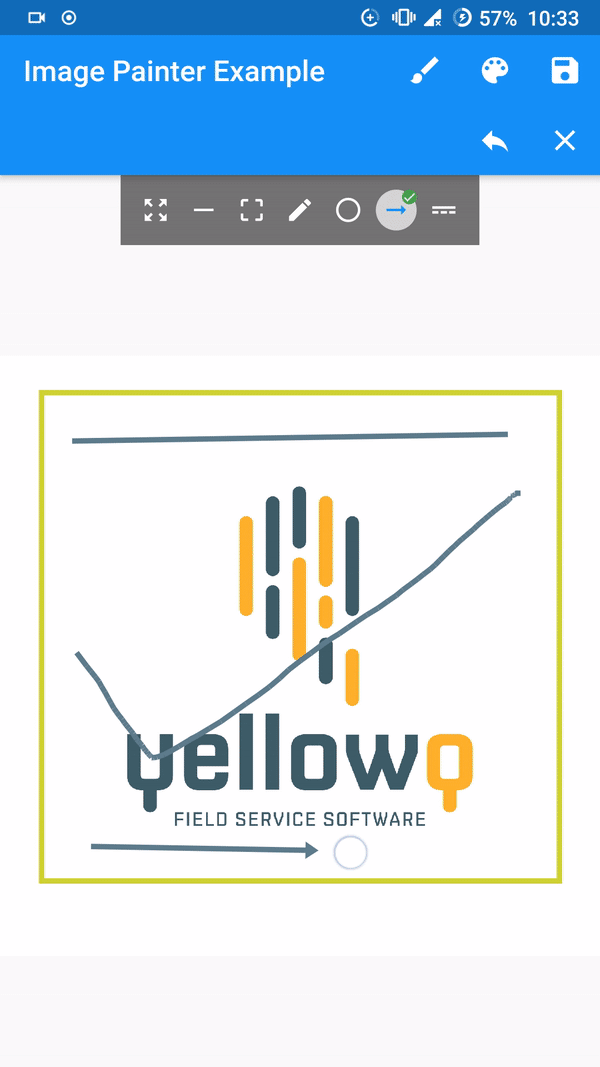
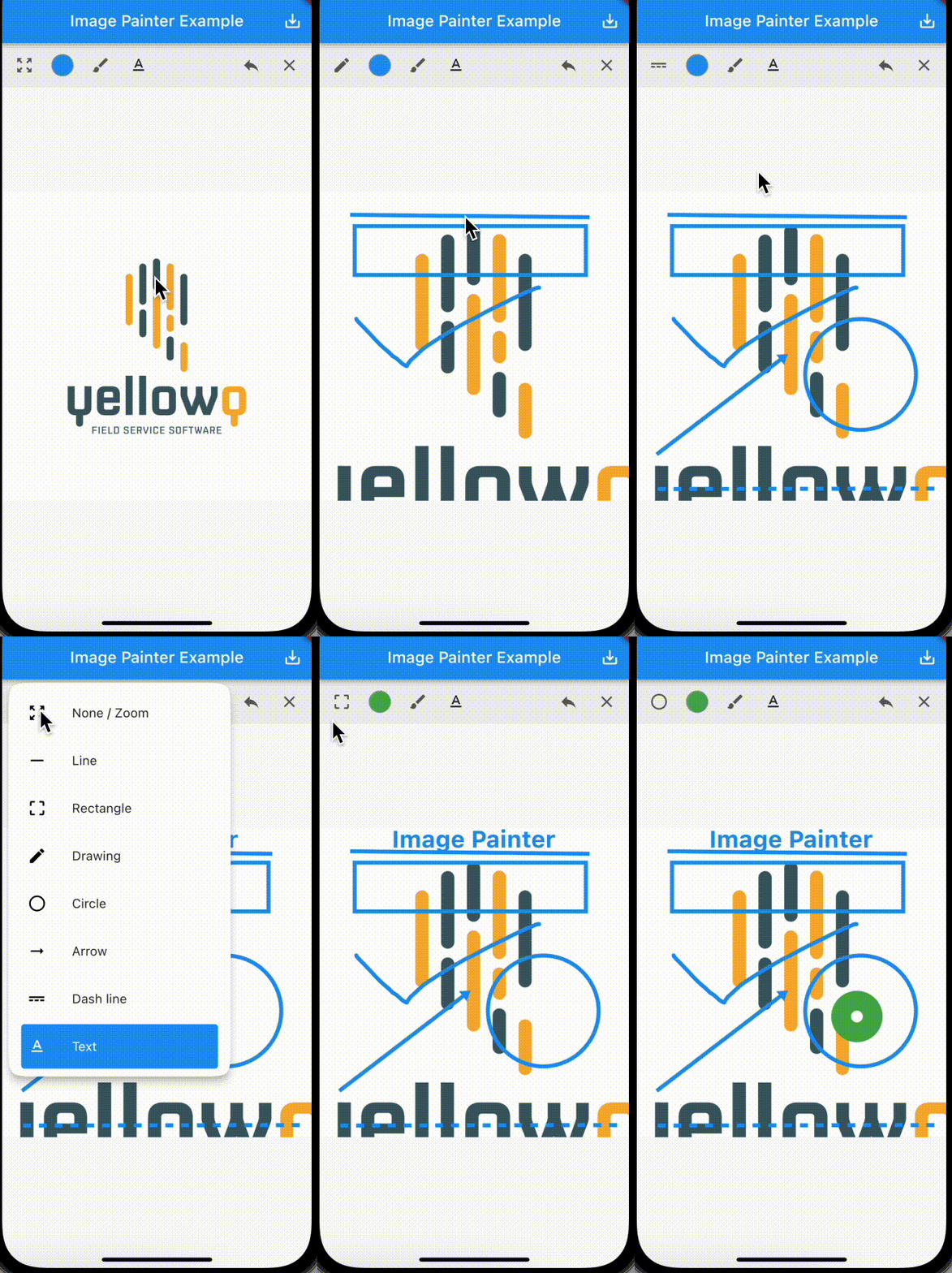
A flutter implementation of painting over image.
[Note] Tested and working only on flutter stable channel. Please make sure you are on stable channel of flutter before using the package.
In the pubspec.yaml of your flutter project, add the following dependency:
dependencies:
  ...
  image_painter: latest
In your library add the following import:
import 'package:image_painter/image_painter.dart';
For help getting started with Flutter, view the online documentation.
Basic usage of the libary:
ImagePainter.network: Painting over image from network url./// Initialize `ImagePainterController`.
final imagePainterController = ImagePainterController();
/// Provide controller to the painter.
ImagePainter.network("https://sample_image.png",
controller: imagePainterController,scalable: true),
///Export the image:
Uint8List byteArray = await imagePainterController.exportImage();
/// Create a file or create a File instance of existing file.
File imgFile = File('directoryPath/fileName.png');
/// Now you use `Uint8List` data and write it into the file.
imgFile.writeAsBytesSync(image);
For more thorough implementation guide, check the example.
For any issues or support please visit the Issues.

依赖清单 1 项
{"sdk":"flutter"}先按使用场景筛选,再比较项目活跃情况,最后到原始仓库核对使用要求。
“A repository is the most basic element of GitHub.”
GitHub Docs — About repositories ↗