

 v0.0.2+1
time_picker_sheet
时间选择器弹出层库,可让你拥有美观的时间选择器弹出层,并支持自定义设计以满足你的需求。
26喜欢 7近 30 天下载70Pub 分数
平台暂无数据
时间选择器对话框库

以下为英文项目原文快照,最新内容请访问 GitHub。
A Time picker sheet library for flutter. You can also customize the widget inside the sheet to align with your requirement.
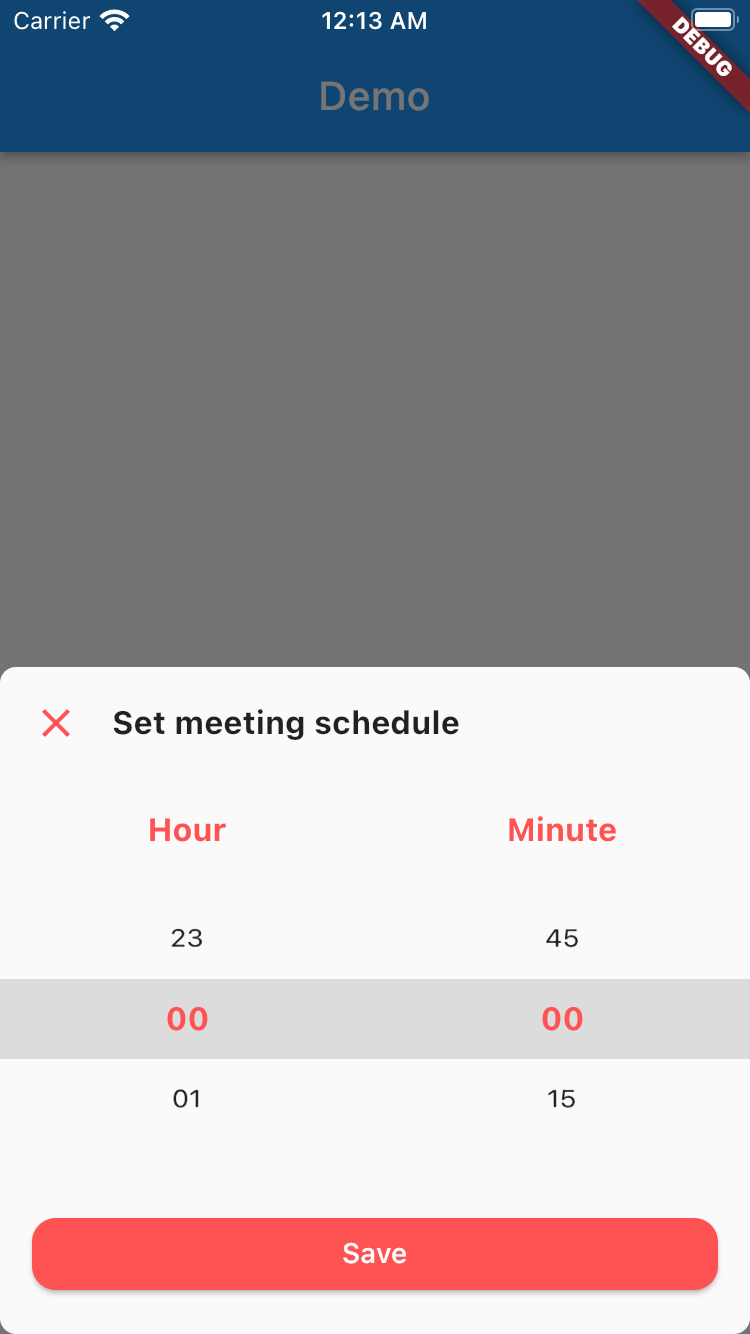
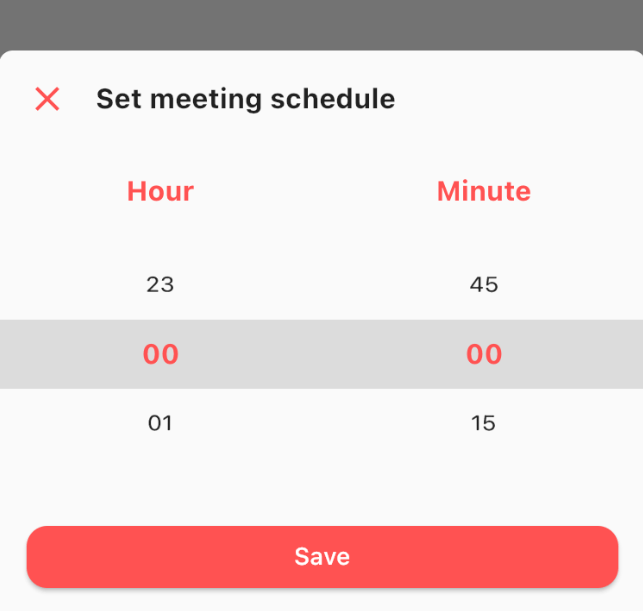
This is really simple and to the point actually, simply by doing this then your time picker sheet will goes up.
TimePicker.show(
    context: context,
    sheet: TimePickerSheet(
        sheetTitle: 'Set meeting schedule',
        hourTitle: 'Hour',
        minuteTitle: 'Minute',
        saveButtonText: 'Save',
    ),
);
If you wanna get the result from the time picker sheet then what you have to do is await the result. As you know if we wanna await the result we need to do it as an async process right? so please make sure to do so. The code must be like this
final result = await TimePicker.show<DateTime?>(
    context: context,
    sheet: TimePickerSheet(
        sheetTitle: 'Set meeting schedule',
        hourTitle: 'Hour',
        minuteTitle: 'Minute',
        saveButtonText: 'Save',
    ),
);
the result from the sheet is should be nullable DateTime, if user closed the sheet the result will be null, but if the user click on the save button
then the result should be the selected time as a DateTime, so you can get the hour & the minute.
What you can customize?
All these things already have default value, so if you want to change one of them please make sure to set it via constructor.
依赖清单 4 项
{"sdk":"flutter"}^1.0.2{"sdk":"flutter"}^1.0.0先按使用场景筛选,再比较项目活跃情况,最后到原始仓库核对使用要求。
“A repository is the most basic element of GitHub.”
GitHub Docs — About repositories ↗