
तारीख समय चयनकर्ता उपकरण
CeylonCodeLabs/date_time_picker_widget open-source repository details.

- स्टार
- 8
- फ़ोर्क
- 15
- अंतिम पुश (UTC)
- 24 जून 2026
- प्रोजेक्ट स्थिति
- सक्रिय
मूल README
यह अंग्रेज़ी मूल स्नैपशॉट है। नवीनतम सामग्री GitHub पर देखें।
date_time_picker_widget

This package brings us a way to pick date and time with fresh new UI design
Usage
In the pubspec.yaml of your flutter project, add the following dependency:
dependencies:
  ...
  date_time_picker_widget: ^2.0.0
In your library add the following import:
import 'package:date_time_picker_widget/date_time_picker_widget.dart';
For help getting started with Flutter, view the online documentation.
Example
There are three presentations for DateTimePickerWidget and can be defined in the type parameter:
DateTimePickerType.Datewill present date picker;DateTimePickerType.Timewill present time picker;DateTimePickerType.Bothwill present date and time picker both;
DateTimePicker(
  type: DateTimePickerType.Both, // options: [Date | Time | Both], default is Both
  ...
)
More complete example:
DateTimePicker(
  initialSelectedDate: dt,
  startDate: dt.add(Duration(days: 1)),
  endDate: dt.add(Duration(days: 60)),
  startTime: DateTime(dt.year, dt.month, dt.day, 6),
  endTime: DateTime(dt.year, dt.month, dt.day, 18),
  timeInterval: Duration(minutes: 15),
  datePickerTitle: 'Pick your preferred date',
  timePickerTitle: 'Pick your preferred time',
  timeOutOfRangeError: 'Sorry shop is closed now',
  is24h: false,
  onDateChanged: (date) {
    setState(() {
      _d1 = DateFormat('dd MMM, yyyy').format(date);
    });
  },
  onTimeChanged: (time) {
    setState(() {
      _t1 = DateFormat('hh:mm:ss aa').format(time);
    });
  },
)
Demo
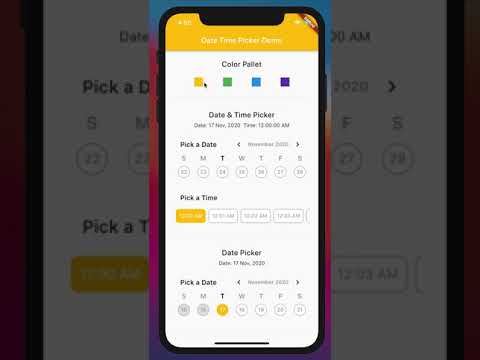
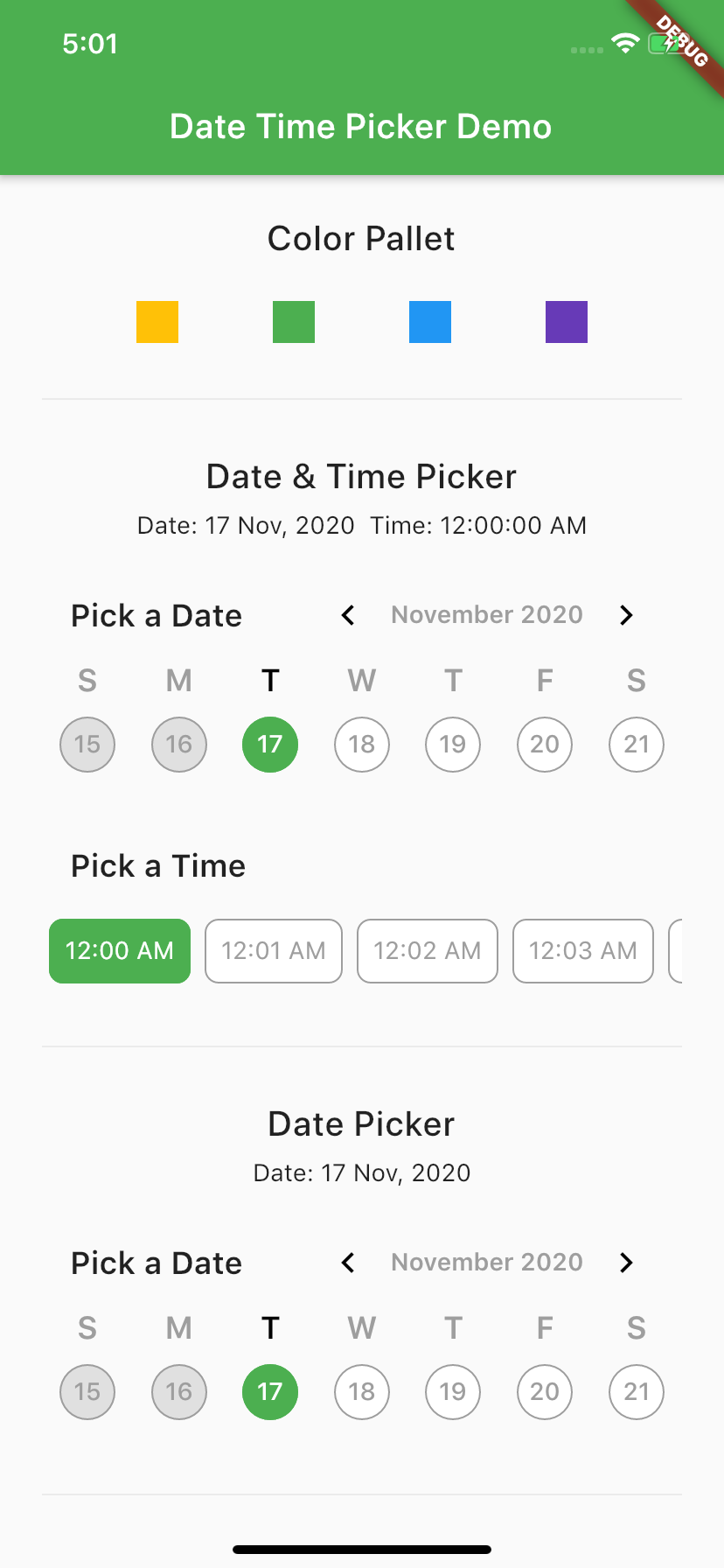
Screen Shot

GitHub लेखक
CeylonCodeLabs ↗
भाषाएँDartHTMLSwiftKotlinObjective-C
उपयोग की गई निर्भरताएँ
निर्भरता सूची 6 आइटम
- flutter
{"sdk":"flutter"} - intl
^0.18.1 - stacked
^3.4.0 - jiffy
^6.2.1 - scrollable_positioned_list
^0.3.8 - flutter_testडेवलपमेंट
{"sdk":"flutter"}
अपने प्रोजेक्ट के लिए रिपॉज़िटरी कैसे चुनें?
उपयोग के अनुसार छाँटें, गतिविधि की तुलना करें और अपनाने से पहले मूल प्रोजेक्ट की आवश्यकताएँ जाँचें।
- नाम, लेखक या विवरण से खोजें और तकनीकी विषय से परिणाम सीमित करें।
- स्टार, फ़ोर्क और हाल के पुश की तुलना करें। स्टार रुचि दर्शाते हैं, गुणवत्ता की गारंटी नहीं।
- उपयोग से पहले GitHub पर README, लाइसेंस और Issues जाँचें।
स्रोत और रखरखाव
“A repository is the most basic element of GitHub.”
GitHub Docs — About repositories ↗