v3.0.0
screenshot
Flutter स्क्रीनशॉट पैकेज (रनटाइम)। किसी भी विजेट को एक छवि के रूप में प्राप्त करें।
1.6 हज़ारलाइक 6 लाख30-दिन डाउनलोड140Pub अंक
AndroidiOSWebmacOSWindowsLinux
एक एंड्रॉइड ऐप जो आपके लॉयल्टी कार्ड सेव करता है, पूरी तरह से FOSS, मुफ्त, गूगल या तीसरे पक्ष की सेवाओं के बिना। अभी आजमाएं! 📱

यह अंग्रेज़ी मूल स्नैपशॉट है। नवीनतम सामग्री GitHub पर देखें।
Lightweight digital wallet to securely scan, store, and manage loyalty cards offline.



More info here

OR

[!NOTE] F-Droid releases might not be in sync with those from GitHub.
Currently, the app uses these permissions (+ why are they needed) :


Contact me for more info :). If your phone does not have issues with the app, you can add your device into the Tests file.
git clone the repository,cd cardabase-app into it,flutter pub get to download the dependencies,flutter build apk in Terminal (you can add --split-per-abi if you want to get multiple versions).[!NOTE] Signing of the app is ON. You need a singature key and a key.properties in the /cardabase-app/android folder or else the build will fail. You can change THIS LINE to debug to sign it with a debug key.
Used versions:
Note: Java and Gradle versions must be compatible with each other. See this Compatibility Matrix.
You may need to:
android/gradle.properties, add a line org.gradle.java.home="C:\\path\\to\\the\\jdk", where you have to specify your path, (<- in case of multiple/no versions or JAVA_HOME environment variable not specified)android\gradle\wrapper\gradle-wrapper.properties, last line "distributionUrl" (change the "X.X" or "X.X.X" number). (<- in case of different Gradle installation)


Flutter स्क्रीनशॉट पैकेज (रनटाइम)। किसी भी विजेट को एक छवि के रूप में प्राप्त करें।
Hive समुदाय संस्करण - Hive v2 का आध्यात्मिक अनुवाद
Hive के लिए विस्तार। Flutter ऐप में Hive का उपयोग करना आसान बनाता है।
Hive के लिए विस्तार। किसी भी क्लास को संग्रहीत करने के लिए स्वचालित रूप से TypeAdapters उत्पन्न करता है।
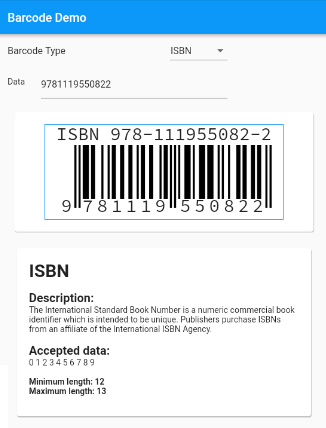
स्टैंडर्ड बारकोड के समर्थन के साथ Flutter के लिए बारकोड उत्पादन विजेट।
एप्लिकेशन जीवन चक्र रीसेट के साथ स्क्रीन चमक को नियंत्रित करने के लिए एक प्लगइन
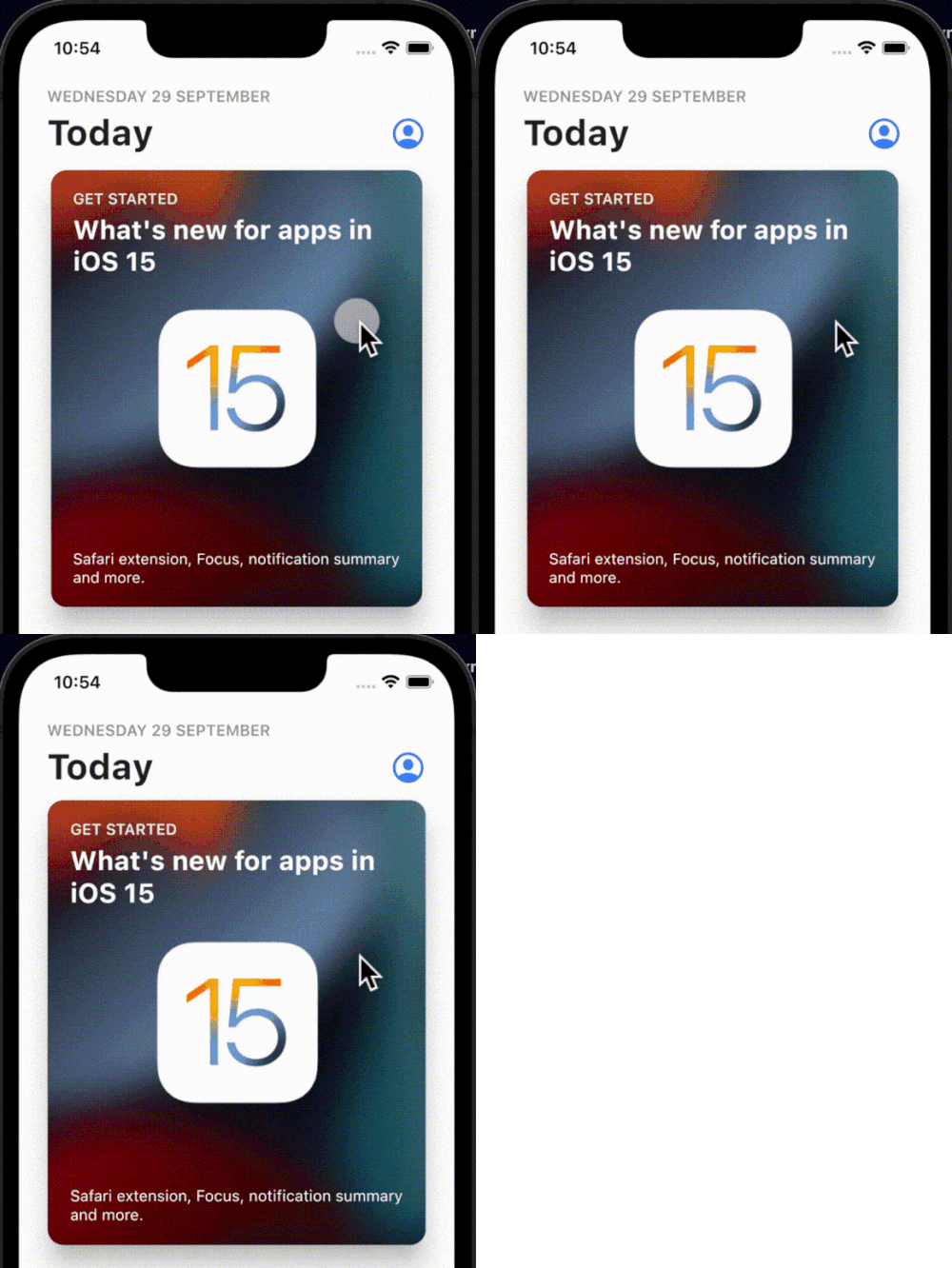
एक सरल, इंटरैक्टिव और कस्टमाइज़ेबल टैप-बाउंस एनीमेशन जो आपके पसंदीदा किसी भी विजेट्स पर लपेटा जा सकता है।
Dart में लिखा गया एक बहु-फॉर्मेट 1D/2D बारकोड इमेज प्रोसेसिंग लाइब्रेरी। यह एंड्रॉइड लाइब्रेरी का पोर्ट है।
हैप्टिक फीडबैक के लिए एक Flutter प्लगइन। जबकि यह मानक iOS हैप्टिक्स का उपयोग करता है, यह एंड्रॉइड पर इन्हीं हैप्टिक पैटर्न की नकल करने का प्रयास करता है ताकि प्लेटफॉर्म के बीच एक समान अनुभव हो।
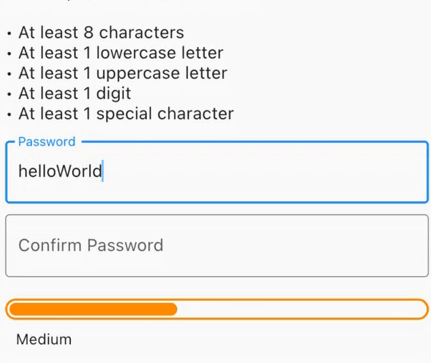
सुरक्षित पासवर्ड बनाएं, लीक हुए पासवर्ड की जांच करें, बल के लिए दृश्य प्रतिक्रिया प्राप्त करें या न्यूनतम पासवर्ड मजबूती की आवश्यकता के साथ फॉर्म सत्यापन प्राप्त करें।
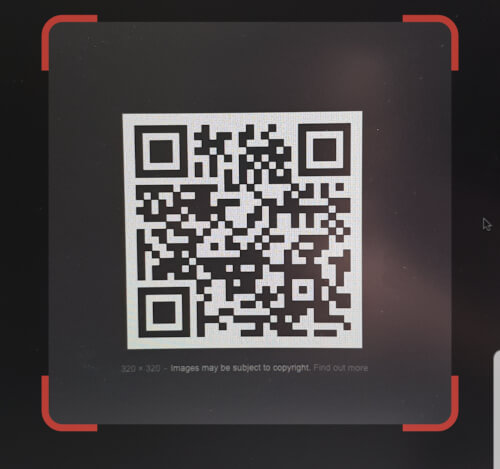
QR कोड स्कैनर जो Flutter के अंदर एम्बेड किया जा सकता है। Android में zxing का उपयोग करता है और iOS में AVFoundation का उपयोग करता है।
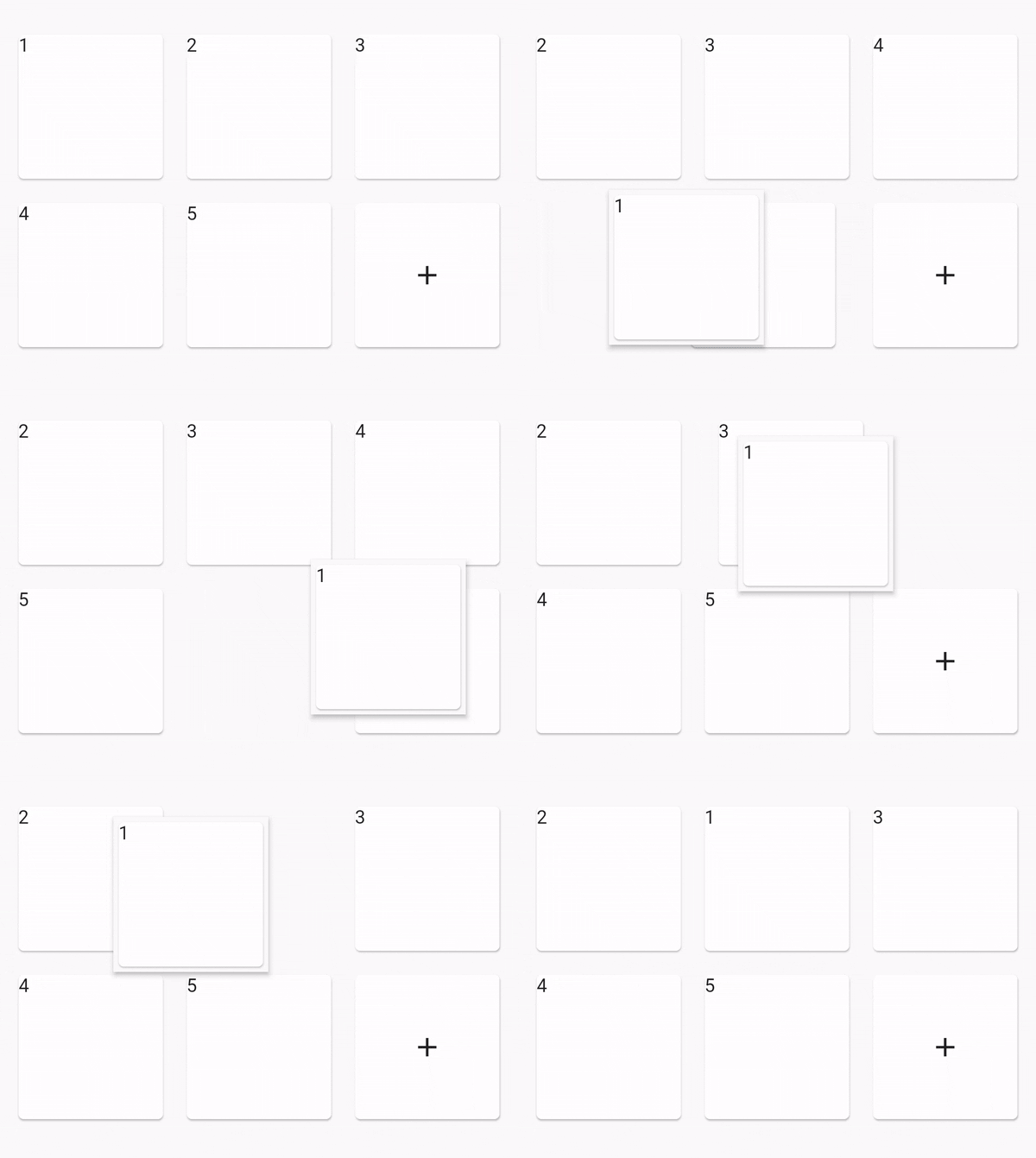
पुनर्व्यवस्थित ग्रिड दृश्य
निर्भरता सूची 43 आइटम
^4.0.9^2.0.4^0.12.0+1^1.0.2^2.1.0^12.0.0-beta.7{"sdk":"flutter"}^1.2.0^1.1.0^0.14.4^4.0.3>=9.0.0 <10.0.0^0.6.4+3>=2.19.3 <3.0.0>=2.3.4 <3.0.0^1.4.0^4.9.1^1.2.2^2.3.0^1.0.0^10.1.0^1.3.2>=1.9.1 <2.0.9^2.1.6^12.0.3^2.1.2^1.1.0^1.8.1^2.2.8^2.1.11^3.0.0^6.3.2>=4.0.0 <5.0.0^0.2.4^2.4.6^2.2.0{"sdk":"flutter"}{"sdk":"flutter"}^1.11.1^6.0.0^1.0.0^2.1.3^2.1.8उपयोग के अनुसार छाँटें, गतिविधि की तुलना करें और अपनाने से पहले मूल प्रोजेक्ट की आवश्यकताएँ जाँचें।
“A repository is the most basic element of GitHub.”
GitHub Docs — About repositories ↗