

v0.1.2
countdown_flutter
फ्लटर के लिए एक सरल गणना प्रतीक्षा प्लगइन। अपने ऐप में एक सरल तरीके से गणना प्रतीक्षा बनाने की प्रदान करता है।
47लाइक 9830-दिन डाउनलोड40Pub अंक
प्लेटफ़ॉर्म डेटा नहीं
एक सरल फ्लटर काउंटडाउन प्लगइन ⌛

यह अंग्रेज़ी मूल स्नैपशॉट है। नवीनतम सामग्री GitHub पर देखें।
A simple countdown plugin for flutter ⌛
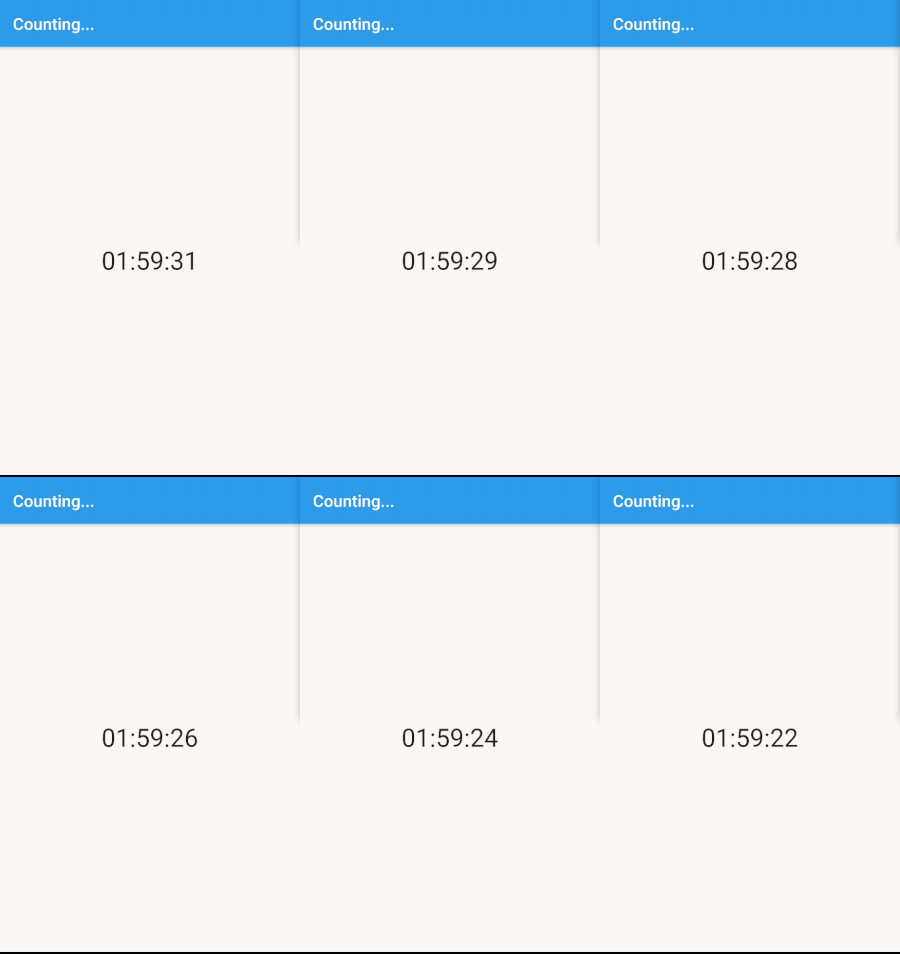
This project is a starting point for a Flutter plug-in package, a specialized package that includes platform-specific implementation code for Android and/or iOS.
For help getting started with Flutter, view our online documentation, which offers tutorials, samples, guidance on mobile development, and a full API reference.
import 'package:flutter/material.dart';
import 'package:countdown_flutter/countdown_flutter.dart';

class Foo extends StatelessWidget {
  @override
  Widget build(BuildContext context) {
    return Center(
      child: Countdown(
        duration: Duration(seconds: 10),
        onFinish: () {
          print('finished!');
        },
        builder: (BuildContext ctx, Duration remaining) {
            return Text('${remaining.inMinutes}:${remaining.inSeconds}');
        },
      ),
    );
  }
}
import 'package:flutter/material.dart';
import 'package:countdown_flutter/countdown_flutter.dart';

class Foo extends StatelessWidget {
  @override
  Widget build(BuildContext context) {
    return Center(
      child: CountdownFormatted(
        duration: Duration(hours: 1),
        builder: (BuildContext ctx, String remaining) {
          return Text(remaining); // 01:00:00
        },
      ),
    );
  }
}
निर्भरता सूची 2 आइटम
{"sdk":"flutter"}{"sdk":"flutter"}उपयोग के अनुसार छाँटें, गतिविधि की तुलना करें और अपनाने से पहले मूल प्रोजेक्ट की आवश्यकताएँ जाँचें।
“A repository is the most basic element of GitHub.”
GitHub Docs — About repositories ↗