


 v2.1.0
circular_countdown
एक पैकेज जो एक गोल गिनती का प्रतिनिधित्व करता है जिसका उपयोग आप किसी भी प्रकार के इकाइयों (दिन, घंटे, सेकंड, अंक, ...) के लिए कर सकते हैं।
72लाइक 2.5 हज़ार30-दिन डाउनलोड150Pub अंक
AndroidiOSWebmacOSWindowsLinux
एक पैकेज जो एक गोल गिनती का प्रतिनिधित्व करता है जिसका उपयोग आप किसी भी प्रकार के इकाइयों (दिन, घंटे, सेकंड, अंक, ...) के लिए कर सकते हैं।

यह अंग्रेज़ी मूल स्नैपशॉट है। नवीनतम सामग्री GitHub पर देखें।
A package that represents a circular countdown that you can use for every kind of units (days, hours, seconds, points, ...).
A web demo is available here : https://mattisbrizard.github.io/circular_countdown/#/
In the pubspec.yaml of your flutter project, add the following dependency:
dependencies:
  ...
  circular_countdown: ^2.1.0
In your library add the following import:
import 'package:circular_countdown/circular_countdown.dart';
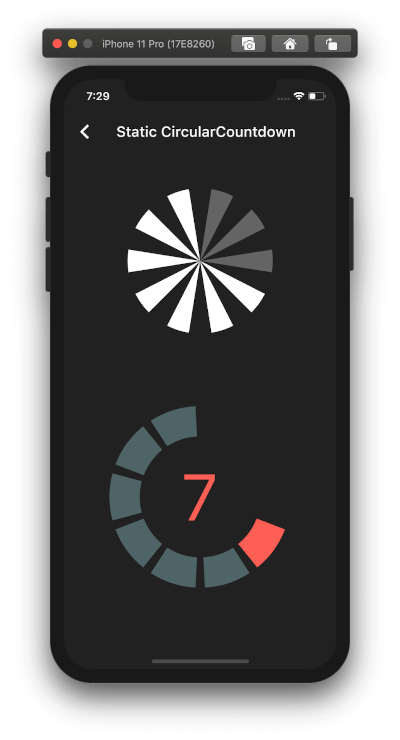
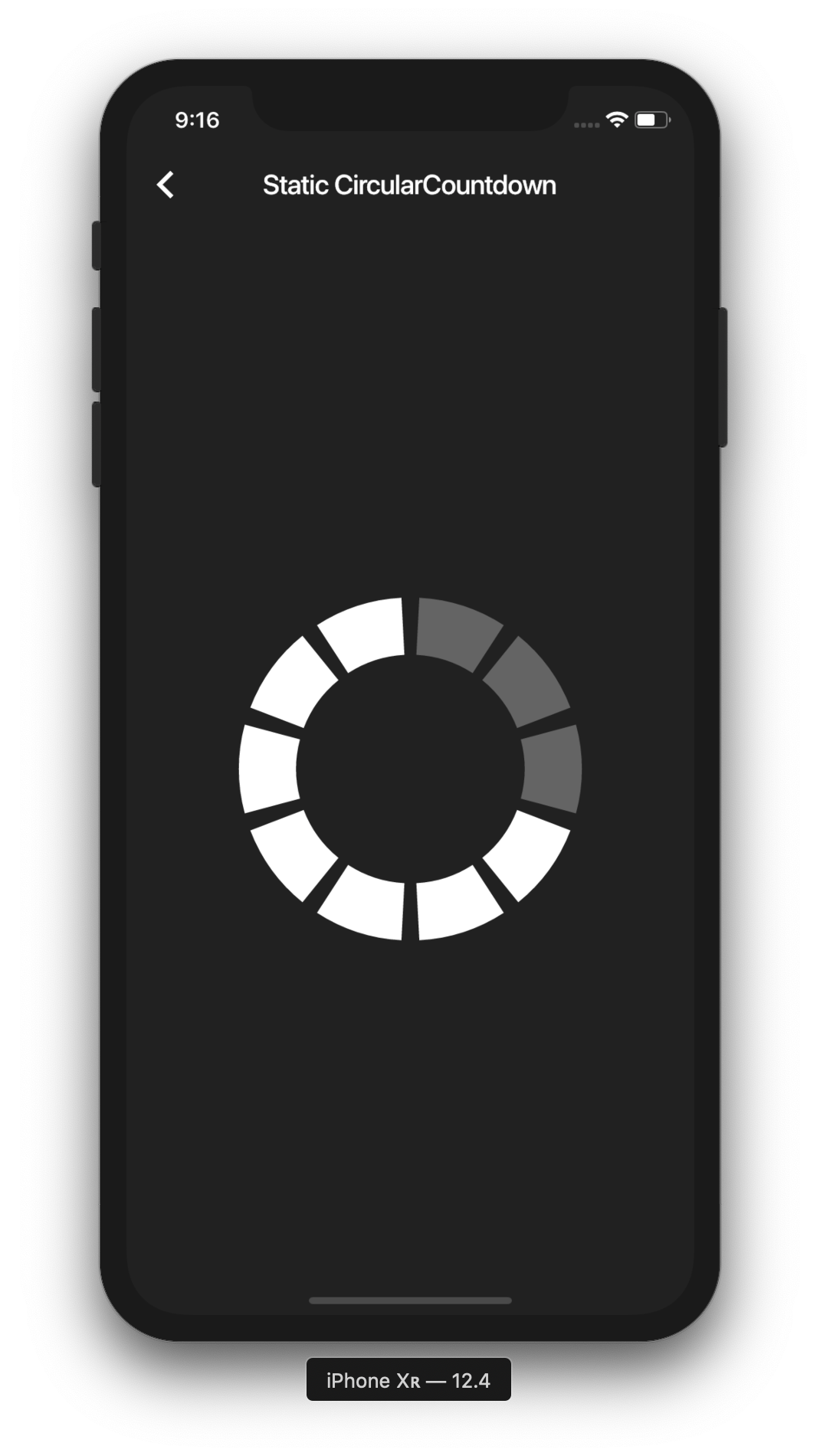
This is the way to create a simple static countdown.
import 'package:flutter/material.dart';
...
return CircularCountdown(
	countdownTotal:  10,
	countdownRemaining:  7,
);
...
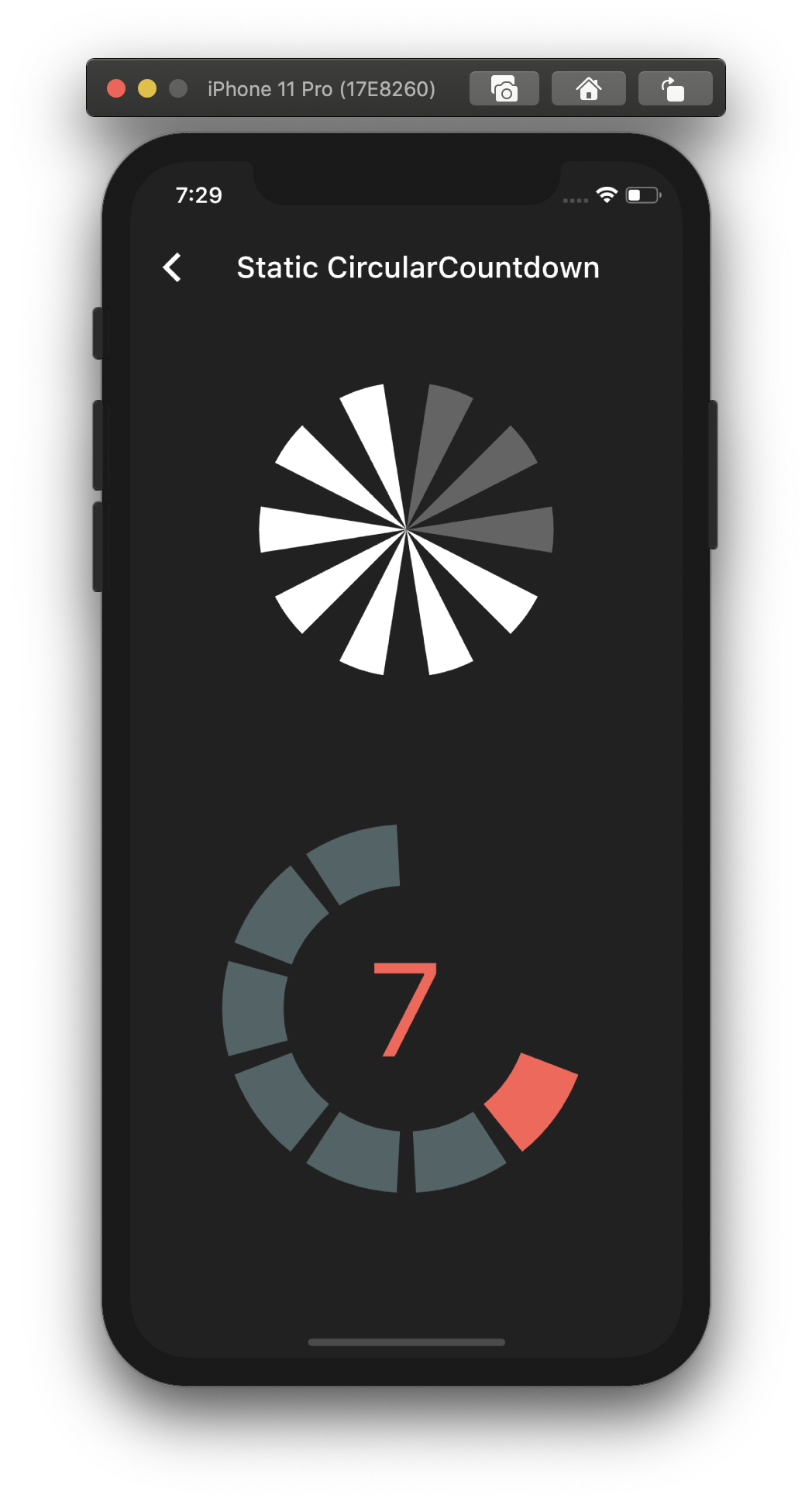
By playing with the parameters, you can change the size, the colors, the size of the gaps, the strokeWidth and more to have more complex Countdowns.
If you want to have full control on the timer (start, pause, etc), please see the section Controlled countdown below.
If you want to use the CircularCountdown widget as a Time Countdown, you can use the built-in TimeCircularCountdown that wraps the timer logic for you: (see how in example)
return TimeCircularCountdown(
    unit: CountdownUnit.seconds,
    countdownTotal: 30,
    onUpdated: (unit, remainingTime) => print('Updated'),
    onFinished: () => print('Countdown finished'),
);
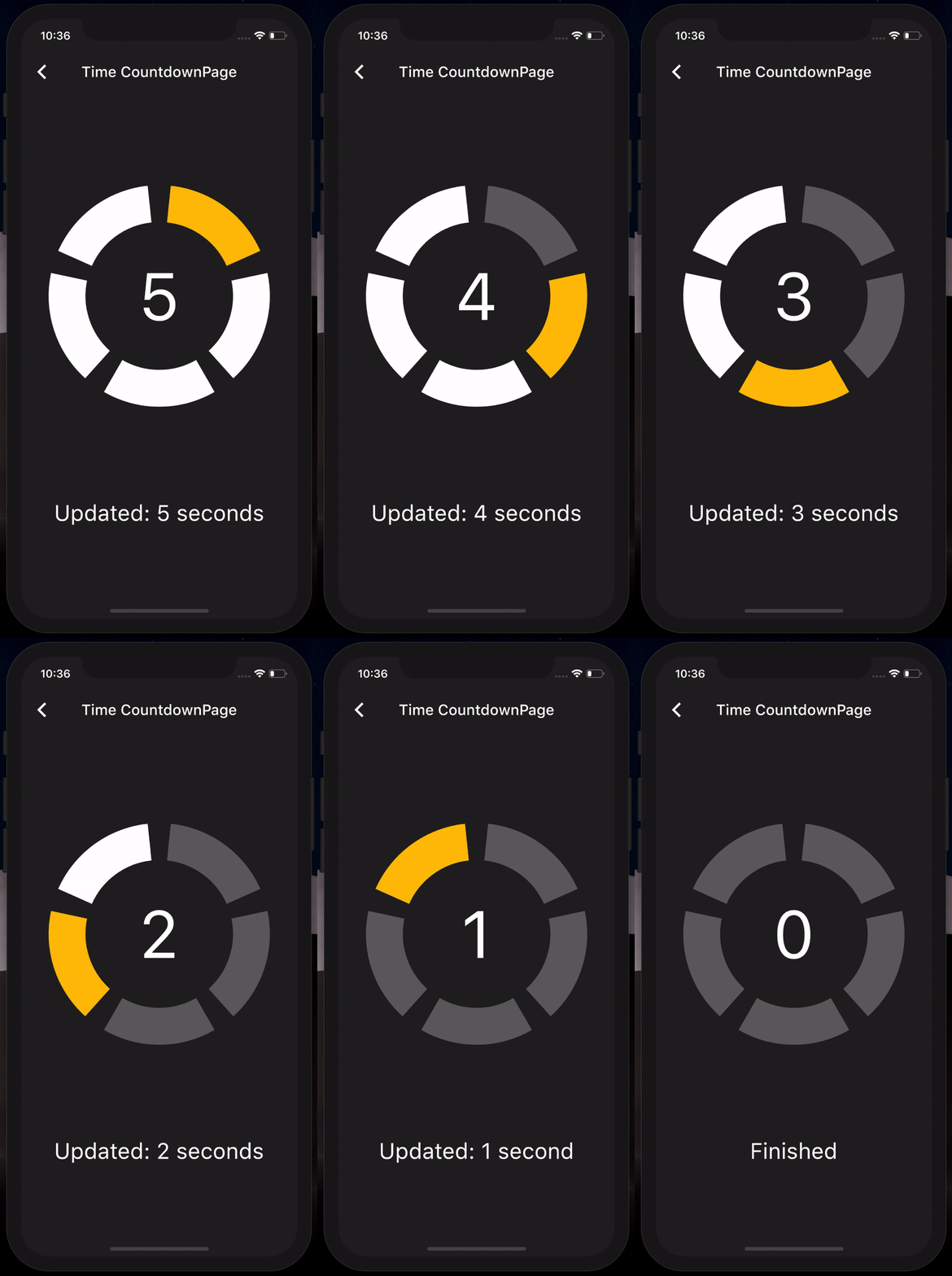
You can repeat the timer when ended by using the repeat bool property.
To have full control on the timer (play, pause, reset, shared between mutliple screen, etc), you can use CircularCountdown with the timer_controller library.
You can see the code in the example app.
If you find a bug or want a feature, but don't know how to fix/implement it, please fill an issue. If you fixed a bug or implemented a feature, please send a pull request.
निर्भरता सूची 2 आइटम
{"sdk":"flutter"}{"sdk":"flutter"}उपयोग के अनुसार छाँटें, गतिविधि की तुलना करें और अपनाने से पहले मूल प्रोजेक्ट की आवश्यकताएँ जाँचें।
“A repository is the most basic element of GitHub.”
GitHub Docs — About repositories ↗