

 v1.2.0
flutter_bounceable
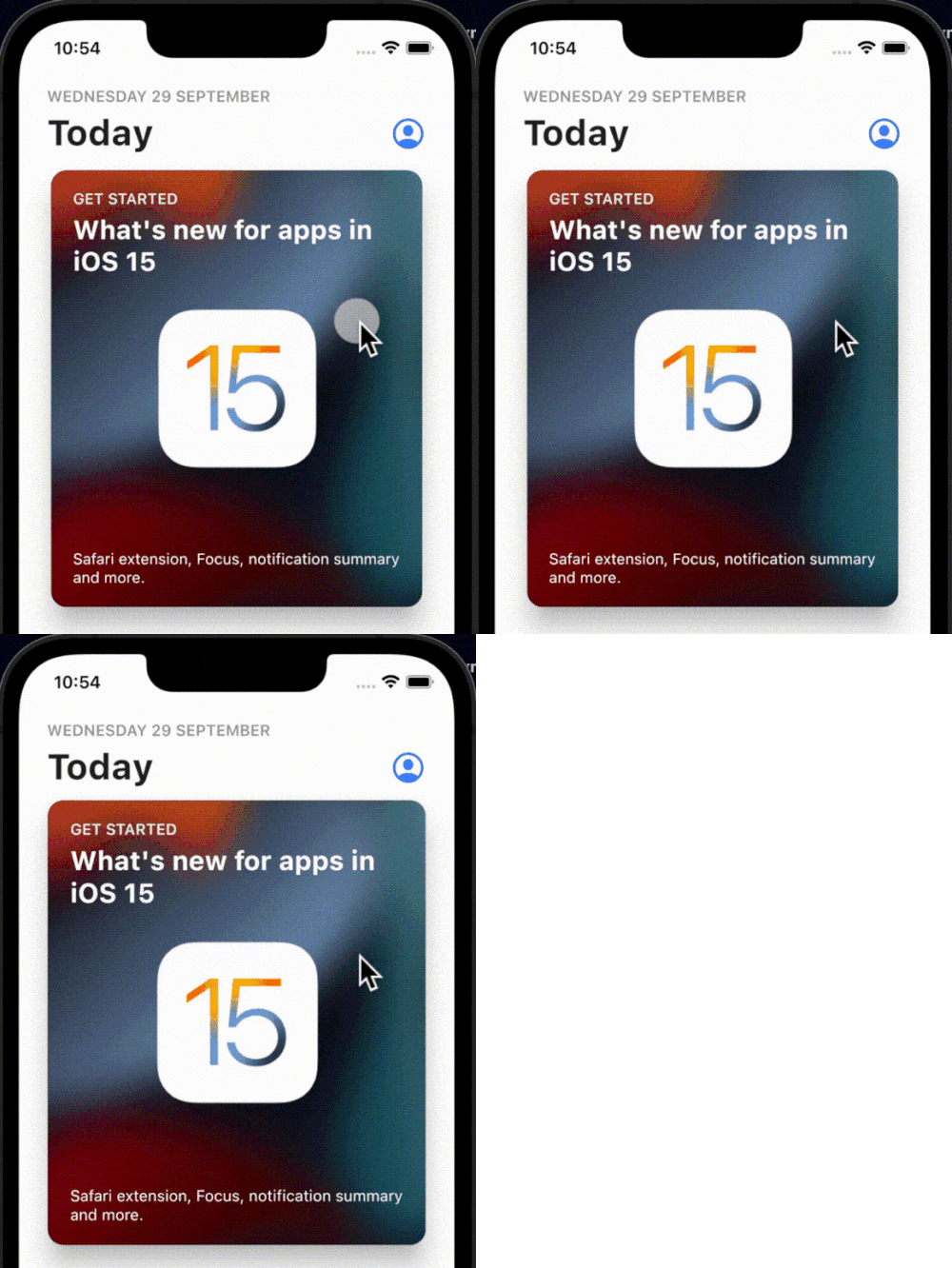
एक सरल, इंटरैक्टिव और कस्टमाइज़ेबल टैप-बाउंस एनीमेशन जो आपके पसंदीदा किसी भी विजेट्स पर लपेटा जा सकता है।
226लाइक 3.7 हज़ार30-दिन डाउनलोड160Pub अंक
AndroidiOSWebmacOSWindowsLinux
एक सरल, इंटरैक्टिव और कस्टमाइज़ेबल टैप-बाउंस एनीमेशन जो आपके पसंदीदा किसी भी विजेट्स पर लपेटा जा सकता है।

यह अंग्रेज़ी मूल स्नैपशॉट है। नवीनतम सामग्री GitHub पर देखें।
curve, scaleFactor and duration.onTap, onTapUp, onTapDown, onTapCancel and onLongPress.onTap option.onTap events when tapped on multiple Bounceable widget simultaneously.In your pubspec.yaml
dependencies:
  flutter_bounceable: ^1.2.0
import 'package:flutter_bounceable/flutter_bounceable.dart';
Just wrap on any widget that you like, it just works🙂:
Bounceable(
  onTap: () {},
  child: YourWidget(),
);

Feature requests and pull requests are welcome. For major changes, please open an issue first to discuss what you would like to change.

निर्भरता सूची 3 आइटम
{"sdk":"flutter"}{"sdk":"flutter"}^1.0.0उपयोग के अनुसार छाँटें, गतिविधि की तुलना करें और अपनाने से पहले मूल प्रोजेक्ट की आवश्यकताएँ जाँचें।
“A repository is the most basic element of GitHub.”
GitHub Docs — About repositories ↗