


v0.0.6
bluetooth_thermal_printer
लाइब्रेरी केवल एंड्रॉइड के लिए ब्लूटूथ प्रिंटर का उपयोग करके रसीदें प्रिंट करने की अनुमति देती है।
78लाइक 22530-दिन डाउनलोड150Pub अंक
AndroidiOS
लाइब्रेरी ब्लूटूथ प्रिंटर का उपयोग करके रसीदें प्रिंट करने की अनुमति देती है।

यह अंग्रेज़ी मूल स्नैपशॉट है। नवीनतम सामग्री GitHub पर देखें।
The library allows printing receipts using a Bluetooth printer(Android Only). It supports both 58mm and 80mm Bluetooth printers.
This package does not use Location Permission. By that, it follows google's policy of Android 10.
List<int> testTicket() {
  final List<int> bytes = [];
  // Using default profile
  final profile = await CapabilityProfile.load();
  final generator = Generator(PaperSize.mm80, profile);
  List<int> bytes = [];

  bytes += generator.text(
      'Regular: aA bB cC dD eE fF gG hH iI jJ kK lL mM nN oO pP qQ rR sS tT uU vV wW xX yY zZ');
  bytes += generator.text('Special 1: àÀ èÈ éÉ ûÛ üÜ çÇ ôÔ',
      styles: PosStyles(codeTable: PosCodeTable.westEur));
  bytes += generator.text('Special 2: blåbærgrød',
      styles: PosStyles(codeTable: PosCodeTable.westEur));

  bytes += generator.text('Bold text', styles: PosStyles(bold: true));
  bytes += generator.text('Reverse text', styles: PosStyles(reverse: true));
  bytes += generator.text('Underlined text',
      styles: PosStyles(underline: true), linesAfter: 1);
  bytes += generator.text('Align left', styles: PosStyles(align: PosAlign.left));
  bytes += generator.text('Align center', styles: PosStyles(align: PosAlign.center));
  bytes += generator.text('Align right',
      styles: PosStyles(align: PosAlign.right), linesAfter: 1);

  bytes += generator.text('Text size 200%',
      styles: PosStyles(
        height: PosTextSize.size2,
        width: PosTextSize.size2,
      ));

  bytes += generator.feed(2);
  bytes += generator.cut();
  return bytes;
}
You can find more examples here: esc_pos_utils.
Here are some printers tested with this library. Please add the models you have tested to maintain and improve this library and help others to choose the right printer.
For a complete example, check the example project.
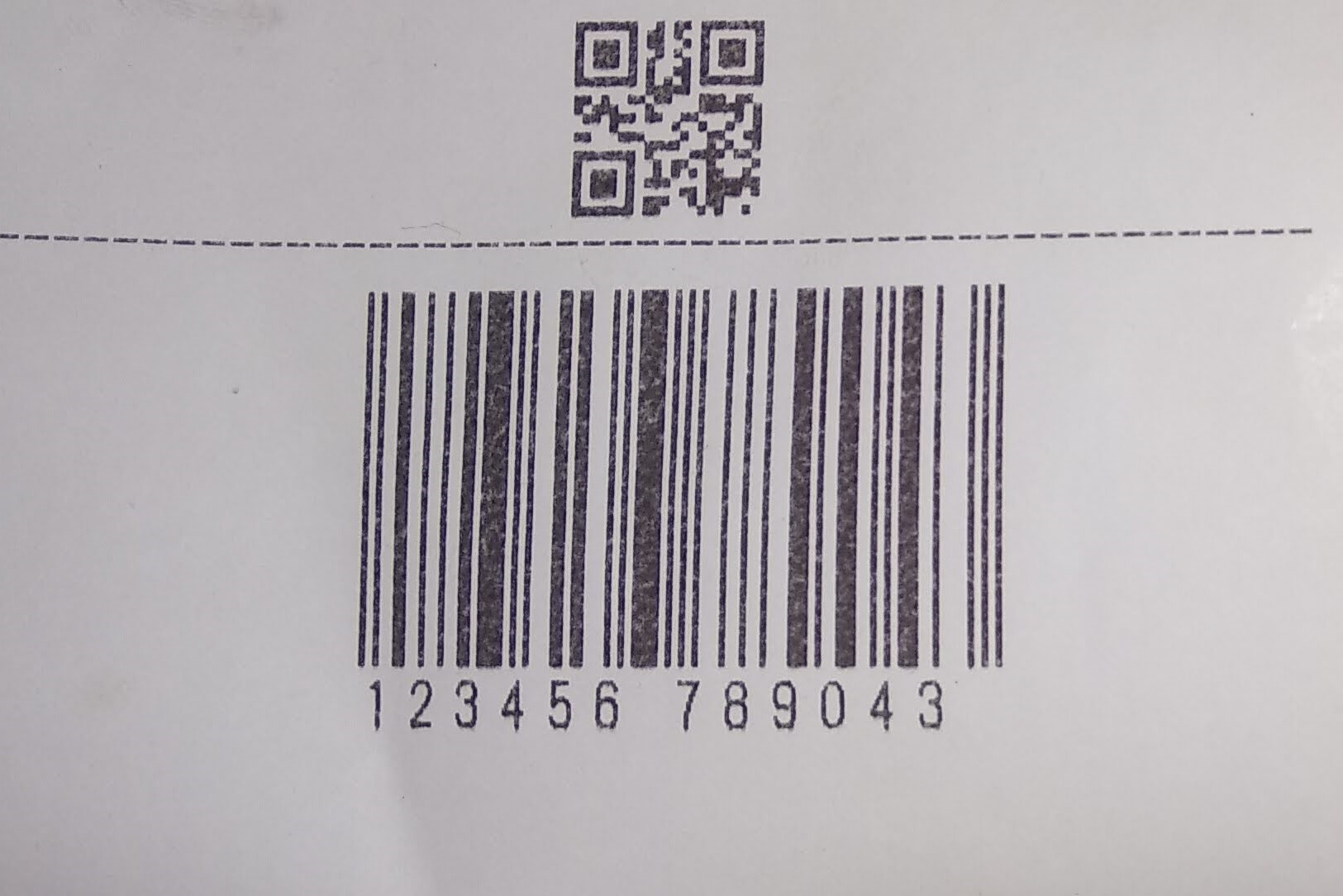
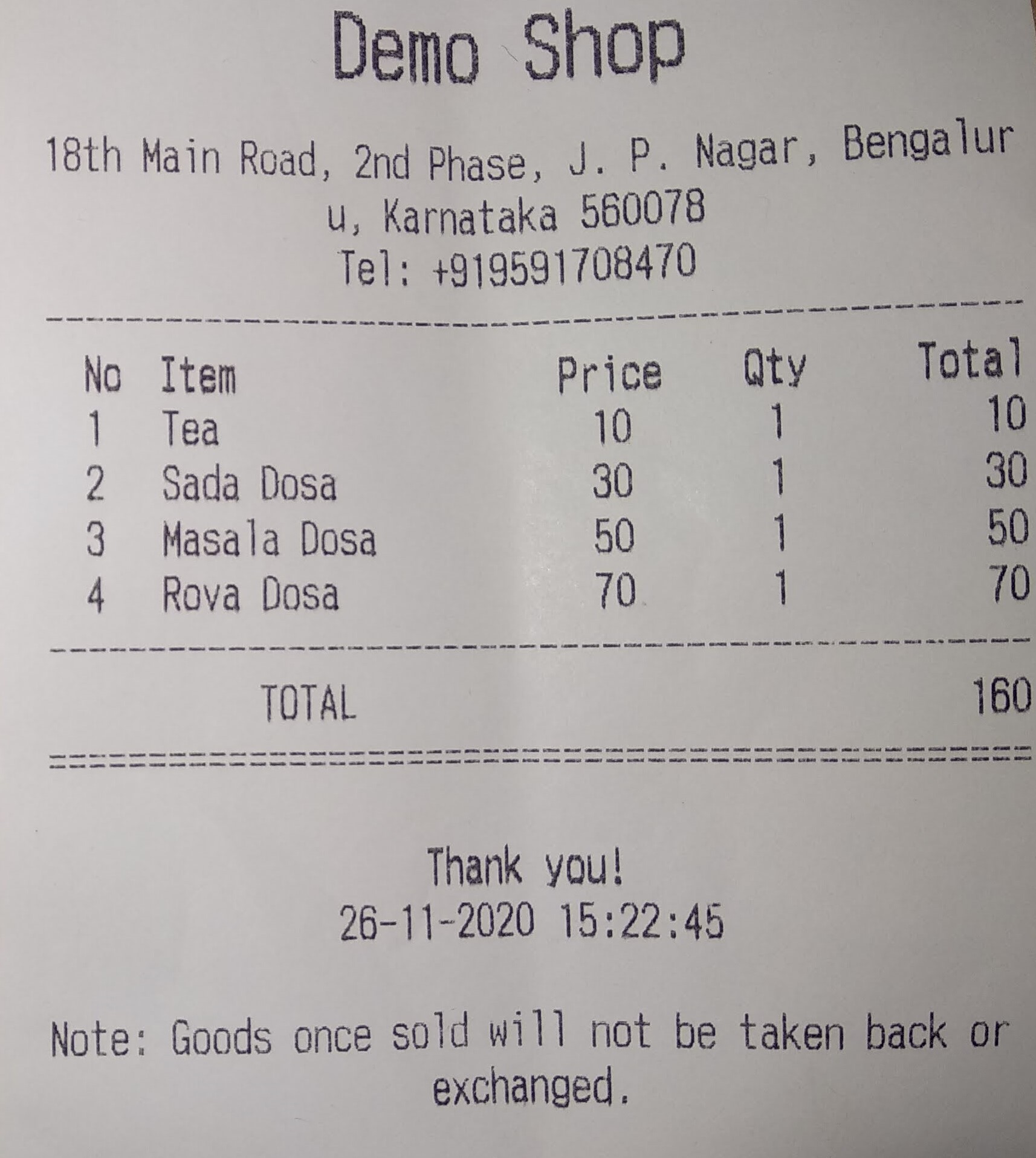
निर्भरता सूची 2 आइटम
{"sdk":"flutter"}{"sdk":"flutter"}उपयोग के अनुसार छाँटें, गतिविधि की तुलना करें और अपनाने से पहले मूल प्रोजेक्ट की आवश्यकताएँ जाँचें।
“A repository is the most basic element of GitHub.”
GitHub Docs — About repositories ↗