


 v1.2.0
gallery_image_viewer
एक आसान छवि दर्शक जिसमें पिंच एंड जूम, बहुत छवि, गैलरी छवि और एम्बेडेड पूर्ण-स्क्रीन डायलॉग समर्थन है।
32लाइक 72630-दिन डाउनलोड150Pub अंक
AndroidiOSWebmacOSWindowsLinux
एक आसान फ्लटर छवि दृश्यकर्म, जिसमें पिंच और ज़ूम समर्थन है।

यह अंग्रेज़ी मूल स्नैपशॉट है। नवीनतम सामग्री GitHub पर देखें।
An easy way to display images in a full-screen dialog, including pinch & zoom.


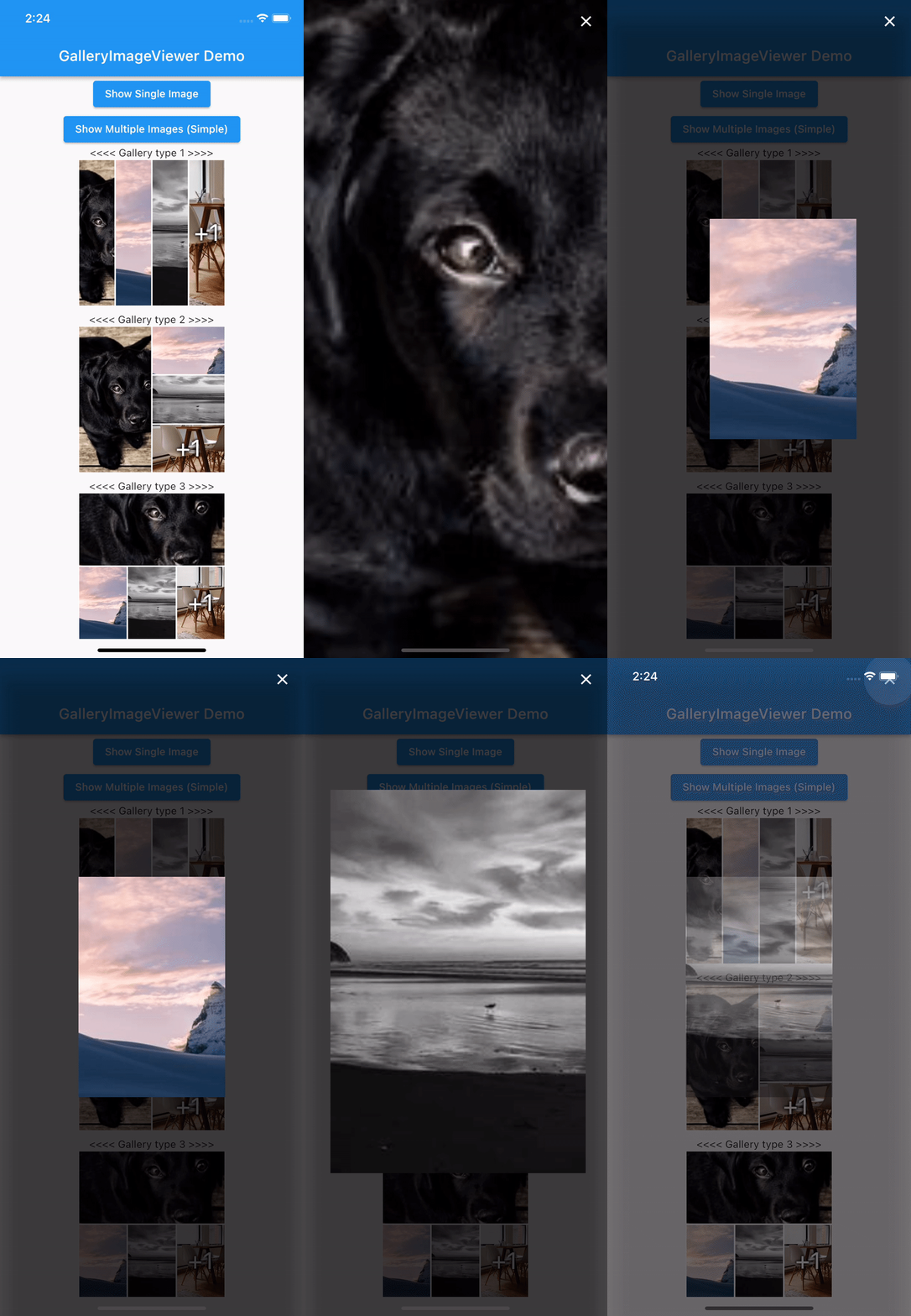
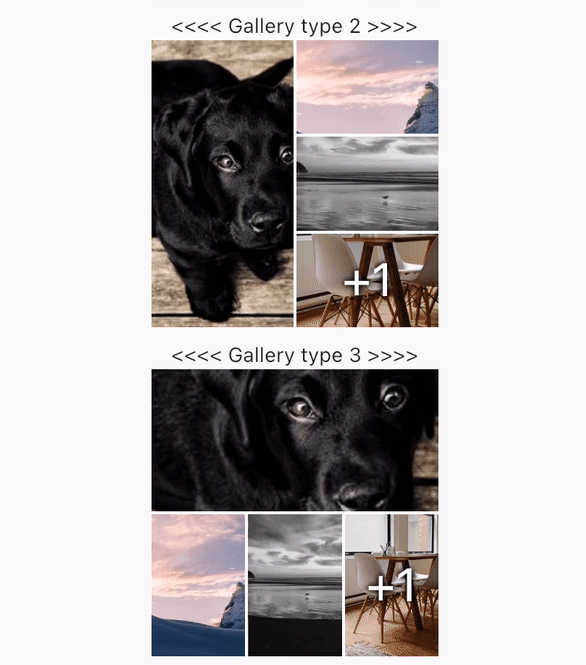
swipeDismissible: trueonPageChanged and onViewerDismissedShow a Gallery image:
final List<ImageProvider> _imageProviders = [
    Image.network("https://picsum.photos/id/237/200/300").image,
    Image.network("https://picsum.photos/seed/picsum/200/300").image,
    Image.network("https://picsum.photos/200/300?grayscale").image,
    Image.network("https://picsum.photos/200/300").image,
    Image.network("https://picsum.photos/200/300?grayscale").image
  ];
GalleryImageView(
  listImage: _imageProviders,
  width: 200,
  height: 200,
  imageDecoration: BoxDecoration(border: Border.all(color: Colors.white)),
),
Show a single image:
final imageProvider = Image.network("https://picsum.photos/id/1001/5616/3744").image;
showImageViewer(context, imageProvider, onViewerDismissed: () {
  print("dismissed");
});
Show a bunch of images:
MultiImageProvider multiImageProvider = MultiImageProvider([
  Image.network("https://picsum.photos/id/1001/5616/3744").image,
  Image.network("https://picsum.photos/id/1003/1181/1772").image,
  Image.network("https://picsum.photos/id/1004/5616/3744").image,
  Image.network("https://picsum.photos/id/1005/5760/3840").image
]);

showImageViewerPager(context, multiImageProvider, onPageChanged: (page) {
  print("page changed to $page");
}, onViewerDismissed: (page) {
  print("dismissed while on page $page");
});
Usually you'll want to implement your own EasyImageProvider. Suppose you have
a list of Products, each of which has an imagePath property with the path
to a local image file. You could create an EasyImageProvider that takes a list
of Products like this:
class ProductsImageProvider extends EasyImageProvider {

  final List<Product> products;
  final int initialIndex;

  ProductsImageProvider({ required this.products, this.initialIndex = 0 });

  @override
  ImageProvider<Object> imageBuilder(BuildContext context, int index) {
    String? localImagePath = products[index].imagePath;
    File? imageFile;

    if (localImagePath != null) {
      imageFile = File(localImagePath);
    }

    ImageProvider imageProvider = imageFile != null ? FileImage(imageFile) : AssetImage("assets/images/product_placeholder.jpg") as ImageProvider;

    return imageProvider;
  }

  @override
  int get imageCount => products.length;
}
You could then use it like this:
ProductsImageProvider productsImageProvider = ProductsImageProvider(products: products);

showImageViewerPager(context, productsImageProvider, onPageChanged: (page) {
  print("page changed to $page");
}, onViewerDismissed: (page) {
  print("dismissed while on page $page");
});
GalleryImageViewer is custom from EasyImageViewer. EasyImageViewer is a project by TSG, a full-service digital agency taking software from concept to launch. Our powerhouse team of designers and engineers build iOS, Android, and web apps across many industries.
निर्भरता सूची 3 आइटम
{"sdk":"flutter"}{"sdk":"flutter"}^1.0.0उपयोग के अनुसार छाँटें, गतिविधि की तुलना करें और अपनाने से पहले मूल प्रोजेक्ट की आवश्यकताएँ जाँचें।
“A repository is the most basic element of GitHub.”
GitHub Docs — About repositories ↗