


 v0.11.0
flutter_map_animations
flutter_map पैकेज के मार्कर और कंट्रोल्स के लिए एनीमेशन उपकरण।
120लाइक 46.7 हज़ार30-दिन डाउनलोड160Pub अंक
AndroidiOSWebmacOSWindowsLinux
flutter_map पैकेज के मार्कर और कंट्रोल्स के लिए एनीमेशन उपकरण।

यह अंग्रेज़ी मूल स्नैपशॉट है। नवीनतम सामग्री GitHub पर देखें।
Animation utility for the flutter_map package.
Just create an AnimatedMapController and you're good to go:
class _MyWidgetState extends State<MyWidget> with TickerProviderStateMixin {
    late final _animatedMapController = AnimatedMapController(vsync: this);

    // ...
}
You can specify globally the animation's duration, curve and if previous animations should be stopped with cancelPreviousAnimations:
AnimatedMapController(
    vsync: this,
    duration: const Duration(milliseconds: 500),
    curve: Curves.easeInOut,
    cancelPreviousAnimations: true, // Default to false
);
And add it to your FlutterMap widget:
FlutterMap(
    mapController: _animatedMapController.mapController,
    // ...
)
| Rotation | Zoom | Center on point |
|---|---|---|
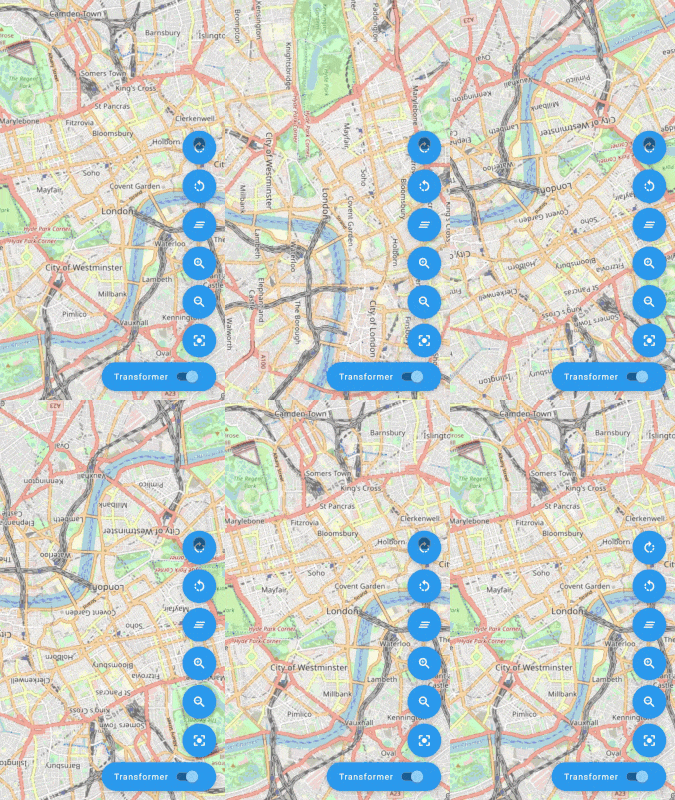 |
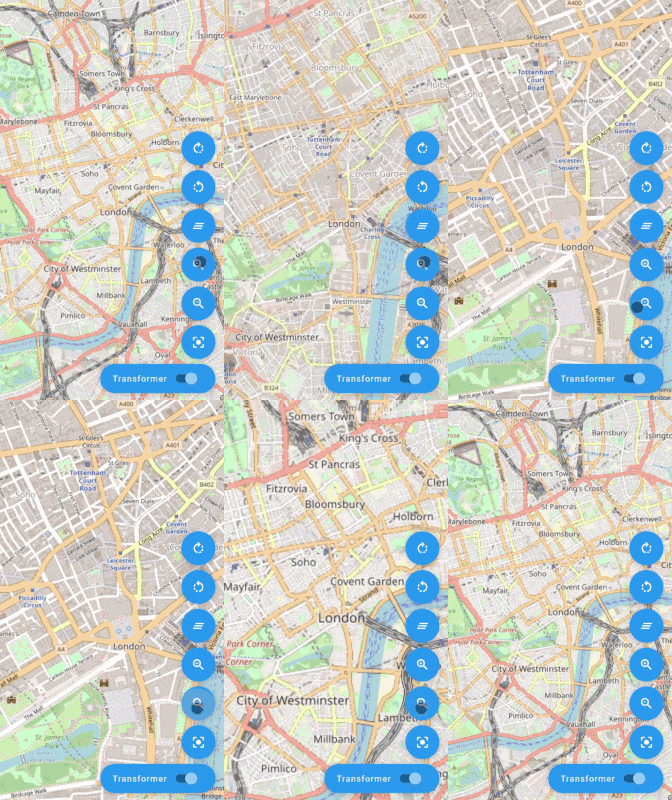 |
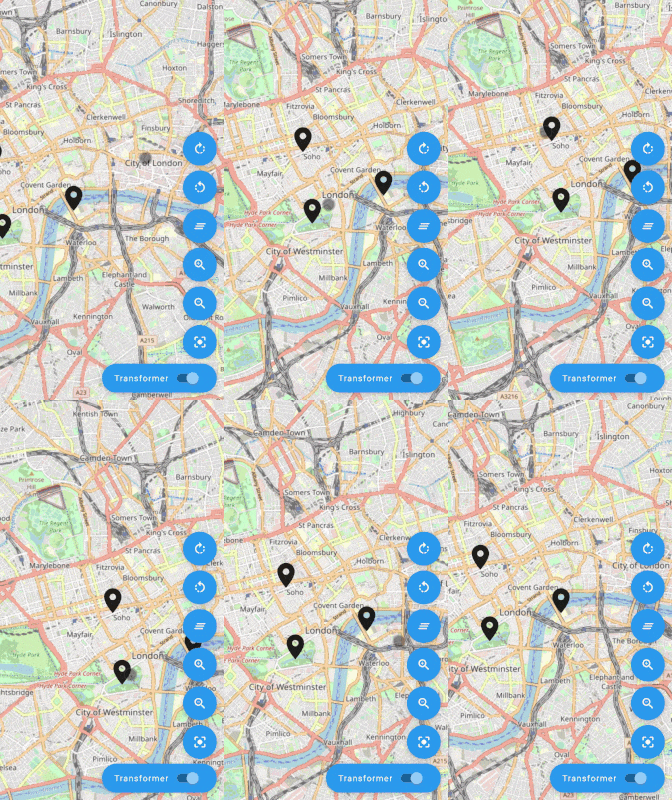 |
Check the AnimatedMapController API for more!
| AnimatedMarker |
|---|
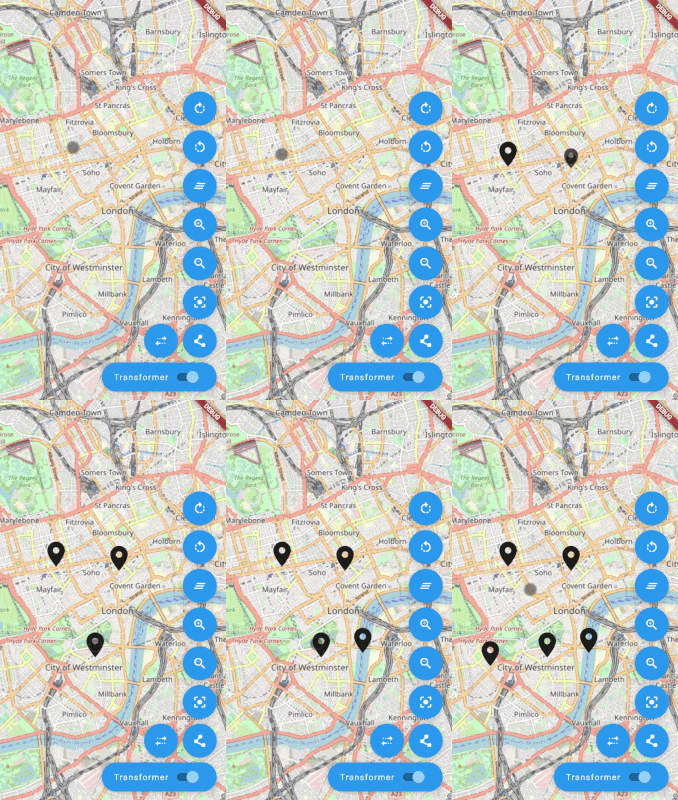 |
FlutterMap(
    mapController: _animatedMapController.mapController,
    children: [
        TileLayer(
            urlTemplate: 'https://tile.openstreetmap.org/{z}/{x}/{y}.png',
            userAgentPackageName: 'com.example.app',
        ),
        AnimatedMarkerLayer(
            markers: [
                AnimatedMarker(
                    point: LatLng(51.509364, -0.128928),
                    builder: (_, animation) {
                        final size = 50.0 * animation.value;
                        return Icon(
                            Icons.location_on,
                            size: size,
                        );
                    },
                ),
            ],
        ),
    ],
)
With flutter_map v6 some parameters have been removed or renamed:
AnimatedMarker.rotateOrigin, AnimatedMarker.anchorPos have been removedAnimatedMarker.rotateAlignment has been renamed to AnimatedMarker.alignmentAnimatedMarkerLayer.rotateOrigin, AnimatedMarkerLayer.anchorPos have been removedAnimatedMarkerLayer.rotateAlignment has been renamed to AnimatedMarkerLayer.alignmentMapControllerImpl which was used to use the AnimatedMapController directly as a MapController in the FlutterMap widget. Now an instance of MapController is created internally or can be passed as a parameter to the AnimatedMapController constructor. You can access it with the mapController getter:late final _animatedMapController = AnimatedMapController(vsync: this);
@override
Widget build(BuildContext context) {
return FlutterMap(
mapController: _animatedMapController.mapController,
// ...
);
}

Guillaume Roux |

Luka S |

Rory Stephenson |

Reinis Sprogis |
निर्भरता सूची 5 आइटम
{"sdk":"flutter"}^8.3.0>=0.9.1 <0.11.0^3.0.0{"sdk":"flutter"}उपयोग के अनुसार छाँटें, गतिविधि की तुलना करें और अपनाने से पहले मूल प्रोजेक्ट की आवश्यकताएँ जाँचें।
“A repository is the most basic element of GitHub.”
GitHub Docs — About repositories ↗