

 v1.0.8
flexible_dropdown
प्रतिबंधक को अदृश्य करें और स्क्रीम पर टैप करके ड्रॉपडाउन को बंद करें
15लाइक 10830-दिन डाउनलोड150Pub अंक
AndroidiOSWebmacOSWindowsLinux
TrangLeQuynh/flexible_dropdown open-source repository details.

यह अंग्रेज़ी मूल स्नैपशॉट है। नवीनतम सामग्री GitHub पर देखें।


Customize dropdown
Auto scroll to selected item position
Support BarrierShape.headerTrans to highlight the content above the flexible dropdown button
Allows the dropdown to be dismissed by tapping | panning the scrim or by pressing the escape key on the keyboard.
Allow to choose the Animation Type
First, add flexible_dropdown as a dependency in your pubspec.yaml file.
dependencies:
  flexible_dropdown: ^1.0.7
FlexibleDropdown(
  overlayChild: Container(
    height: 160,
    width: double.infinity,
    color: Colors.deepPurple,
  ),
  barrierColor: Colors.black38.withOpacity(.2),
  barrierShape: BarrierShape.headerTrans,
  textDirection: TextDirection.ltr,
  offset: Offset.zero,
  duration: const Duration(milliseconds: 400),
  animationType: AnimationType.size,
  animationAlignment: Alignment.topCenter,
  child: Container(
    decoration: BoxDecoration(
      borderRadius: BorderRadius.circular(6),
      color: Colors.blueAccent.withOpacity(.2),
    ),
    child: Padding(
      padding: const EdgeInsets.symmetric(vertical: 10, horizontal: 20),
      child: Text(
        title,
        style: const TextStyle(fontSize: 14, fontWeight: FontWeight.w500),
      ),
    ),
  ),
)
Usage to close the flexible dropdown:
Navigator.pop(context);
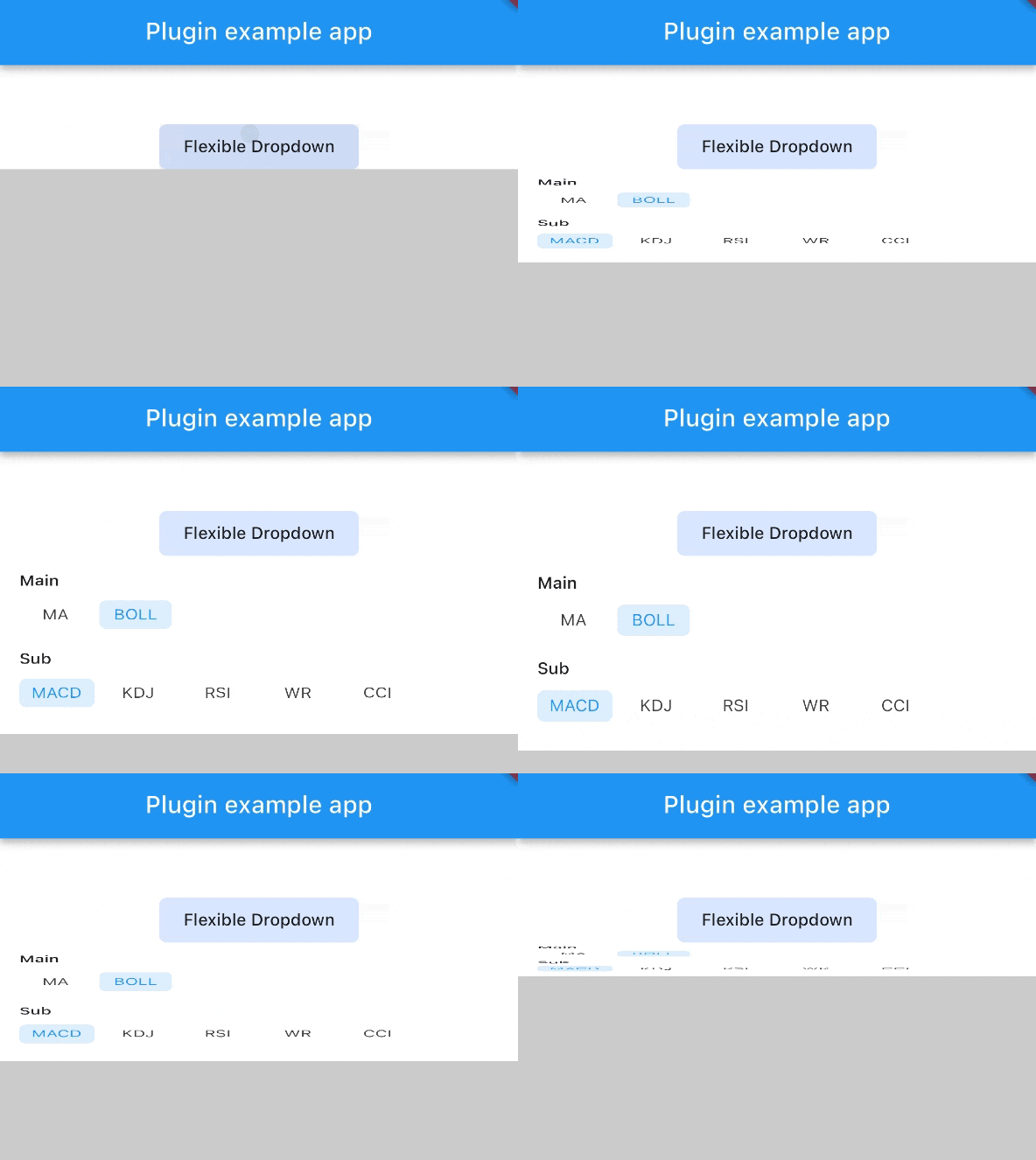
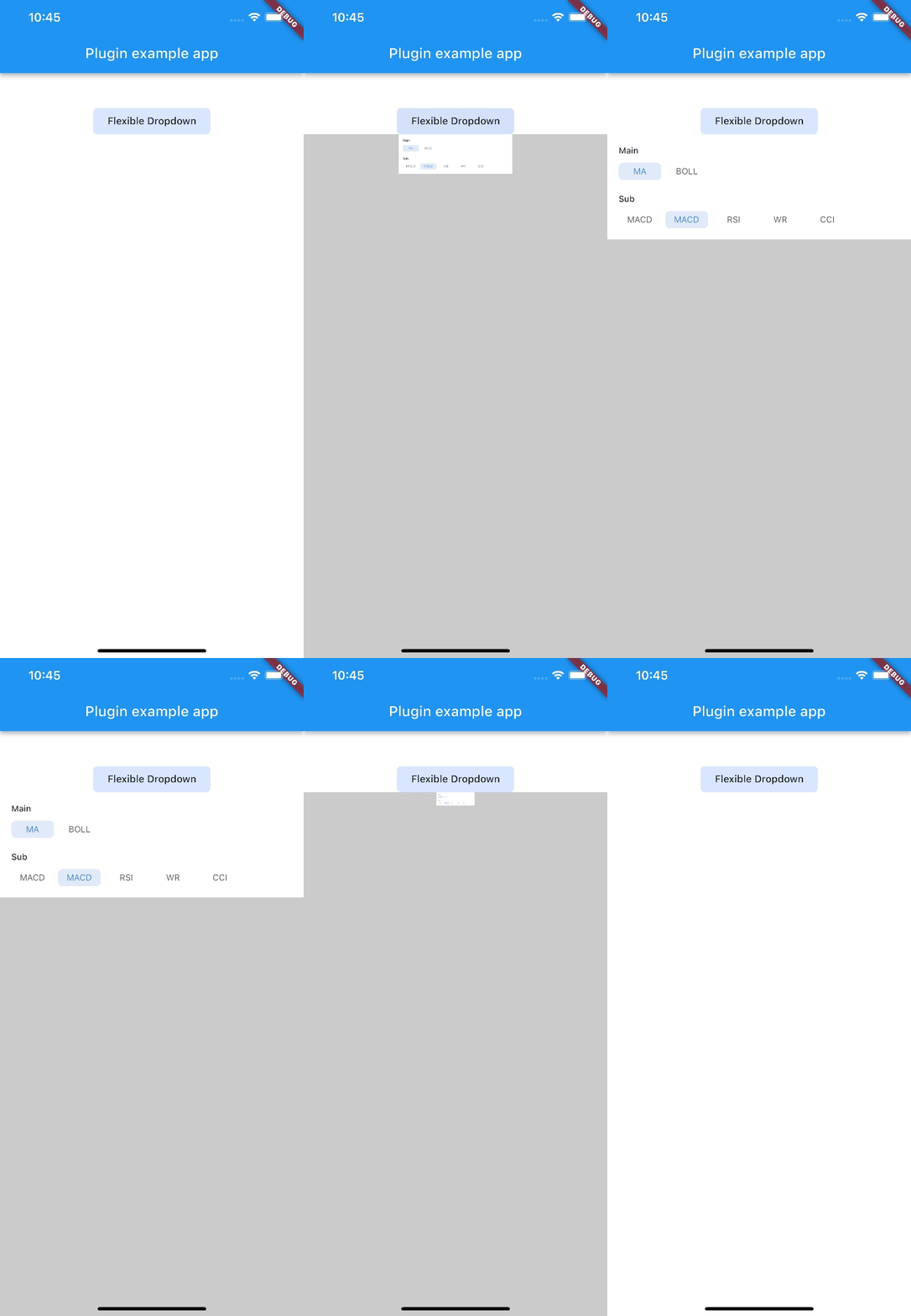
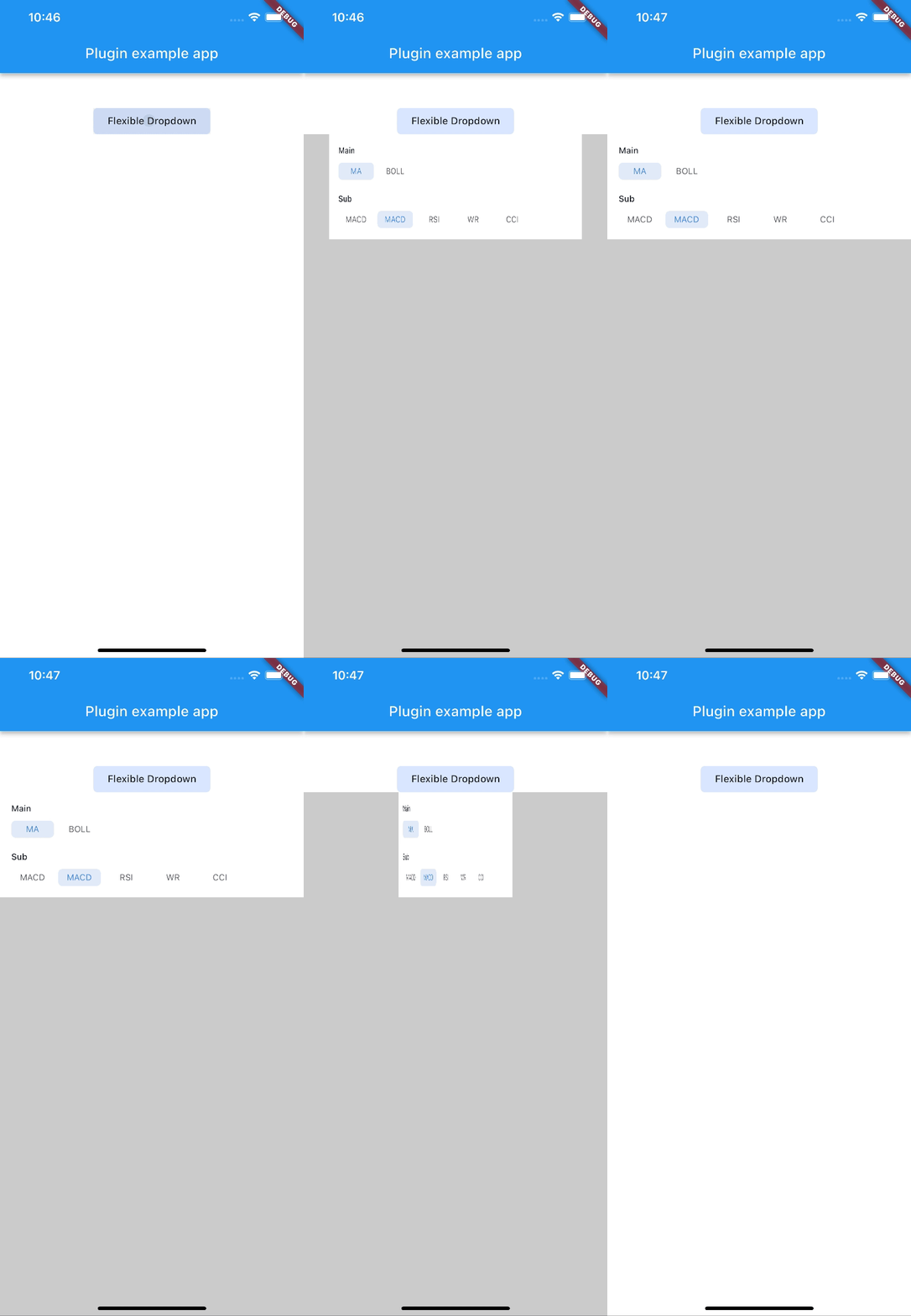
| scale | scaleX | scaleY |
|---|---|---|
 |
 |
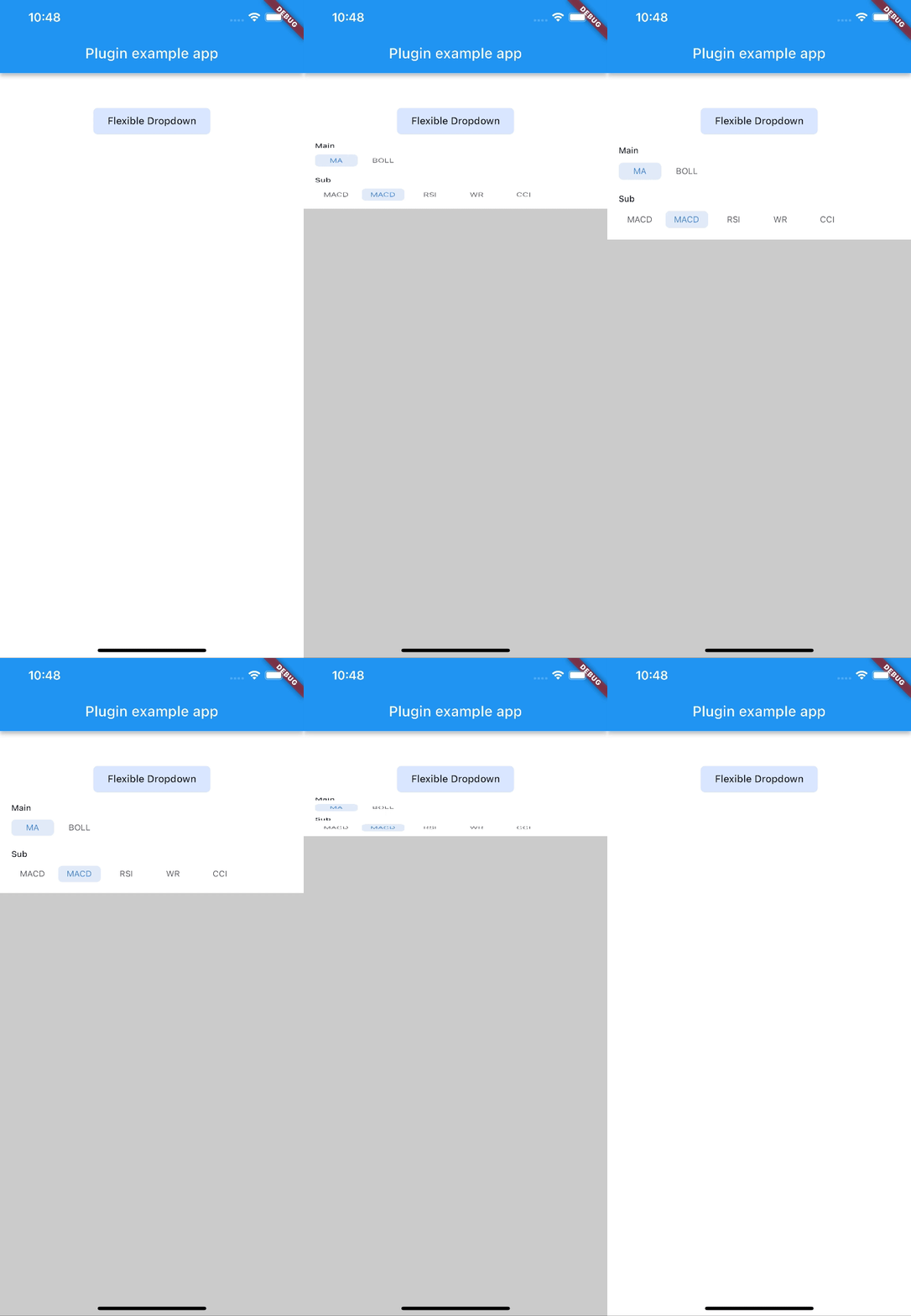 |
| size | slide | fade |
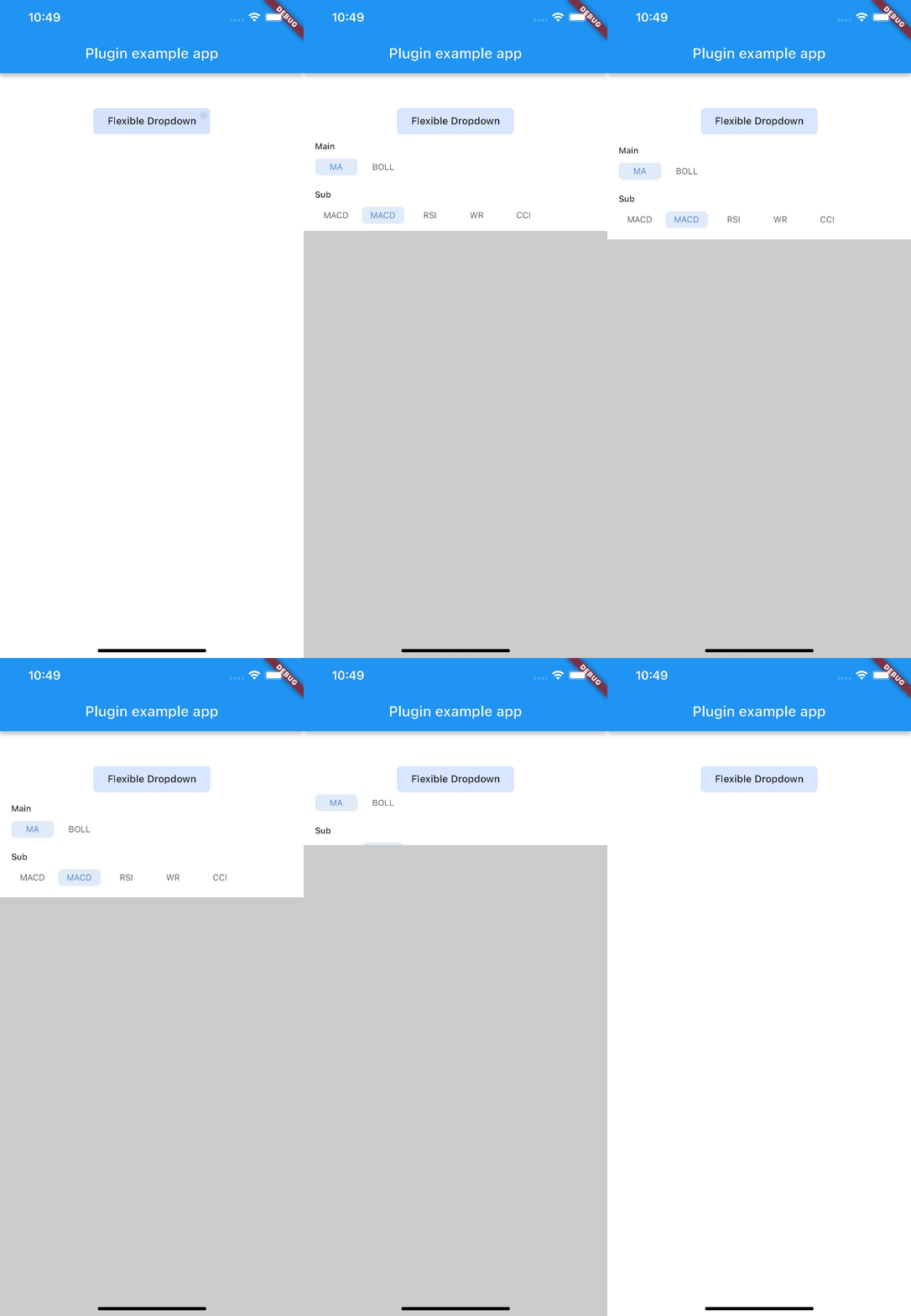 |
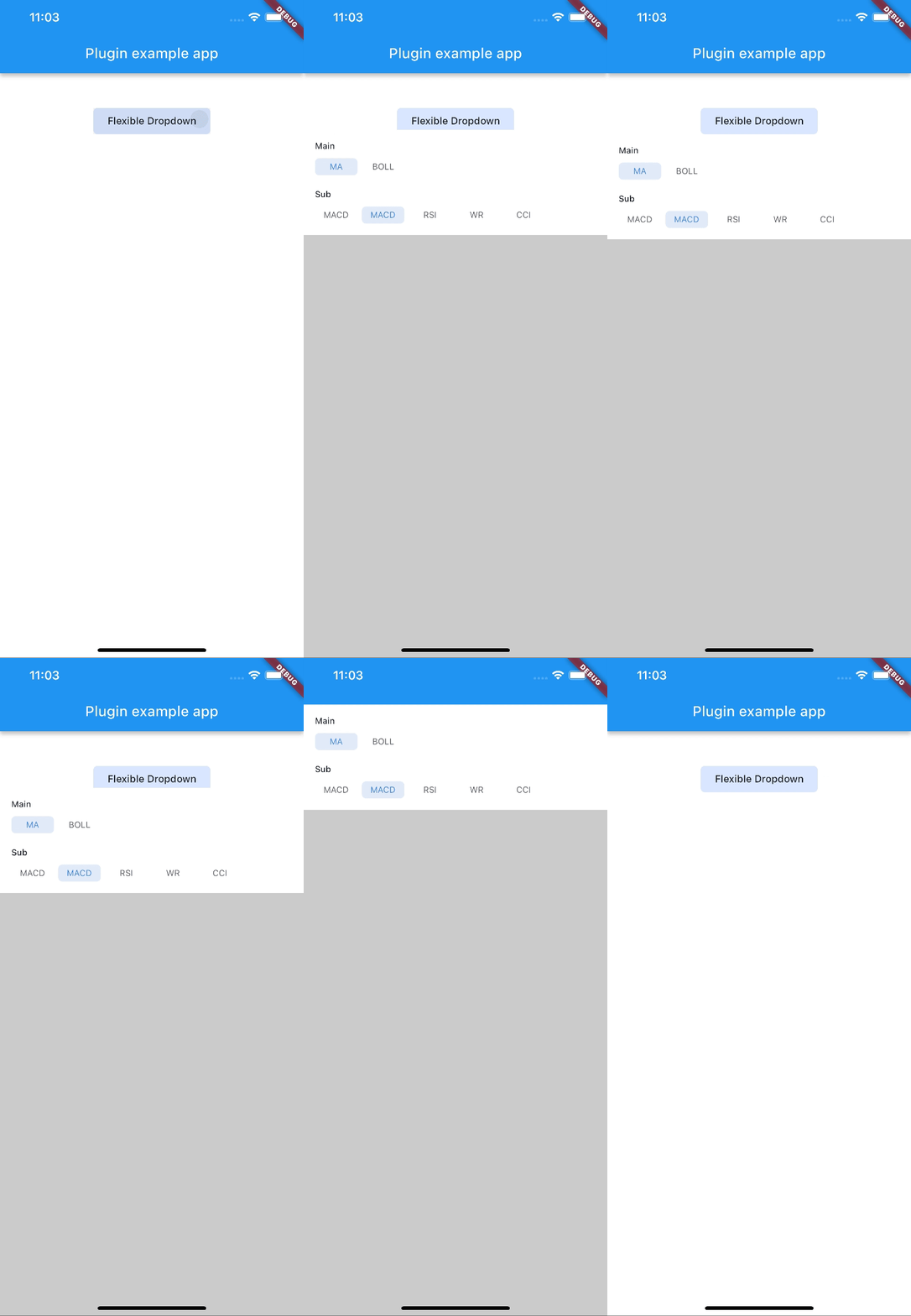 |
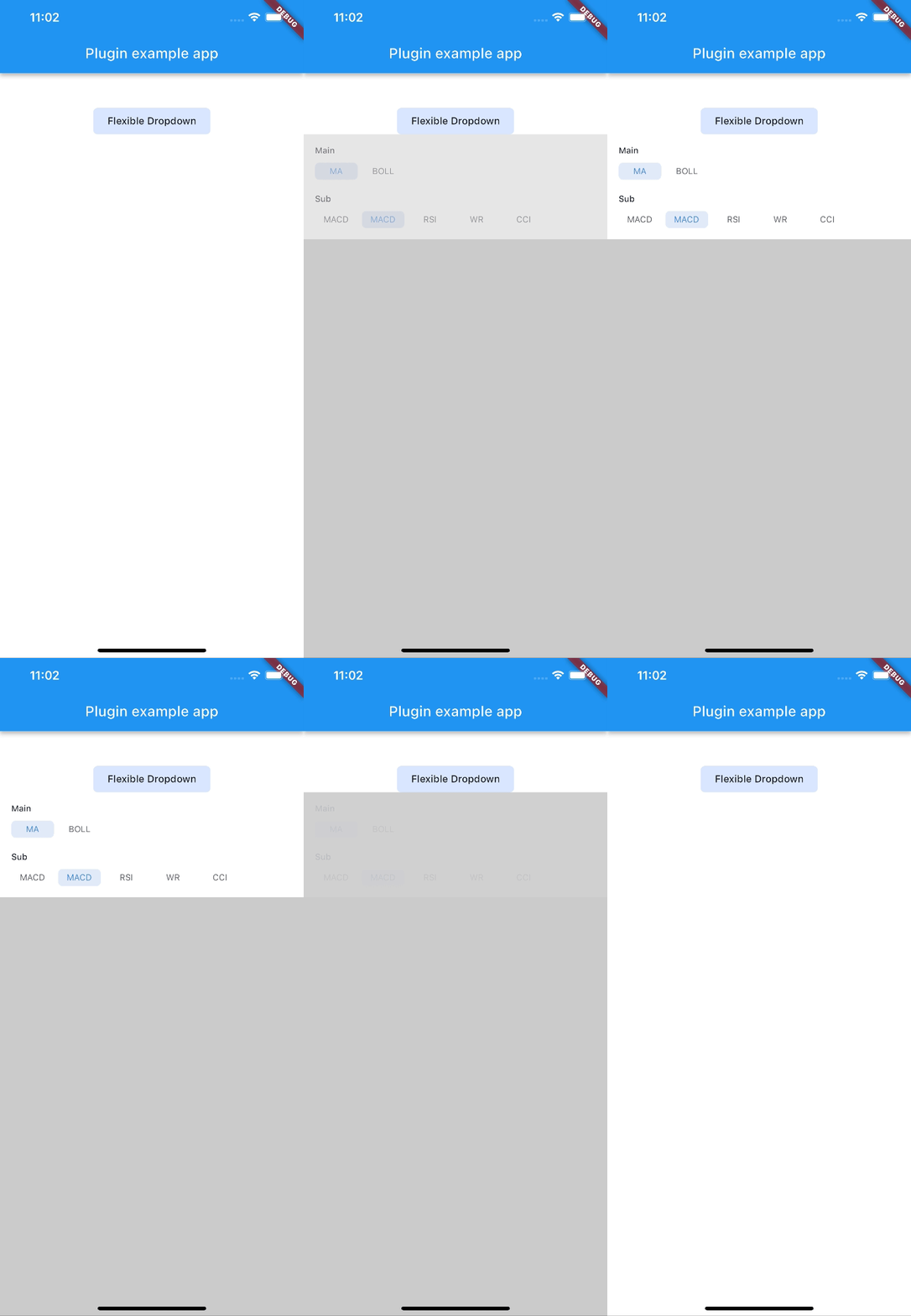 |
| rotate | ||
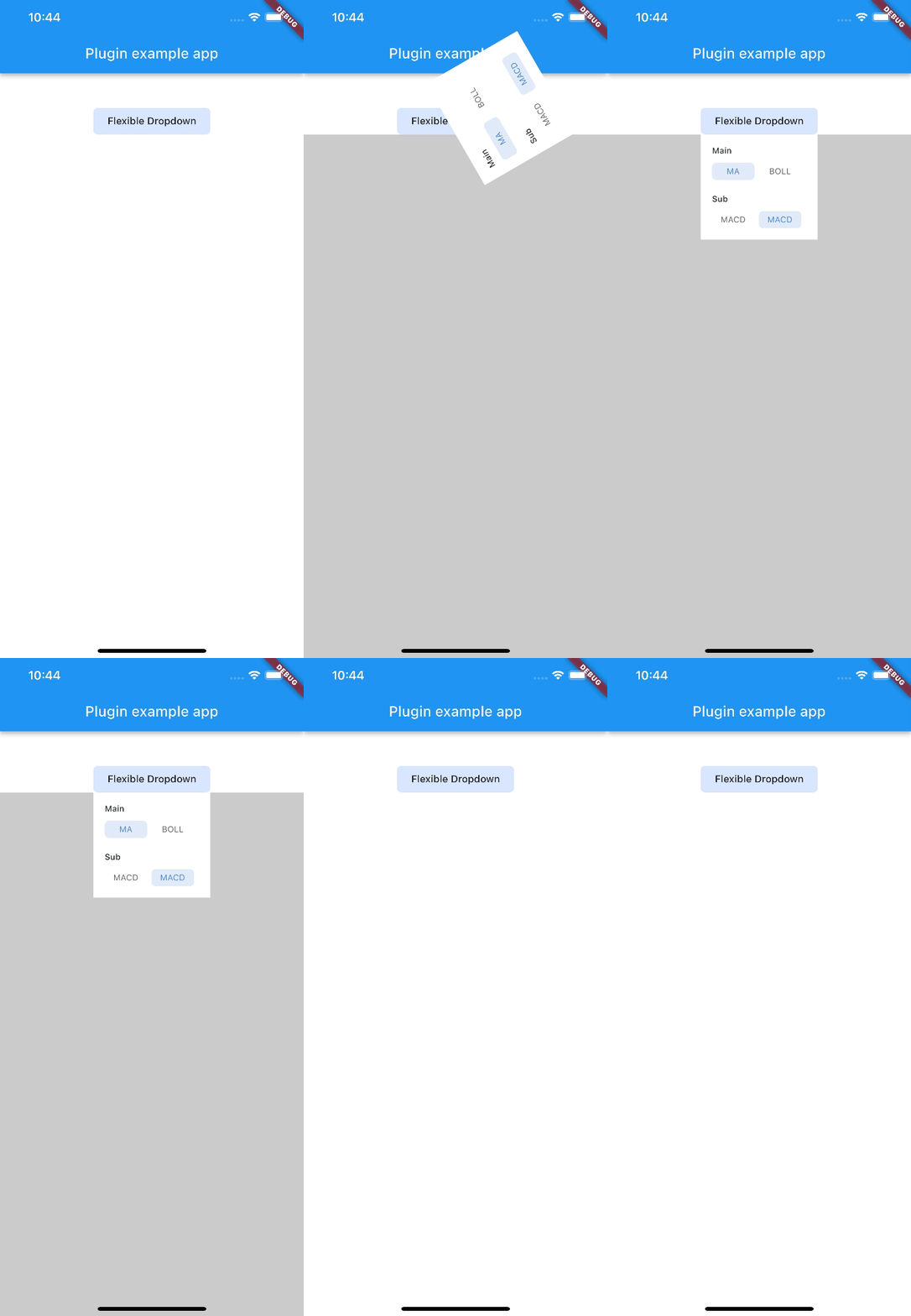 |
Note:
AnimationType.sizeis only suitable for width ofoverlayChildis full screen width.
निर्भरता सूची 4 आइटम
{"sdk":"flutter"}^2.0.2{"sdk":"flutter"}^2.0.0उपयोग के अनुसार छाँटें, गतिविधि की तुलना करें और अपनाने से पहले मूल प्रोजेक्ट की आवश्यकताएँ जाँचें।
“A repository is the most basic element of GitHub.”
GitHub Docs — About repositories ↗